Connecting LinkedIn to Social Planner lets your practice schedule, publish, and manage LinkedIn posts (from a personal profile or a company page) directly inside Aesthetix CRM. This is useful for sharing practice news, hiring announcements, and professional content alongside the rest of your social calendar.
You need admin access to any LinkedIn Page you want to connect.
The connection token lasts about 60 days. After that, you will see a Reconnect prompt to renew access. If a connection fails because a permission was not granted, the account shows a Permissions Missing status; just run the setup steps again to reauthorize.
Connecting for advertising? Make sure your LinkedIn login has Super Admin or Campaign Manager access to the ad account, otherwise the ad account may not appear in Social Planner.
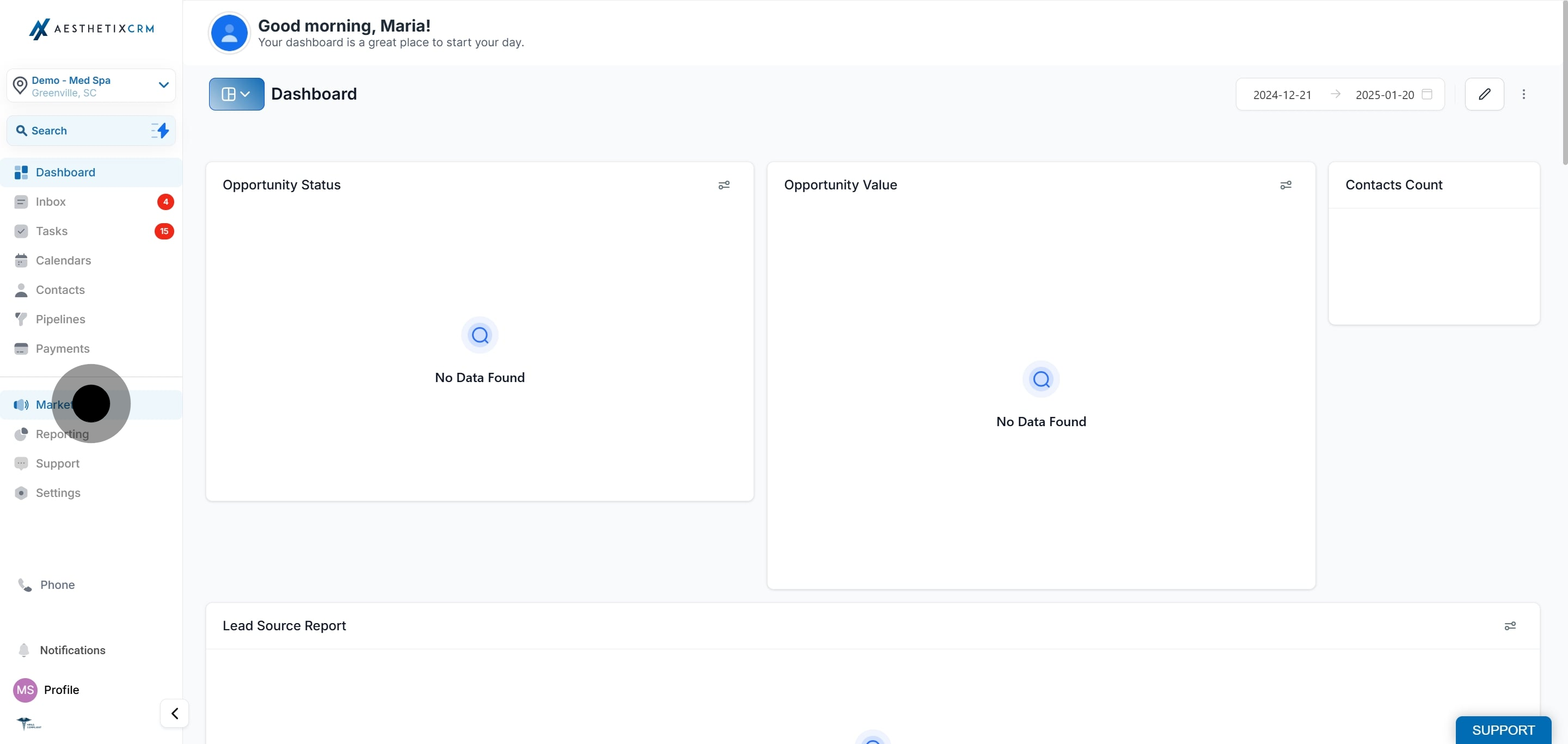
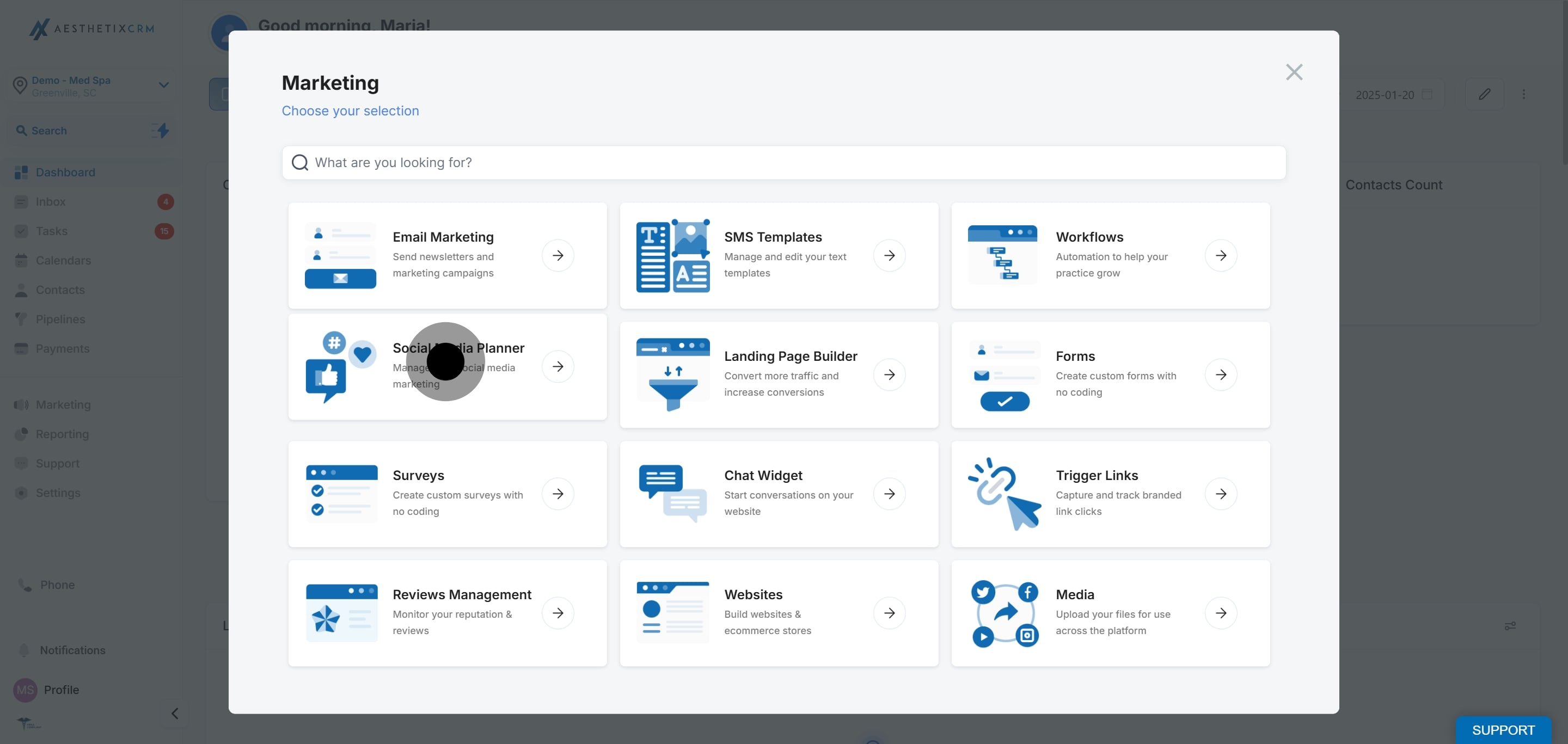
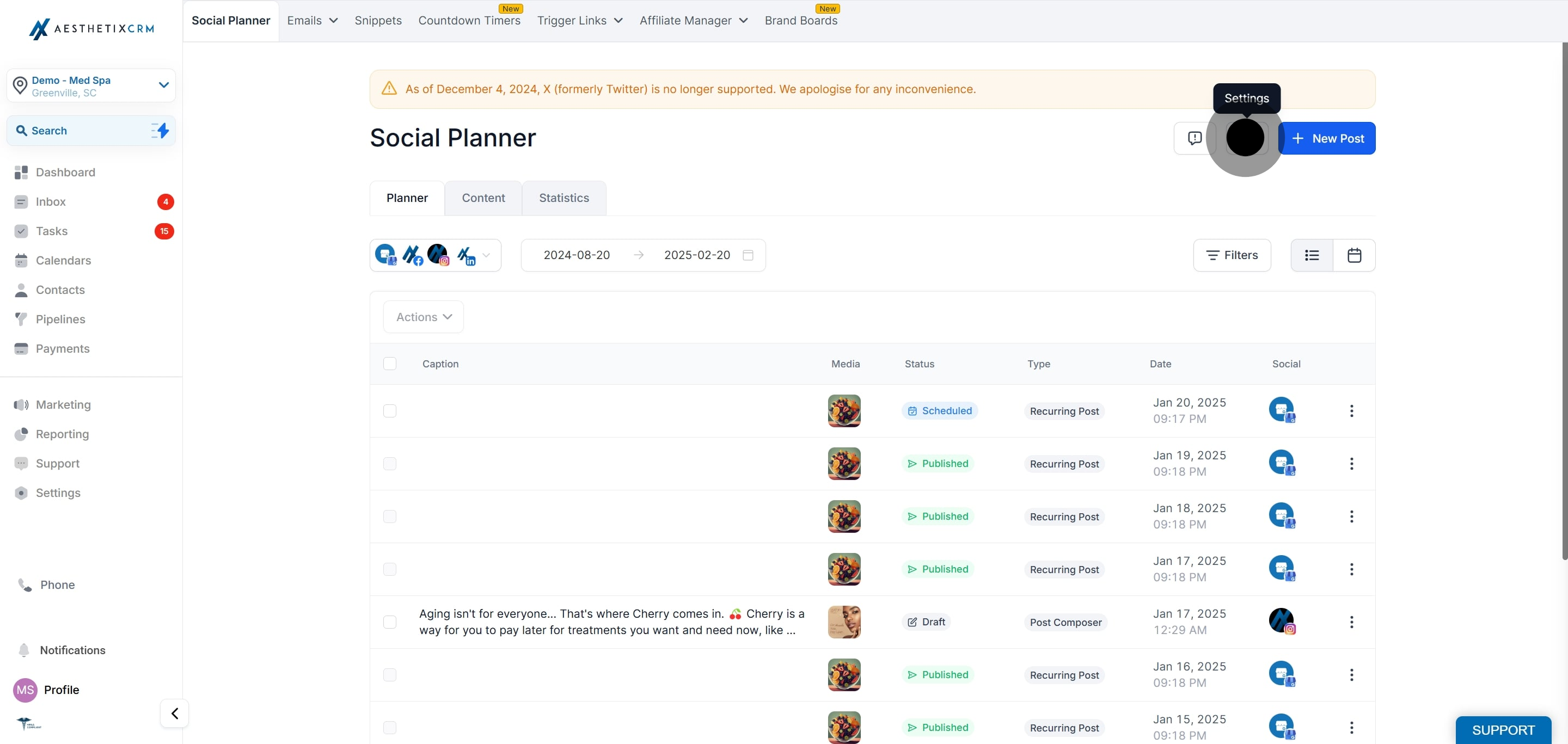
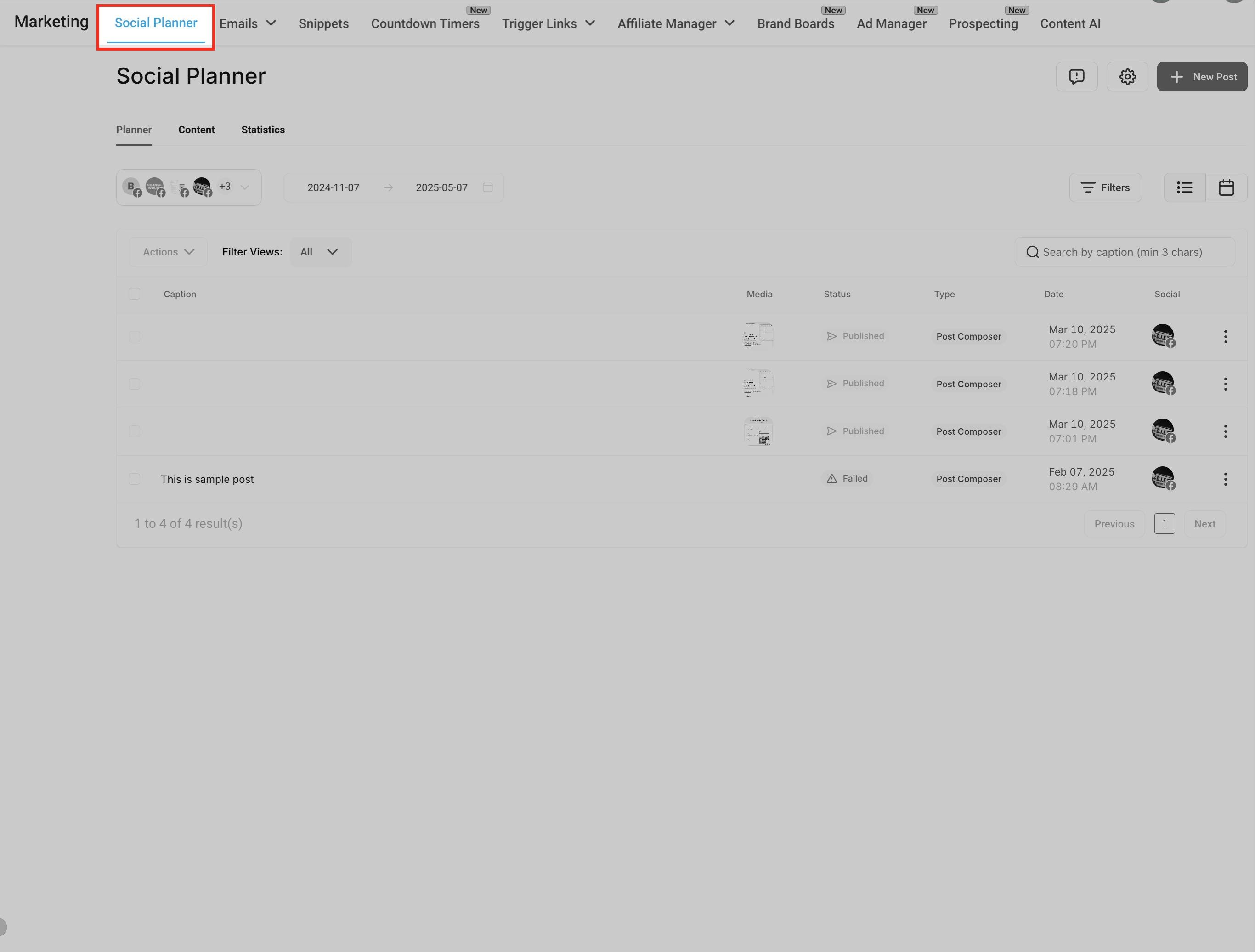
Click the gear icon in the upper-right corner to open Social Planner settings.
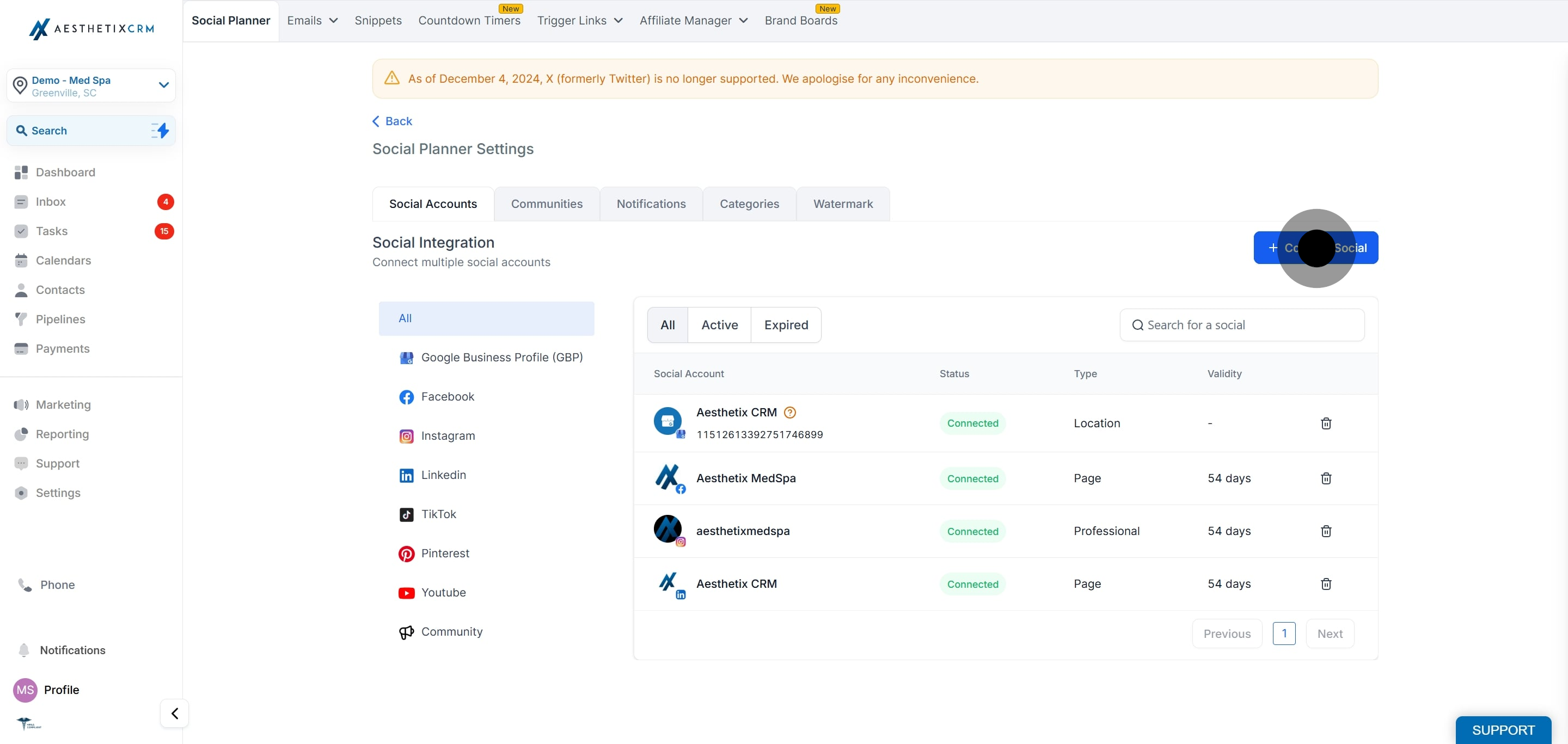
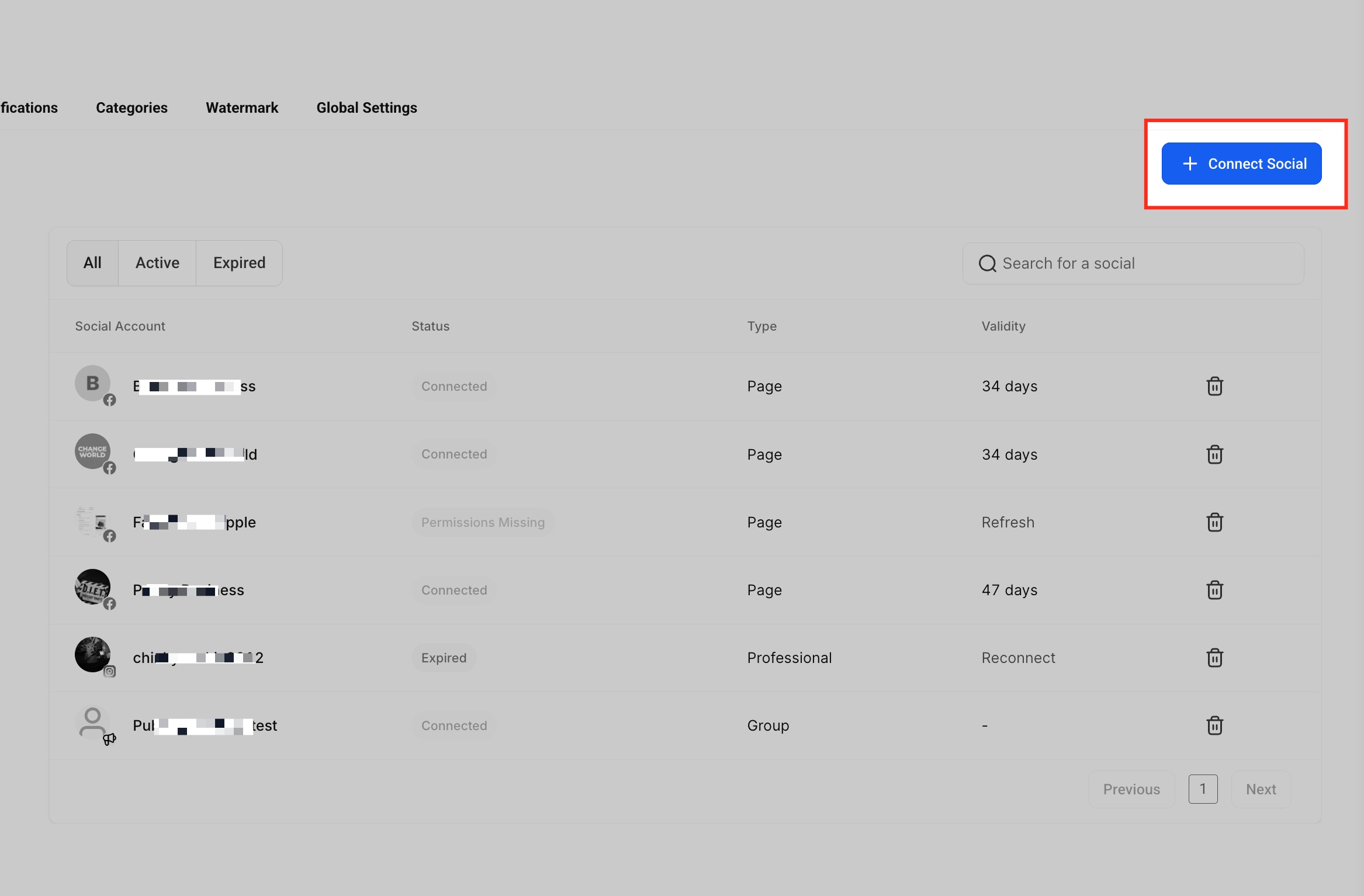
In the Social Accounts tab, click + Connect Social to begin linking your LinkedIn account.
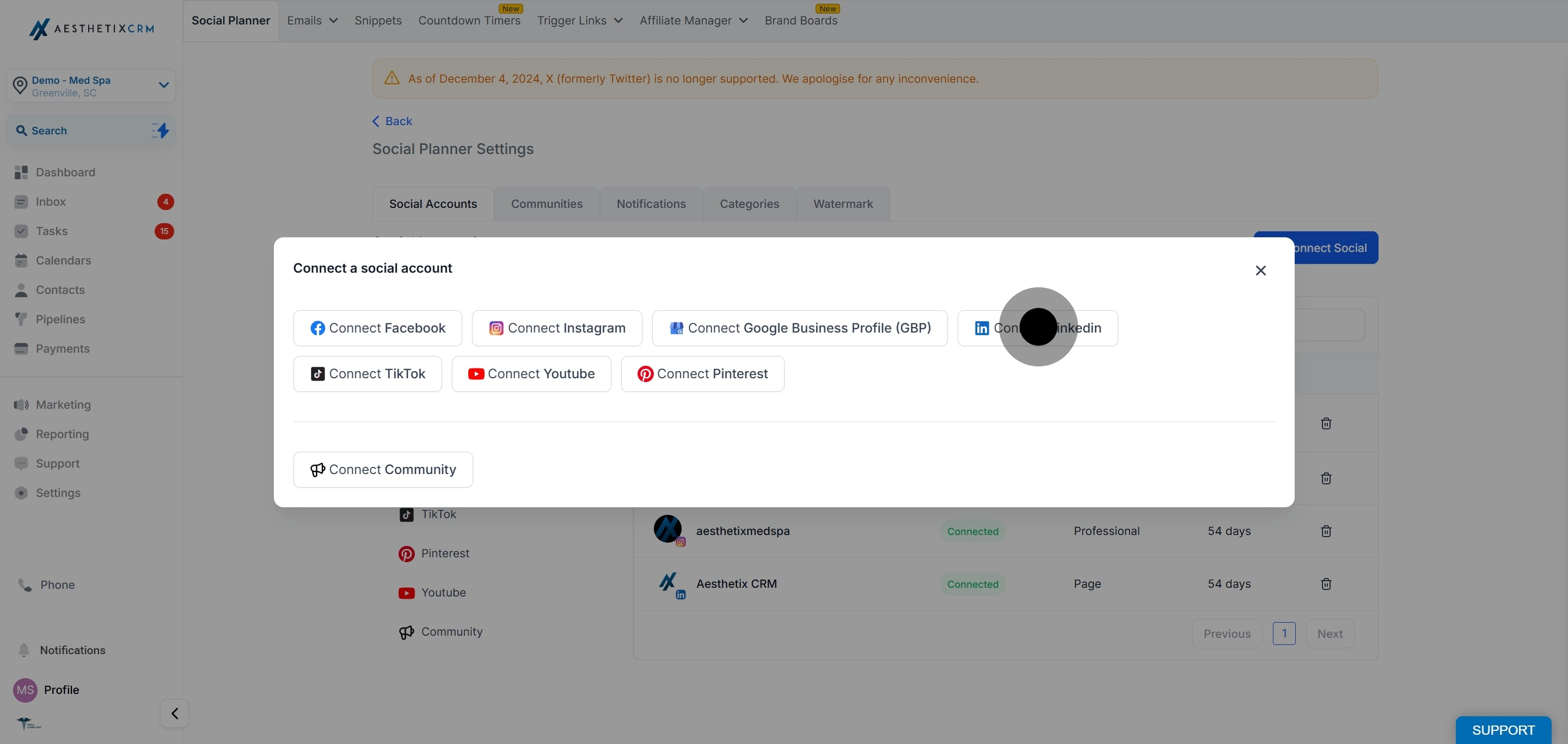
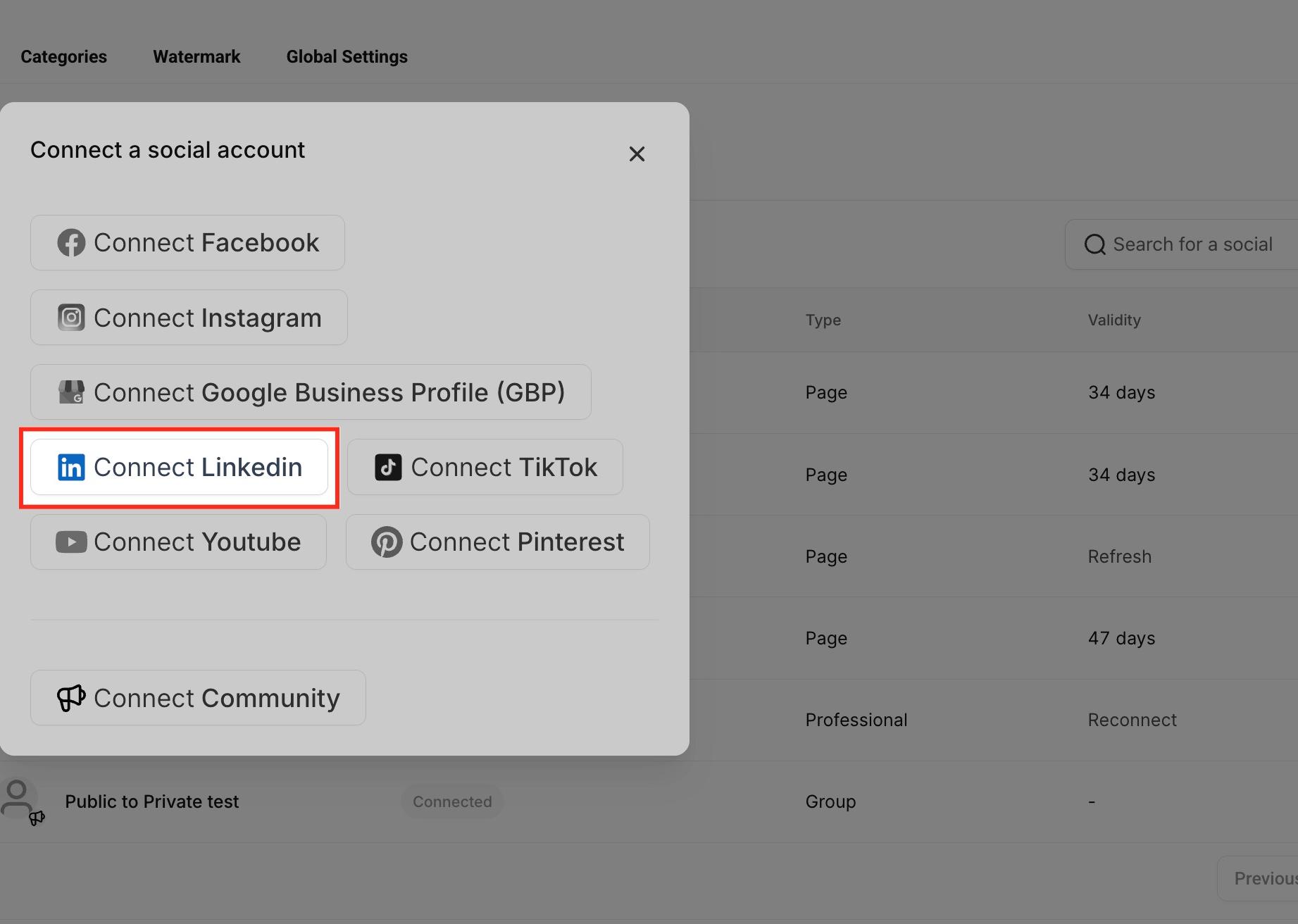
In the popup of available platforms, click Connect LinkedIn.
You will be redirected to the LinkedIn login screen.
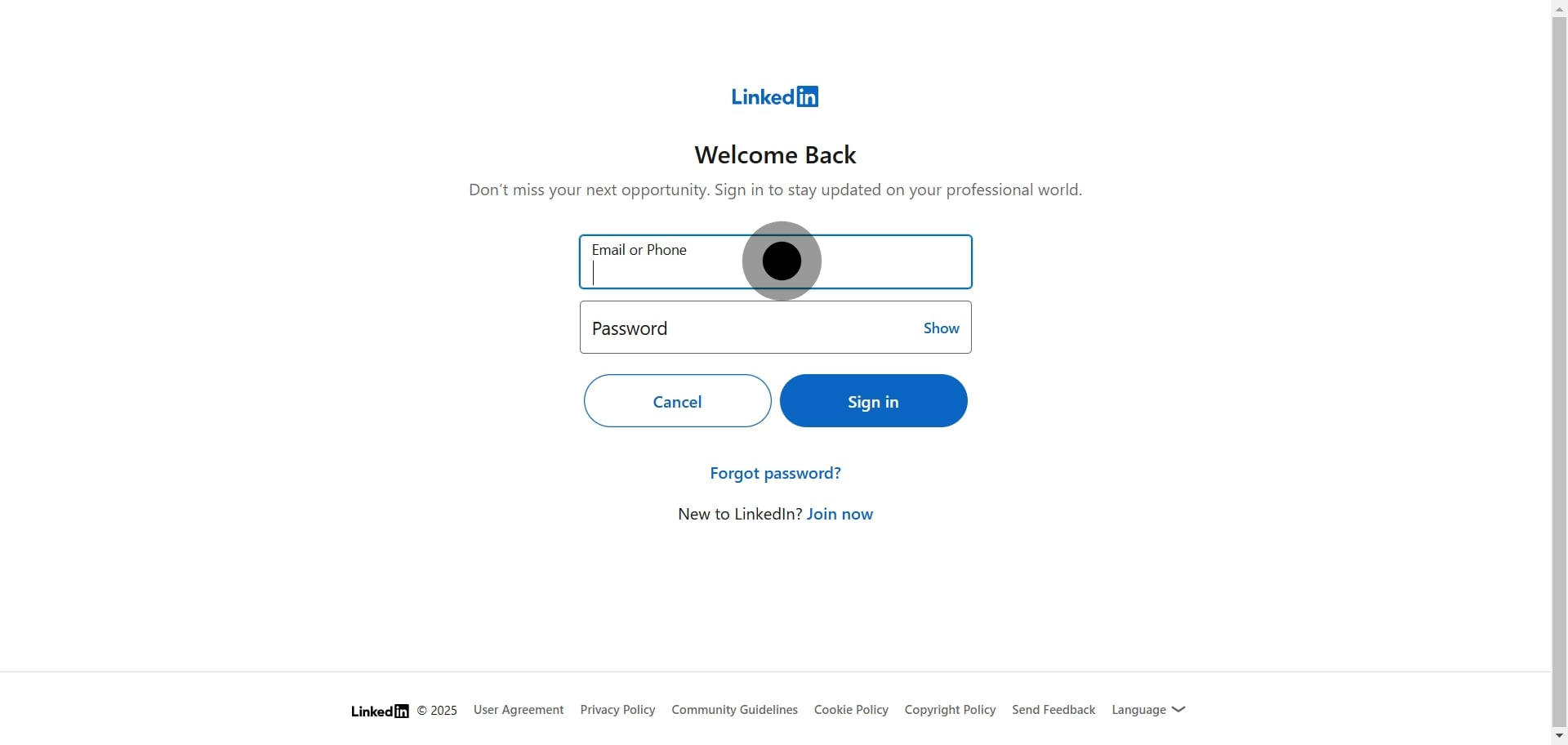
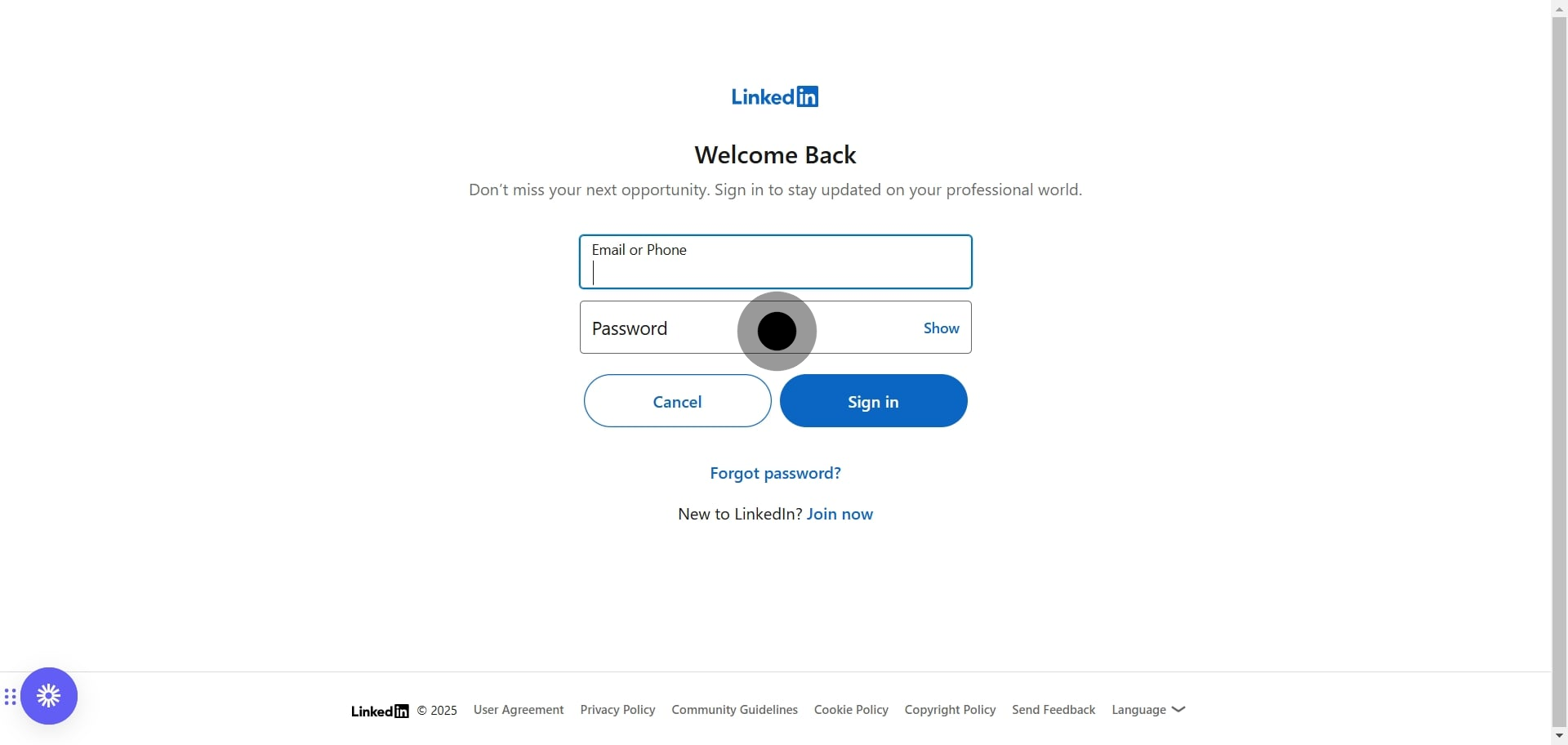
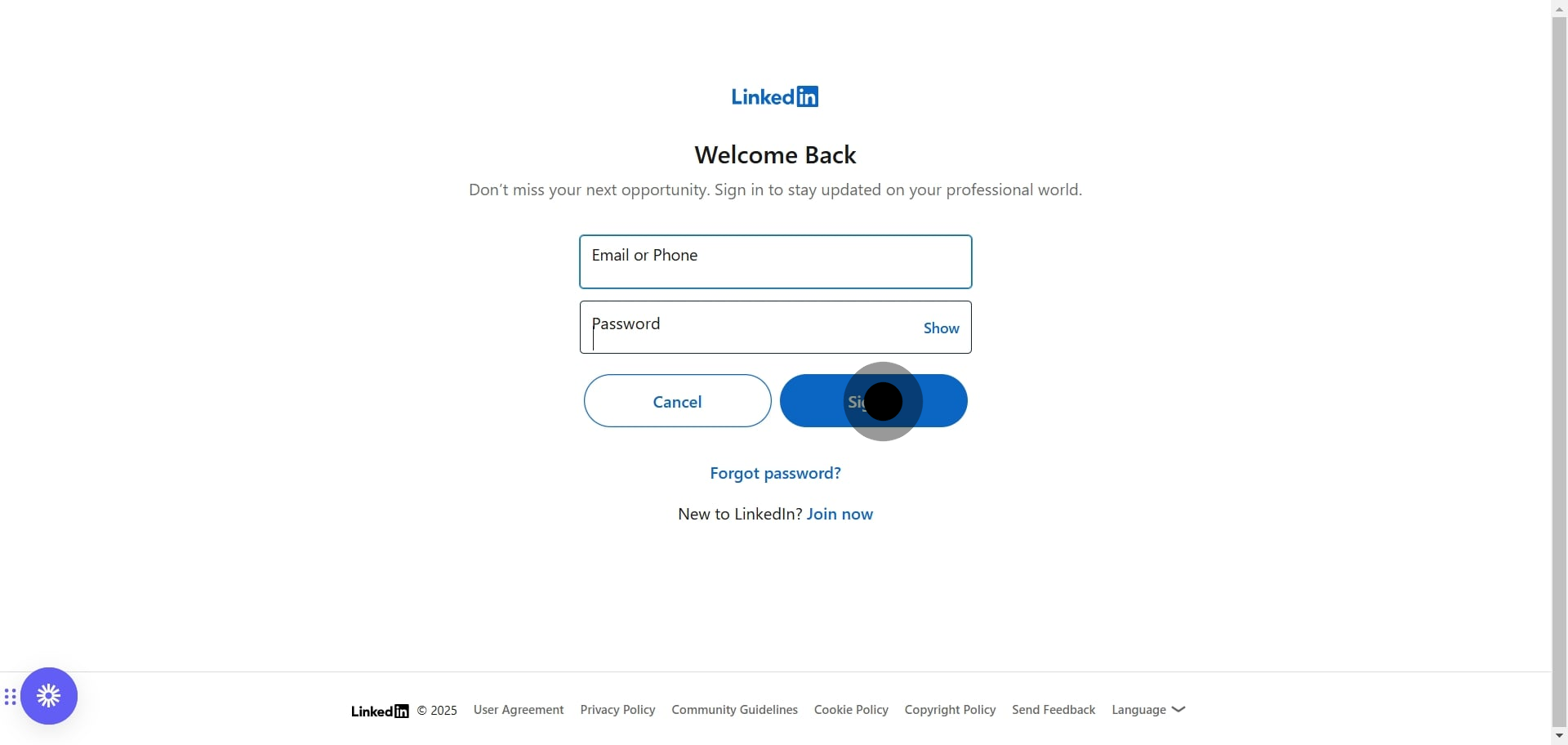
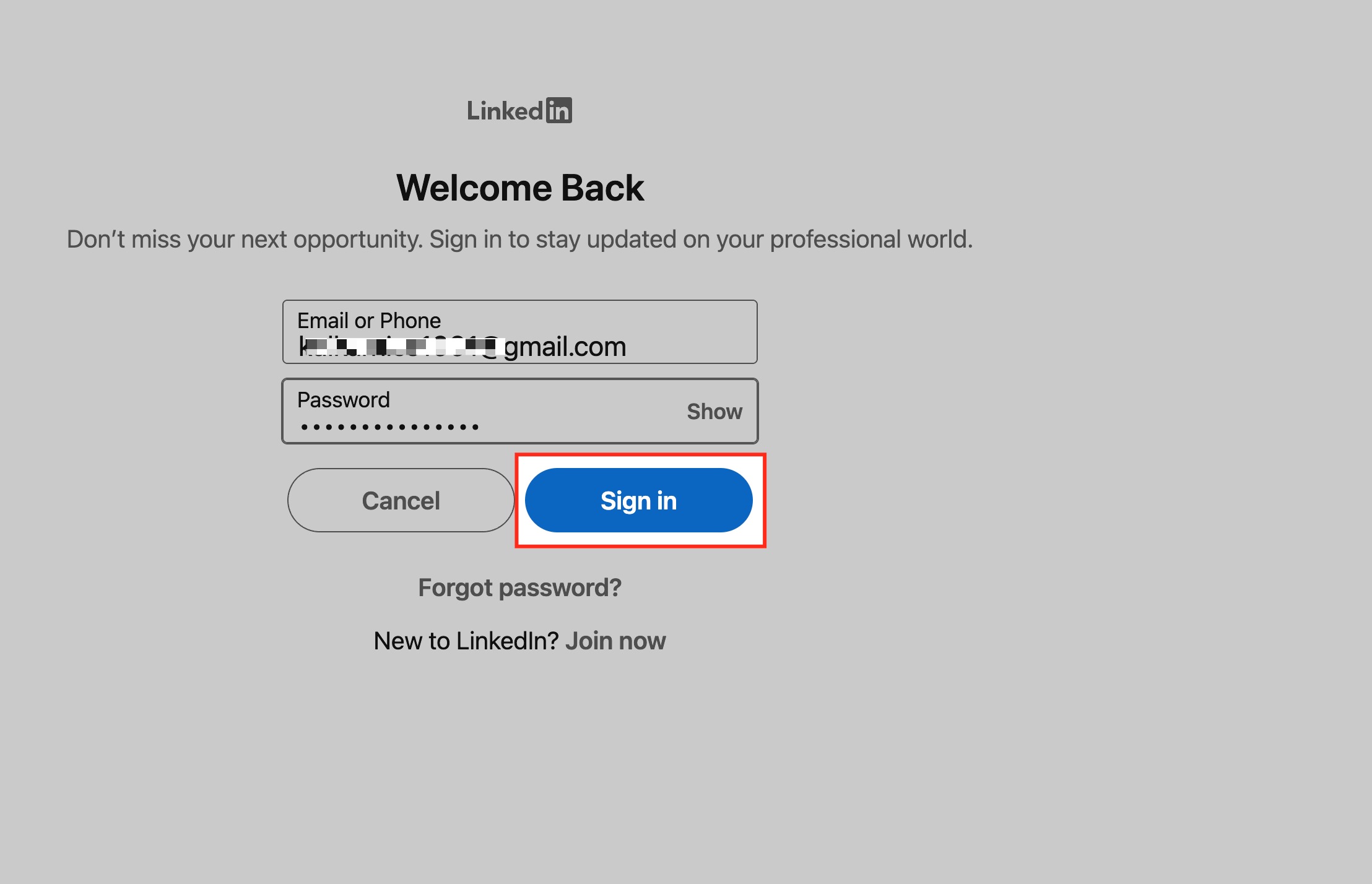
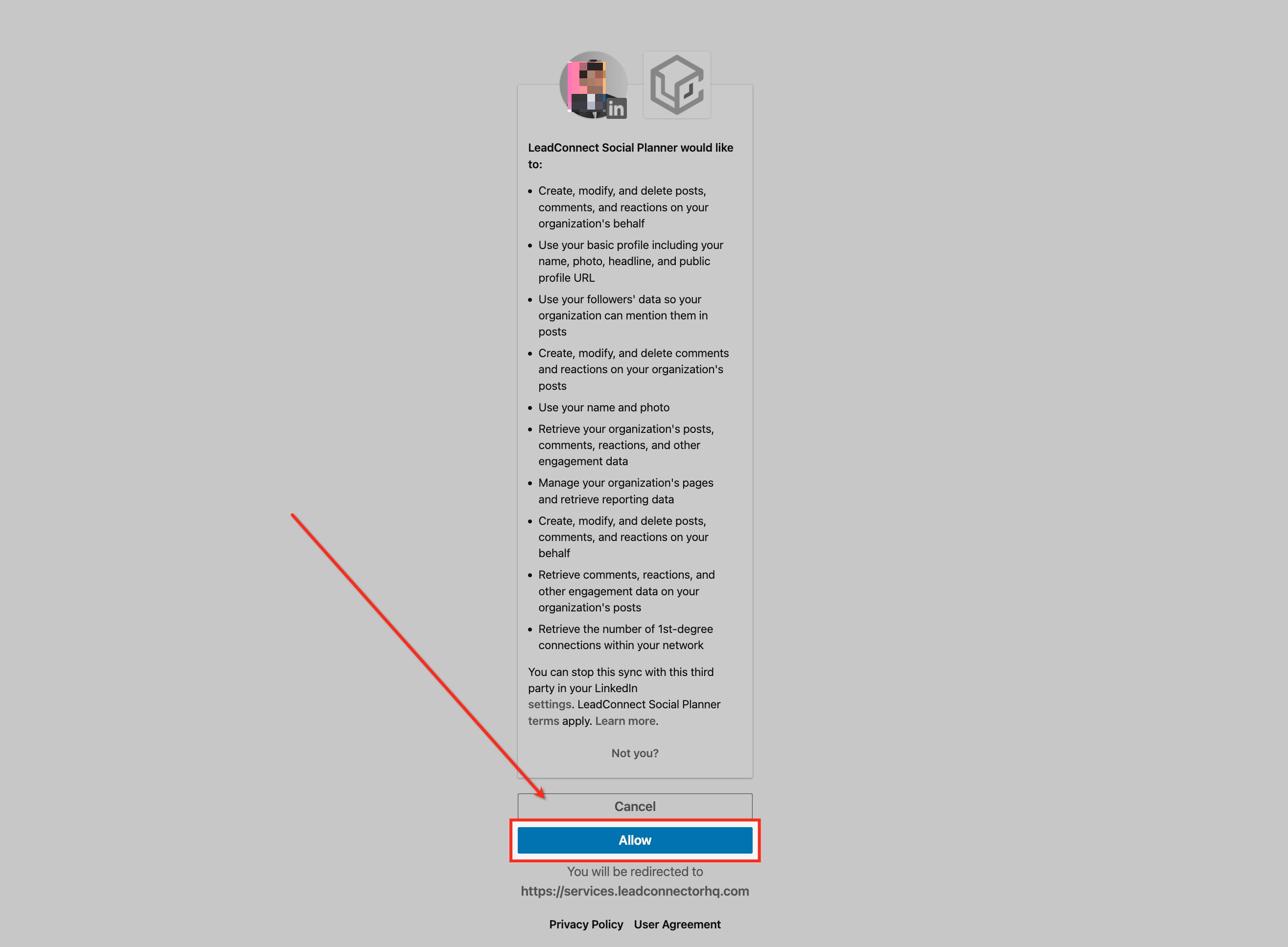
LinkedIn will ask you to authorize access to your account. Click Allow to proceed. You may see LeadConnector, our underlying social integration provider, referenced on this screen. This is expected and safe.
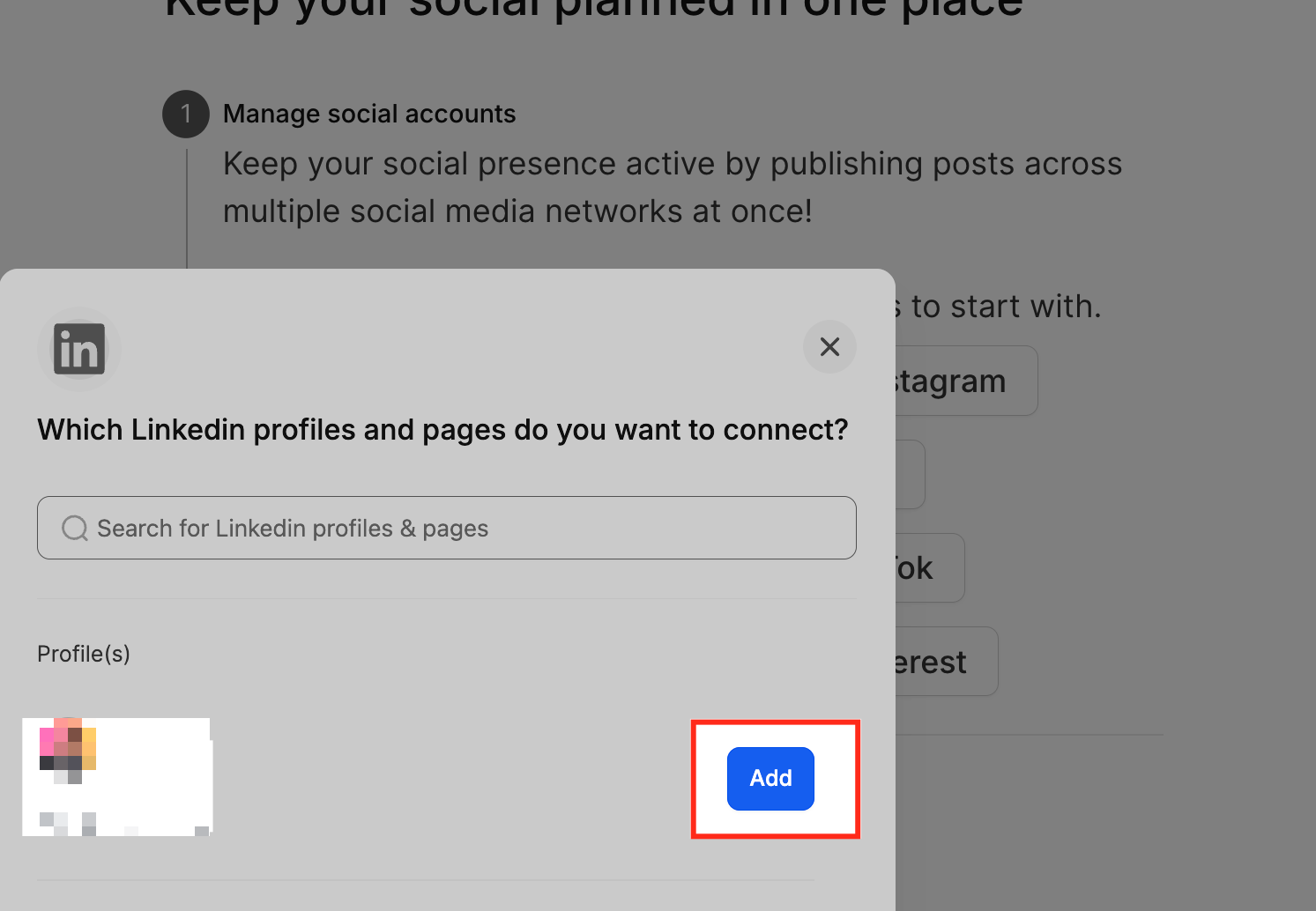
Select the LinkedIn profile or business page you want to connect, then click Add.
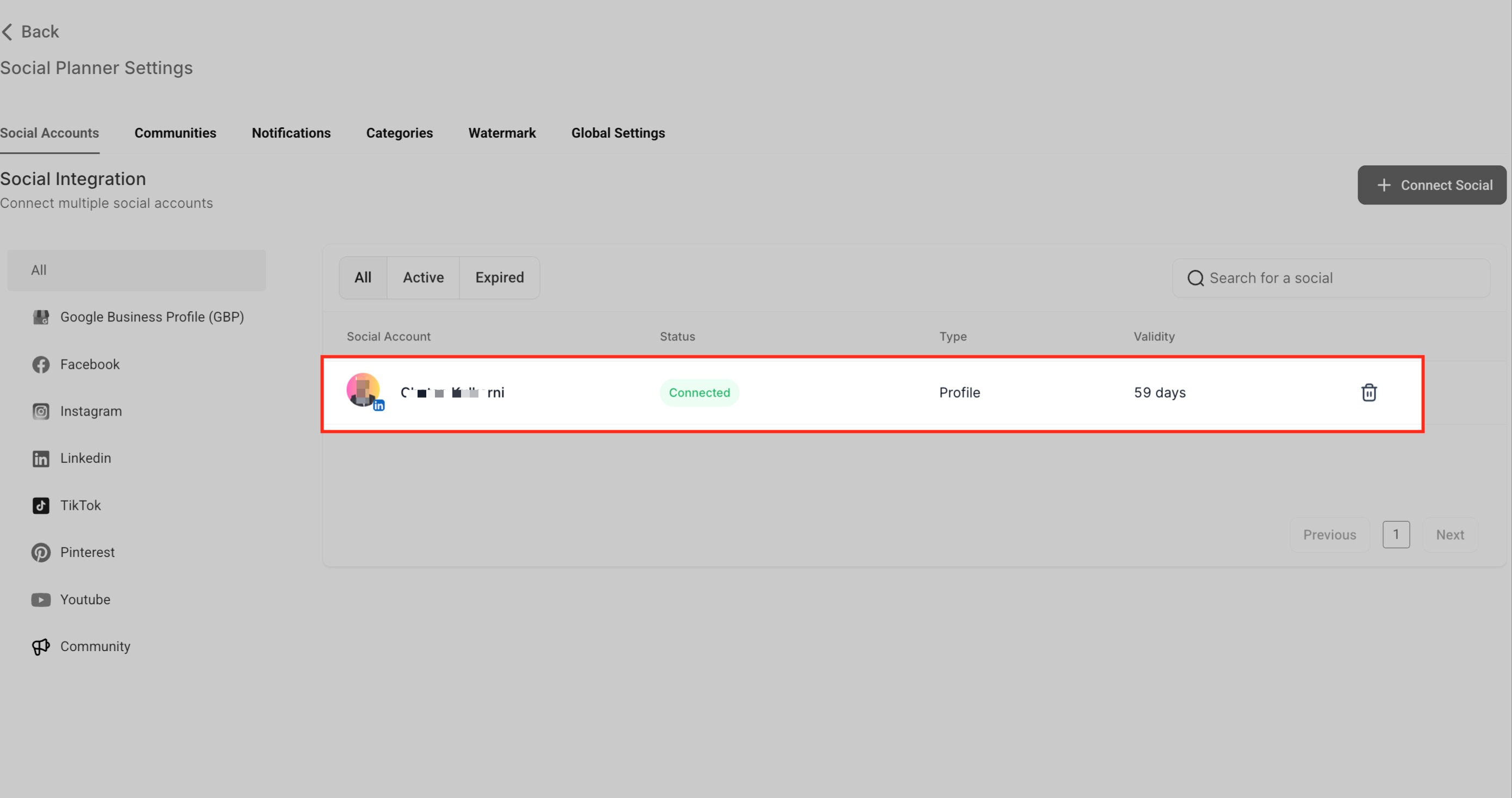
Once added, the account shows as Connected in the Social Accounts section, along with its type and token validity. If you do not see an ad account after a successful connection, confirm the account is active (not archived or suspended) and that you have accepted LinkedIn's Marketing Developer Terms in Campaign Manager.
Can I connect both a LinkedIn profile and a business page at the same time?
Yes. You can connect multiple LinkedIn accounts, both personal profiles and business pages, based on your access and permissions.
What happens if my LinkedIn connection expires?
The token is valid for about 60 days. When it expires you will see a Reconnect prompt in the Social Accounts tab. Click it and reauthorize via LinkedIn.
Why does it say Permissions Missing for my page?
This usually means your LinkedIn account does not have admin rights on the page, or a required permission was not granted during authorization. Reconnect and grant full access. For ad accounts, it often means your role in LinkedIn Campaign Manager is not high enough; update your role, then reconnect (clearing your cache or using an incognito window can help).
Can I schedule posts to both my profile and company pages?
Yes. Once both are connected, you choose where to publish each post while creating content.
Is there a limit to how many LinkedIn accounts I can connect?
There is no fixed limit, but the number of accounts you manage should align with your subscription tier and admin permissions.
Why does the authorization screen mention LeadConnector?
LeadConnector is the underlying provider that powers the social connection for Aesthetix CRM. Seeing it during LinkedIn authorization is expected and safe.
My ad account is not showing up after connecting. What should I check?
Confirm your LinkedIn login has Super Admin or Campaign Manager access to the ad account, that the account is active, and that you have accepted LinkedIn's Marketing Developer Terms in Campaign Manager. Then reconnect.
