Social Planner lets your practice connect an Instagram Business or Creator account so you can schedule and publish Posts, Stories, and Reels without leaving Aesthetix CRM. There are two ways to connect: the newer Direct Instagram Integration (no Facebook Page required) and the classic Facebook-linked method. This guide covers both, plus how to confirm your account type before you start.
Direct Instagram Integration (recommended) does not require you to connect a Facebook Page during setup. You authenticate with Instagram only, which removes the traditional "connect a Facebook Page, then connect Instagram" flow. Instagram still requires the underlying profile to be either a Business profile linked to a Facebook Page or a Creator profile (a Creator profile does not need a Facebook Page).
Facebook-linked Integration (classic) requires you to connect a Facebook Page inside Social Planner. Use this only if you want legacy Facebook permissions or view-count analytics.
Both methods are quick, but Direct Integration involves fewer logins and fewer permissions.
Feature | Facebook-Linked | Direct Integration |
|---|---|---|
Requires a Facebook Page | Yes | No |
Supports Creator accounts | Limited | Yes |
Auto-post Stories | No | Yes |
Schedule Reels | Yes | Yes |
View engagement metrics | Yes | Yes (excludes view counts) |
Setup complexity | Higher (multiple logins) | Lower (single login) |
Confirm your Instagram profile is a Business or Creator profile. Personal profiles are not supported. To check: in the Instagram app, open your profile, tap the menu in the top right, then Settings > Account, and scroll to the bottom. A Personal profile shows a Switch to Professional Account option. A Creator or Business profile shows Switch account type options instead.
For the Facebook-linked method, confirm you have an Admin or Editor role on the Facebook Page (Classic Pages) or full/partial control (New Pages). If the Page is a Business Manager asset, you also need management access to it in Business Manager.
Best for quick setup and Story scheduling. No Facebook Page needed.
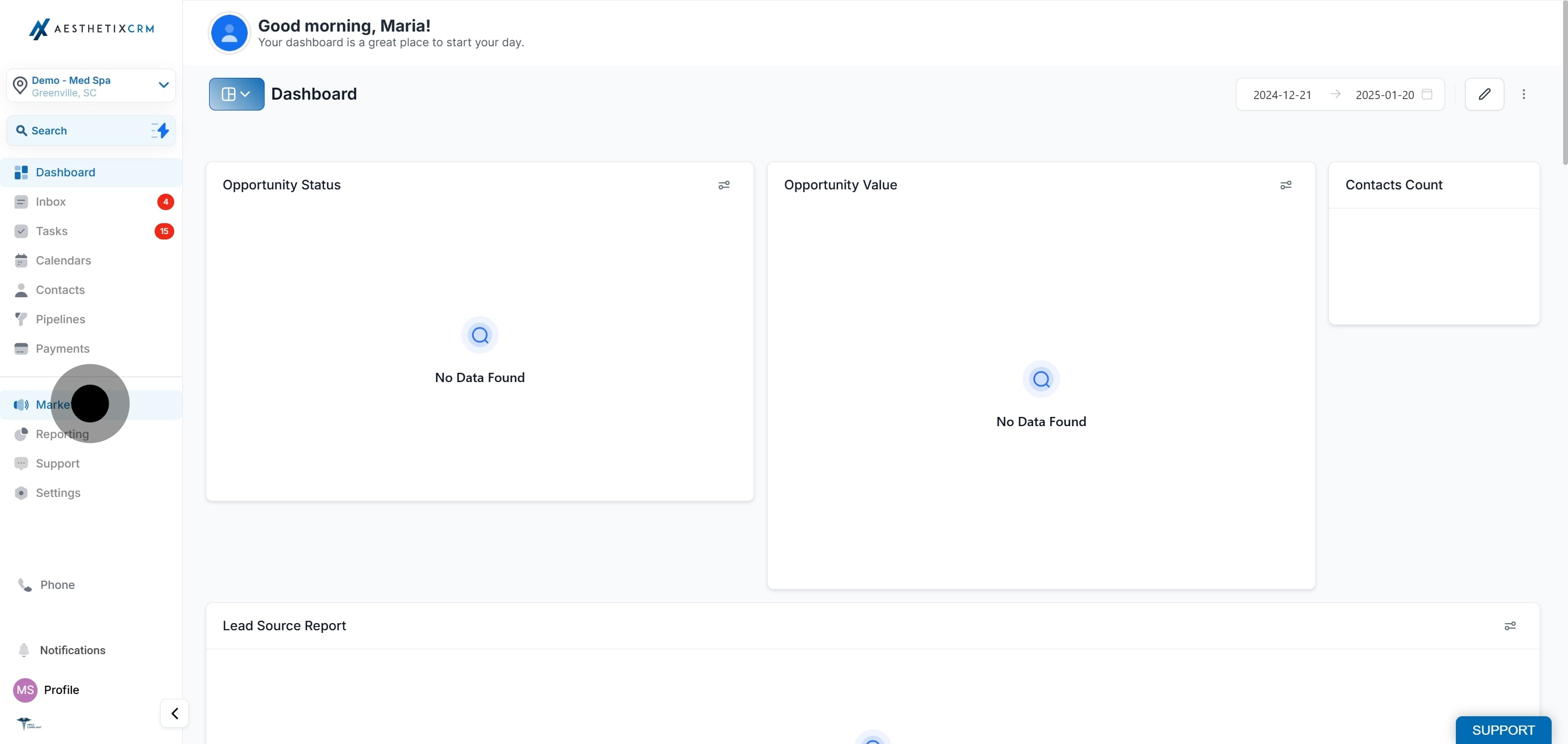
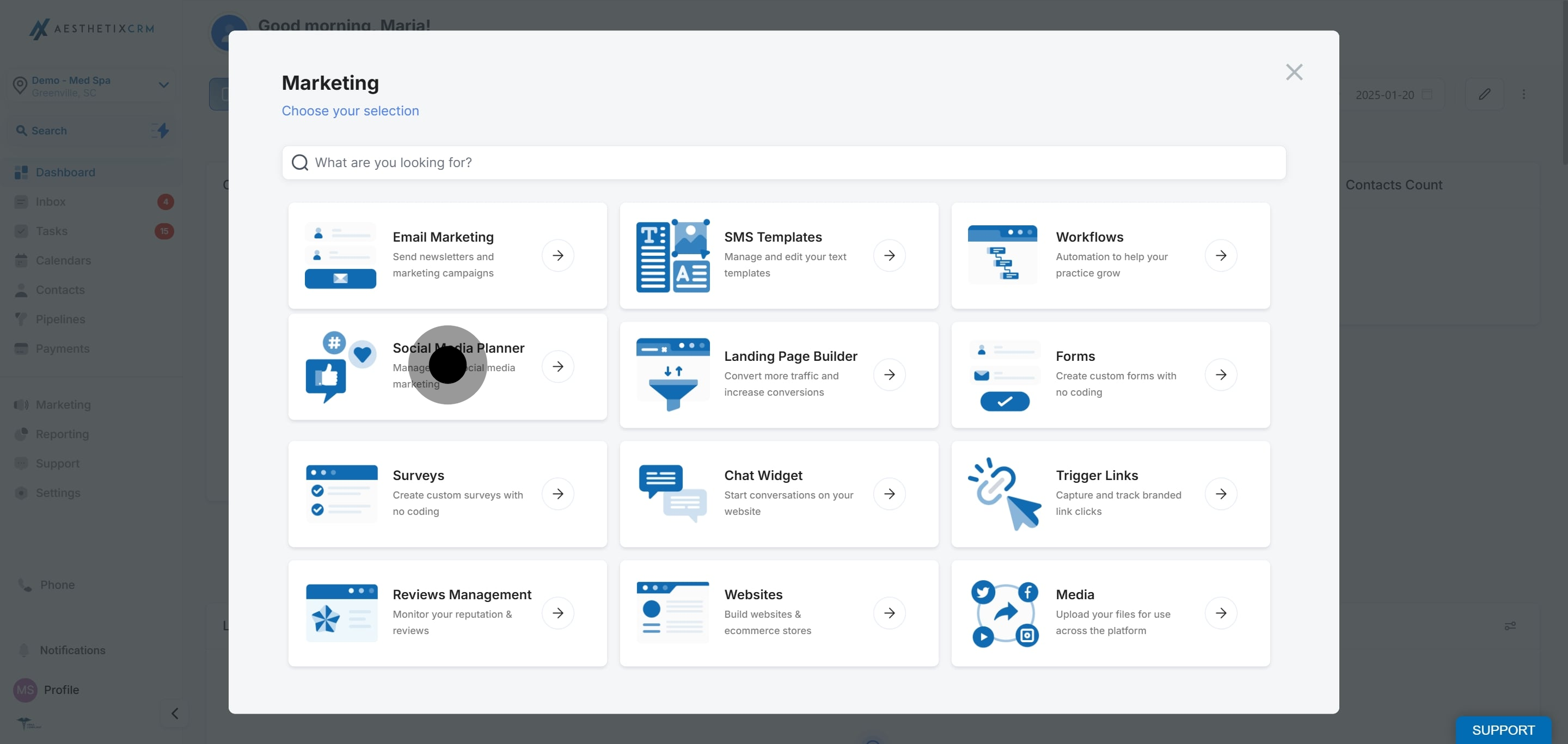
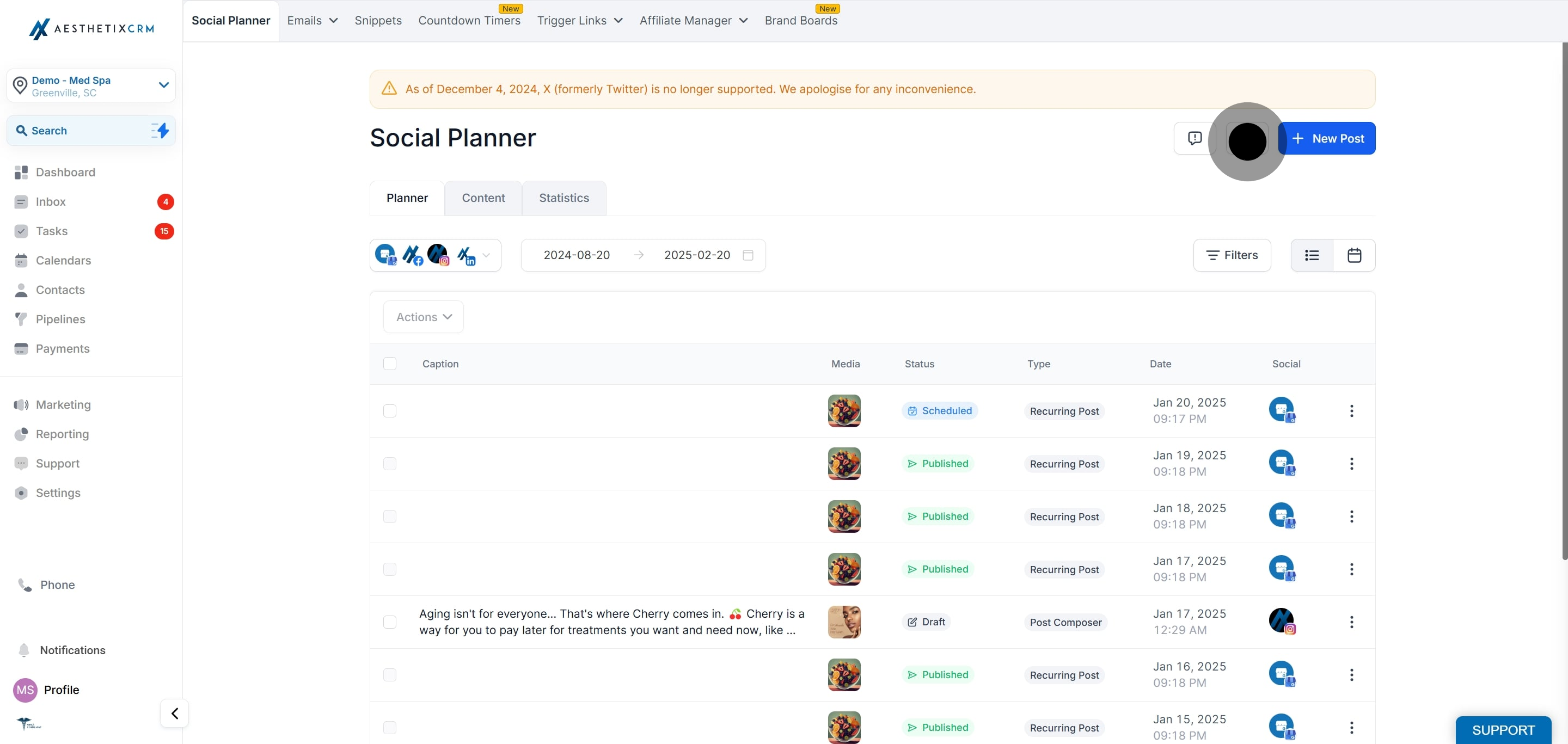
Click the Settings (gear) icon in the top-right corner.
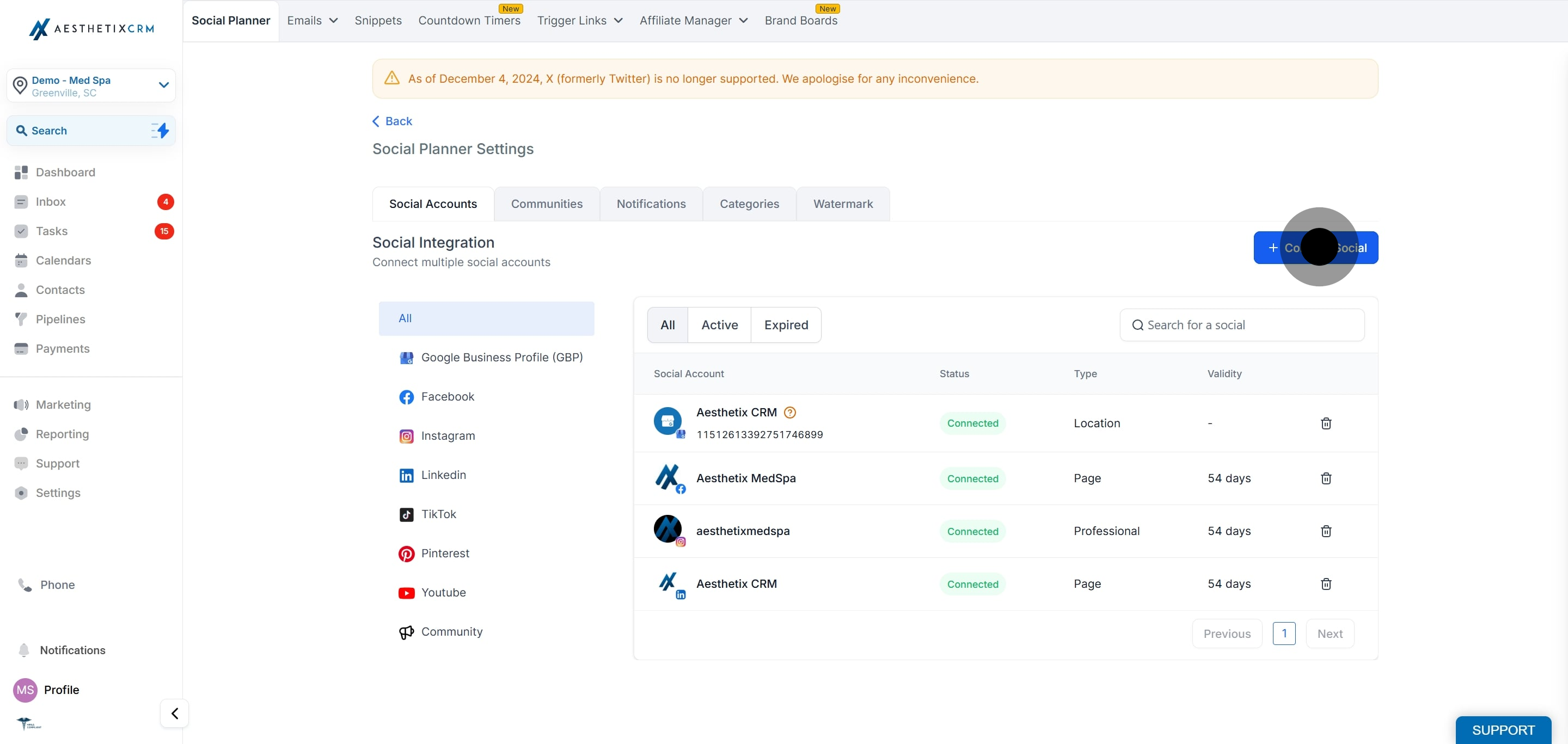
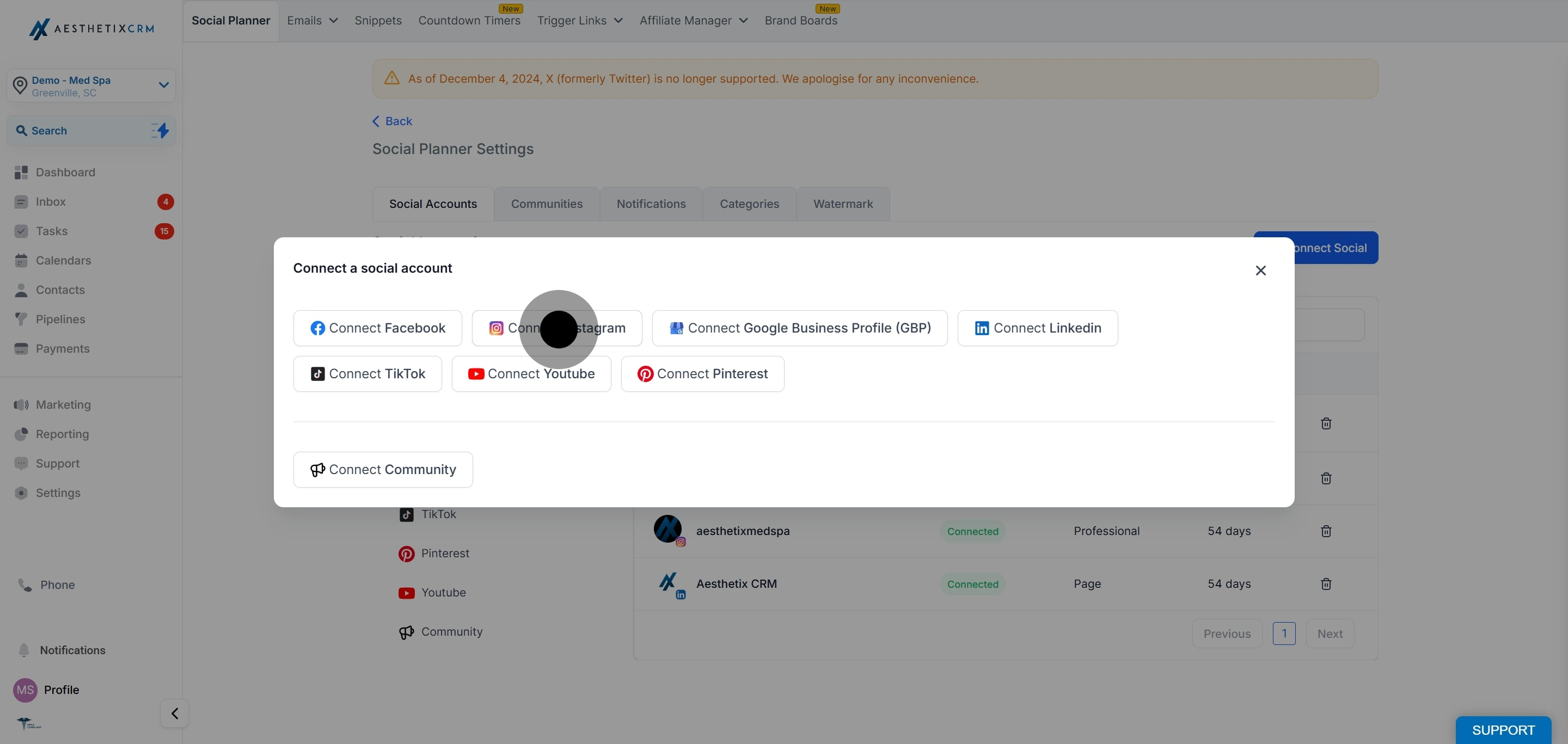
In the popup, choose Direct Instagram Integration.
Grant the requested Instagram permissions, then select the Instagram Business or Creator account you want to connect.
Use this method only if you need legacy features that rely on Facebook permissions, such as video and image view counts or Meta Business features.
Log in to Facebook, then click your profile photo in the top right.
Click See all profiles, then select the Page you want to switch into.
Click your Page's profile picture at the top right of Facebook.
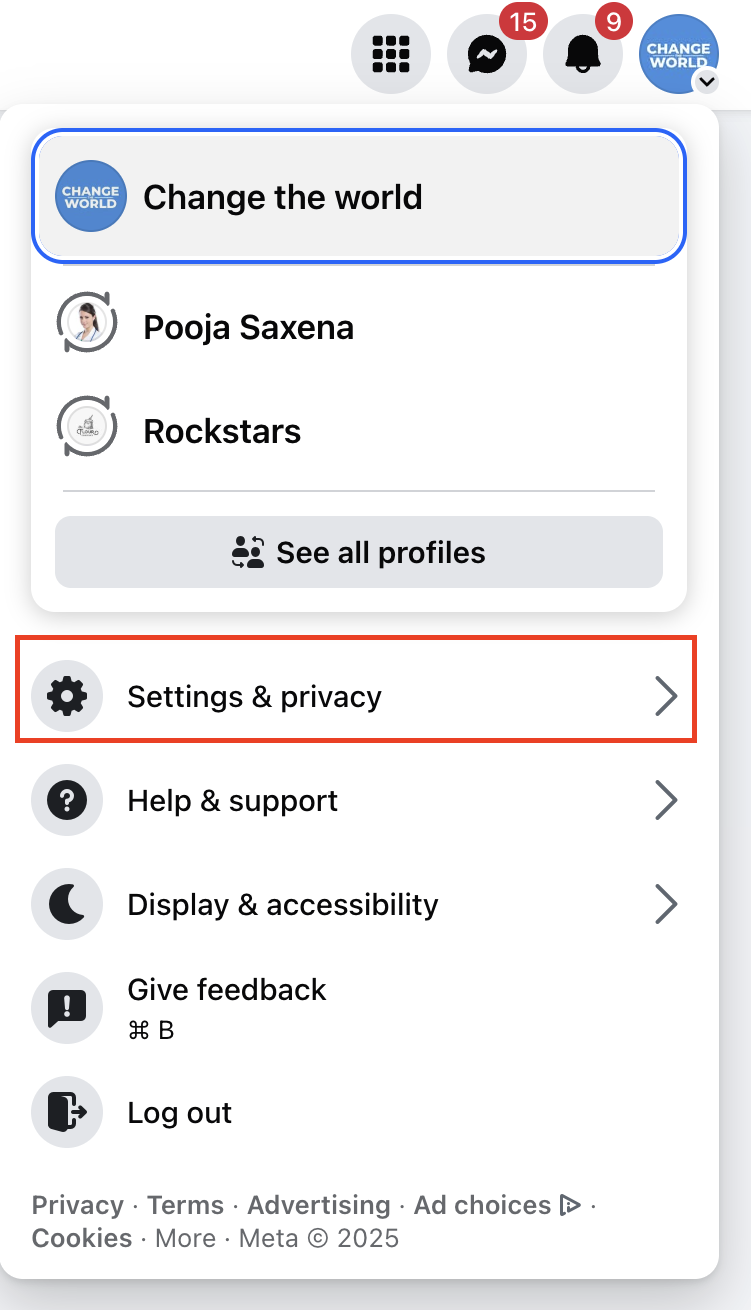
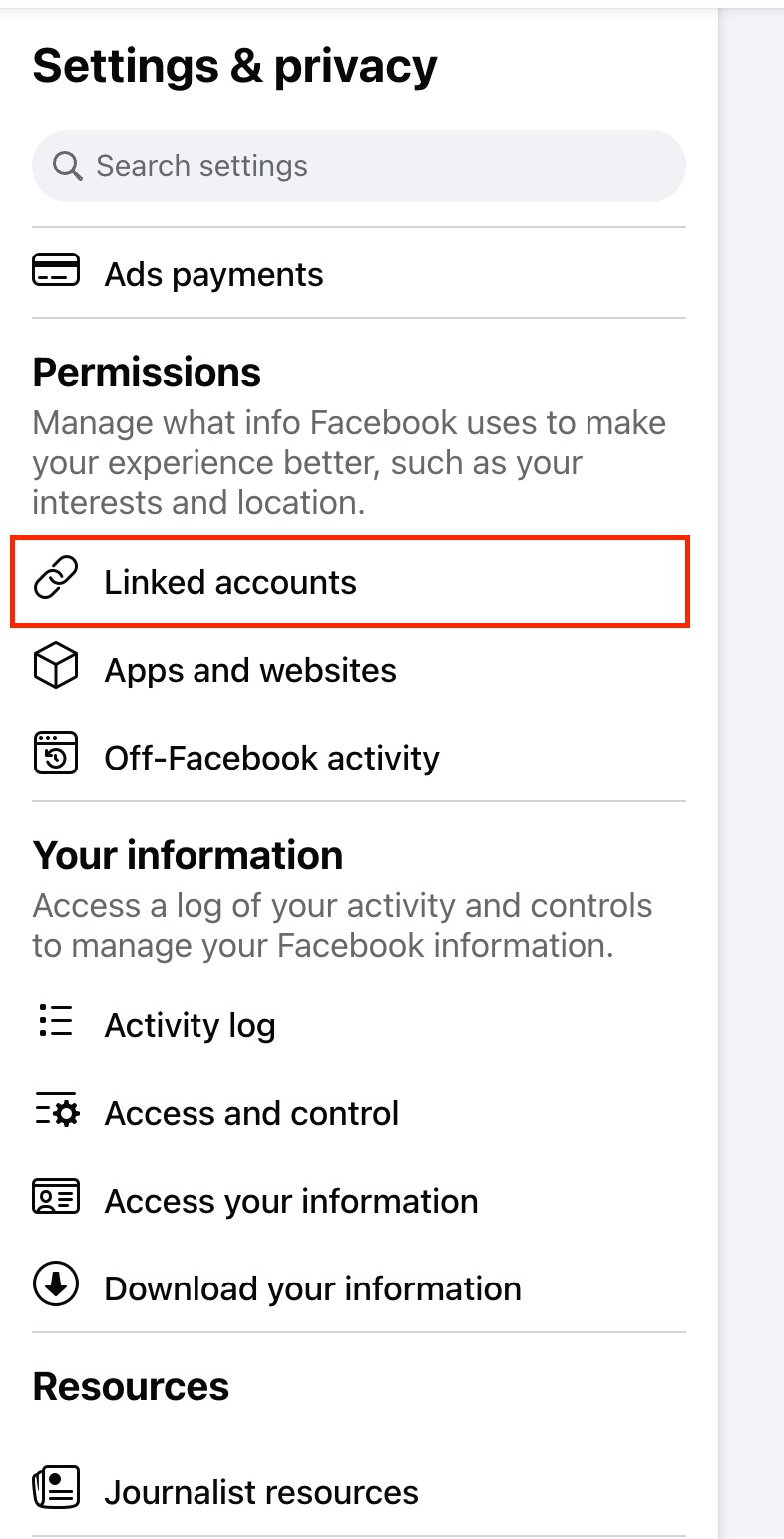
Click Settings & privacy.
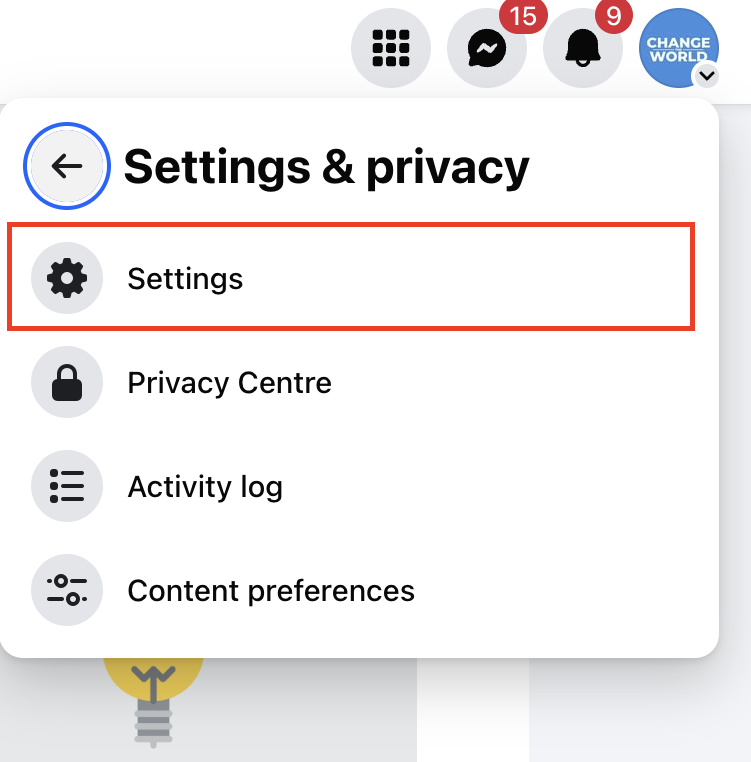
Click Settings.
Under Permissions, click Linked accounts.
Next to Instagram, click View.

Click Connect account, then follow the prompts to connect your Facebook Page and Instagram account. Your Instagram Business profile is now linked to your Facebook account.
Once you have completed step 4 above (Connect Social) and chosen Instagram, you will authenticate through Facebook:
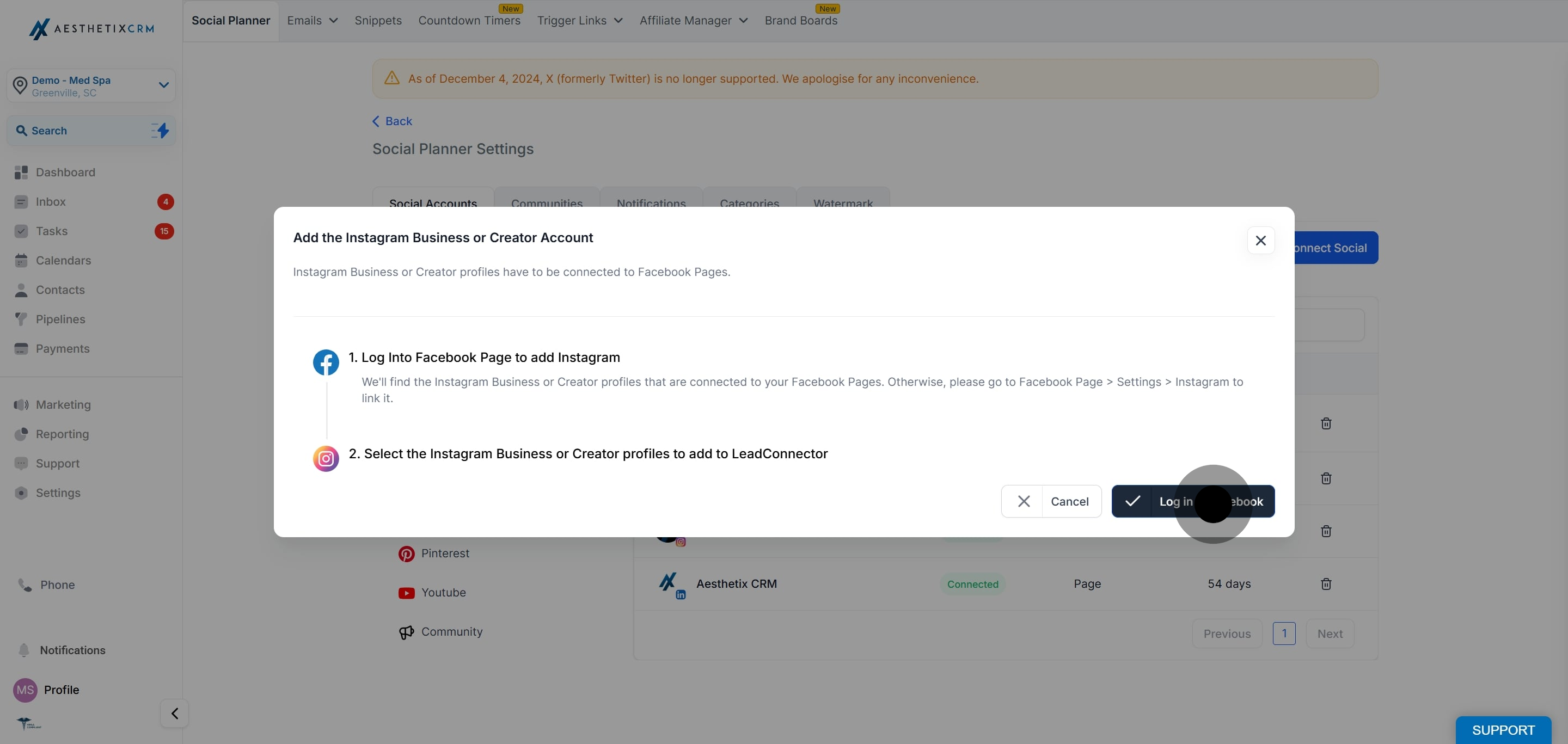
Grant the requested permissions to finish connecting.
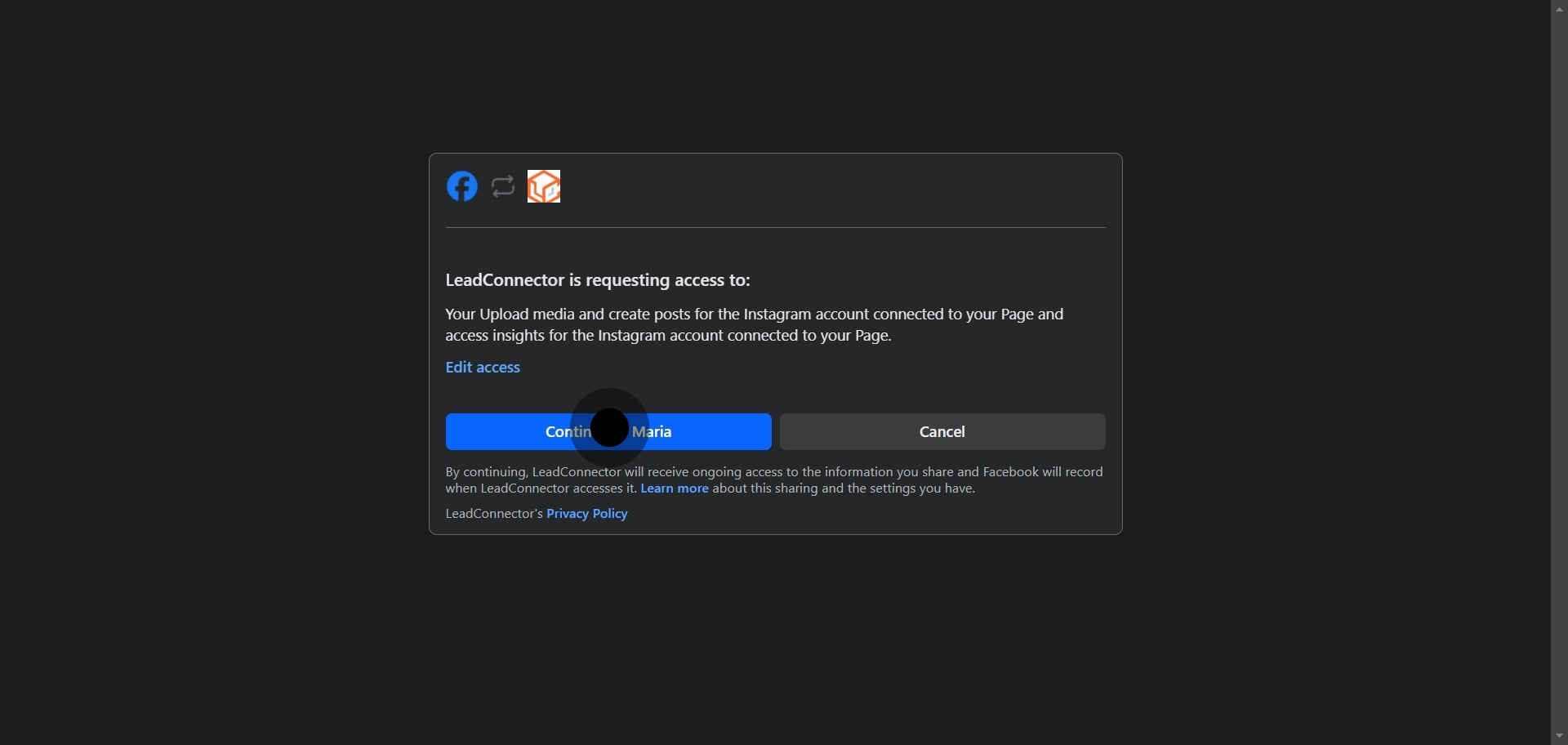
To publish to an Instagram Business Profile, that profile must be connected to a Facebook Page or set up as a Creator Profile. You do not have to publish to the Facebook Page, but Instagram (which is owned by Facebook) grants the permissions to manage your Instagram profile through Facebook. You may see LeadConnector, our underlying social integration provider, referenced on the authorization screen. This is expected and safe.
Links in captions appear as plain text. Instagram's app and Graph API do not allow clickable links in post captions, so any link you include will publish as plain text. This is an Instagram restriction, not an Aesthetix CRM one.
View counts are not available for images and videos through the Instagram API. Engagement metrics such as likes and comments are available.
Stories auto-post is supported for Creator accounts when using Direct Integration.
Can I use Direct Instagram Integration with a personal account?
No. Only Business and Creator accounts are supported. If you have a personal profile, switch it to a Professional (Business or Creator) account first.
Do I need to disconnect my Facebook Page to use Direct Integration?
No. You choose your integration type during setup. Just select Direct Instagram Integration.
What post types can I schedule?
Posts, Stories, and Reels, subject to Instagram's own guidelines.
Are all analytics available?
Engagement metrics such as likes and comments are available. View counts for images and videos are not, because Instagram's API does not provide them.
Can I auto-post Stories from a Creator account?
Yes. Story auto-posting is supported for Creator accounts using Direct Integration.
Why does the authorization screen mention LeadConnector?
LeadConnector is the underlying provider that powers the social connection for Aesthetix CRM. Seeing it during Instagram or Facebook authorization is expected and safe.
What if my posts fail to publish?
Confirm your content meets Instagram's specifications and that the account is still correctly connected. If the account shows as disconnected, reconnect it and try again.
Is there a limit on how many accounts I can connect?
You can connect multiple accounts up to your plan limits.
