When your practice manages several social profiles, selecting each one every time you draft a post gets tedious. Groups solve that. A Group bundles multiple accounts together so you can choose them all at once and publish the same post across every profile in the group, such as pushing a seasonal special to your Facebook Page and Instagram at the same time.
Each social profile stays unique inside the group, so a post still respects the requirements of each platform when it goes out.
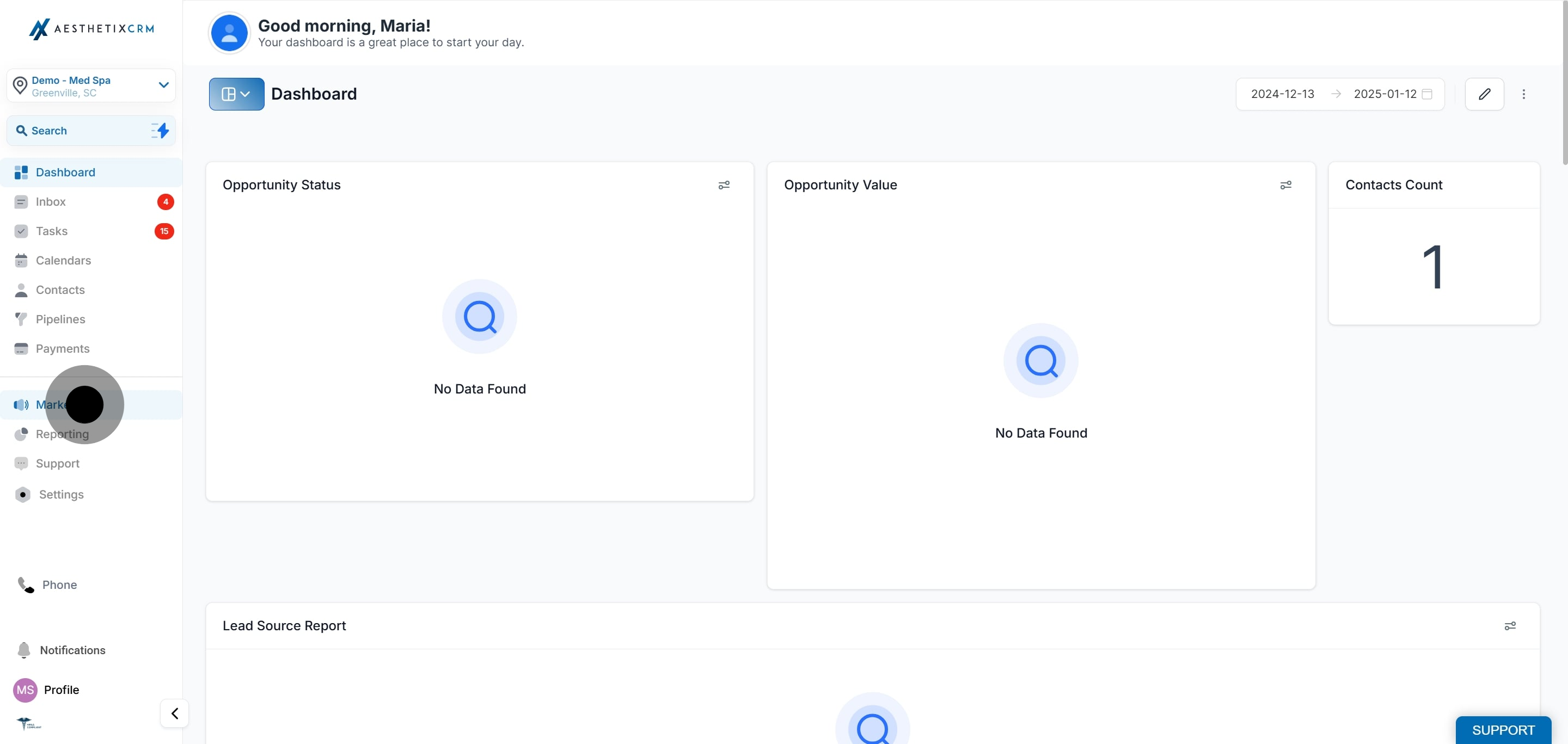
Go to Marketing.
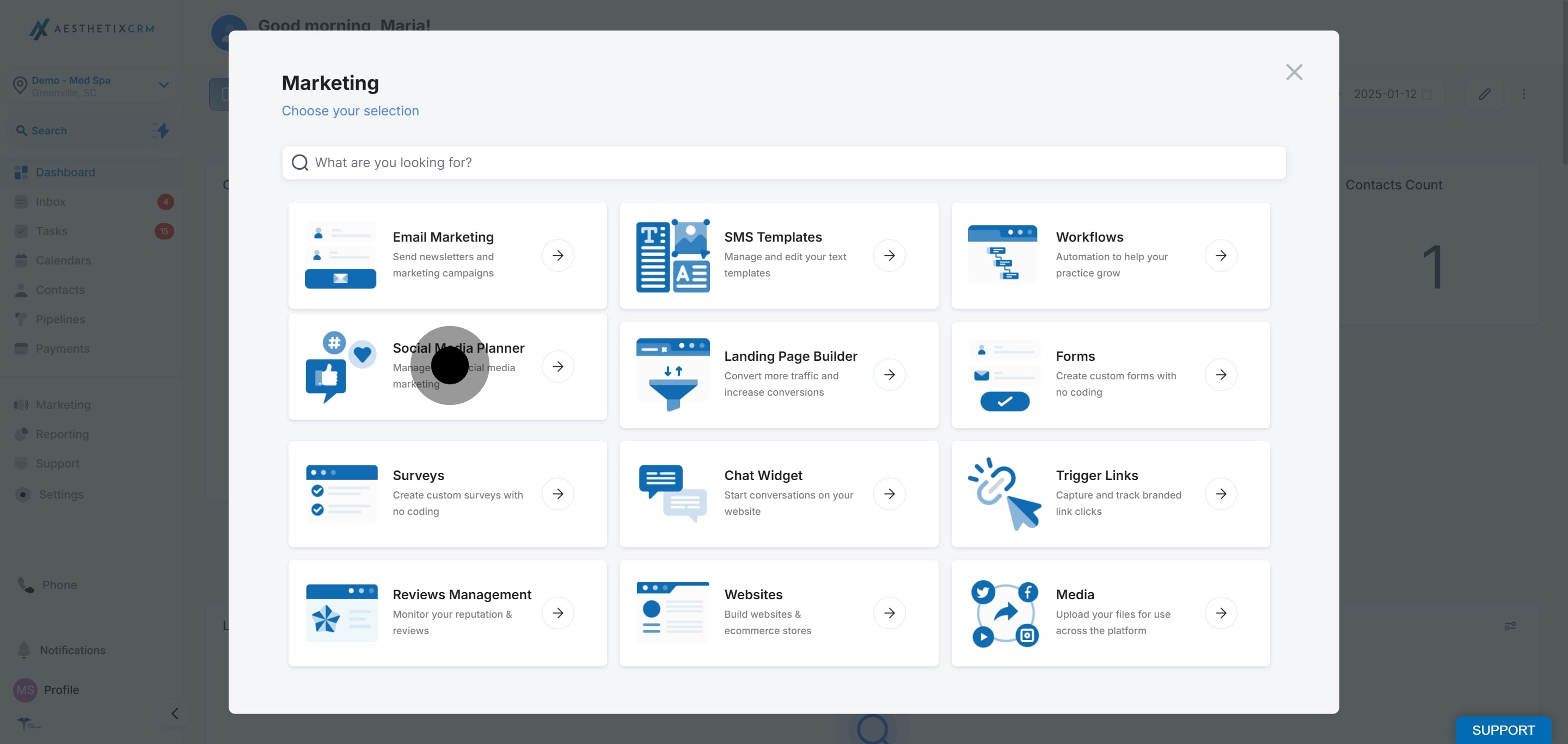
Click Social Planner.
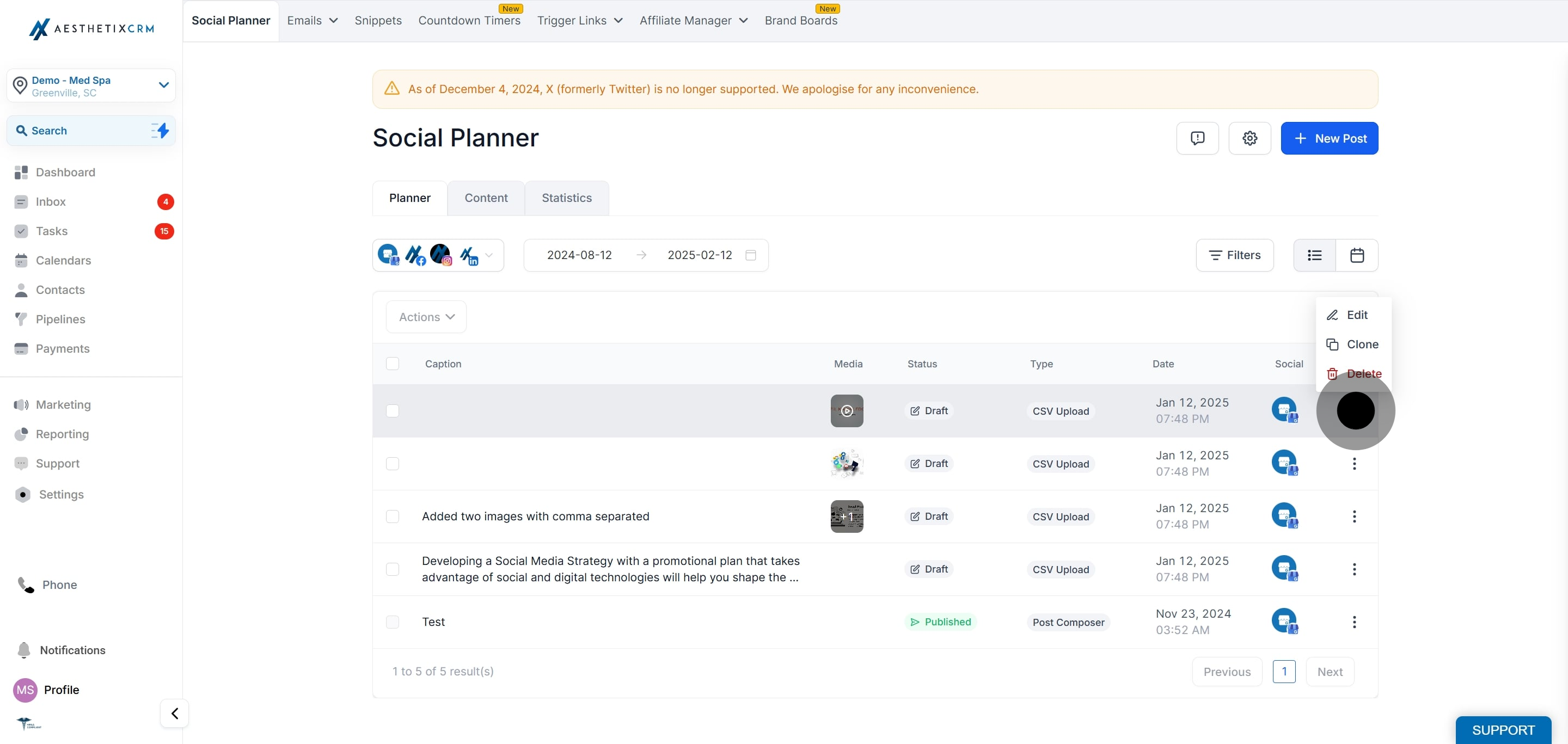
Choose the planner you want, then click the three dots next to it.
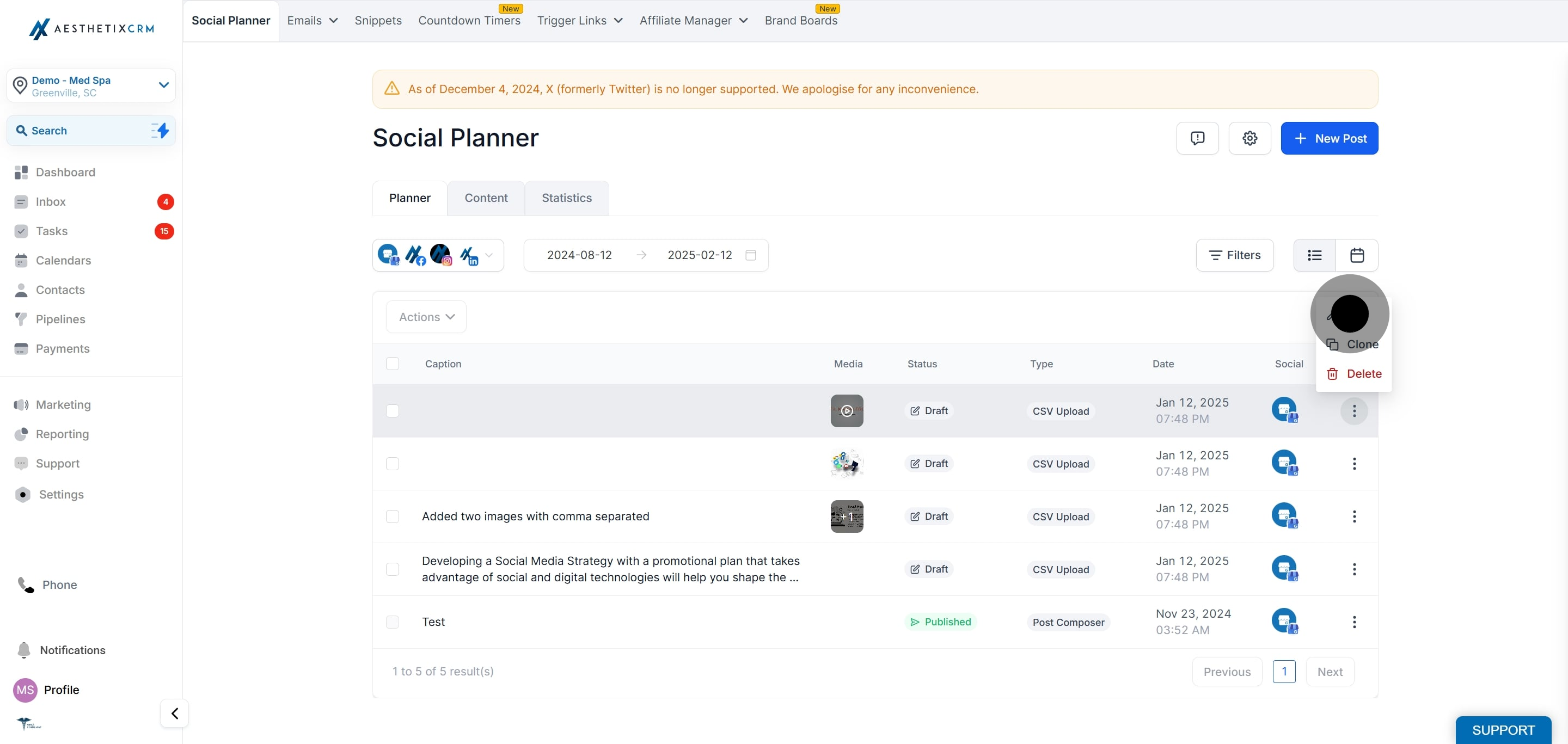
Click Edit to open the planner settings.
Click + New Group.
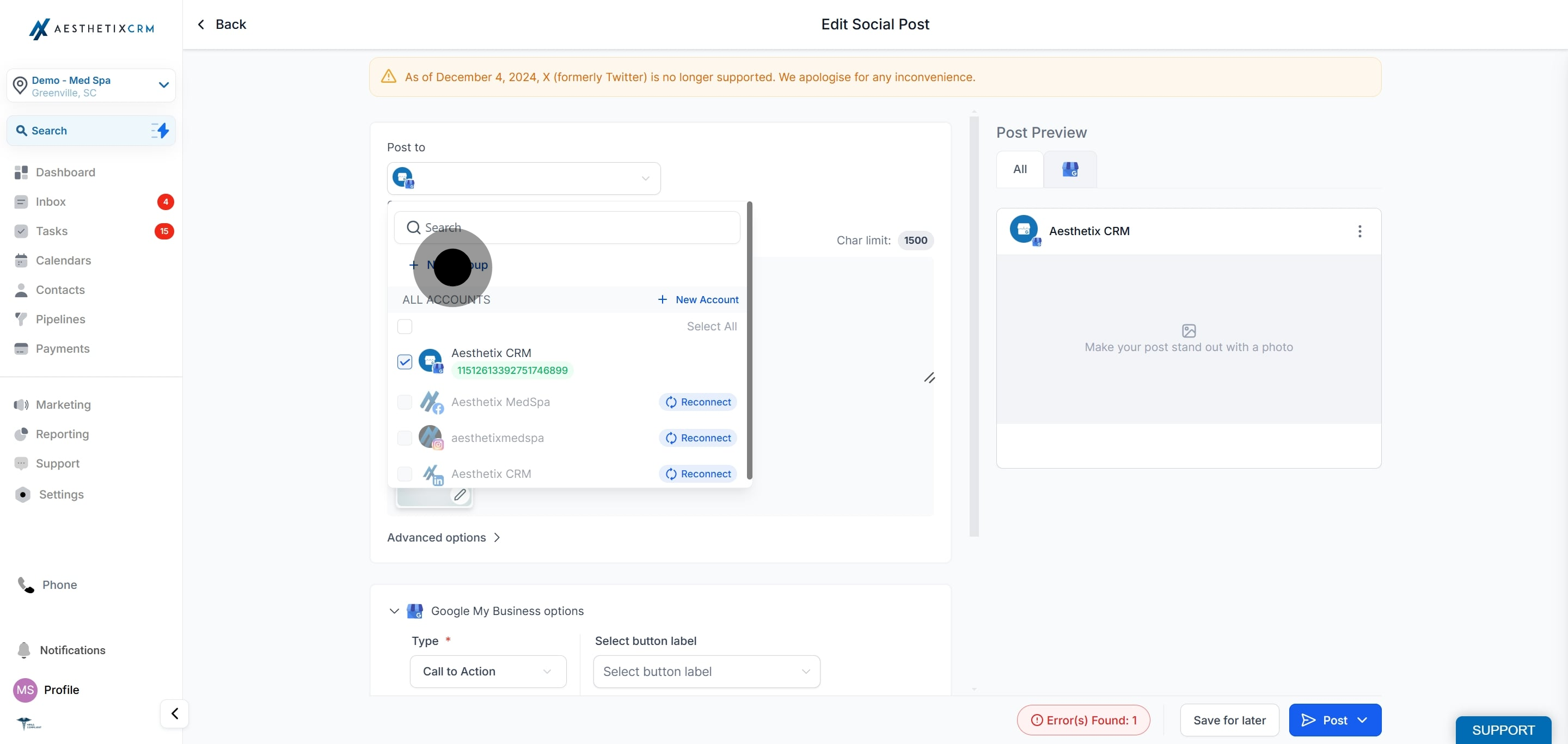
Enter a unique, descriptive Group Name, for example "All Channels" or "Instagram and Facebook."
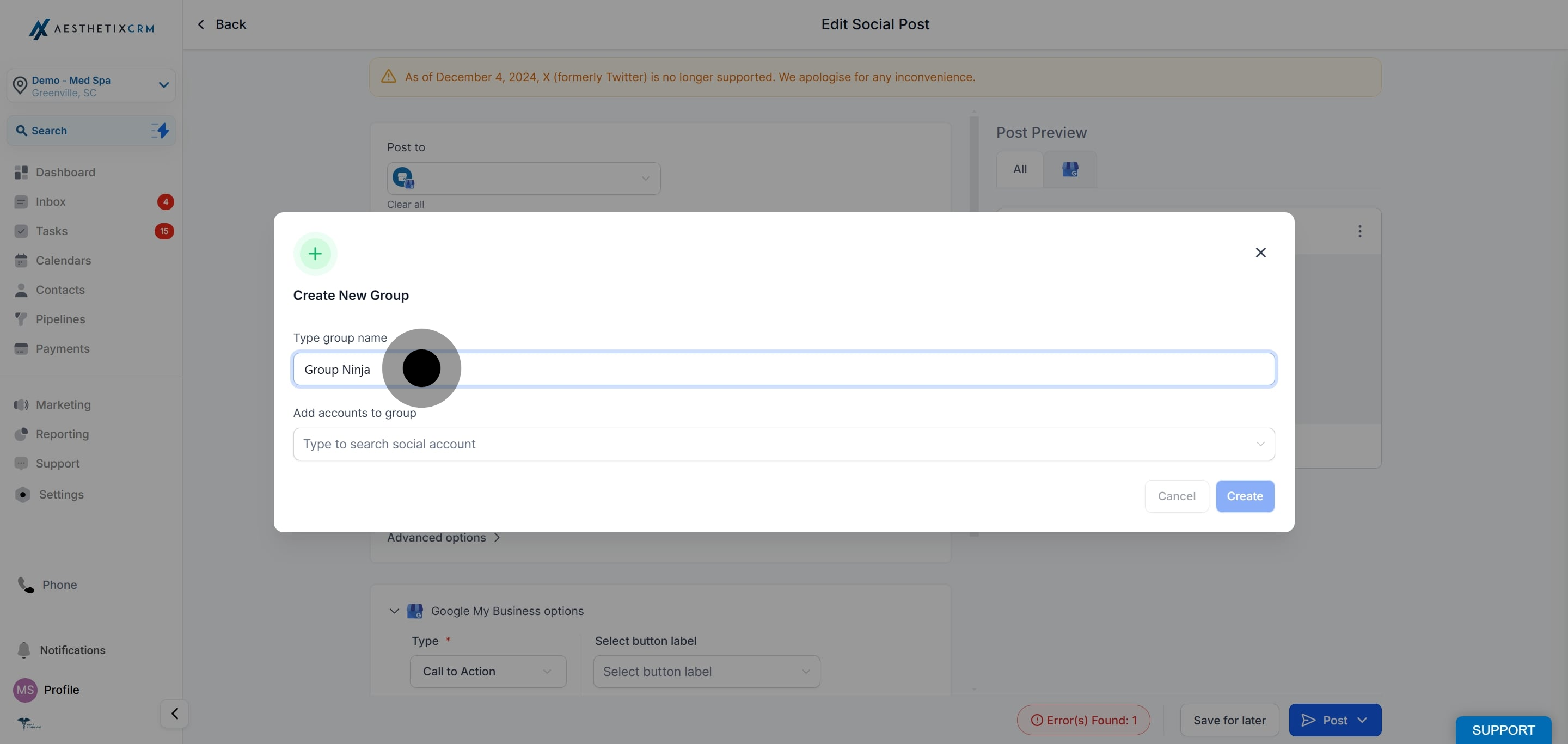
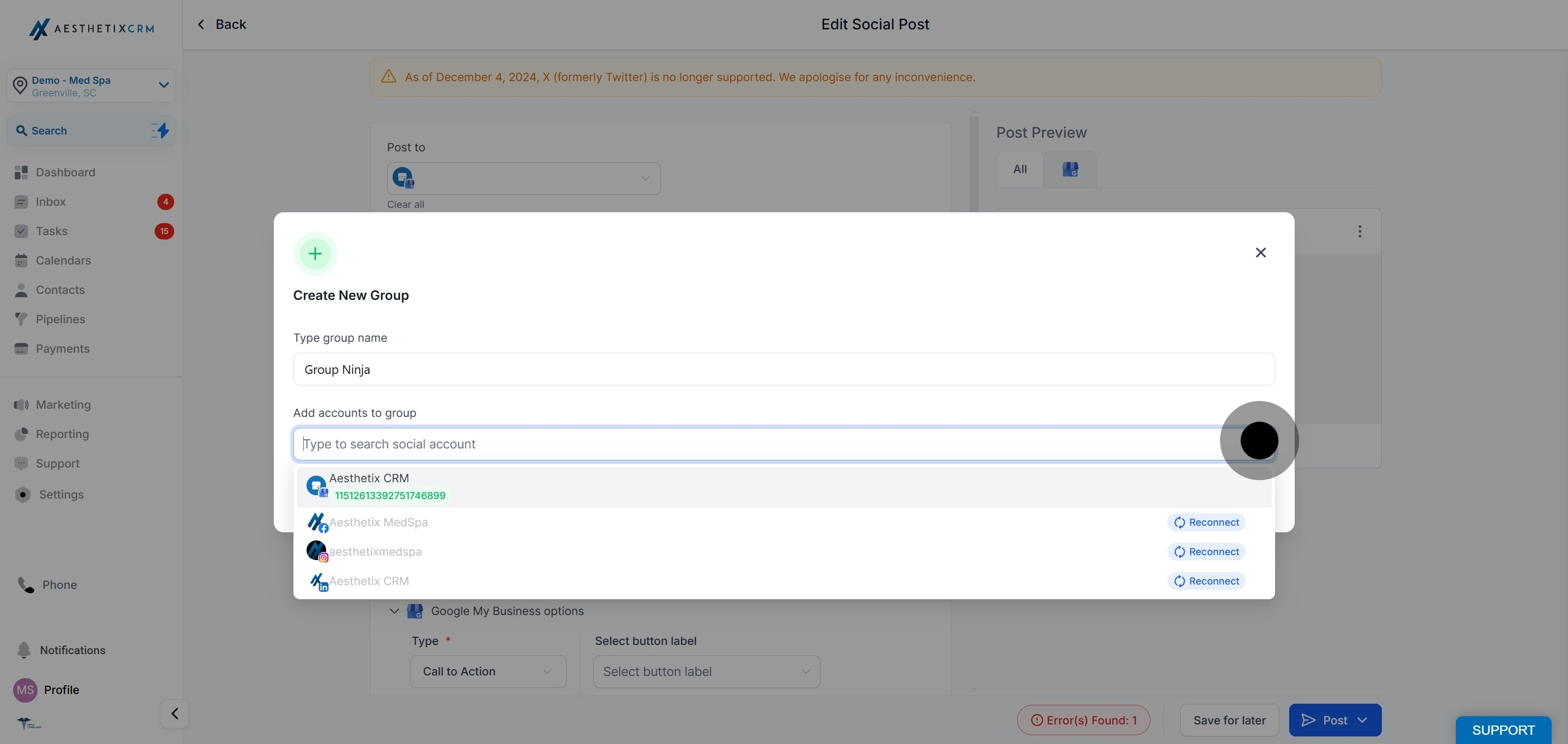
Select the social media accounts you want to include in this group.
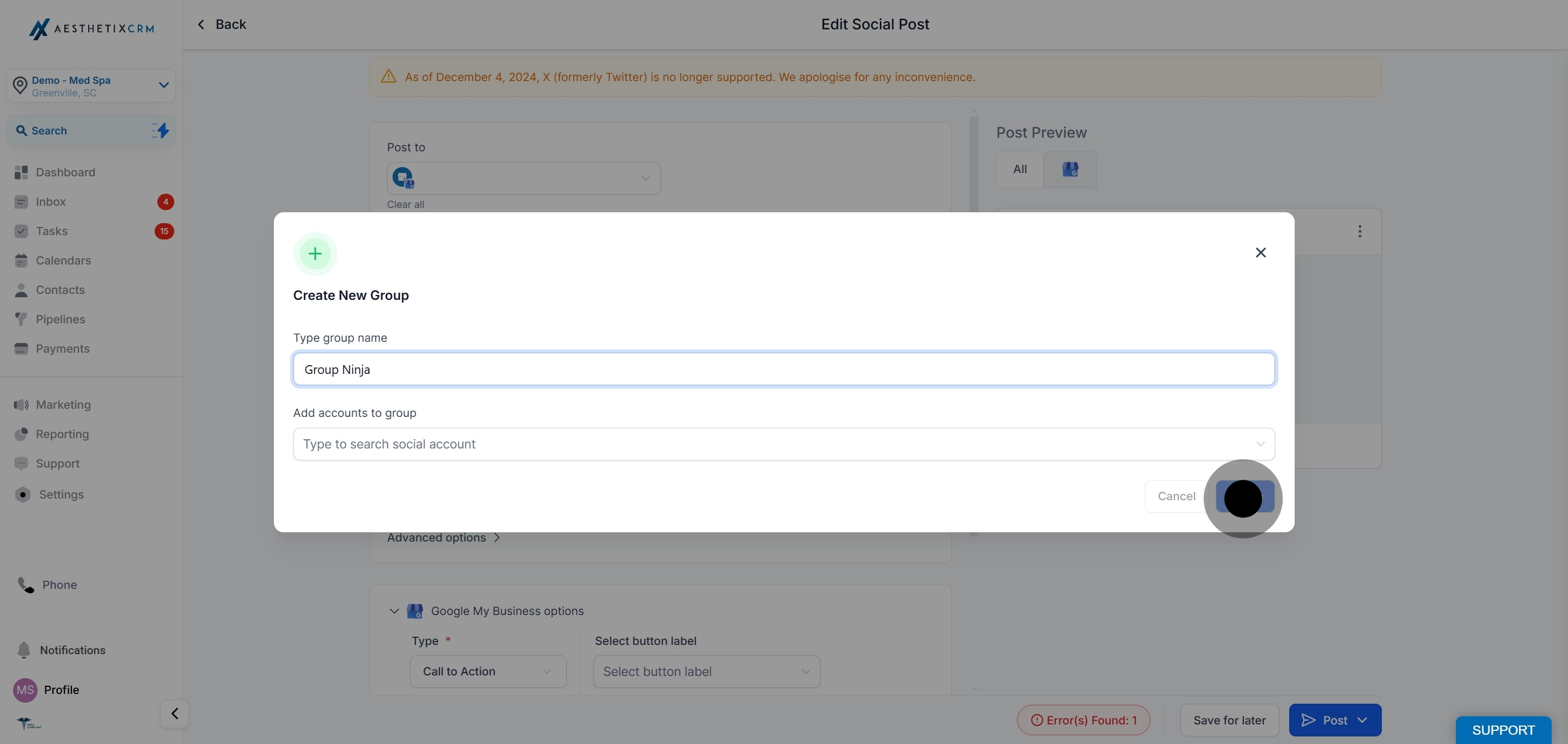
Click Create to save your new group.
You do not have to start from settings. You can also create a group in two other places:
From the overview page of the Social Planner.
While creating a new post, when you are choosing which profiles to publish to.
The steps are the same in each case: add the group, name it, add the accounts you want, and save.
If your channels change, you can update an existing group at any time. Open the group from the planner settings and click the pencil (edit) icon to add or remove accounts or rename the group. Managing which accounts belong to a group is done from the Social Planner settings.
What is a social group? A group is a saved bundle of social profiles. Selecting the group selects every account in it at once, so you can publish one post to all of them without picking each profile individually.
Where can I create a group? You can create a group from the planner settings, from the Social Planner overview page, or while creating a new post.
Does each profile in a group keep its own settings? Yes. Each social account stays unique inside the group, so posts still honor the requirements of each individual platform.
How do I edit a group after I create it? Open the group in the planner settings and click the pencil (edit) icon to rename it or change which accounts are included.
Can I add or remove accounts from a group later? Yes. Editing the group lets you add new profiles or remove ones you no longer use.
Why would I use a group instead of selecting accounts one by one? Groups save time when you regularly post the same content to the same set of profiles, such as sending every promotion to both Facebook and Instagram.
Is there a limit to how many accounts a group can hold? You can add any of your connected profiles to a group. Give each group a descriptive name so you can tell your groups apart at a glance.
