The Valid WhatsApp field lets you see, at a glance, whether a contact's phone number is active on WhatsApp. For a busy practice running WhatsApp campaigns, appointment reminders, or follow-up outreach, this means you can focus your messaging on patients you can actually reach, improve deliverability, and avoid wasted sends to numbers that are not on WhatsApp.
The Valid WhatsApp field lives at the contact level and reflects the WhatsApp availability of that contact's phone number. It has three possible statuses:
Is Valid – The phone number is active on WhatsApp, so you can send messages to this contact successfully.
Is Invalid – The phone number is not available on WhatsApp, so the contact cannot receive WhatsApp messages.
Is Not Validated – The system has not yet confirmed whether the phone number is active on WhatsApp. This may require further validation before messaging the contact.
The status updates automatically in real time based on messaging activity. You cannot set it manually.
When a message is successfully delivered on WhatsApp – The contact is automatically marked as Is Valid.
If a message fails to deliver or encounters Meta issues – The contact is marked as Is Invalid.
When a contact initiates a WhatsApp message – The status updates to Is Valid, confirming in real time that the contact has actively engaged over WhatsApp and that their number is valid.
If there is no conversation over WhatsApp – The status stays at Is Not Validated until further interaction occurs.
Note: Because the field updates automatically from delivery outcomes and contact activity, you never need to maintain it by hand.
Filter contacts efficiently – Segment contacts by their WhatsApp status. For targeted outreach, filter on Is Valid to reach active WhatsApp users only.
Optimize your smart lists – Build the Valid WhatsApp field into your smart lists for more tailored communication strategies.
Gain better insight – Understand the responsiveness and engagement levels of your WhatsApp contacts.
Using this field, you can ensure you are messaging only active WhatsApp users, avoid sending to inactive or non-WhatsApp numbers, and identify numbers that still need validation before you message them. The result is better efficiency, stronger deliverability, and higher engagement.
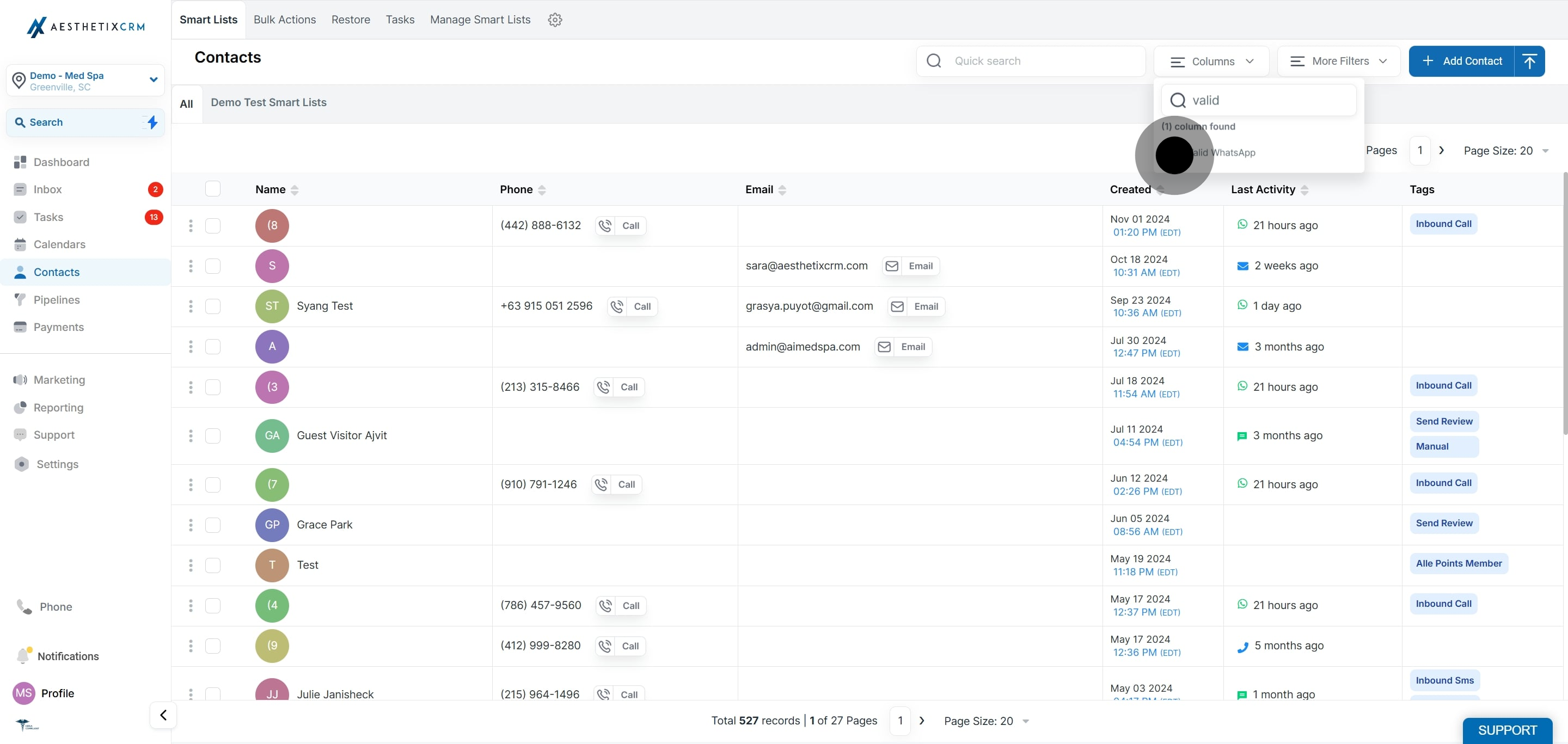
Adding the column lets you see each contact's WhatsApp status directly in your Contacts list.
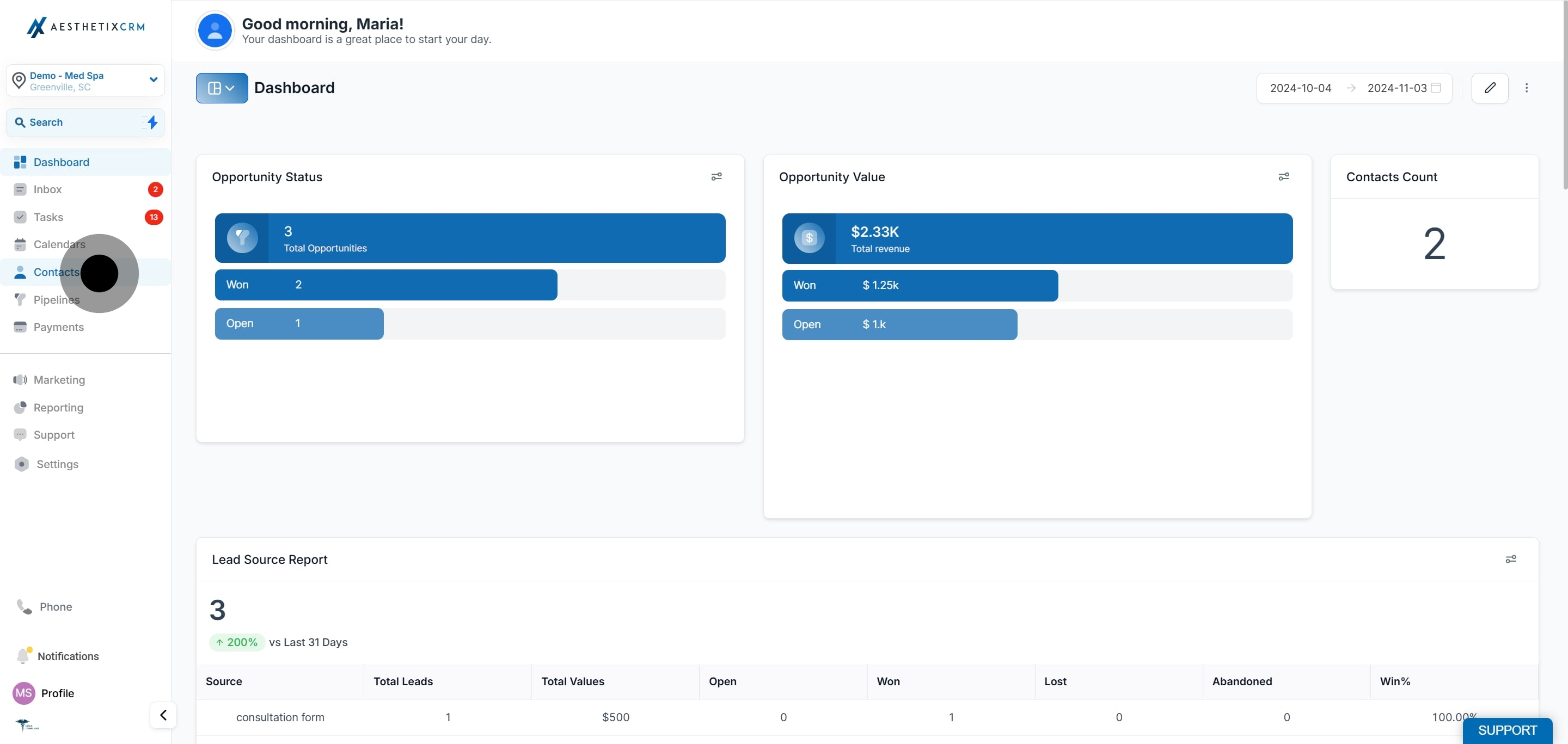
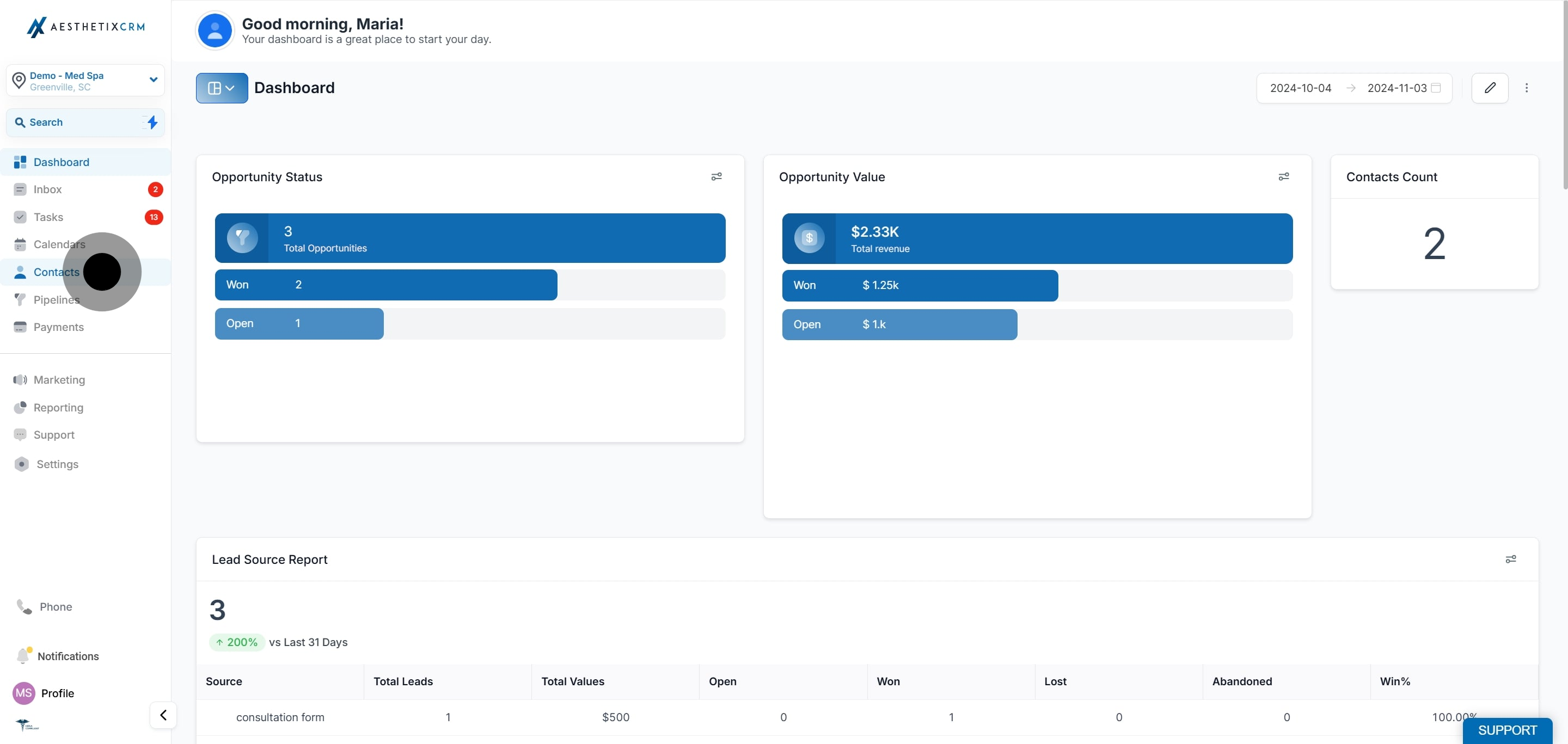
Click Contacts.
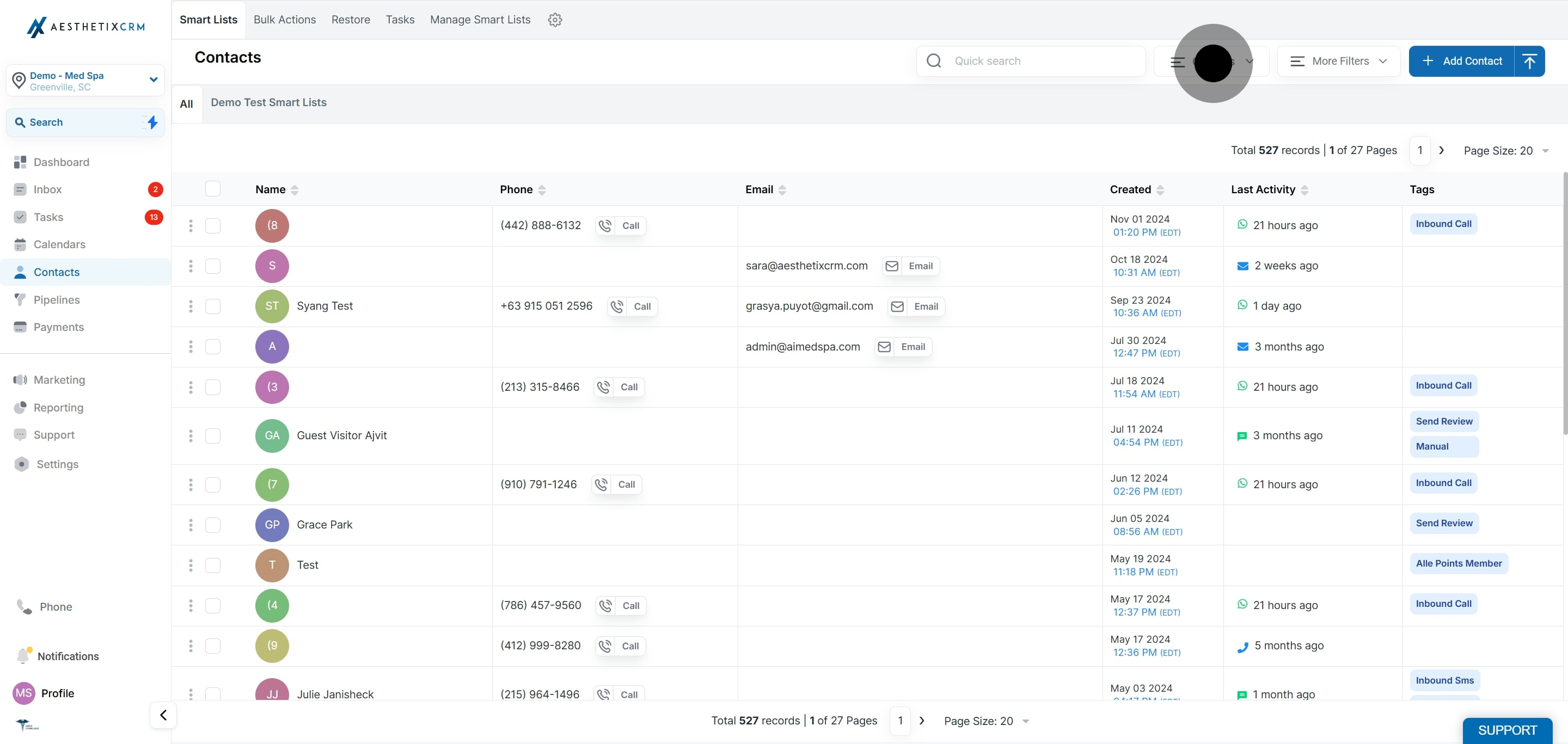
Click on Columns.
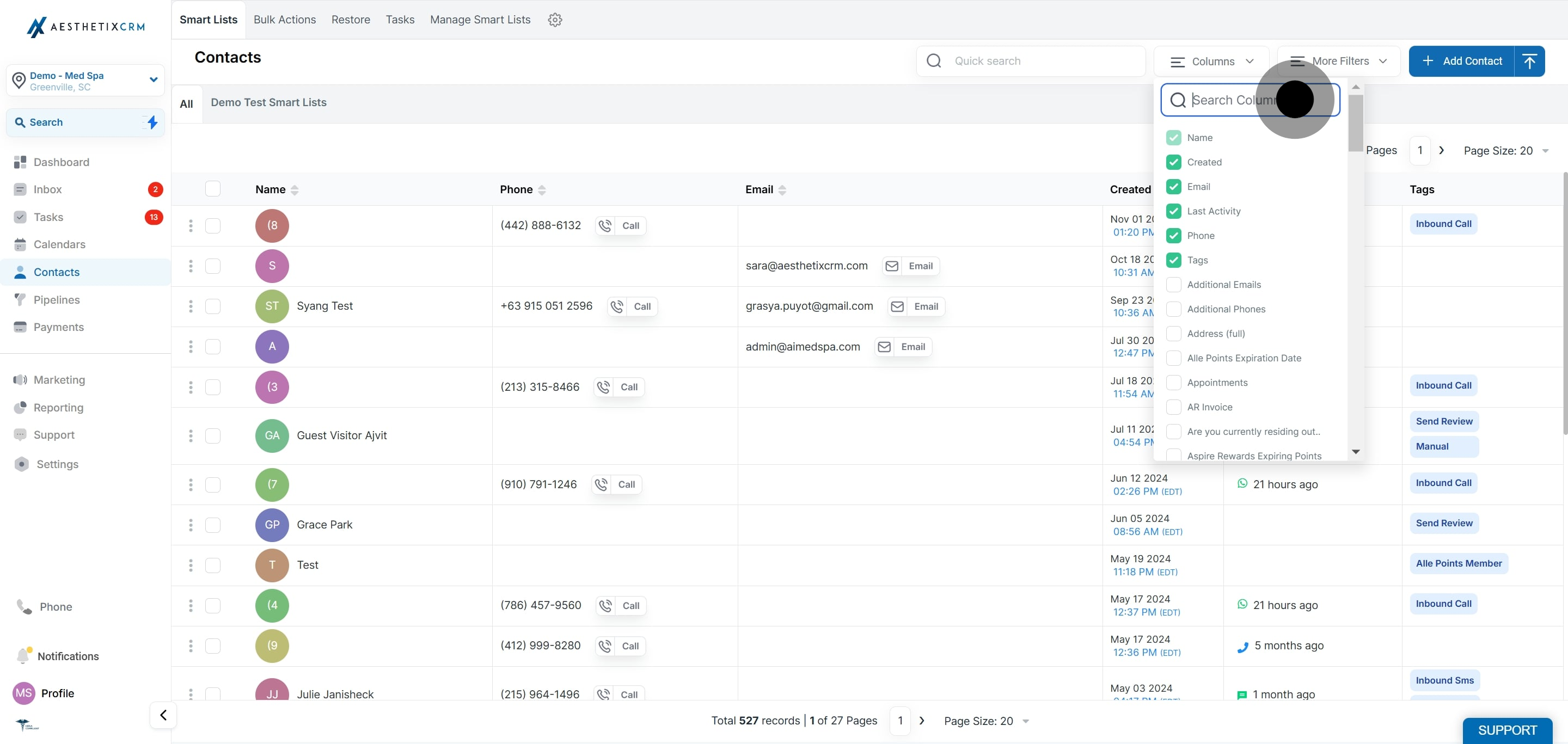
Search Valid WhatsApp.
Click on Valid WhatsApp to add it as a column.
This smart list captures contacts that are either Valid or Not Validated on WhatsApp, giving you a reliable audience for WhatsApp campaigns. Not Validated contacts are included because the system has not yet determined whether they are on WhatsApp, usually because there is no WhatsApp conversation history yet, so they may still be reachable.
Click Contacts.
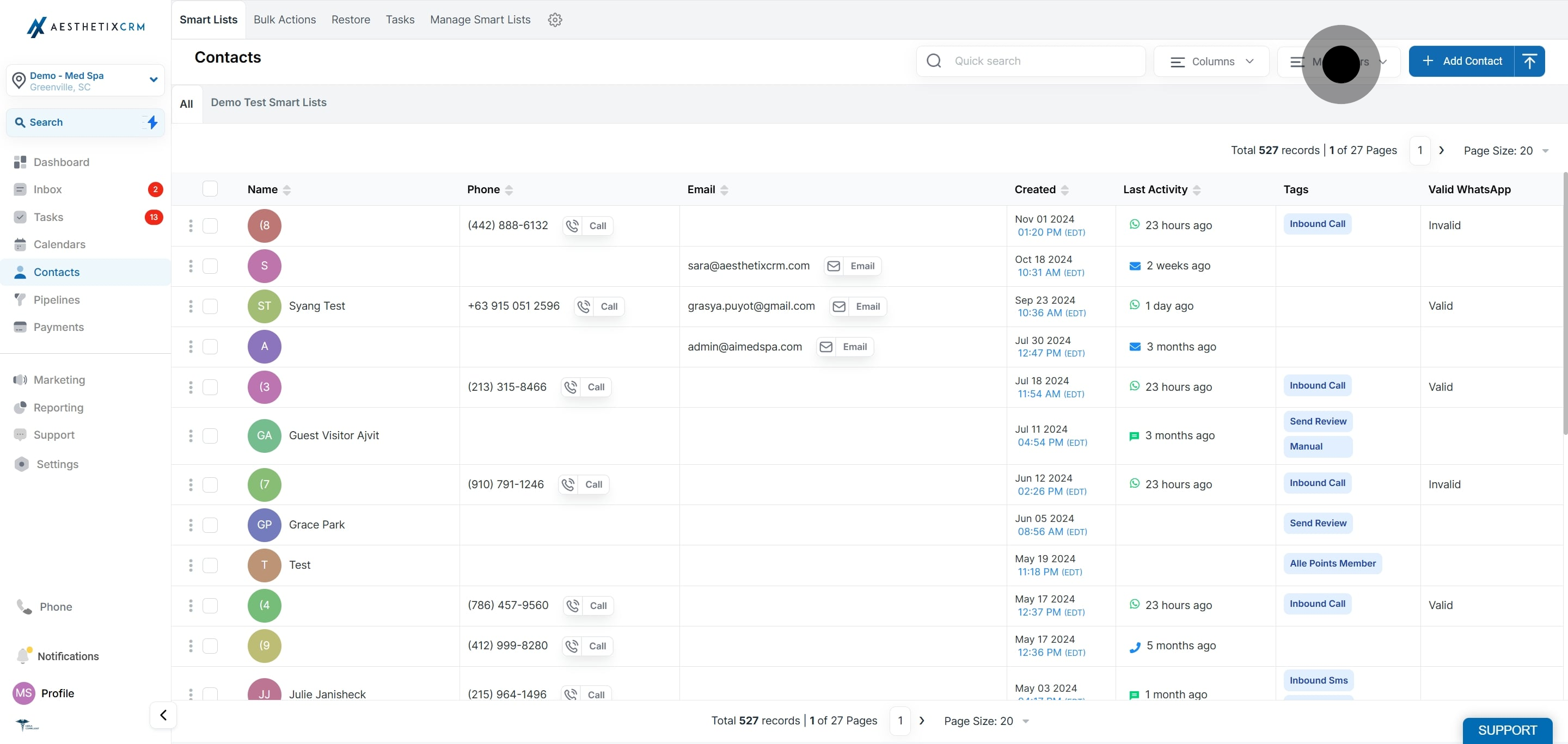
Click on More Filters.
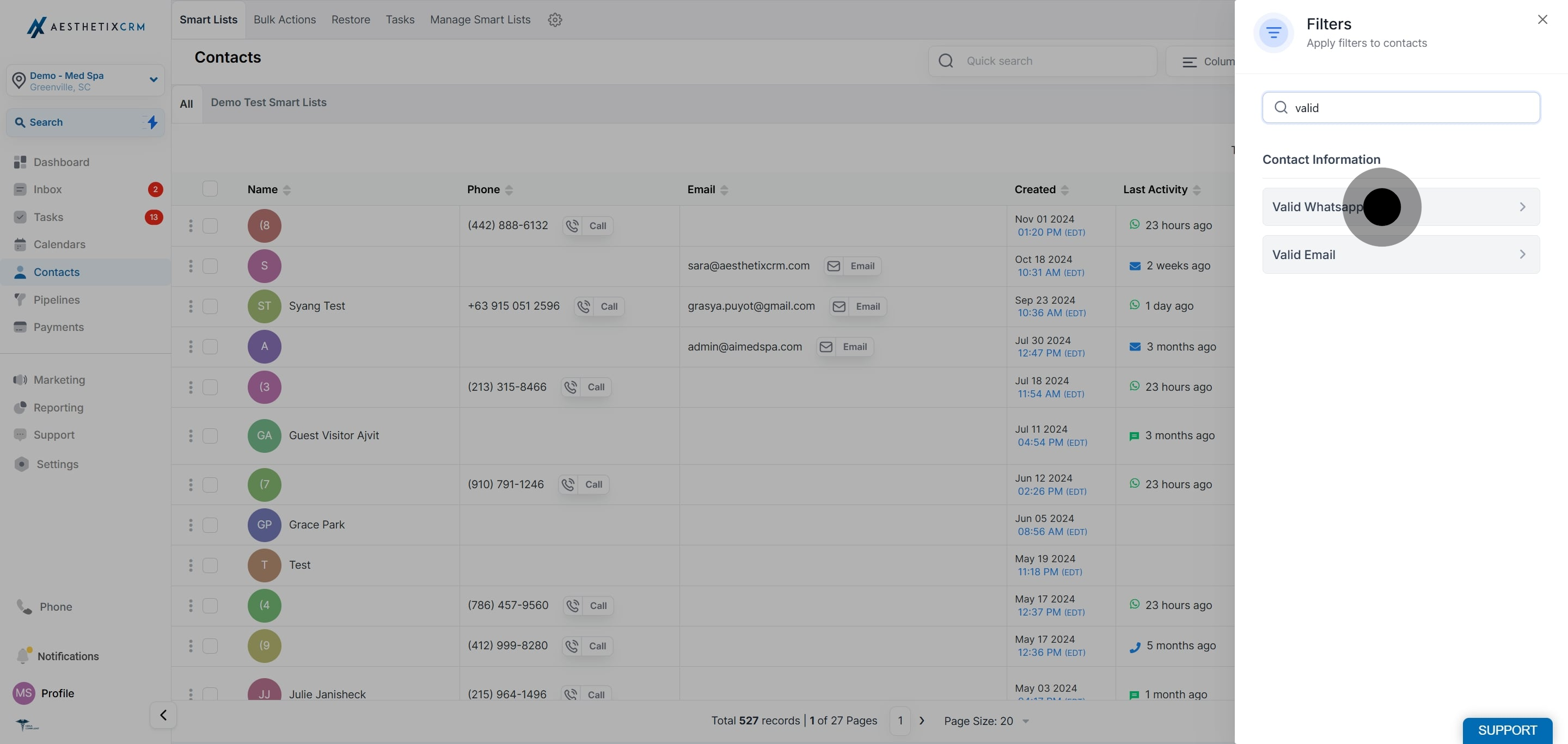
Click on Valid WhatsApp.
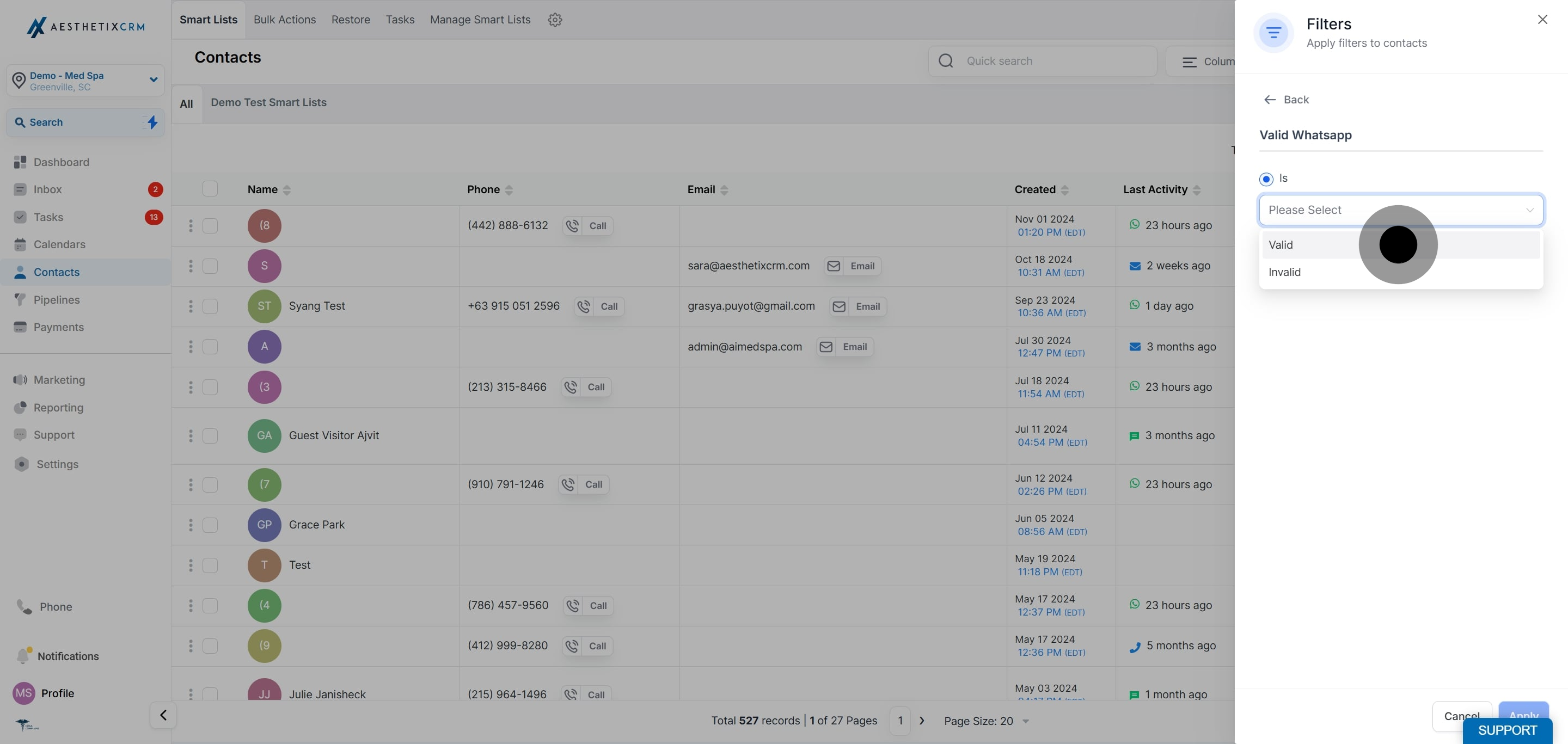
Click on Valid.
Click on Apply.
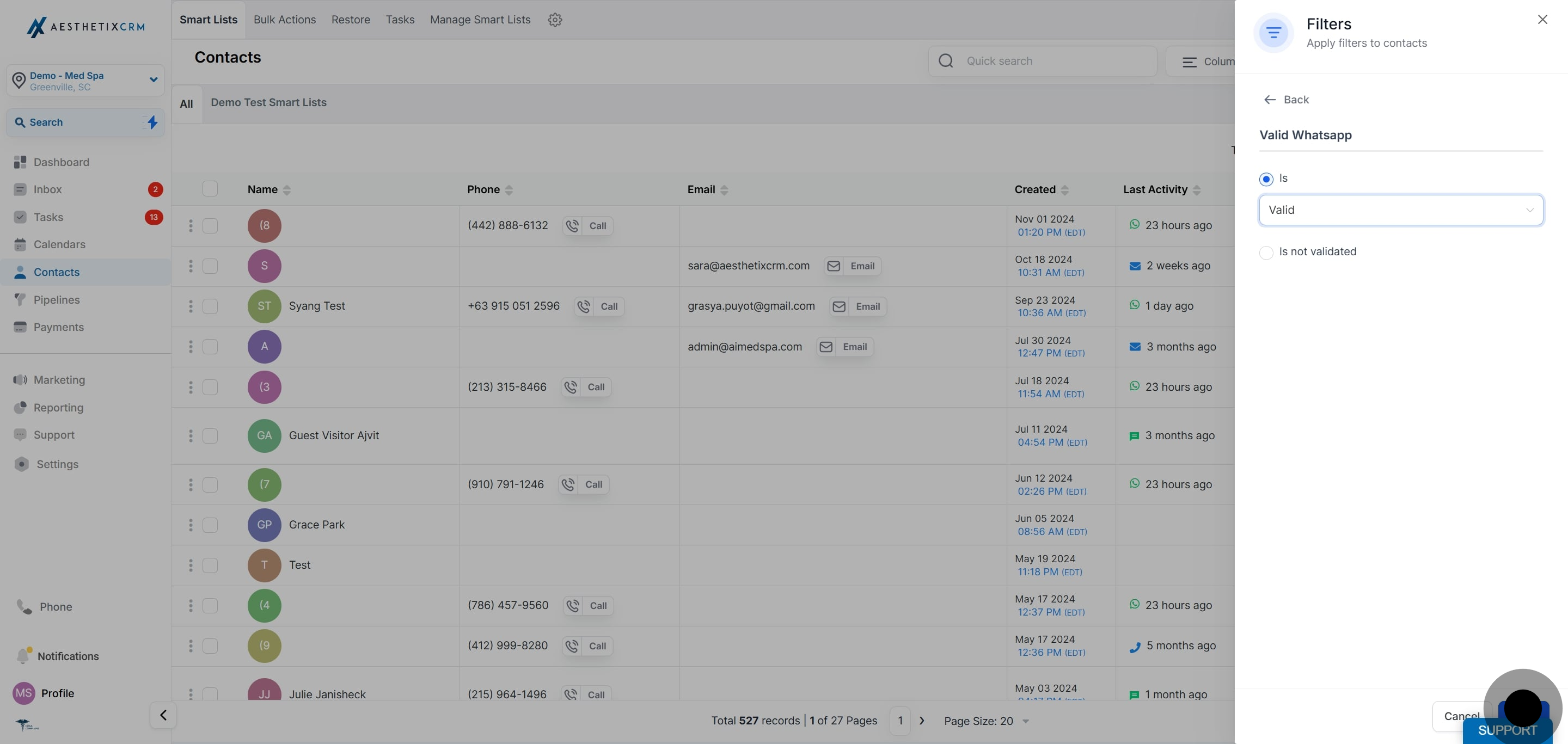
Click on OR.
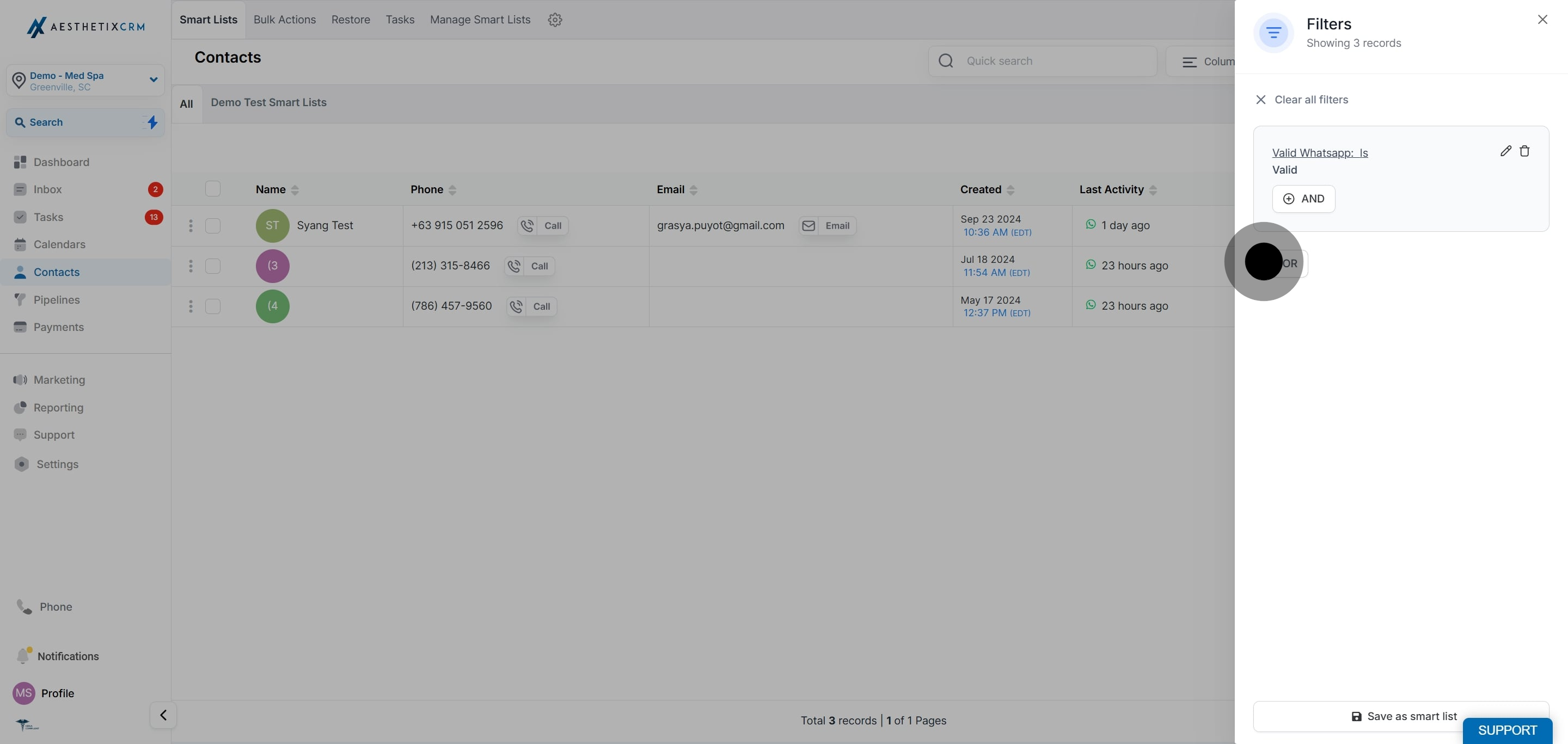
Search for Valid WhatsApp.
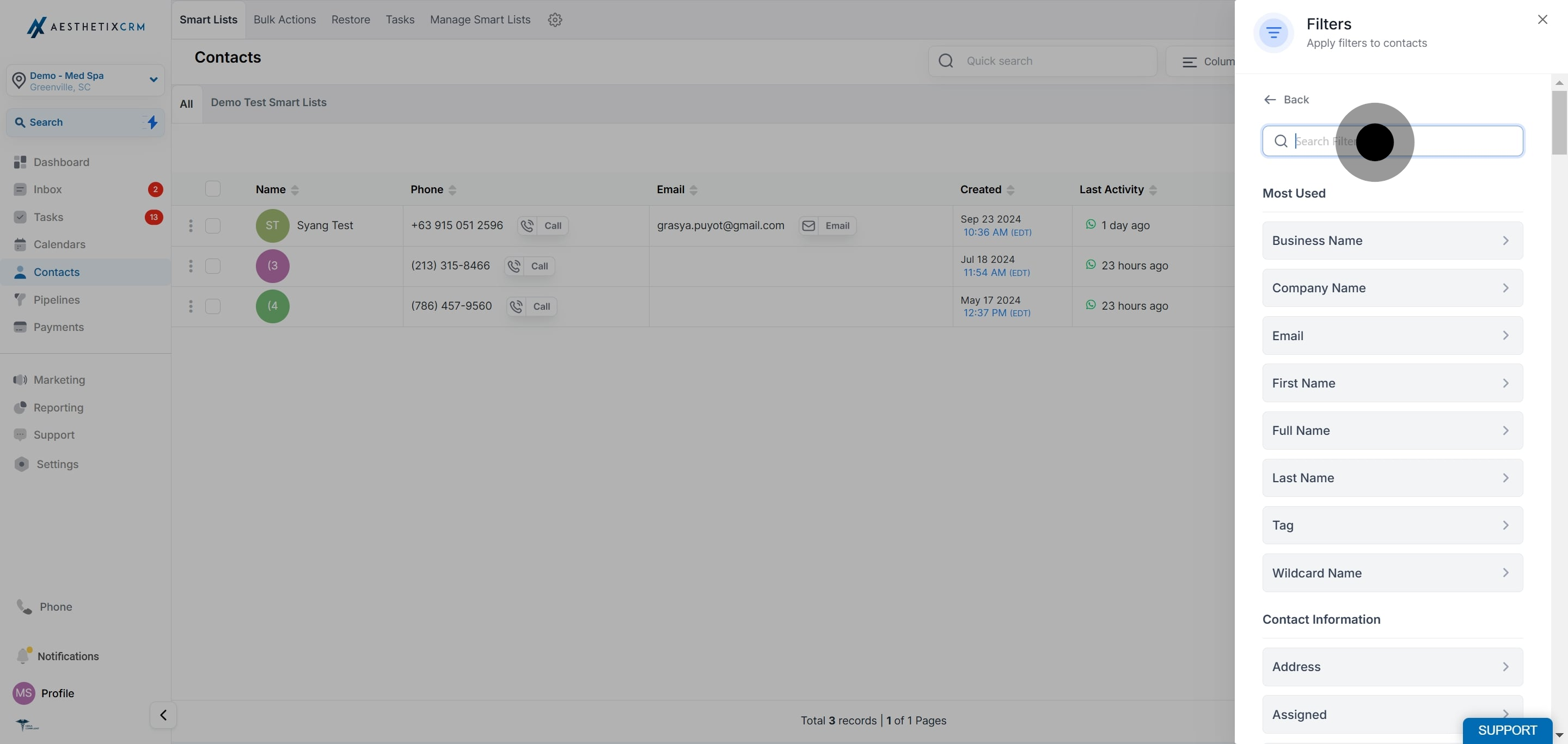
Click on Valid WhatsApp.
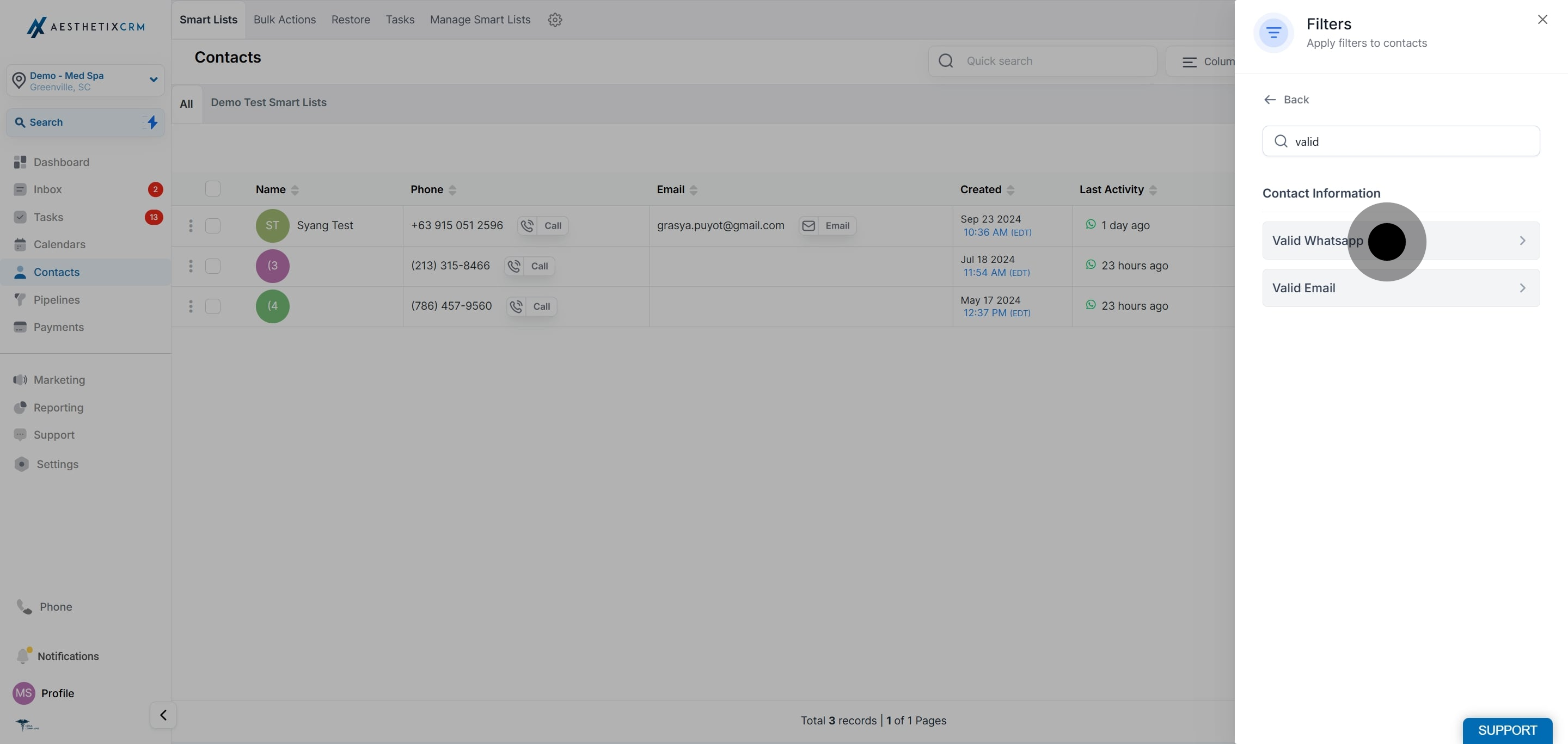
Click on is not validated.
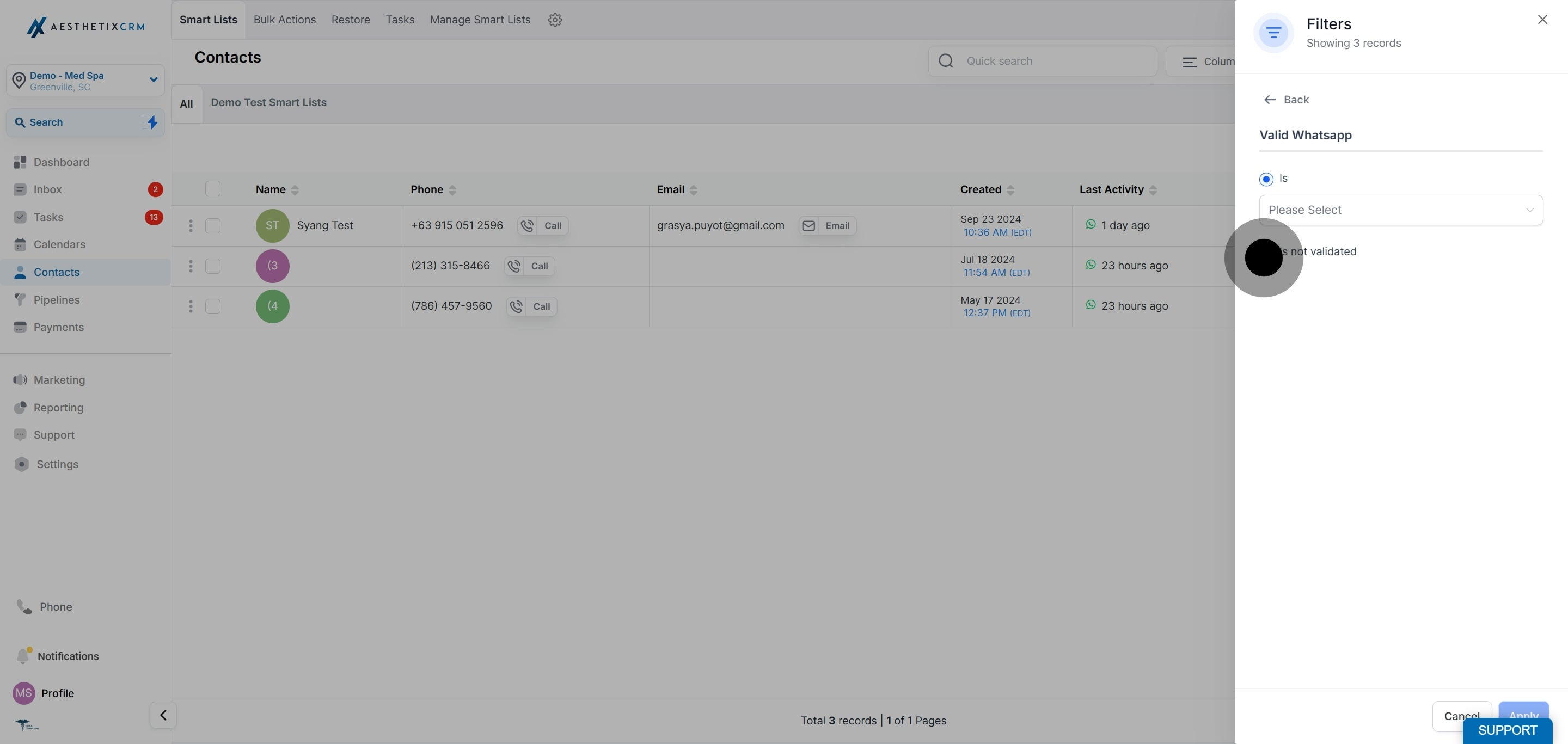
Click on Apply.
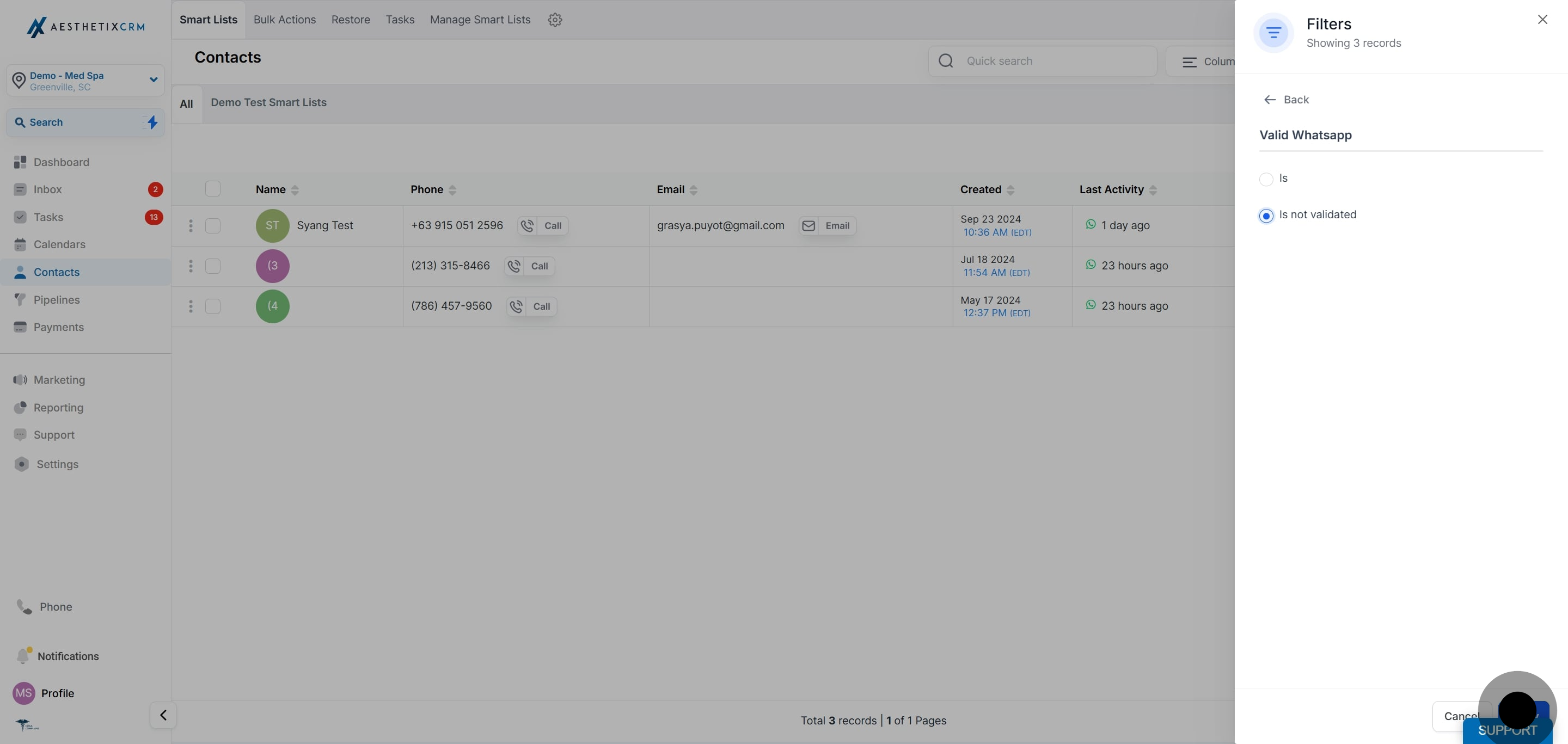
Click on Save as smart list.
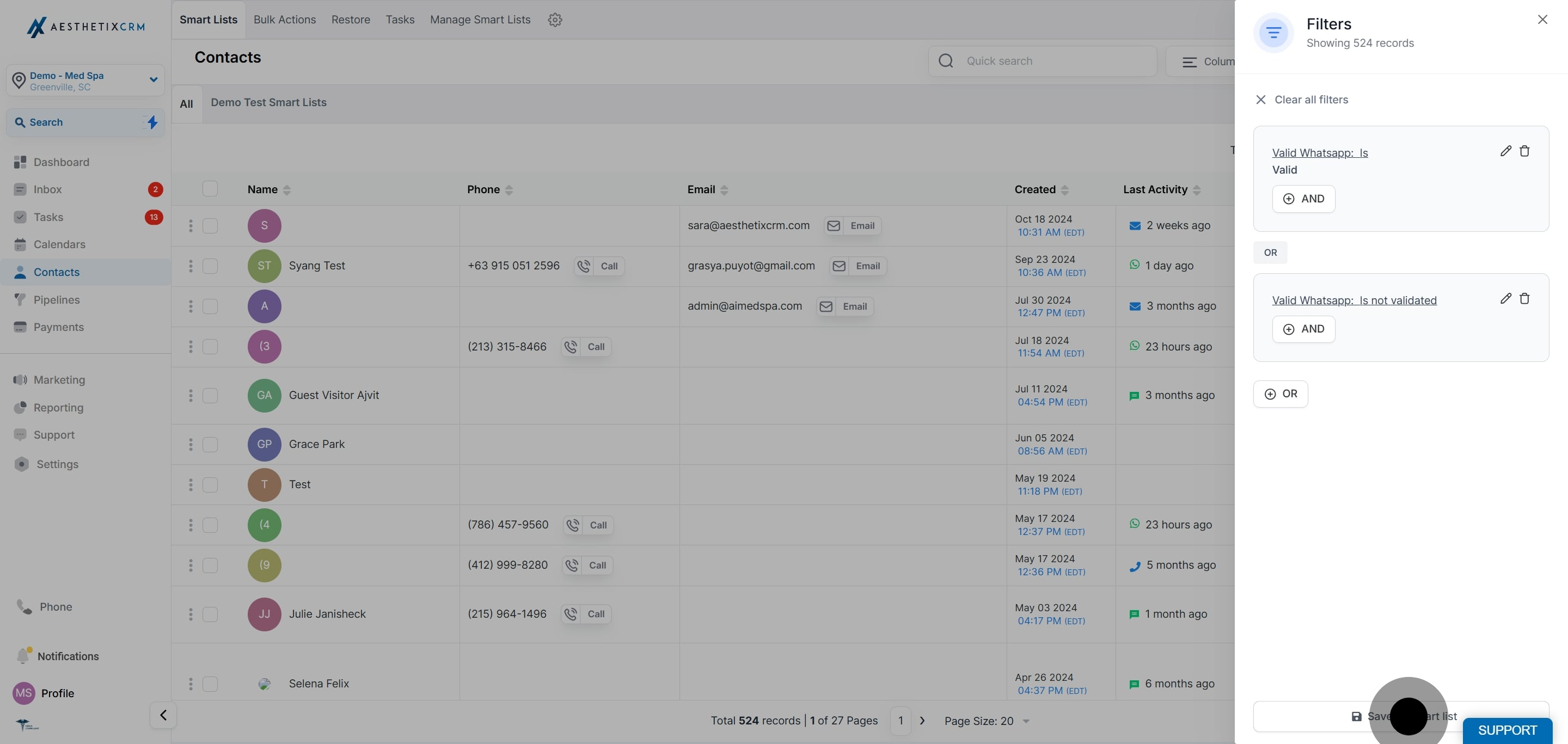
Enter a name for your smart list.
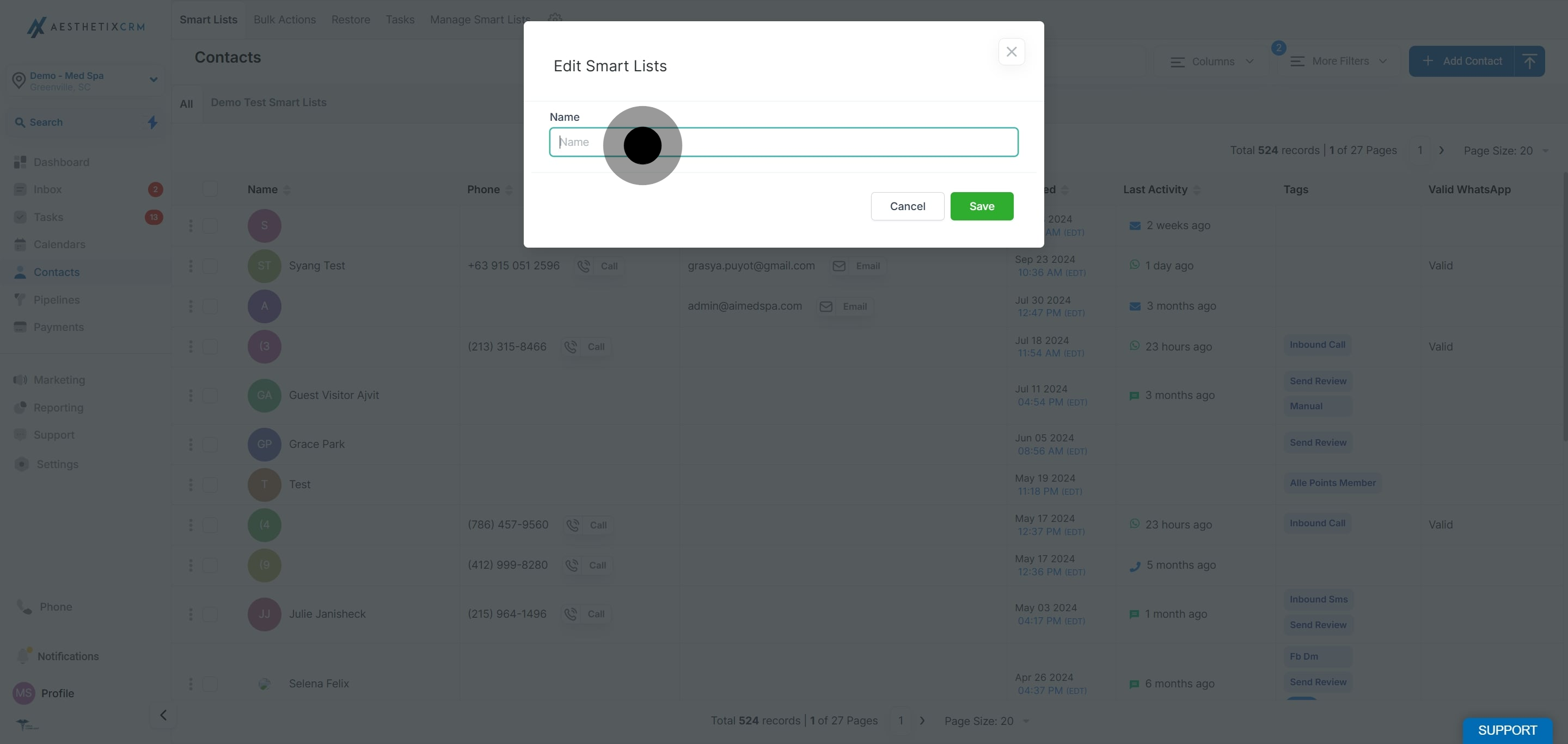
Click on Save.
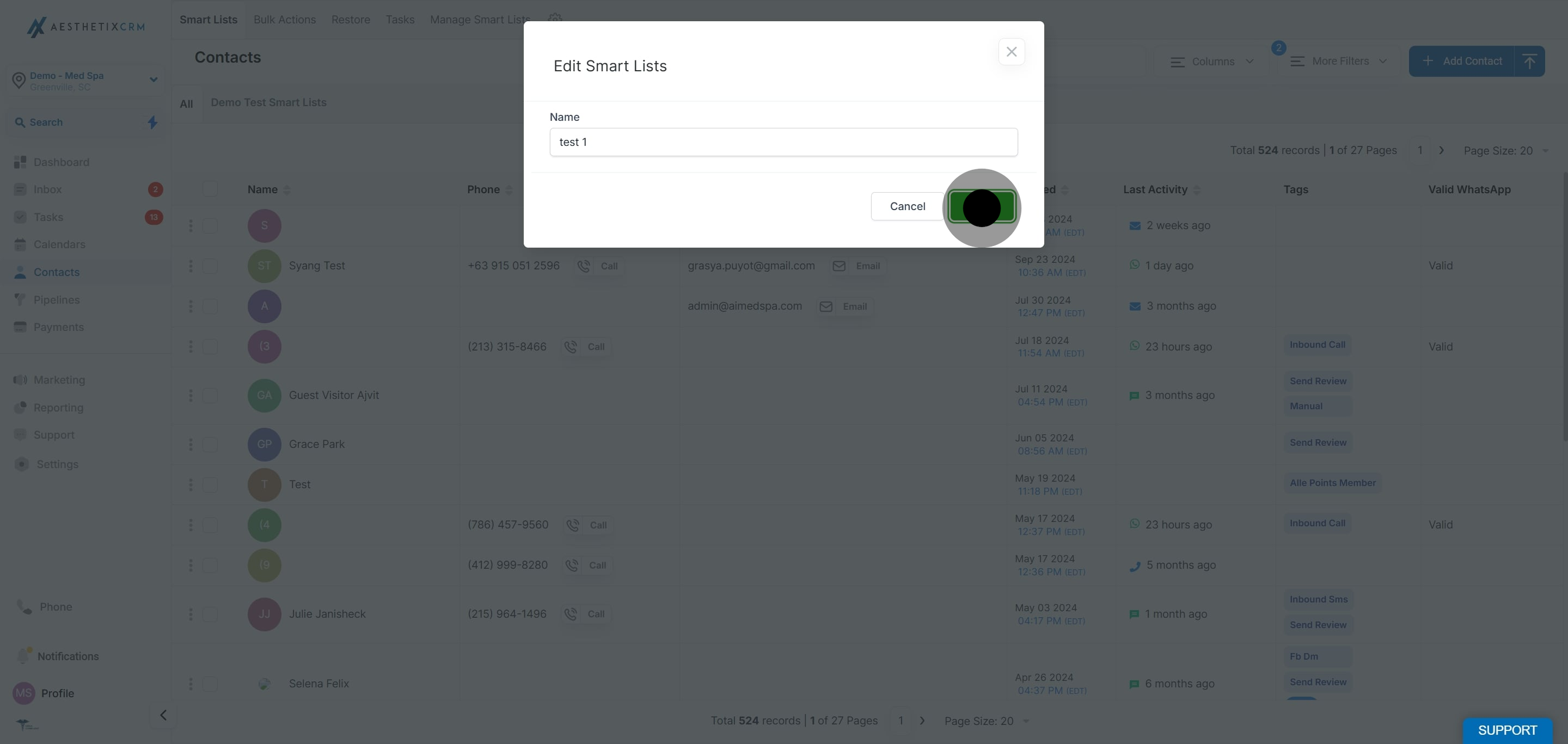
Note: This smart list updates dynamically as soon as a contact becomes active or inactive on WhatsApp, so your audience always reflects current WhatsApp status. Use it to send your WhatsApp campaigns.
For more ways to organize, filter, and segment your patients, see the Contacts collection.
What is the Valid WhatsApp field?
It is a contact-level field that tells you directly whether a contact's phone number is registered and active on WhatsApp.
What do the different Valid WhatsApp values mean?
Valid: The contact has an active WhatsApp account.
Invalid: The contact's number is not currently on WhatsApp.
Not Validated: The system has not yet confirmed whether the number is on WhatsApp.
How does the Valid WhatsApp status get updated?
It updates automatically. When you send a message successfully, the status changes to Valid. When message delivery fails, it changes to Invalid. When a contact messages you on WhatsApp, their status instantly changes to Valid.
How often are these fields updated?
The fields update in real time based on the scenarios above.
Can I manually update the WhatsApp status of a contact?
No. The system updates the status automatically based on contact interactions and message delivery outcomes.
Can I filter my contacts based on their WhatsApp status?
Yes. There is a dedicated Valid WhatsApp filter you can use to see only the contacts you can reach on WhatsApp, and you can save that filter as a smart list.
Why include Not Validated contacts in a WhatsApp smart list?
Not Validated simply means the system has not yet confirmed whether the contact is on WhatsApp, usually because there is no conversation history yet. Including them ensures you still reach contacts who may well be reachable on WhatsApp.
