
Verify a patient's phone number with an SMS code before your form submits, reducing fake submissions and keeping your contact data accurate.
SMS Verification lets people who fill out your forms and surveys confirm their phone number right inside the form. When a patient enters a valid phone number, a Verify Phone button appears. Clicking it sends a one-time code by text, and the patient enters that code to confirm the number is real and belongs to them. This improves the integrity of the data you collect for your practice and gives patients a smooth, guided experience.
What SMS Verification Adds
Verify Phone button: A Verify Phone button appears next to the phone number field in your forms and surveys.
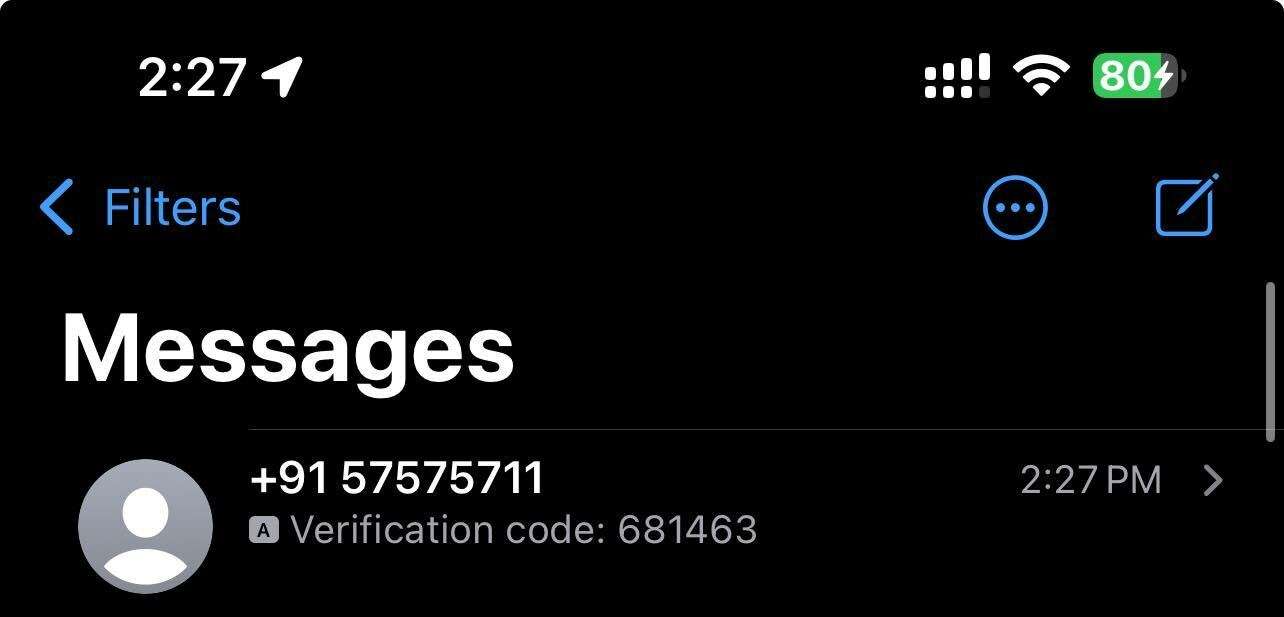
Verification code: Patients receive a unique code by SMS and enter it into the form to confirm their phone number.
Better data accuracy: Verification minimizes errors and fraudulent submissions by ensuring the phone numbers you collect are valid and reachable.
Patient-friendly process: The flow is designed to be intuitive and guides patients through verification smoothly.
Phone Verified field: A Phone Verified field is included in form and survey submissions. When a number is successfully verified, it is marked as Yes, so you can easily identify verified phone numbers.
Note: One-time passcode (OTP) messages are billed at standard messaging pricing.
How It Works
The patient enters their phone number in the designated field of your form or survey.
Once a valid phone number is entered, the Verify Phone button becomes visible.
The patient clicks the button, which sends a verification code to their phone by SMS.
The patient enters that code back into the form or survey to verify their phone number.
Why Use SMS Verification
SMS Verification responds to the need for higher data accuracy and reliability in forms and surveys. By confirming that phone numbers are real and reachable, you significantly reduce the chance of receiving inaccurate data or fake submissions, which benefits both your practice and the patients you serve.
Frequently Asked Questions
What is SMS Verification in forms and surveys? It is a feature that lets patients confirm their phone number directly inside a form or survey. A verification code is sent by text, and the patient enters it to prove the number is valid and belongs to them.
When does the Verify Phone button appear? The Verify Phone button becomes visible once the patient enters a valid phone number in the designated field.
How does a patient verify their number? They click Verify Phone, receive a unique code by SMS, and enter that code back into the form or survey to complete verification.
What is the Phone Verified field? It is a field included in form and survey submissions. When a phone number is successfully verified, it is marked as Yes, so you can quickly tell which submissions have a confirmed number.
Does SMS Verification cost anything? Yes. The one-time passcode (OTP) messages are billed at standard messaging pricing, the same as other outgoing text messages.
Does SMS Verification reduce fake or fraudulent submissions? Yes. By requiring a valid, reachable phone number, it minimizes errors and fraudulent submissions and improves the overall accuracy of the data you collect.
Can I use SMS Verification on both forms and surveys? Yes. SMS Verification is available for both the Forms and Surveys tools.