
The Block Editor gives you a smoother, more intuitive way to format text inside your funnels and websites. This update refines the editing experience so you can customize pages faster, with new options for fonts, formatting, and list styles.
Key Features and Benefits
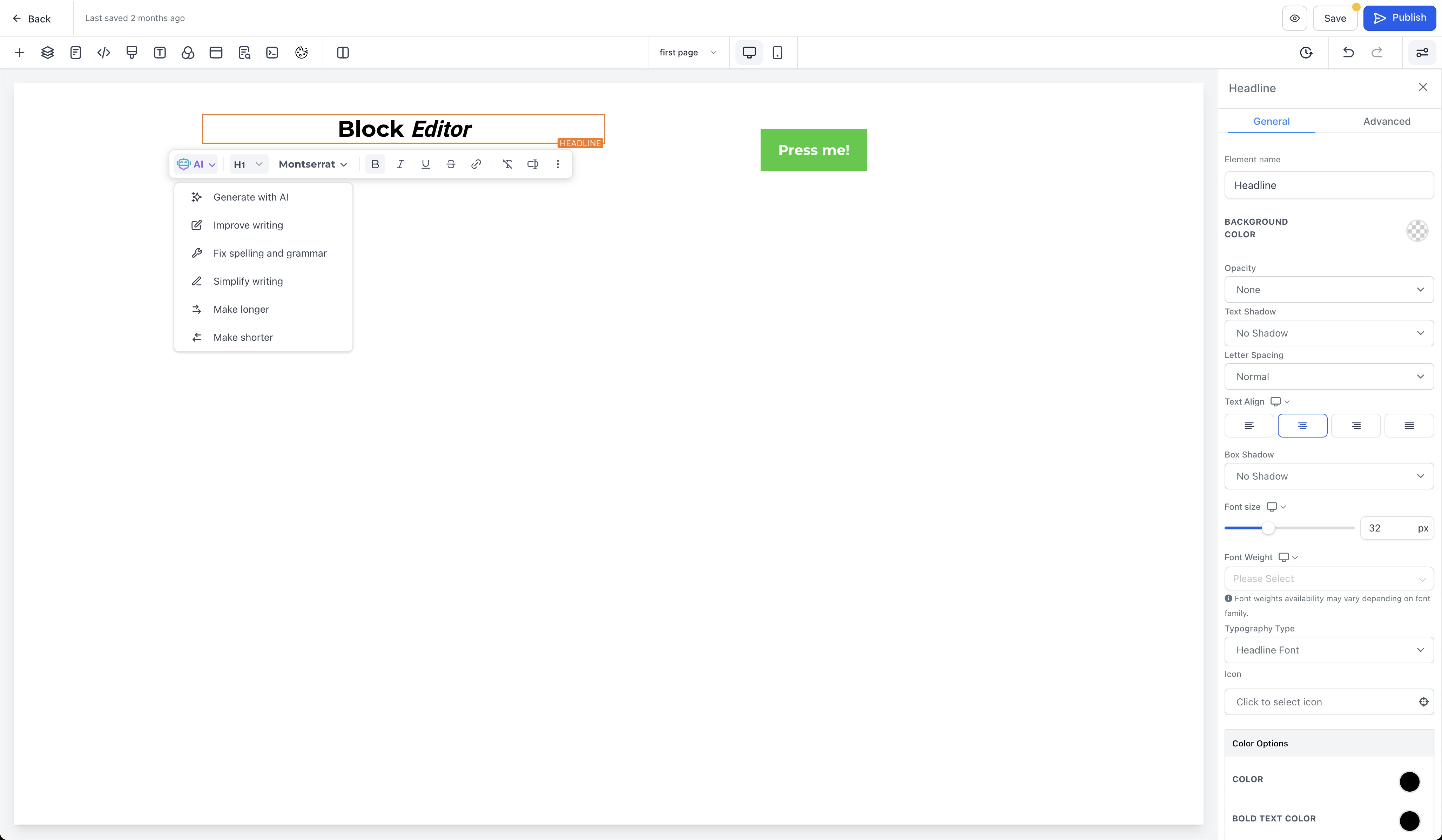
Improved editing experience: A streamlined interface makes text editing smoother and more intuitive.
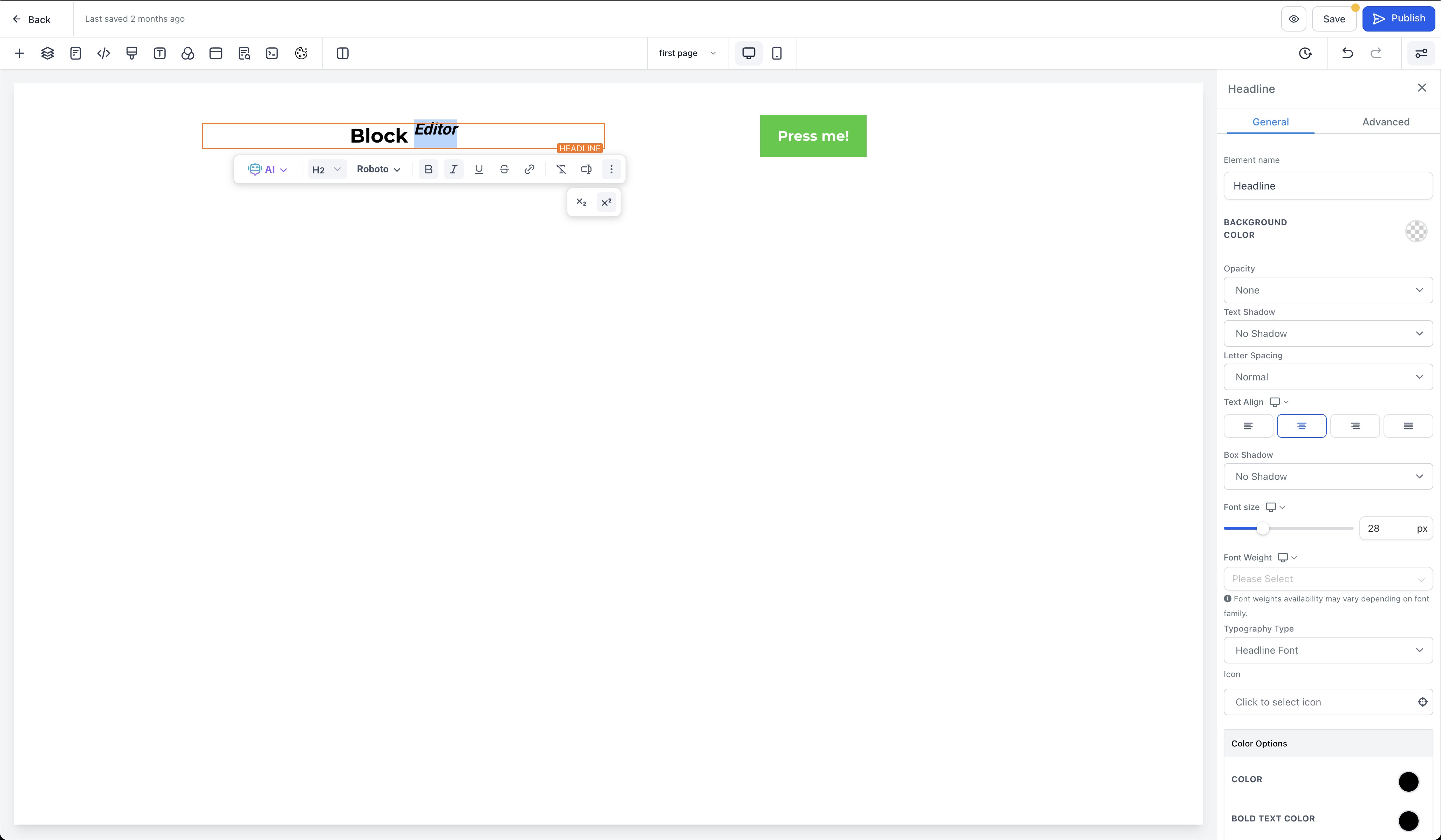
Custom fonts for highlighted text: Choose custom fonts directly from the Block Editor to restyle highlighted text blocks for more personalized, visually appealing designs.
Subscript and superscript: Easily wrap text in subscript or superscript using the new menu options.
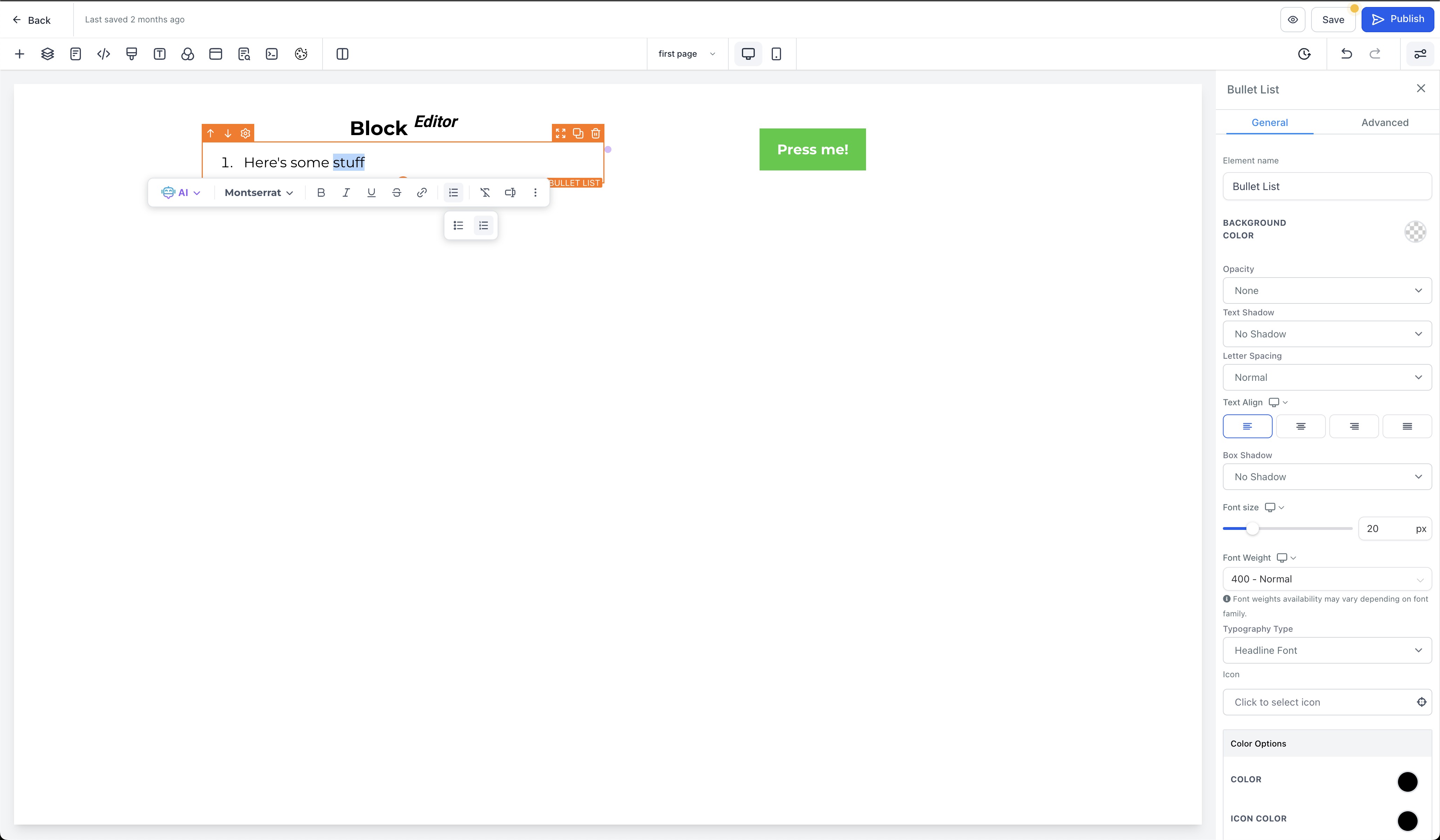
Dedicated bullet list section: Bullet lists now have their own section, making list creation and management more straightforward.
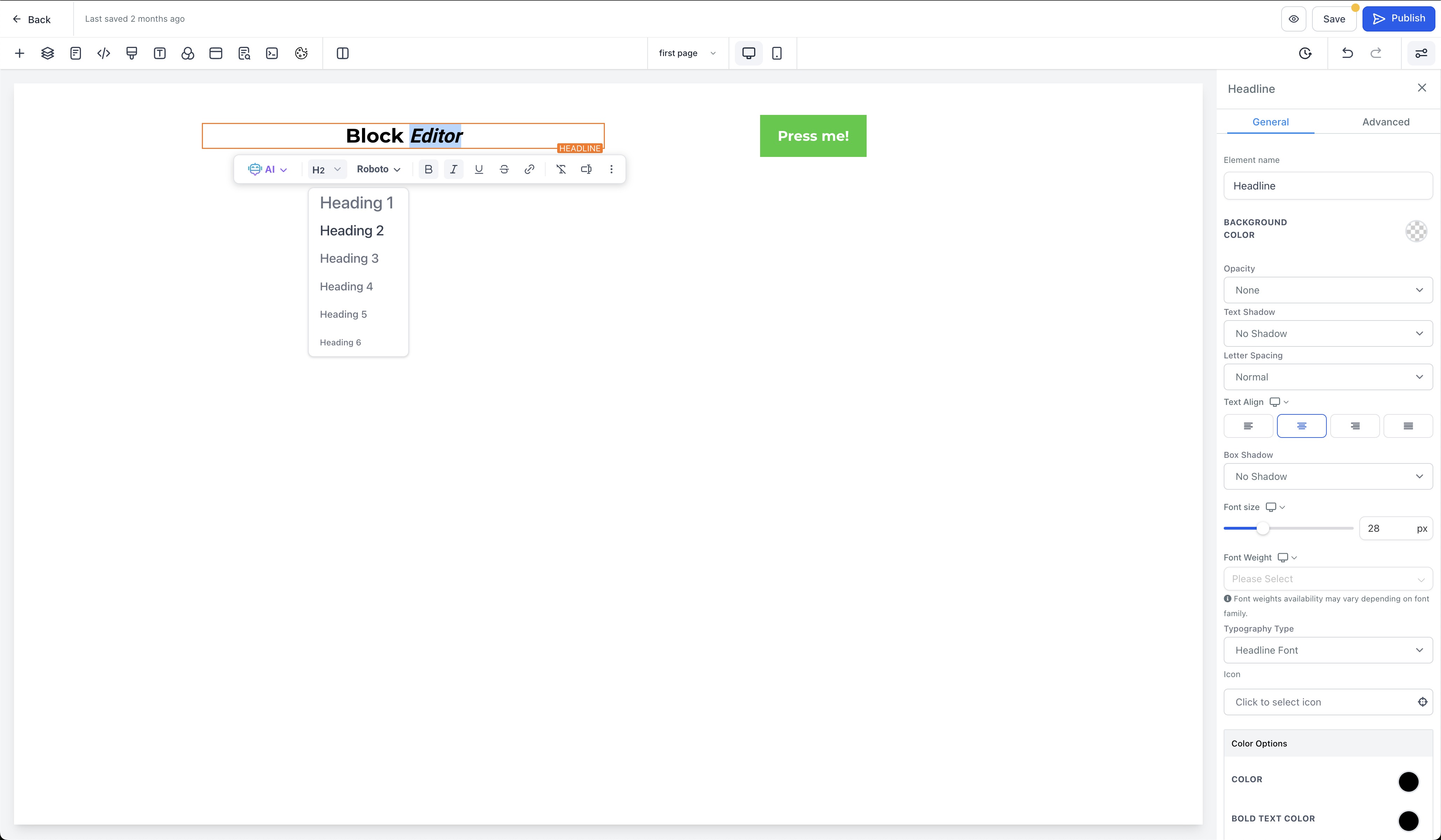
Cleaner formatting options: Unwanted paragraph options have been removed to improve usability.
You can also choose native list marker styles in the editor:
Unordered lists: Disc (●), Circle (○), Square (■)
Ordered lists: Lower Alpha (a, b, c), Upper Alpha (A, B, C), Lower Roman (i, ii, iii), Upper Roman (I, II, III)
Custom icons are still supported when you need full design control.
Note: The Block Editor is designed for manual text formatting inside a single element, such as bolding text, adding bullets, and applying inline formatting. For broader AI-assisted edits, such as revising an entire section or updating page-wide styles, use AI Page Revisions in the Funnels and Websites AI workflow.
When to Use What
Use the Block Editor for quick manual copy tweaks inside a single text element.
Use AI Page Revisions for broader copy or design updates across a section or page without rebuilding your layout.
How to Use the Block Editor
Access the editor: Edit a funnel or website by selecting the site tab from the sidebar in your desired location.
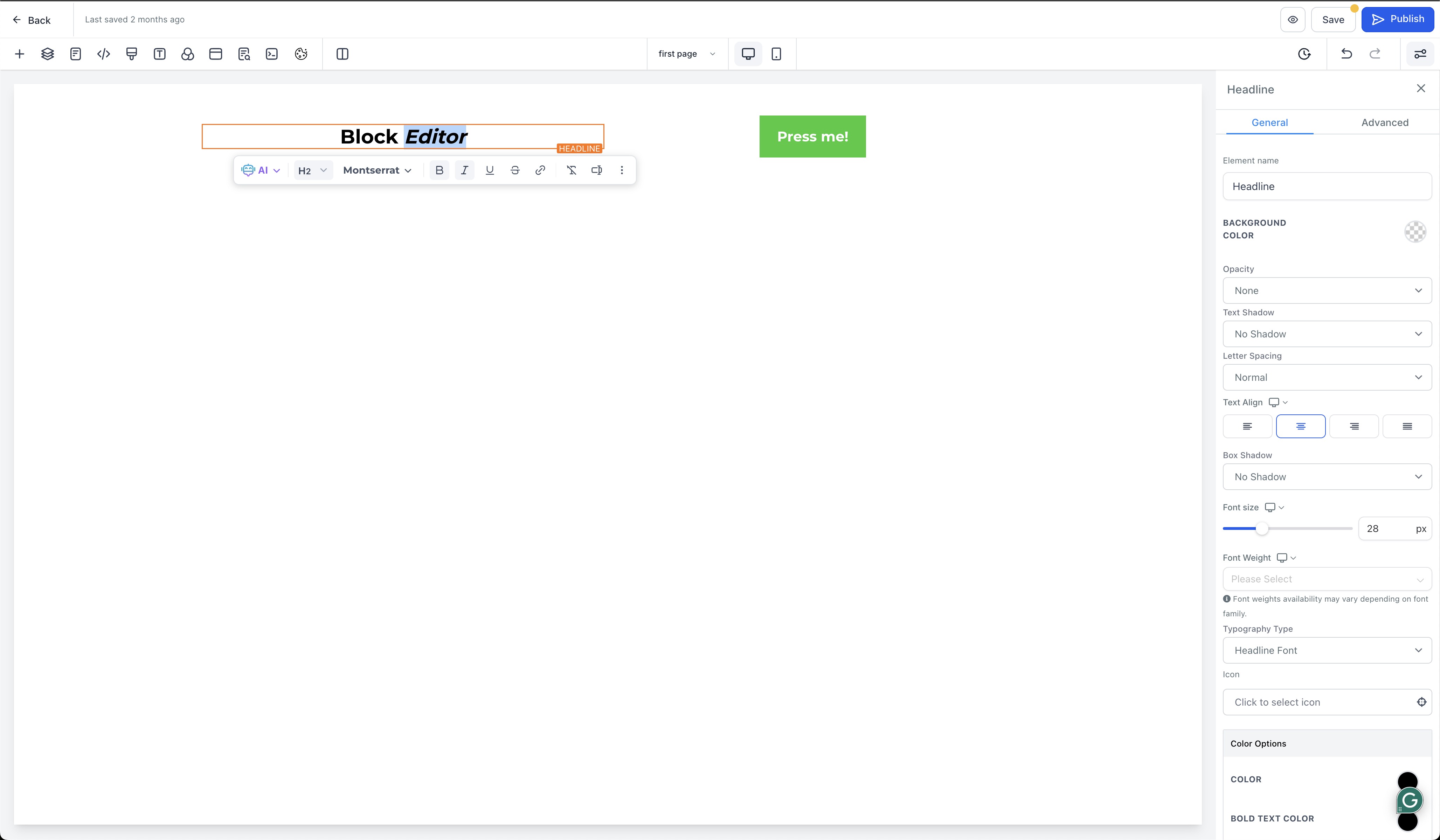
Add elements: Click Add Elements and choose the text you want to format.
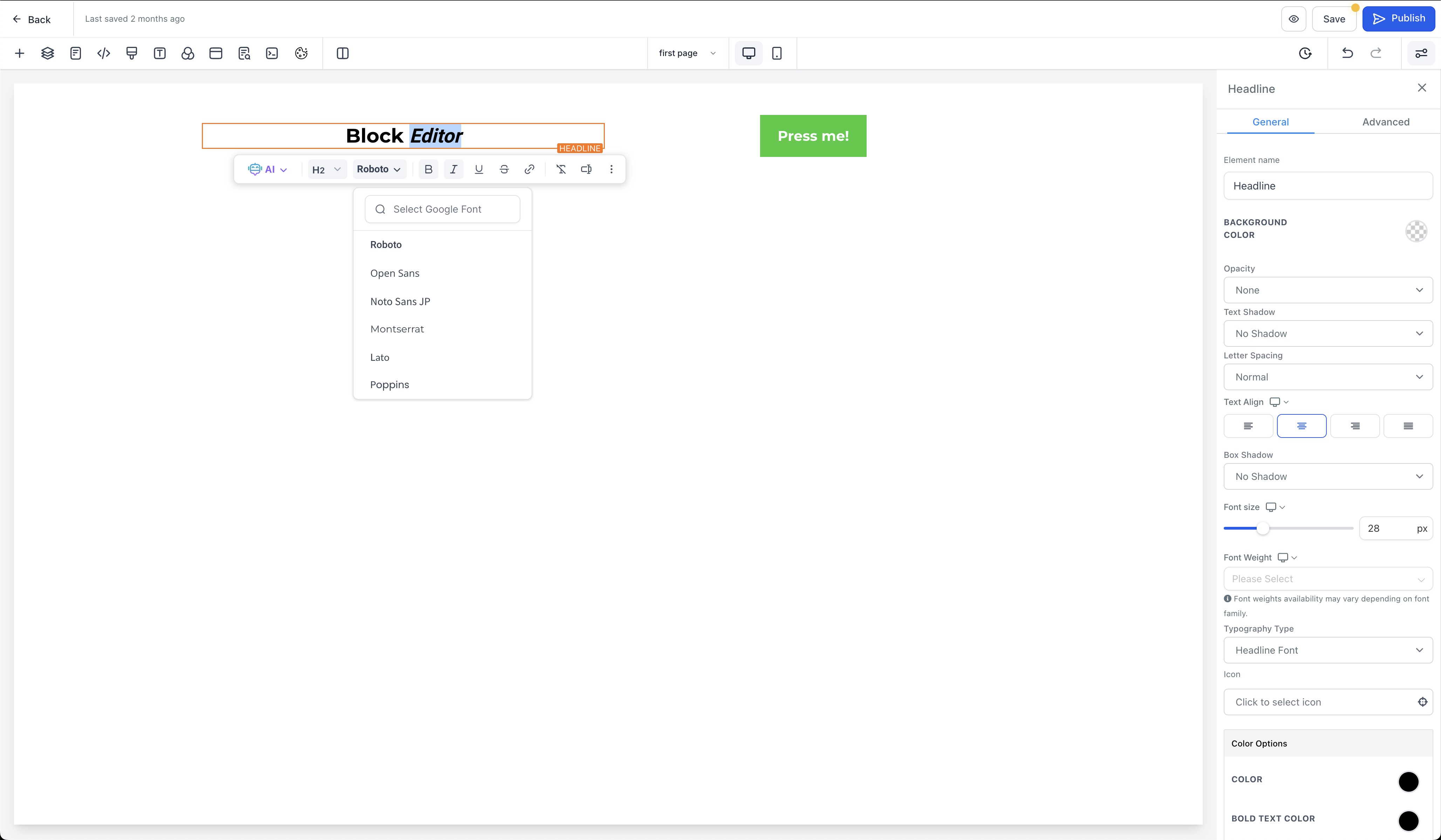
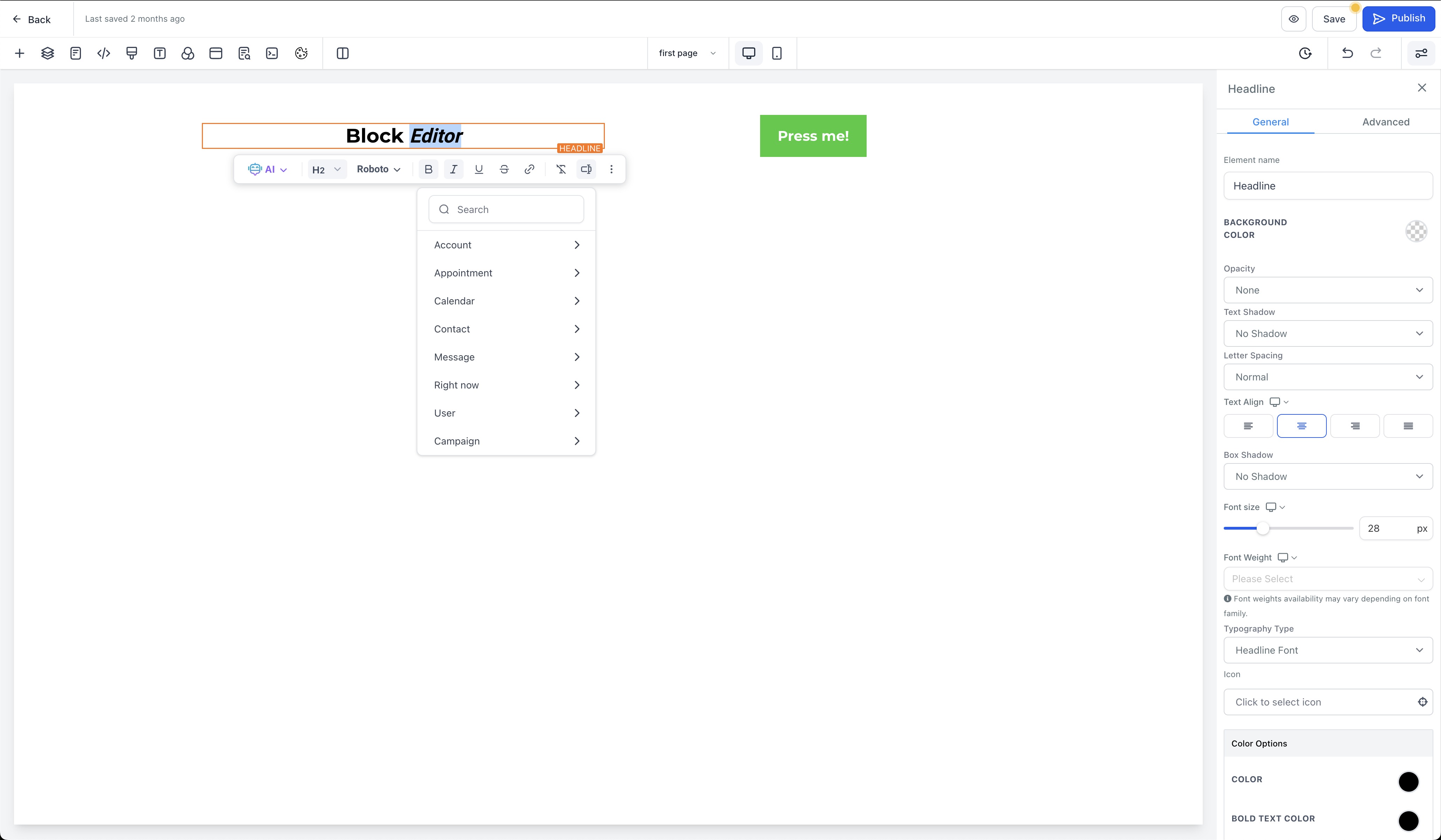
Customize text: Use the Block Editor to apply custom fonts, subscript, superscript, and organize bullet lists.
By combining custom fonts, advanced text formatting, and an improved overall experience, the Block Editor helps you create more engaging, visually compelling content. These updates streamline your workflow, reduce friction, and help you reach your design goals more efficiently.