1. Create and Edit Recurring Coupons in AesthetixCRM
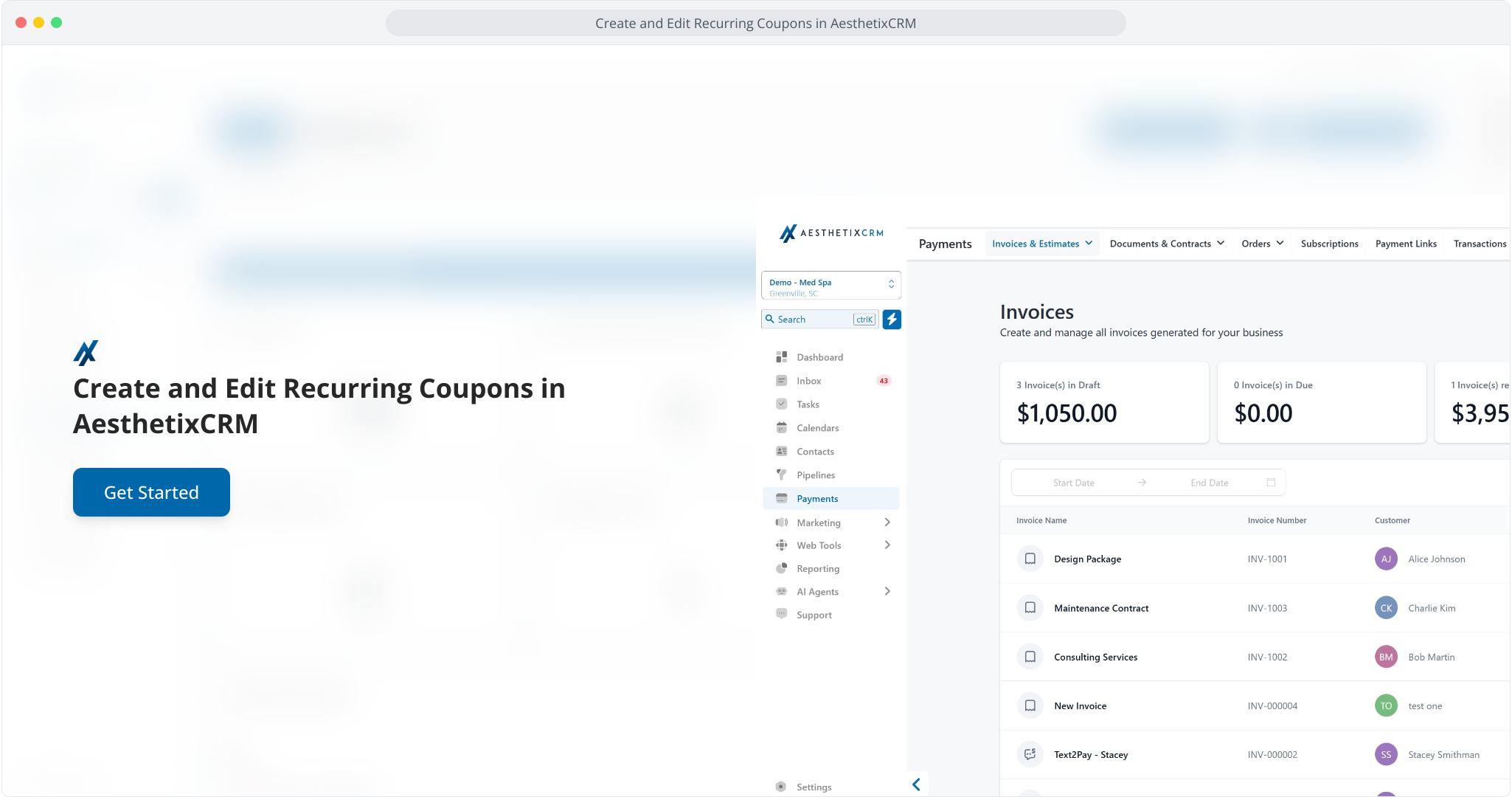
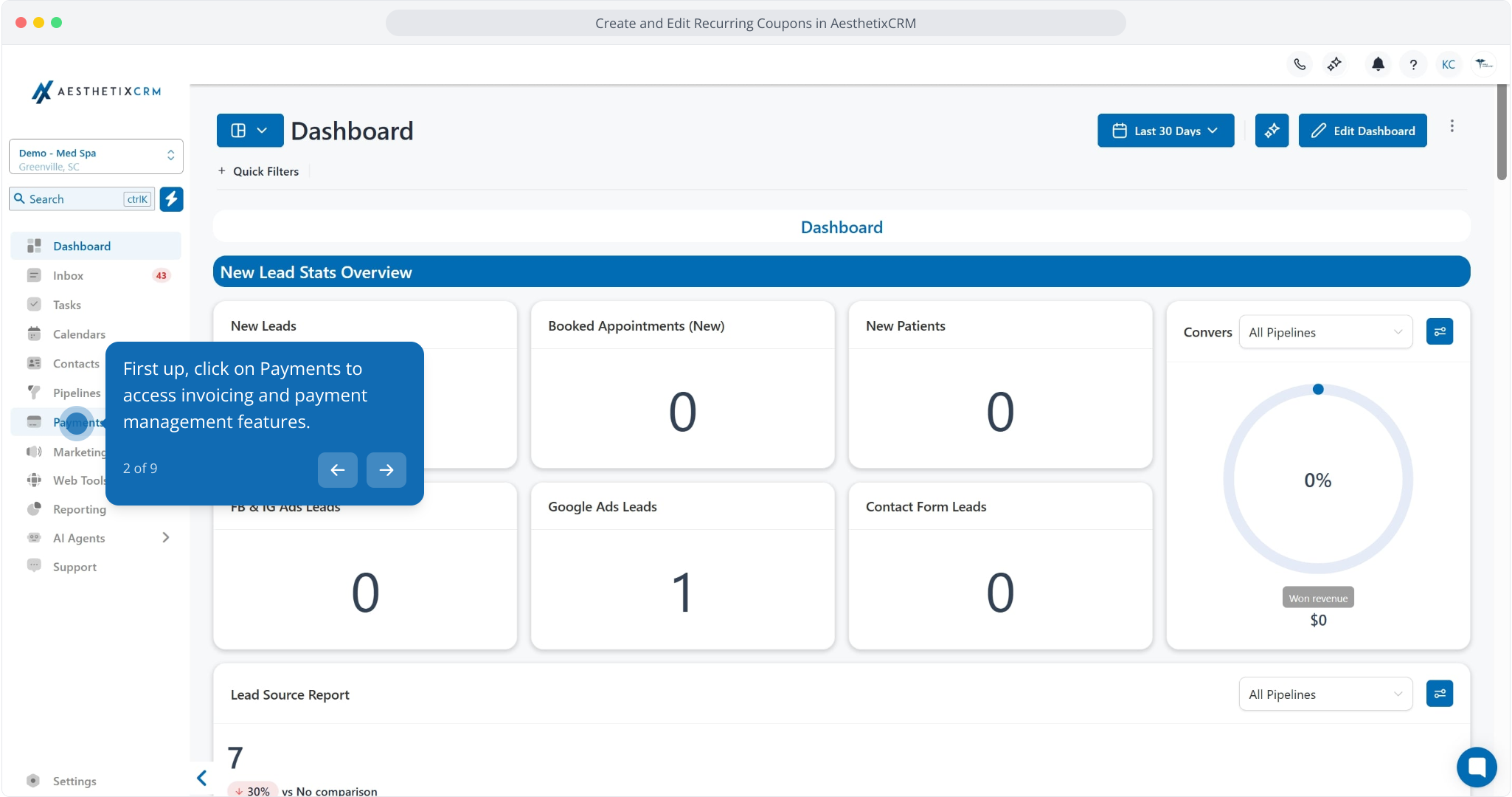
2. First up, click on Payments to access invoicing and payment management features.
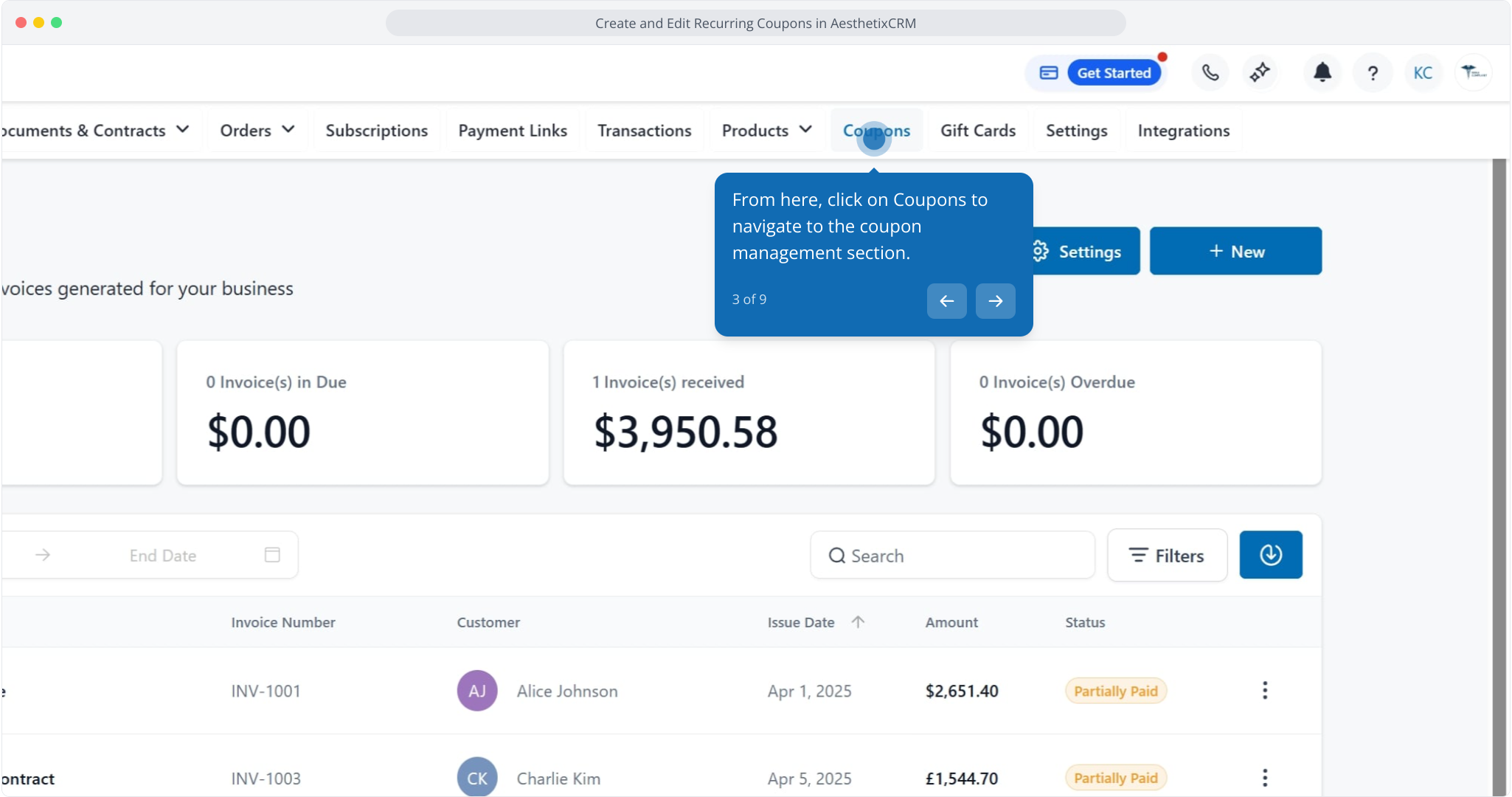
3. From here, click on Coupons to navigate to the coupon management section.
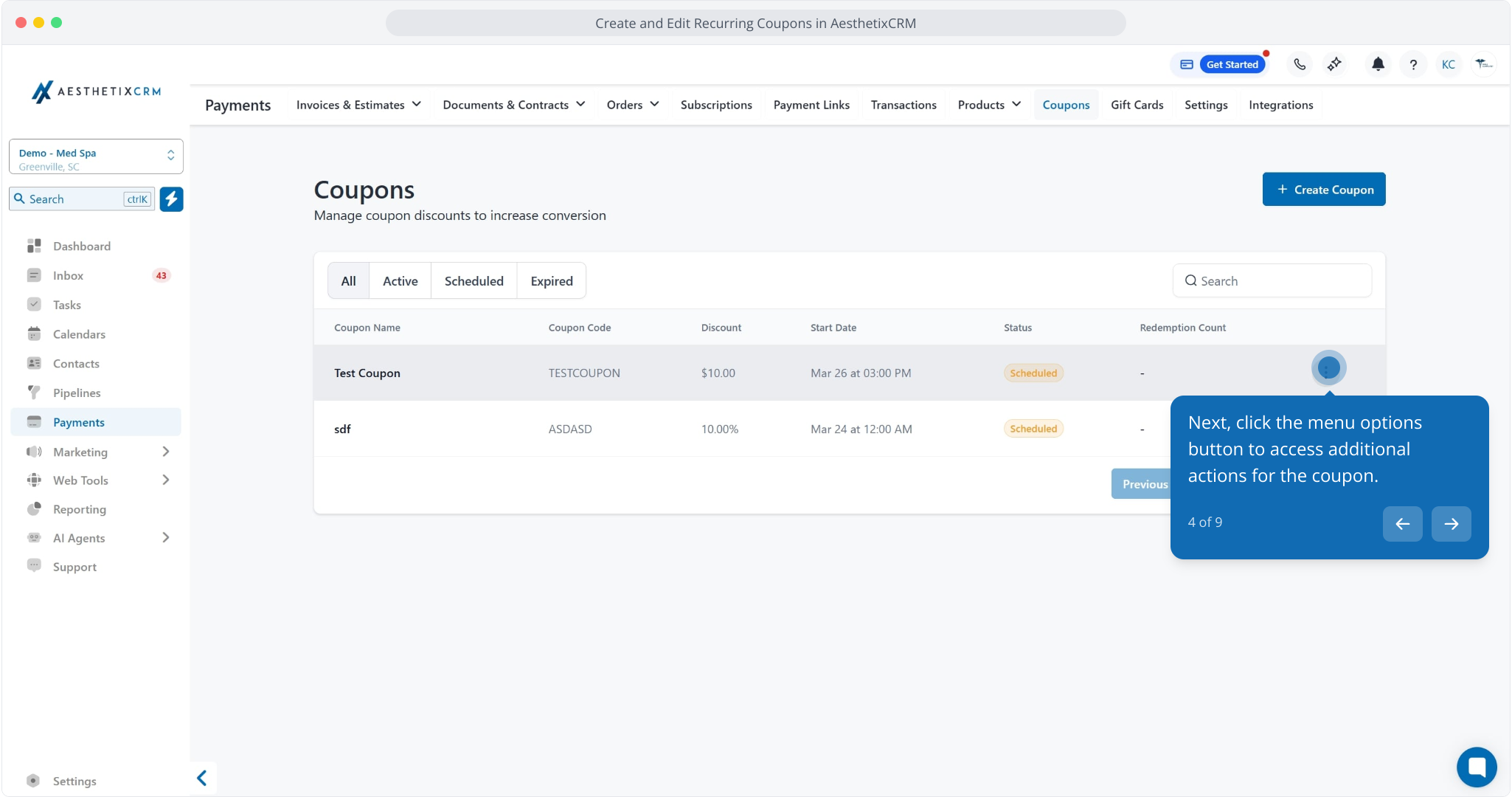
4. Next, click the menu options button to access additional actions for the coupon.
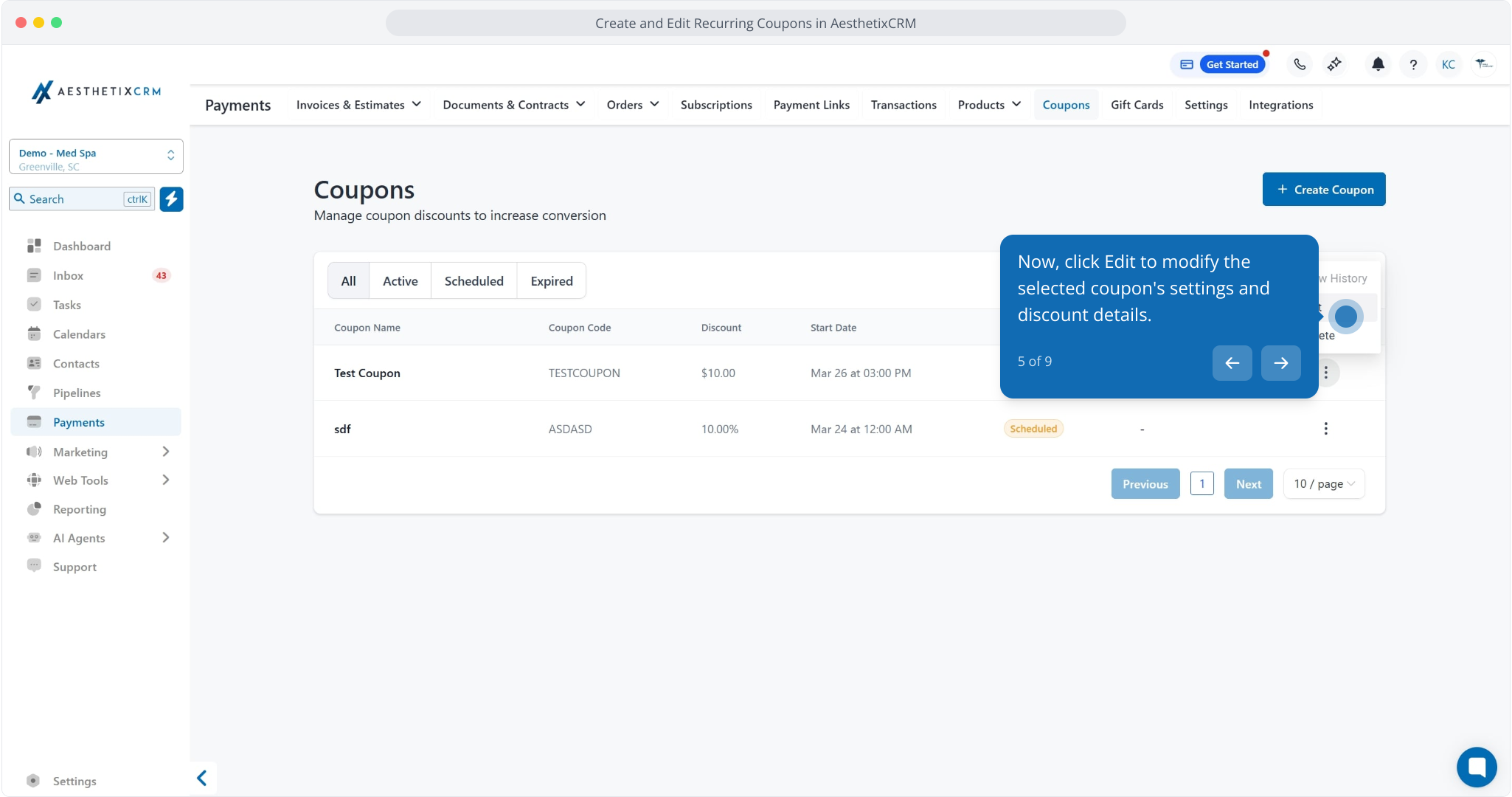
5. Now, click Edit to modify the selected coupon's settings and discount details.
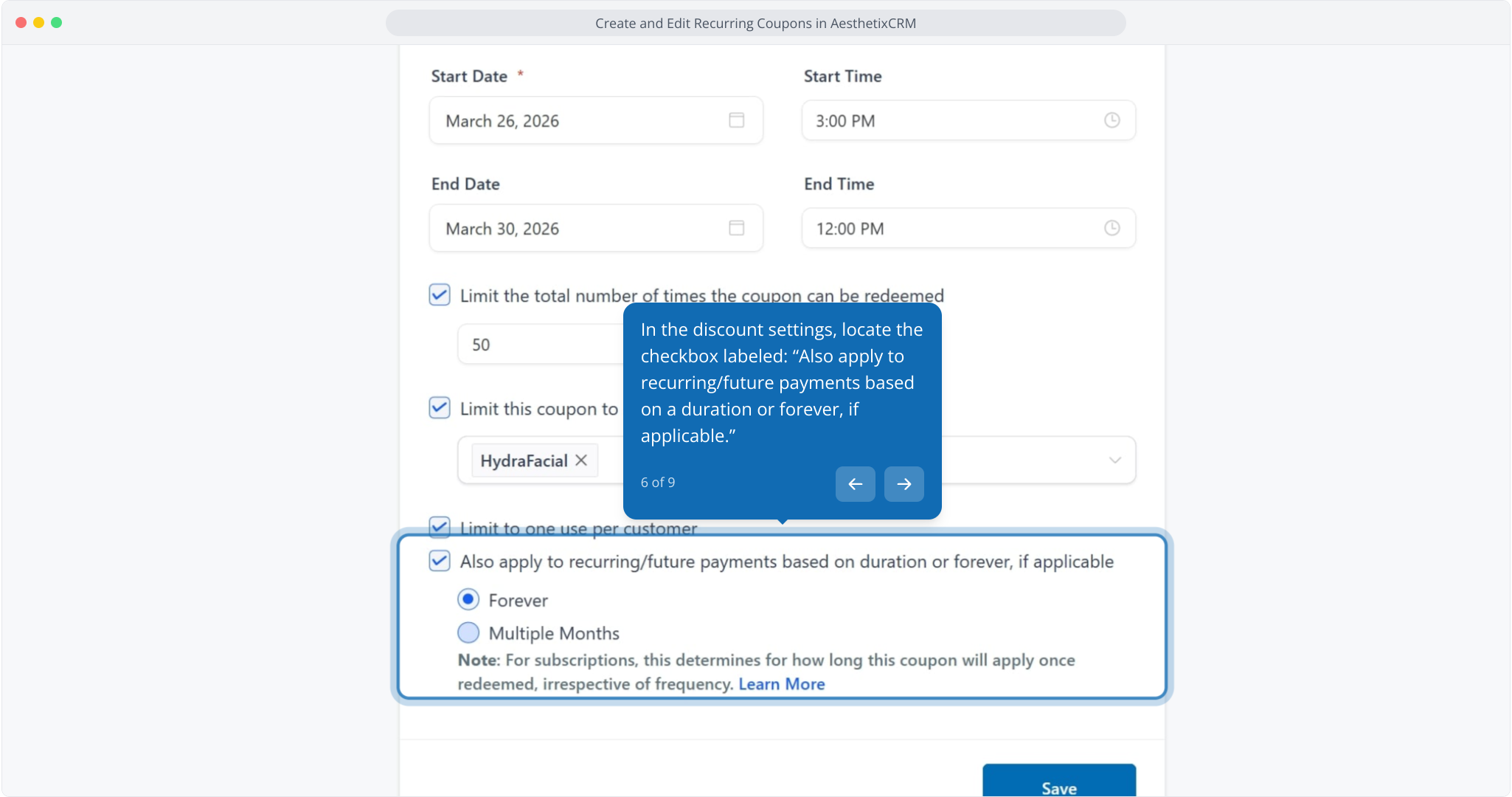
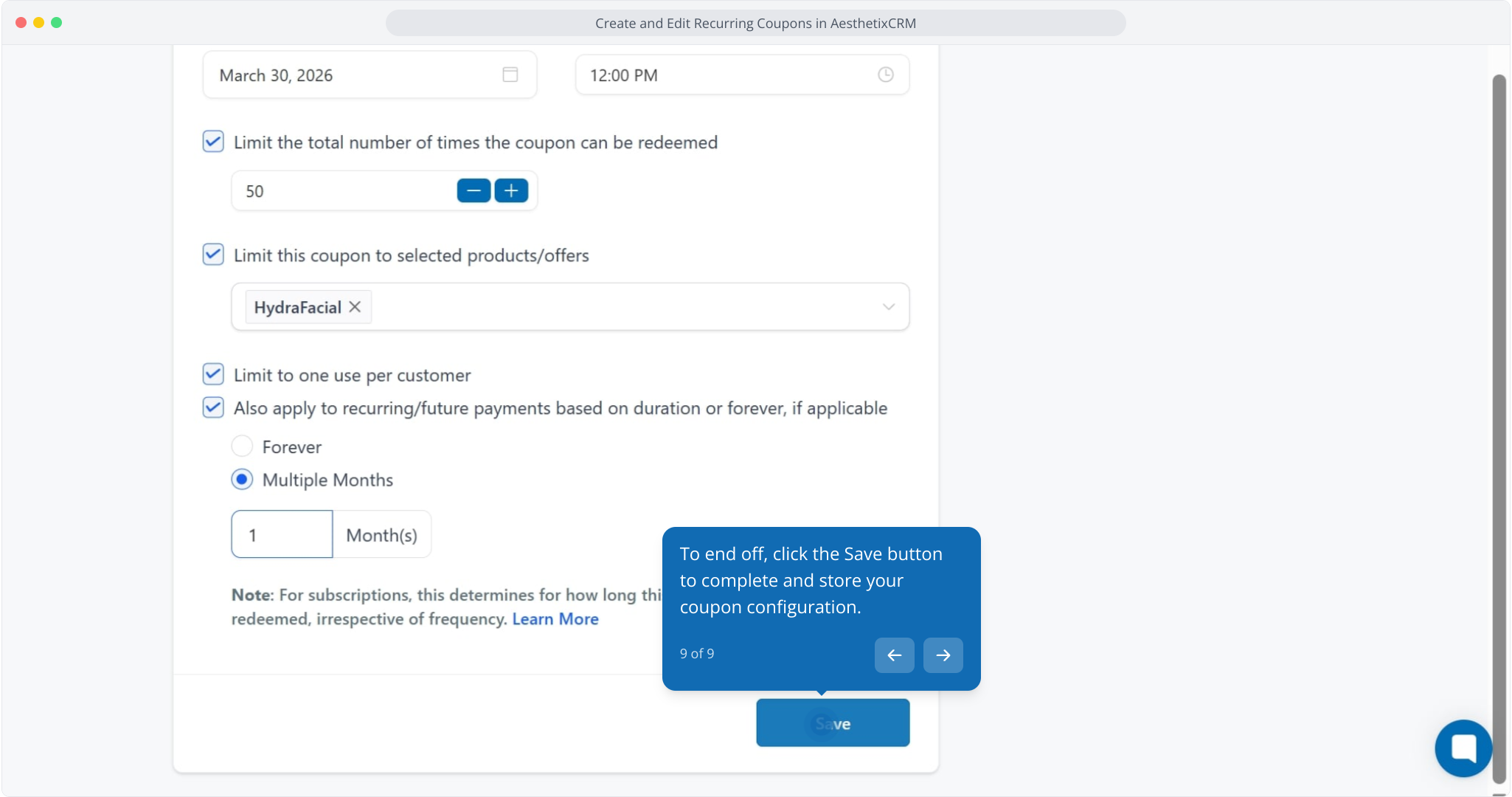
6. In the discount settings, locate the checkbox labeled: “Also apply to recurring/future payments based on a duration or forever, if applicable.”
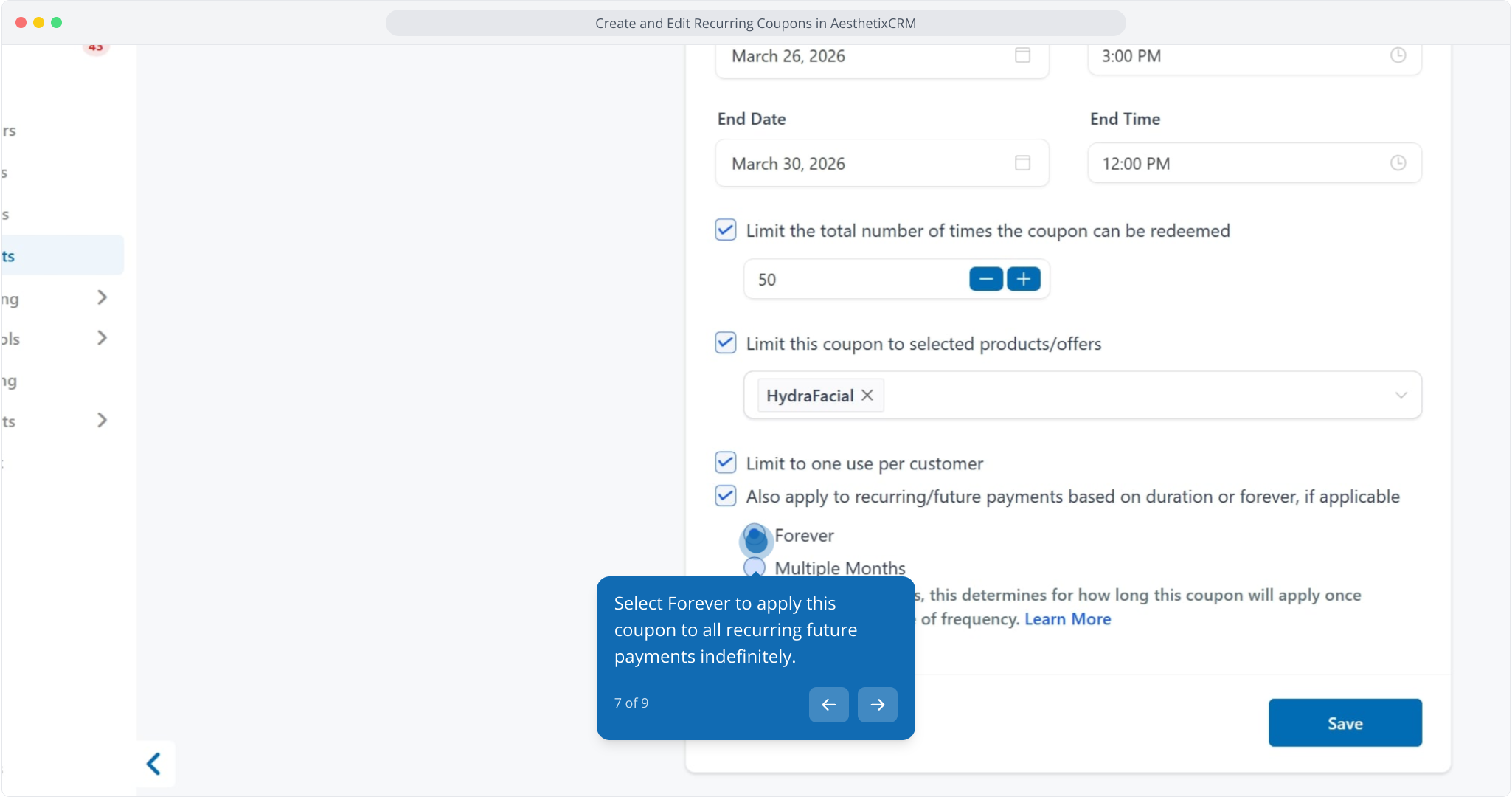
7. Select Forever to apply this coupon to all recurring future payments indefinitely.
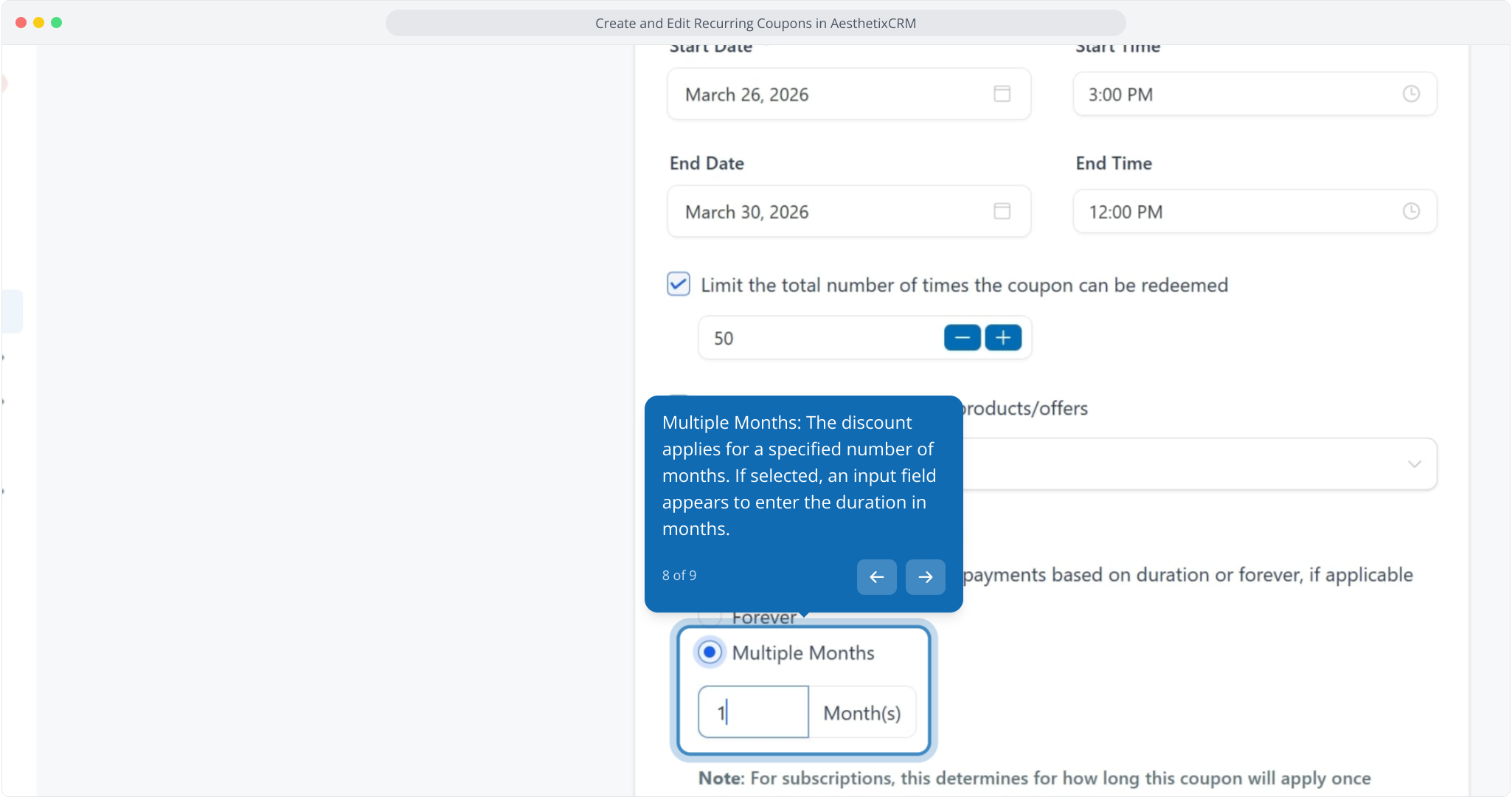
8. Multiple Months: The discount applies for a specified number of months. If selected, an input field appears to enter the duration in months.
9. To end off, click the Save button to complete and store your coupon configuration.
1. Applying Coupons to Subscription Products
If a coupon is applied to a one-time product, the duration setting does not impact the discount logic—it applies only once.
If applied to a subscription product, the discount follows the selected duration:
Once: The discount applies to the first payment only.
Forever: The discount applies to all recurring payments.
Multiple Months: The discount applies for the defined number of months and then stops.
2. Viewing Applied Coupons
The selected duration is reflected in the Coupon Details and Management Views.
On the Subscription Details Page and Order Details Page, the discount appears next to the payment details with phrases like: “10% off for first 4 months”, “$10 off for 1st month”, “10% off for all payments” OR “$10 off on 1st payment”
Examples
Monthly subscription product running for 10 months - Purchased with a coupon applied that has "Multiple Months" selected with "4" as the input, would apply the coupon for 4 months beginning from the date of application of coupon whether the subscription starts directly in active status or first in trialing & then active status.
Annual subscription product running for 3 years
Purchased with a coupon applied that has "Forever" selected, coupon would apply for the life of the subscription
Purchased with a coupon applied that has "Multiple Months" selected with 4 as the input, the coupon will not apply to the annual renewal after 12 months because it can only be applied for payments coming up in the next 4 months
Weekly subscription product running for 6 months - Purchased with a coupon applied hat has "Multiple Months" selected with "2" as the input, would apply the coupon for 2 months beginning from the date of application of coupon whether the subscription starts directly in active status or first in trialing & then active status. So coupon would apply every week, approx. 8 times, i.e. for the 2 months after subscription product is purchased.
Additional Points
The feature ensures that subscription frequency (daily, weekly, monthly, quarterly, annually) does not affect how many payments receive the discount—only the defined duration applies.
For a scheduled subscription, coupon applies from the start date of the subscription (active or trial) i.e. the scheduled date used as input when creating the subscription.
Existing coupons maintain their original behavior:
If the checkbox was previously checked, the default duration is Forever.
If unchecked, the default duration is Once.
