1. Create and Manage Discount Coupons in AesthetixCRM
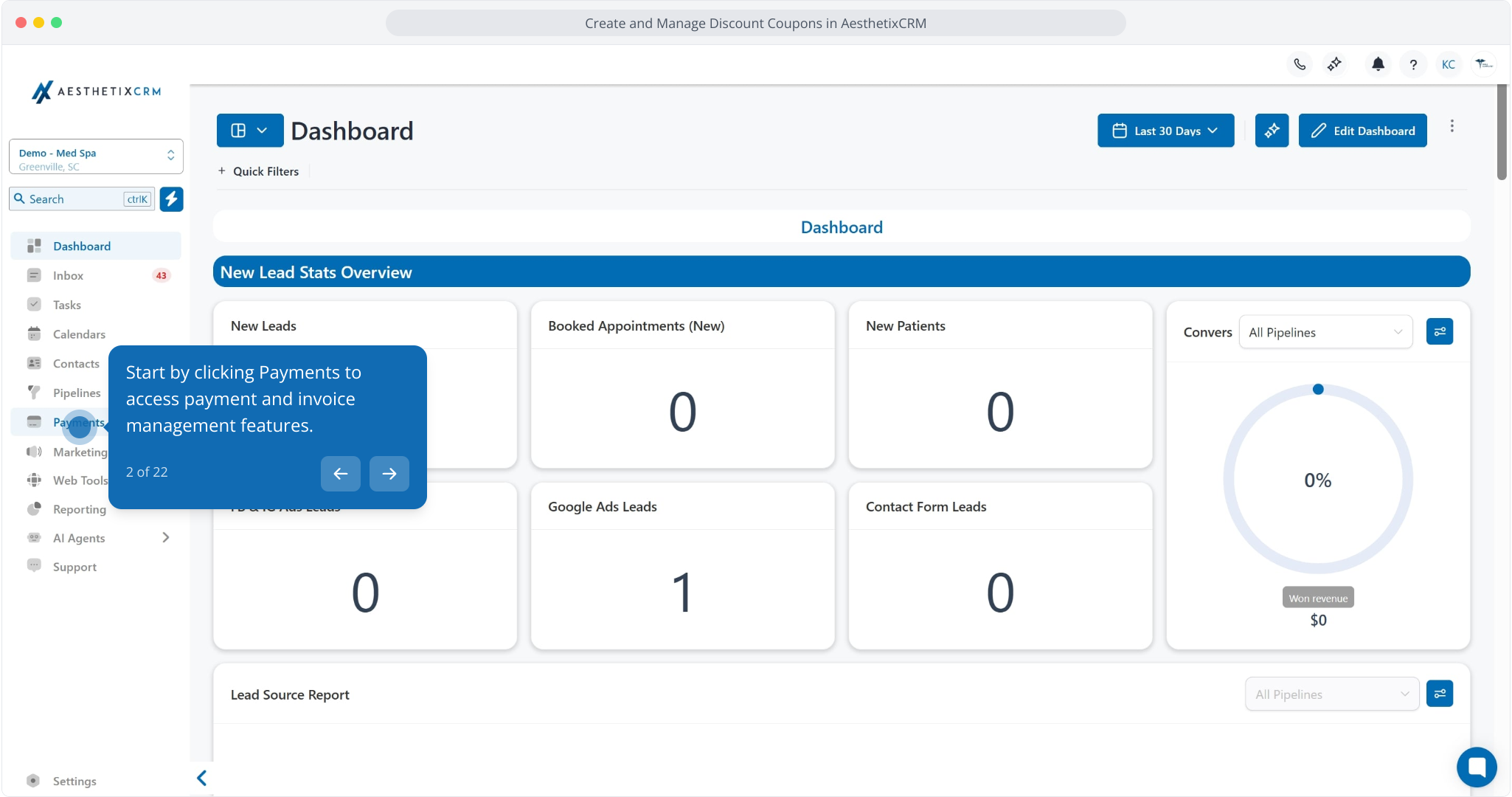
2. Start by clicking Payments to access payment and invoice management features.
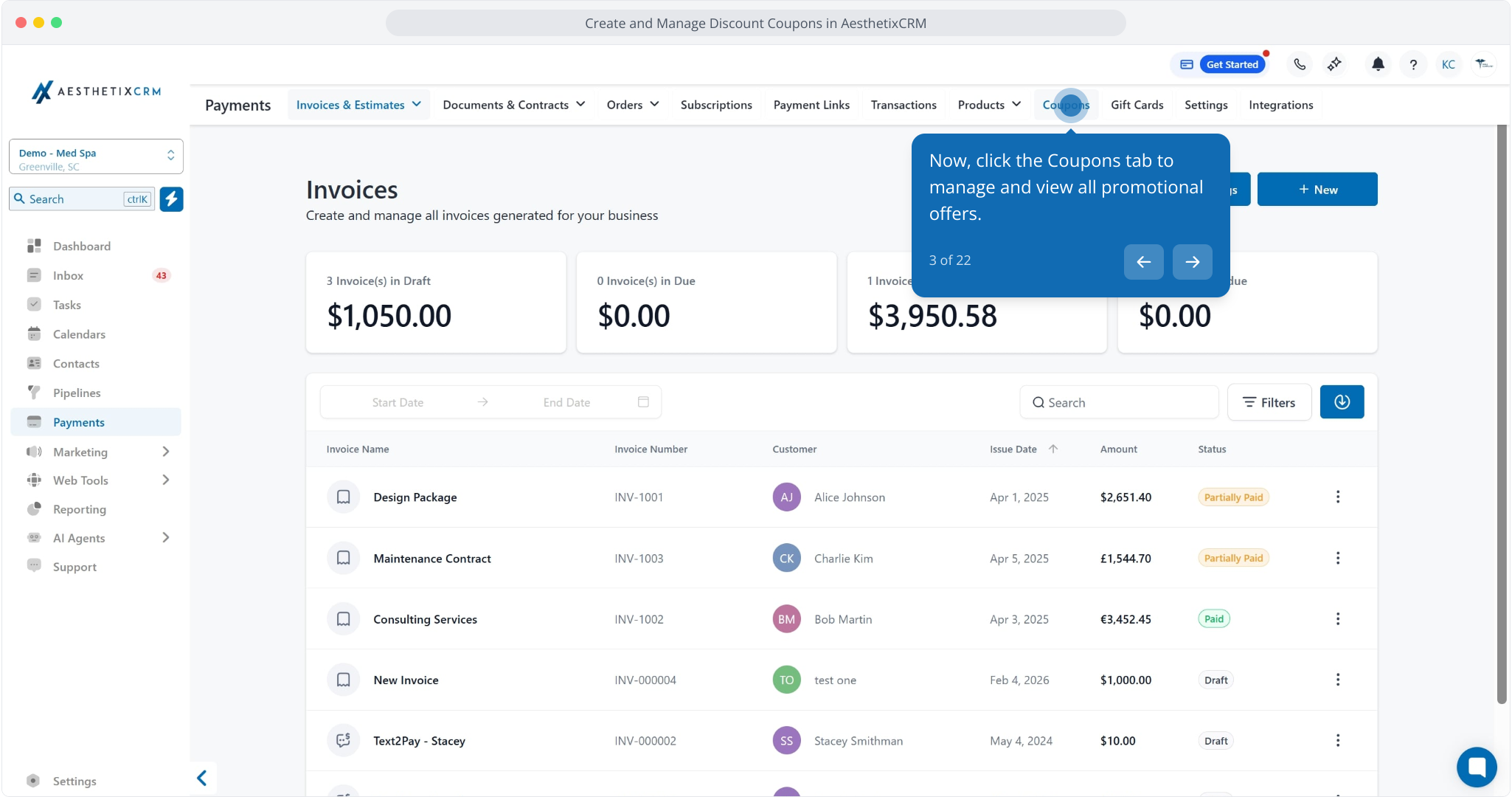
3. Now, click the Coupons tab to manage and view all promotional offers.
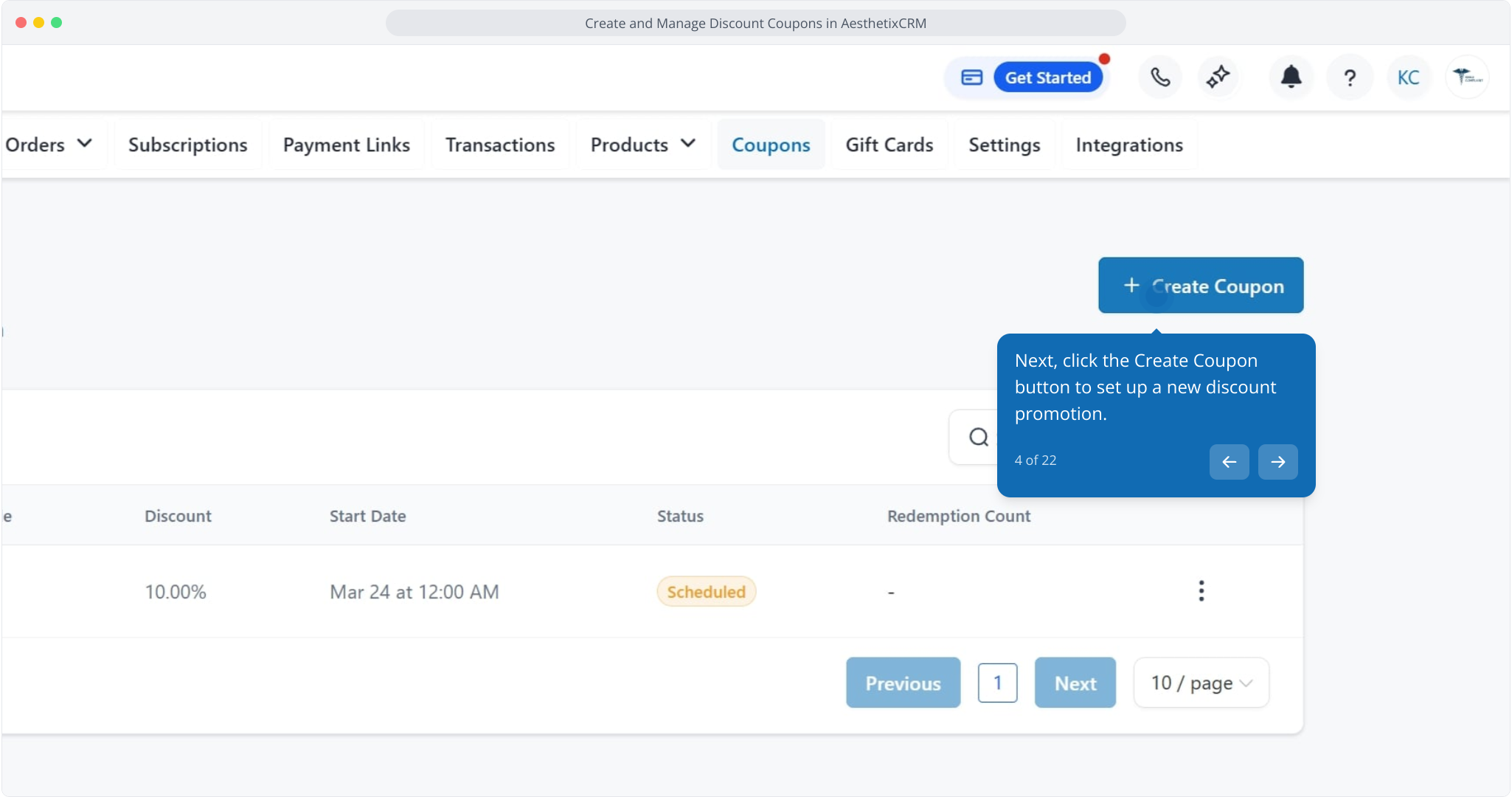
4. Next, click the Create Coupon button to set up a new discount promotion.
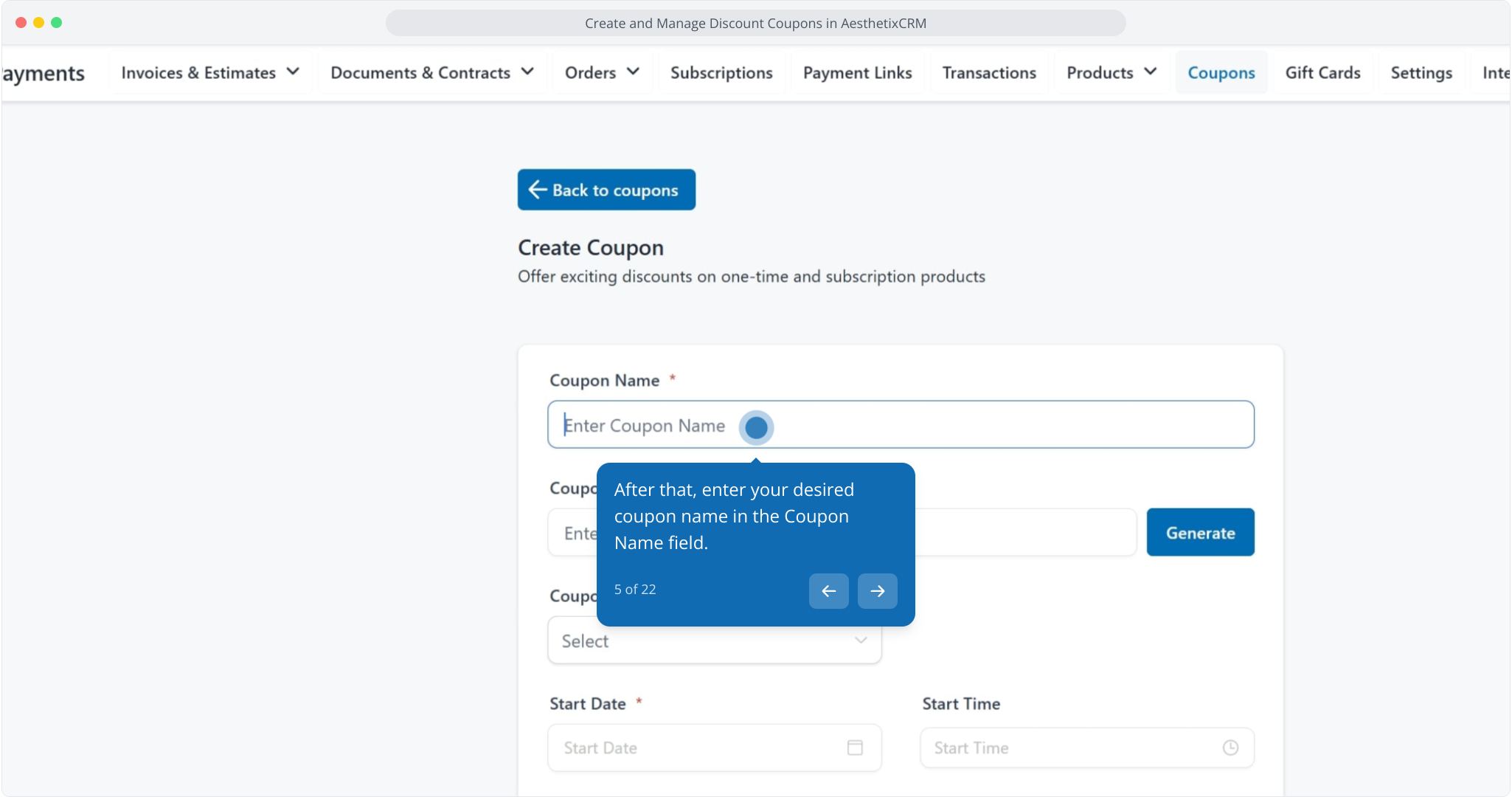
5. After that, enter your desired coupon name in the Coupon Name field.
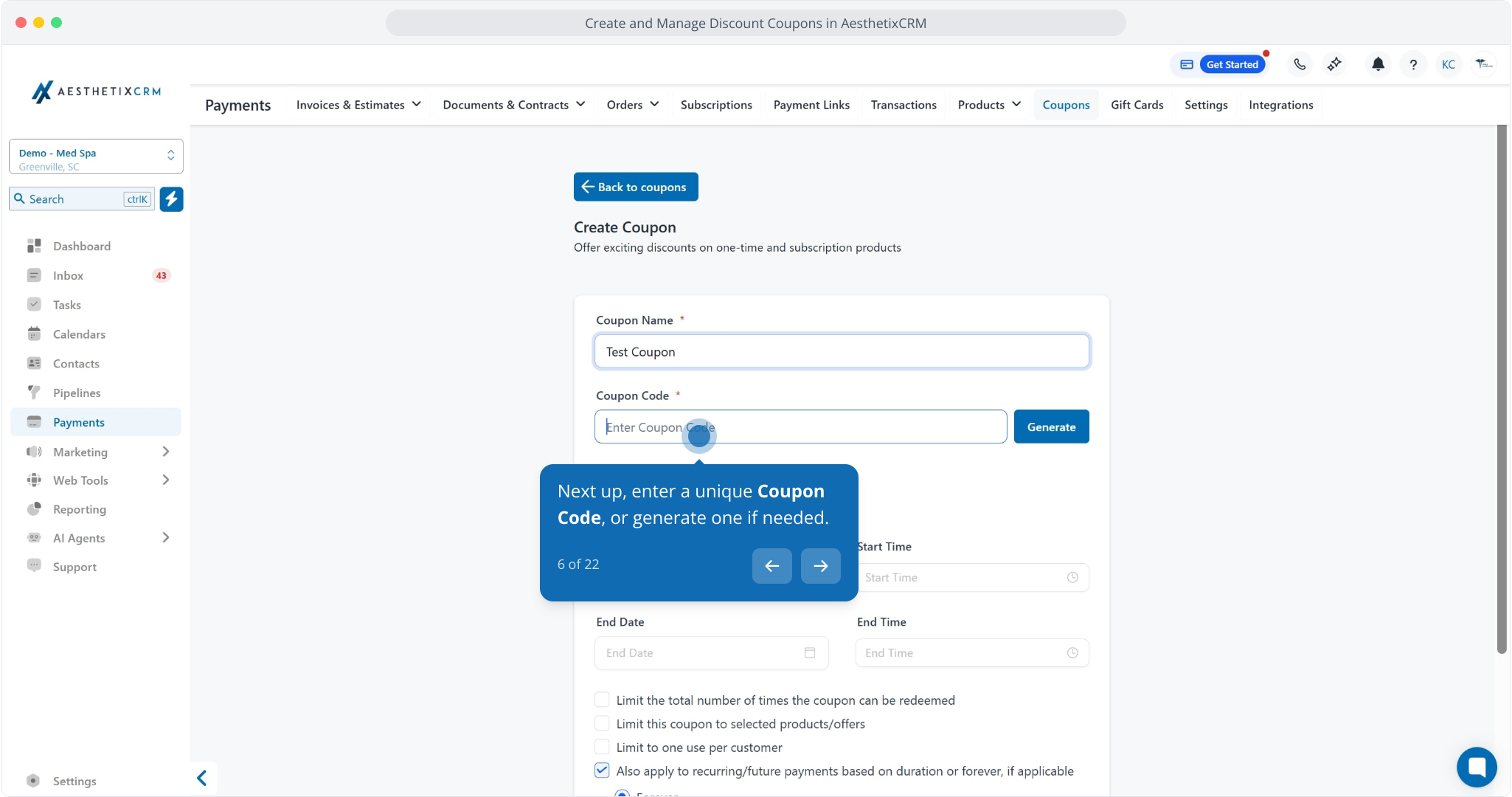
6. Next up, enter a unique Coupon Code, or generate one if needed.
7. Next, click the Select dropdown to choose your desired coupon type discount option.
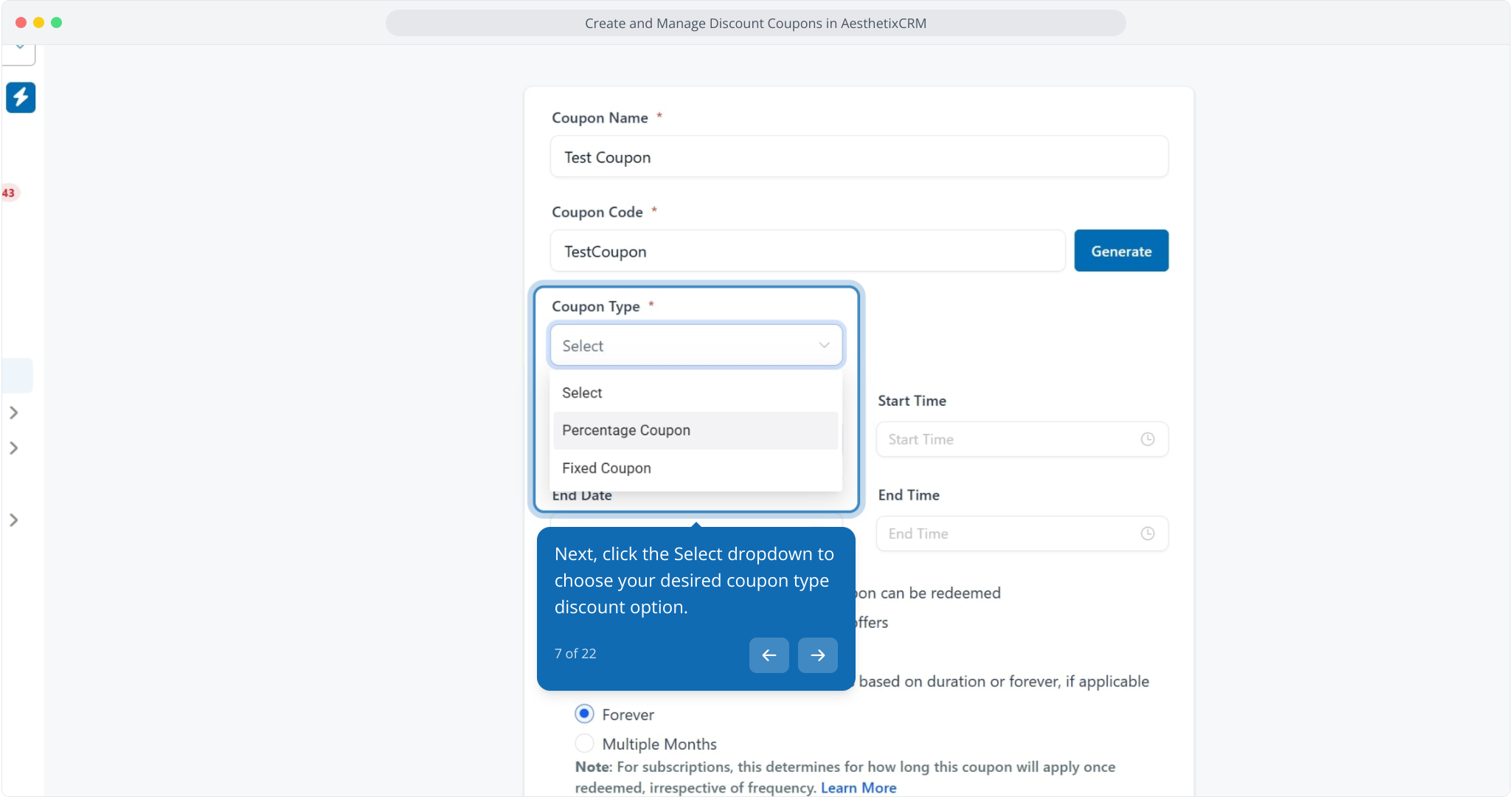
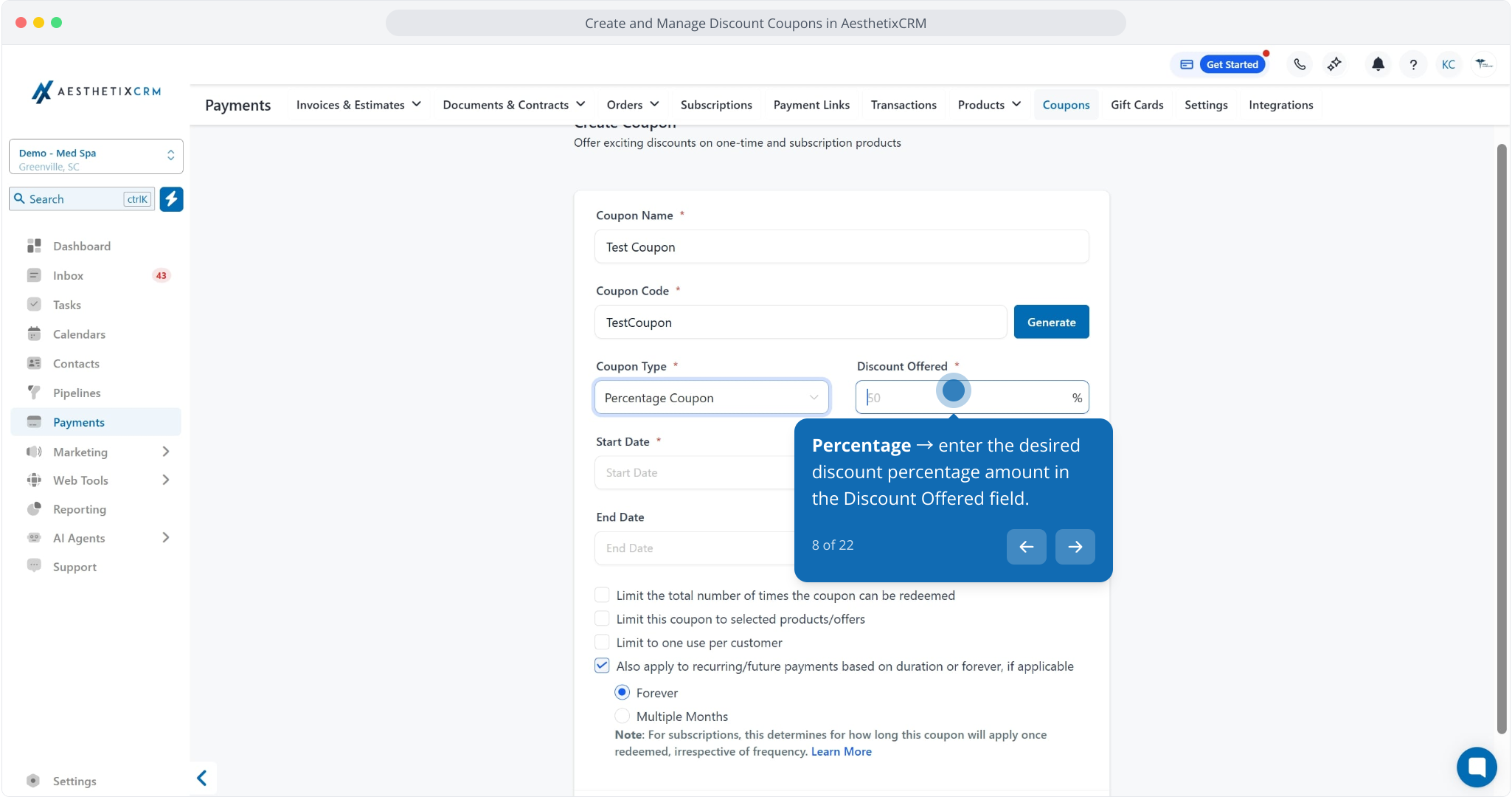
8. Percentage → enter the desired discount percentage amount in the Discount Offered field.
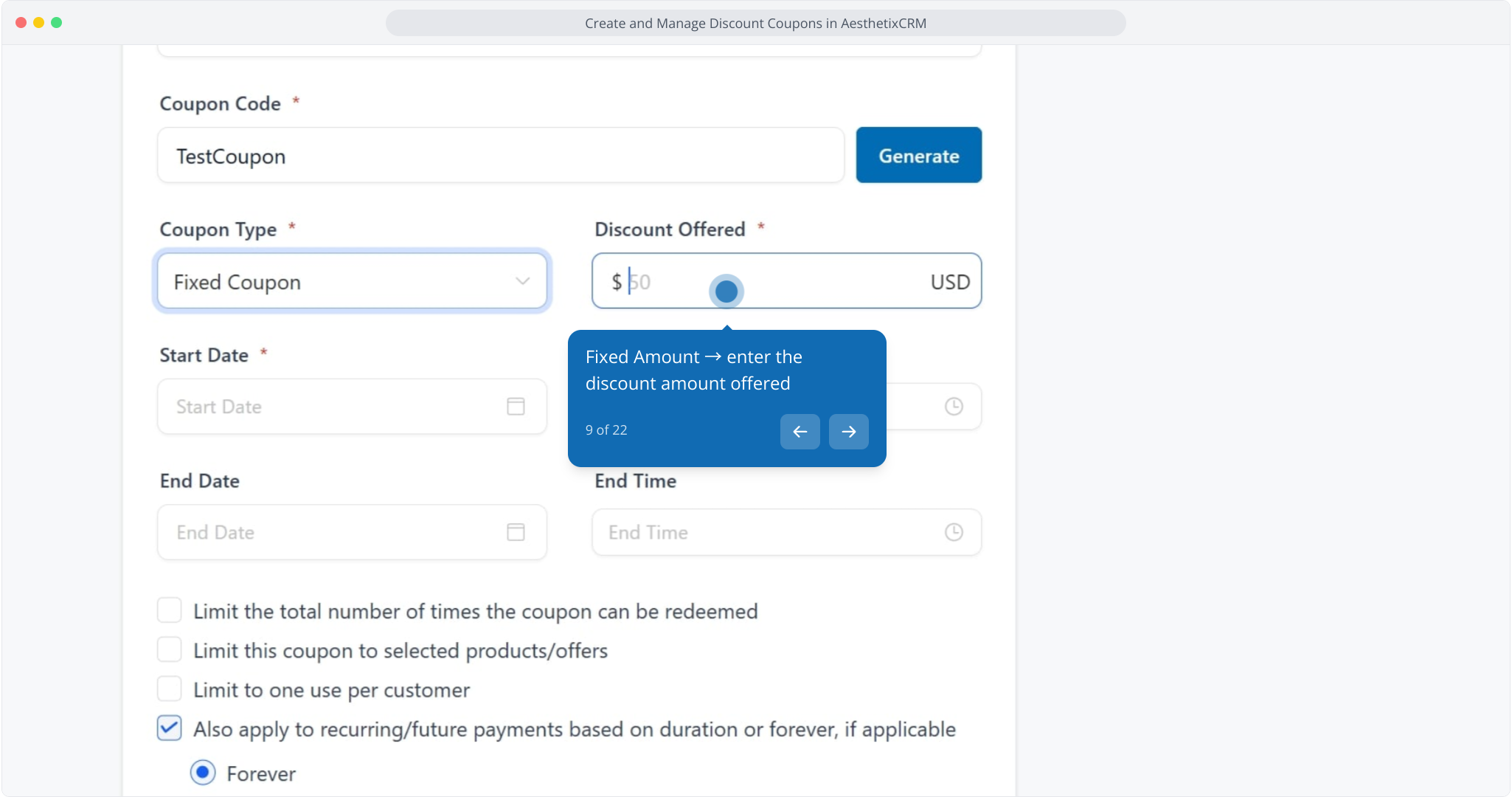
9. Fixed Amount → enter the discount amount offered
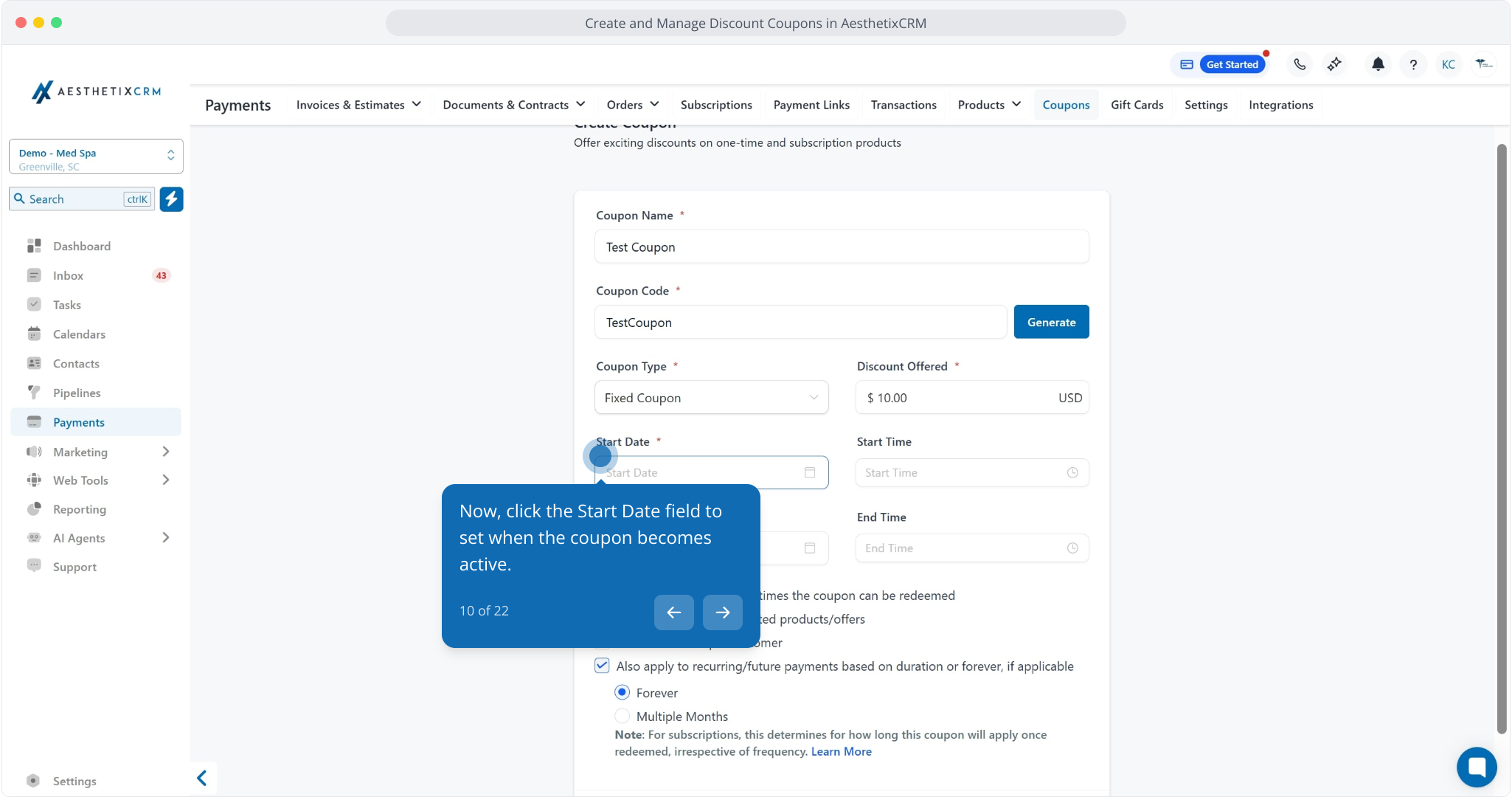
10. Now, click the Start Date field to set when the coupon becomes active.
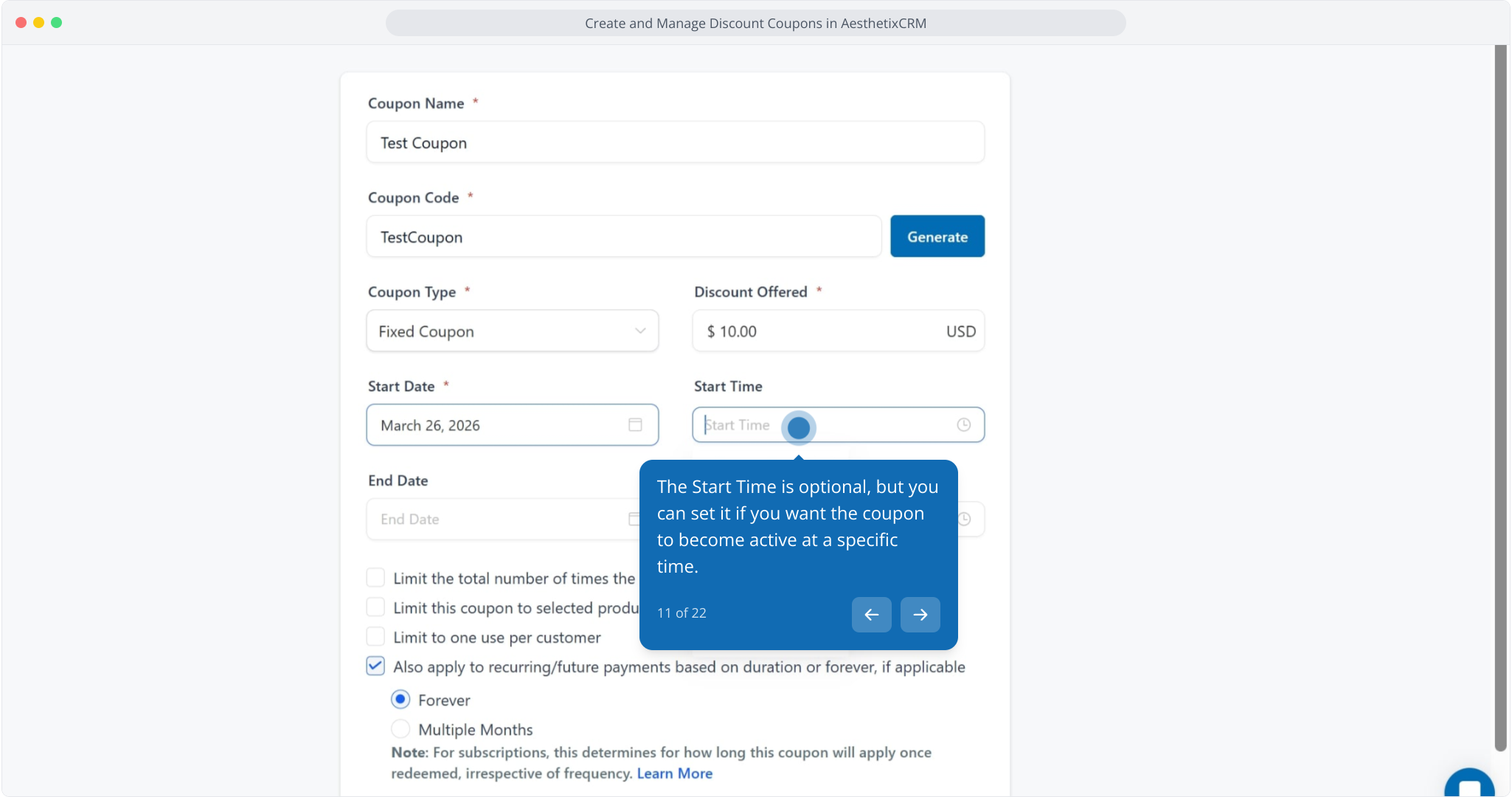
11. The Start Time is optional, but you can set it if you want the coupon to become active at a specific time.
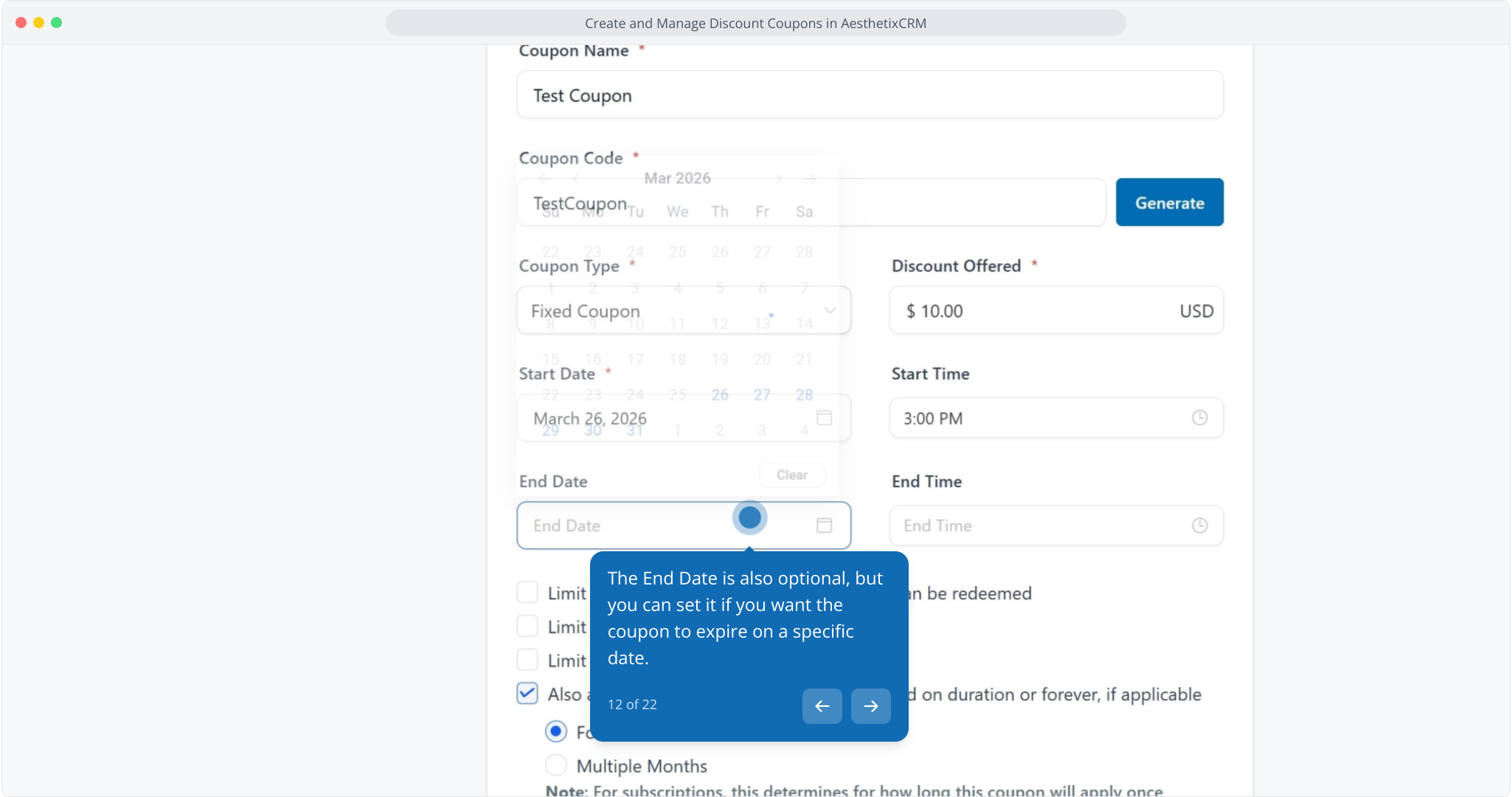
12. The End Date is also optional, but you can set it if you want the coupon to expire on a specific date.
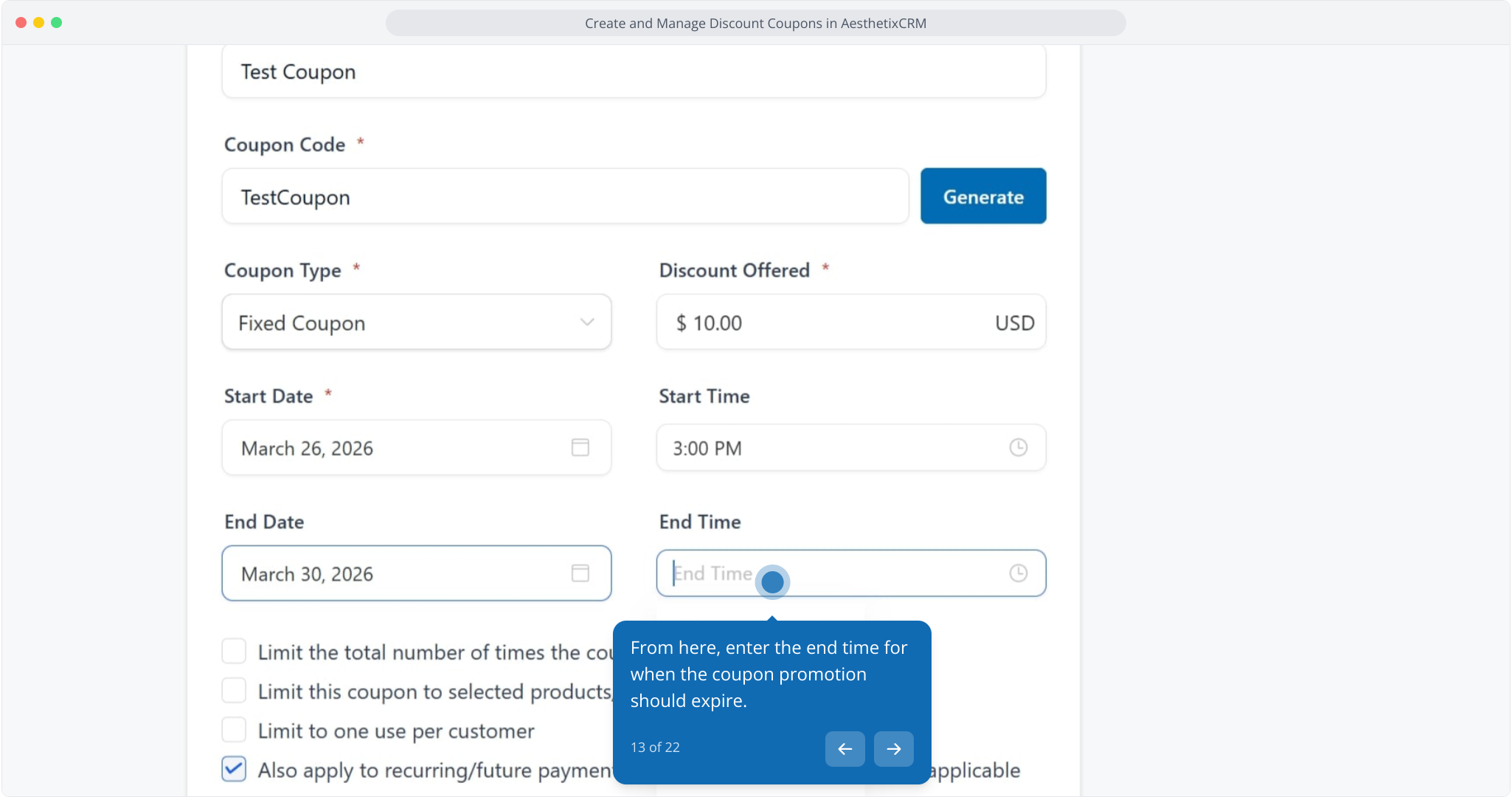
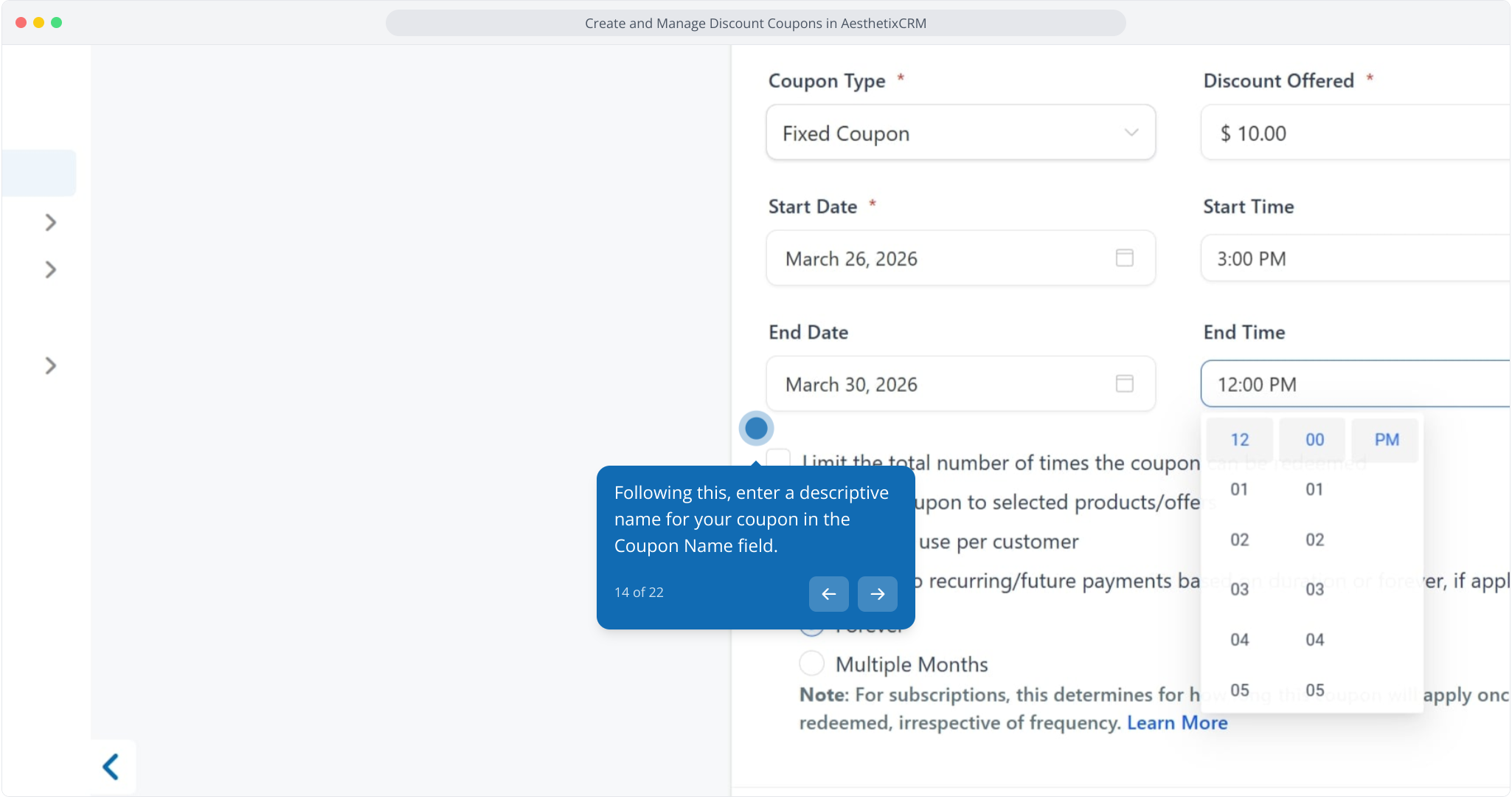
13. From here, enter the end time for when the coupon promotion should expire.
14. Following this, enter a descriptive name for your coupon in the Coupon Name field.
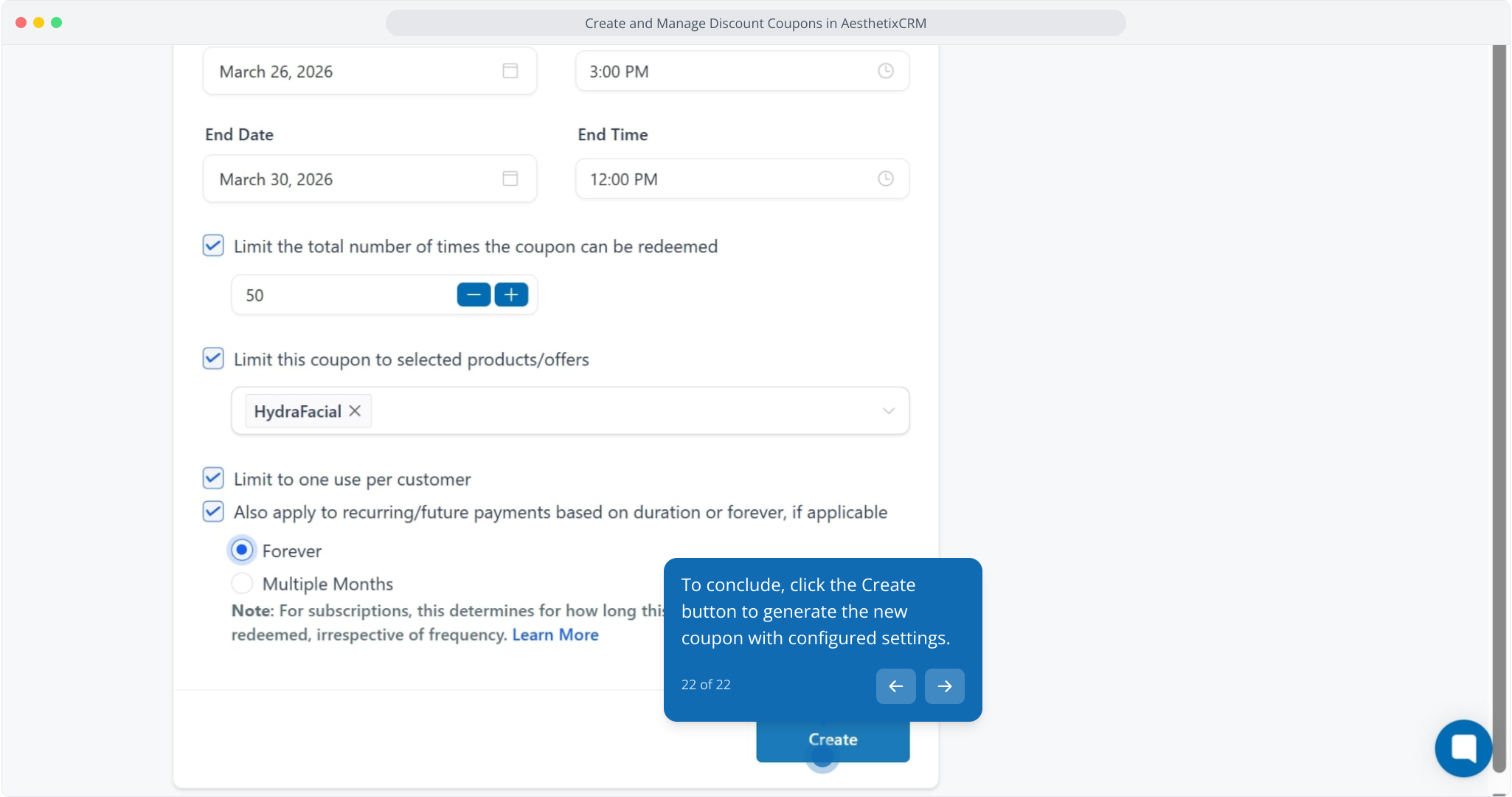
15. Enable the option to limit the total number of redemptions if needed.
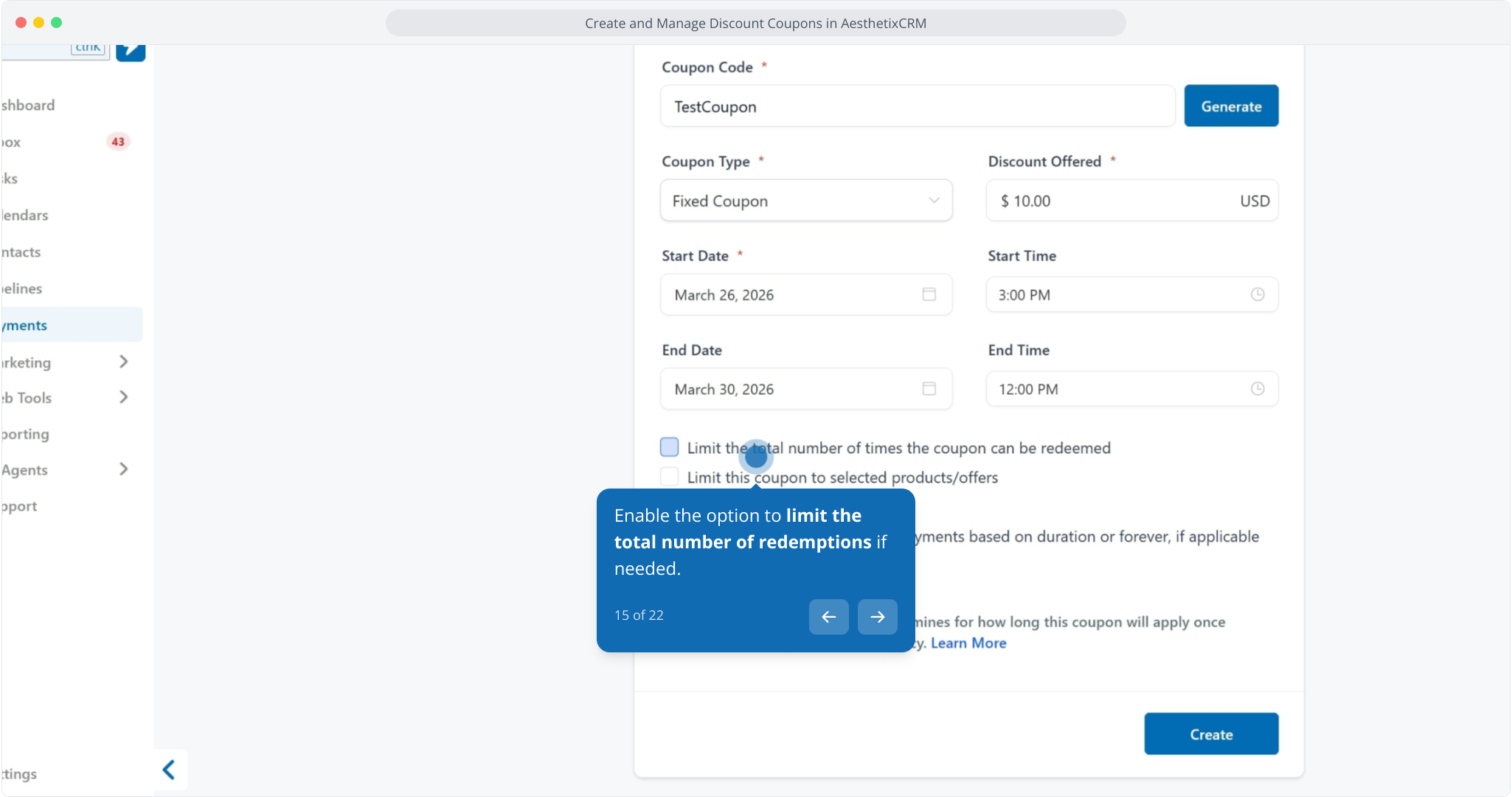
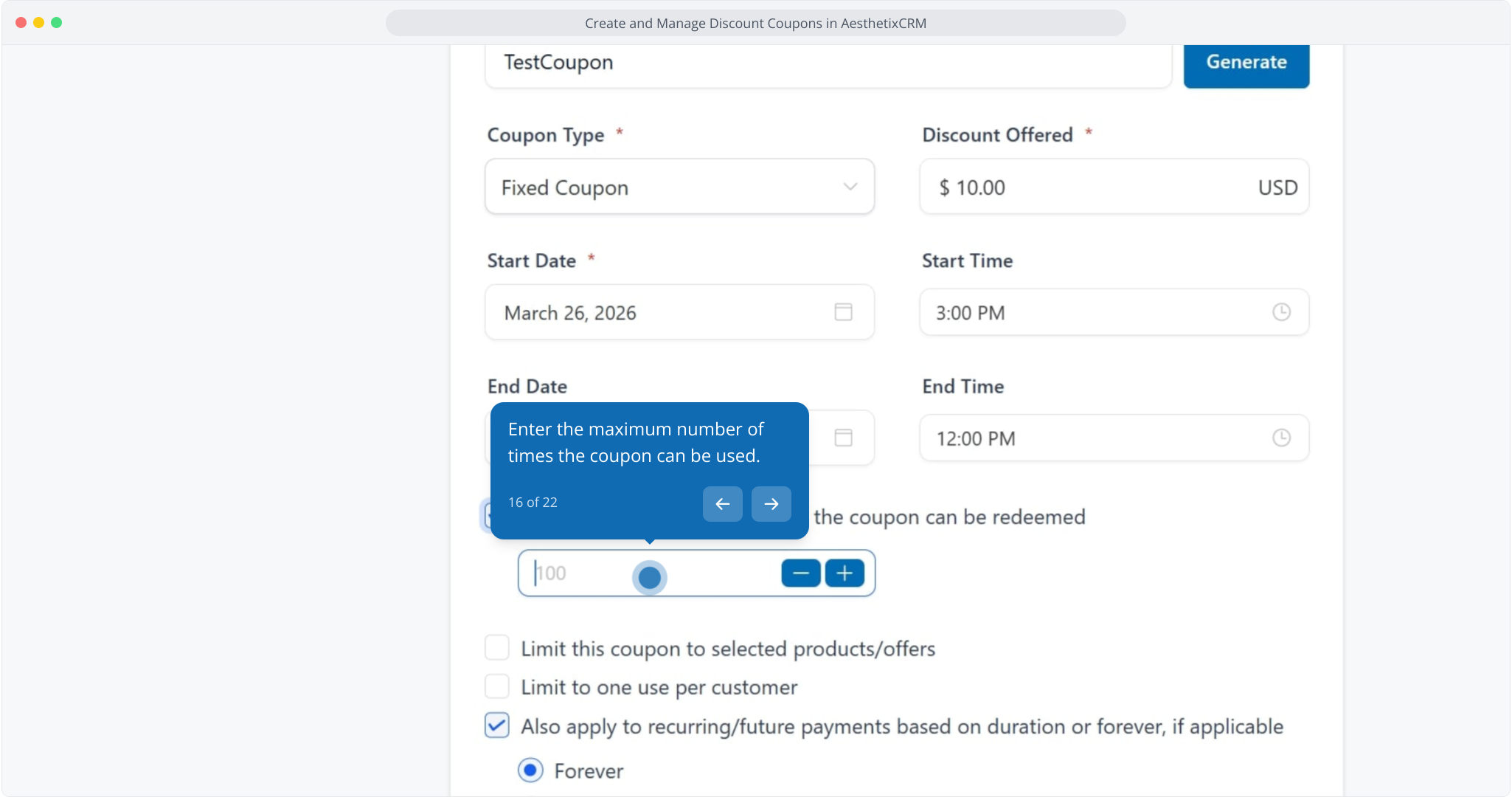
16. Enter the maximum number of times the coupon can be used.
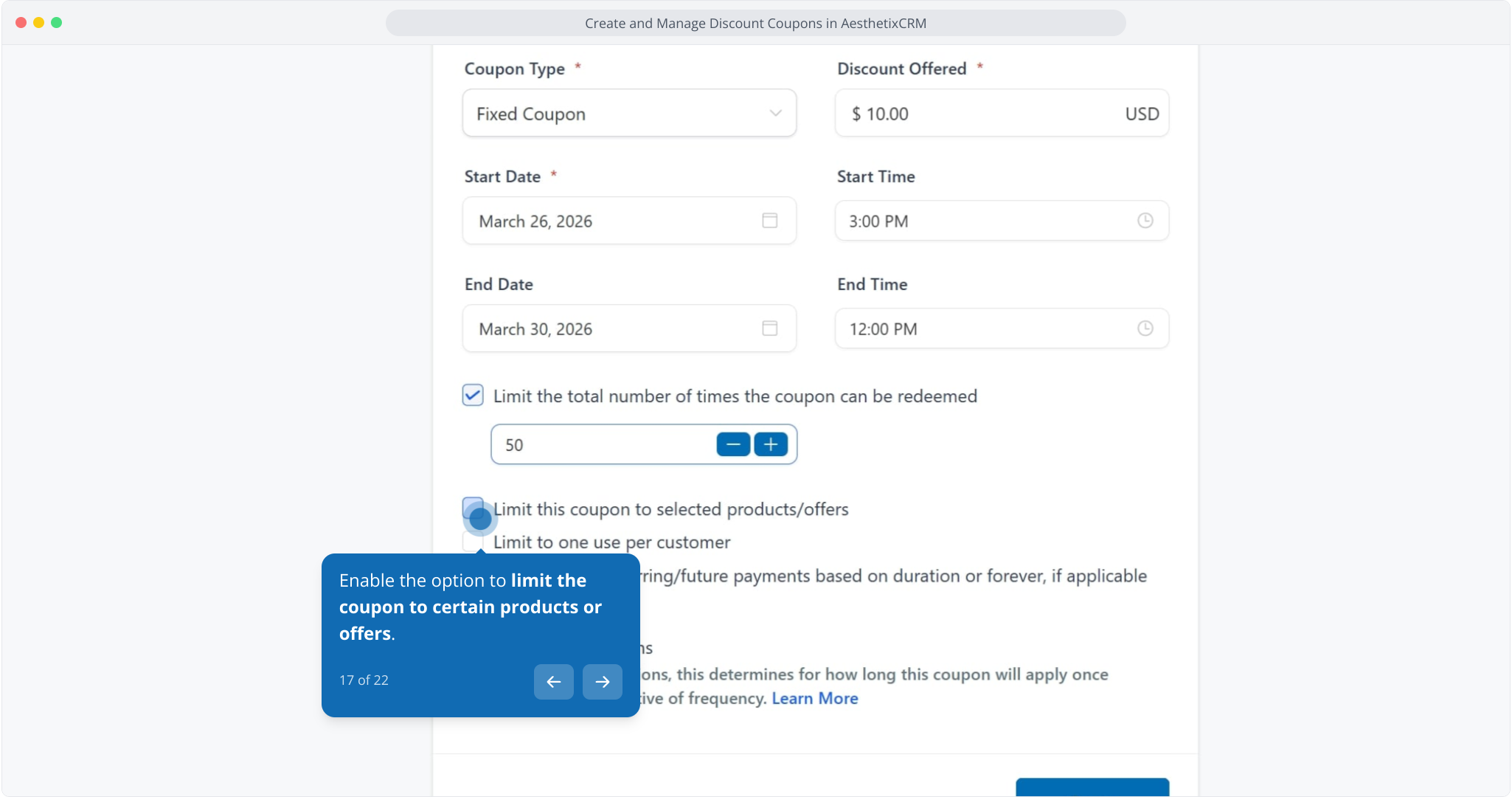
17. Enable the option to limit the coupon to certain products or offers.
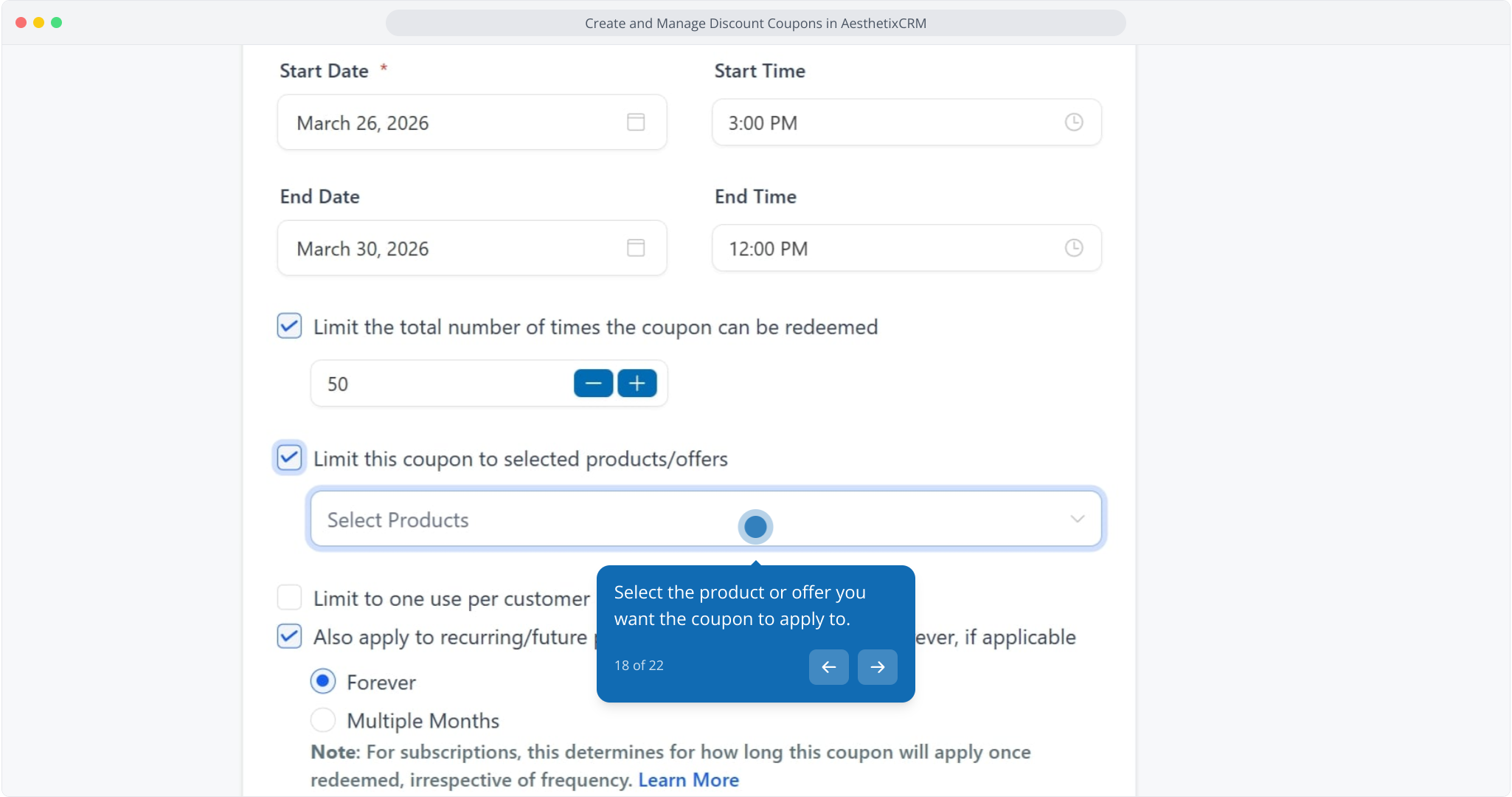
18. Select the product or offer you want the coupon to apply to.
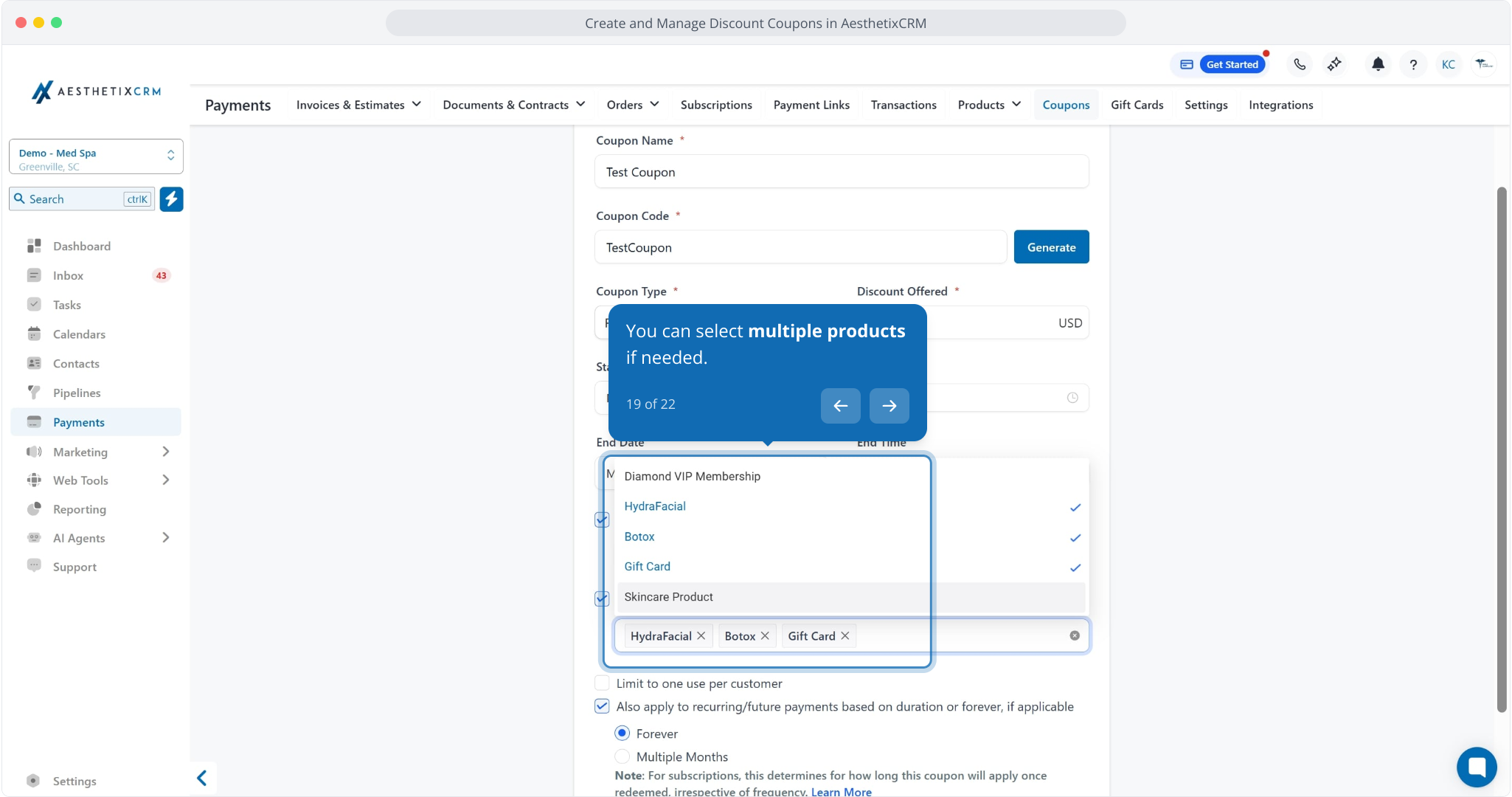
19. You can select multiple products if needed.
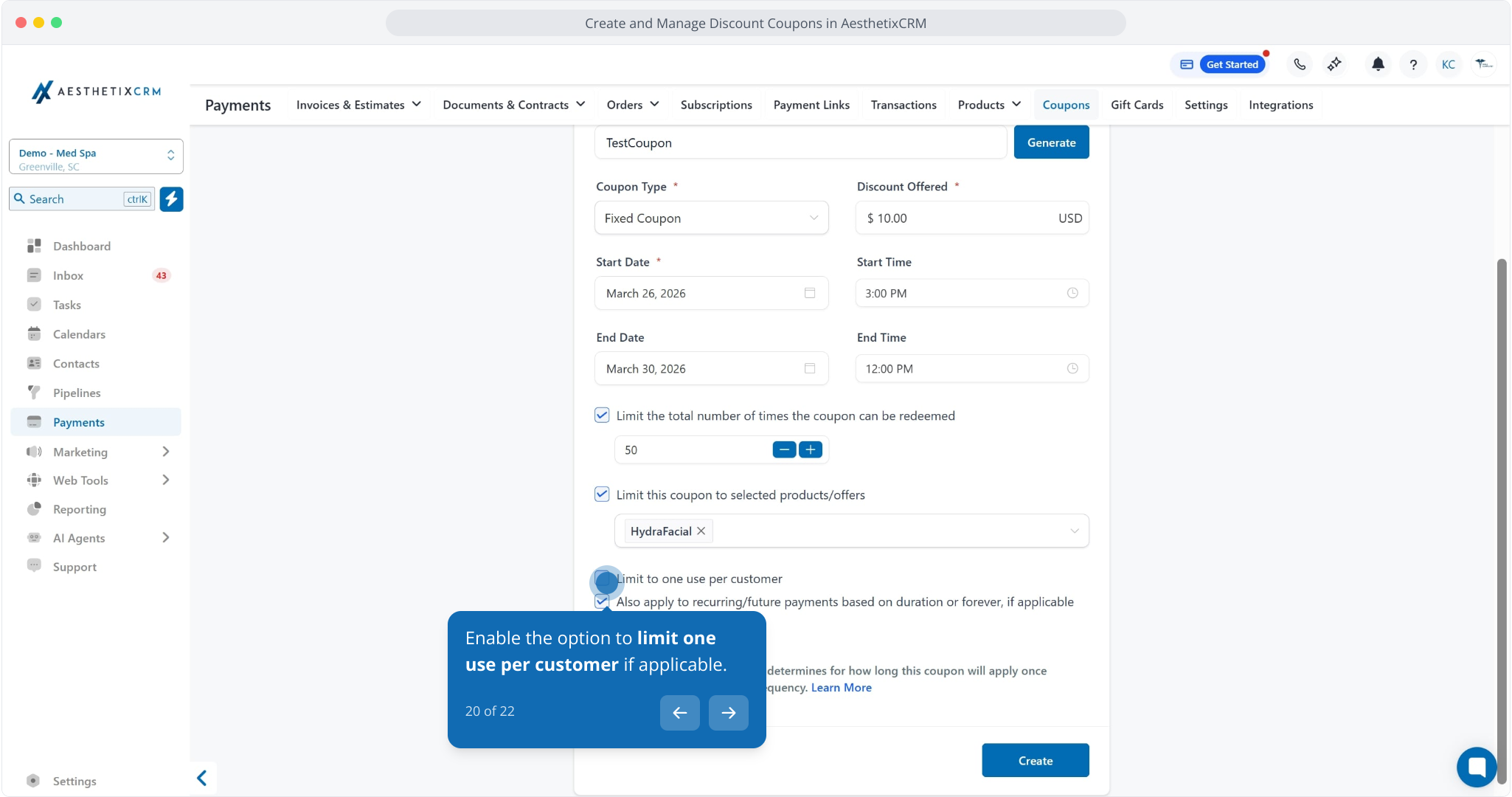
20. Enable the option to limit one use per customer if applicable.
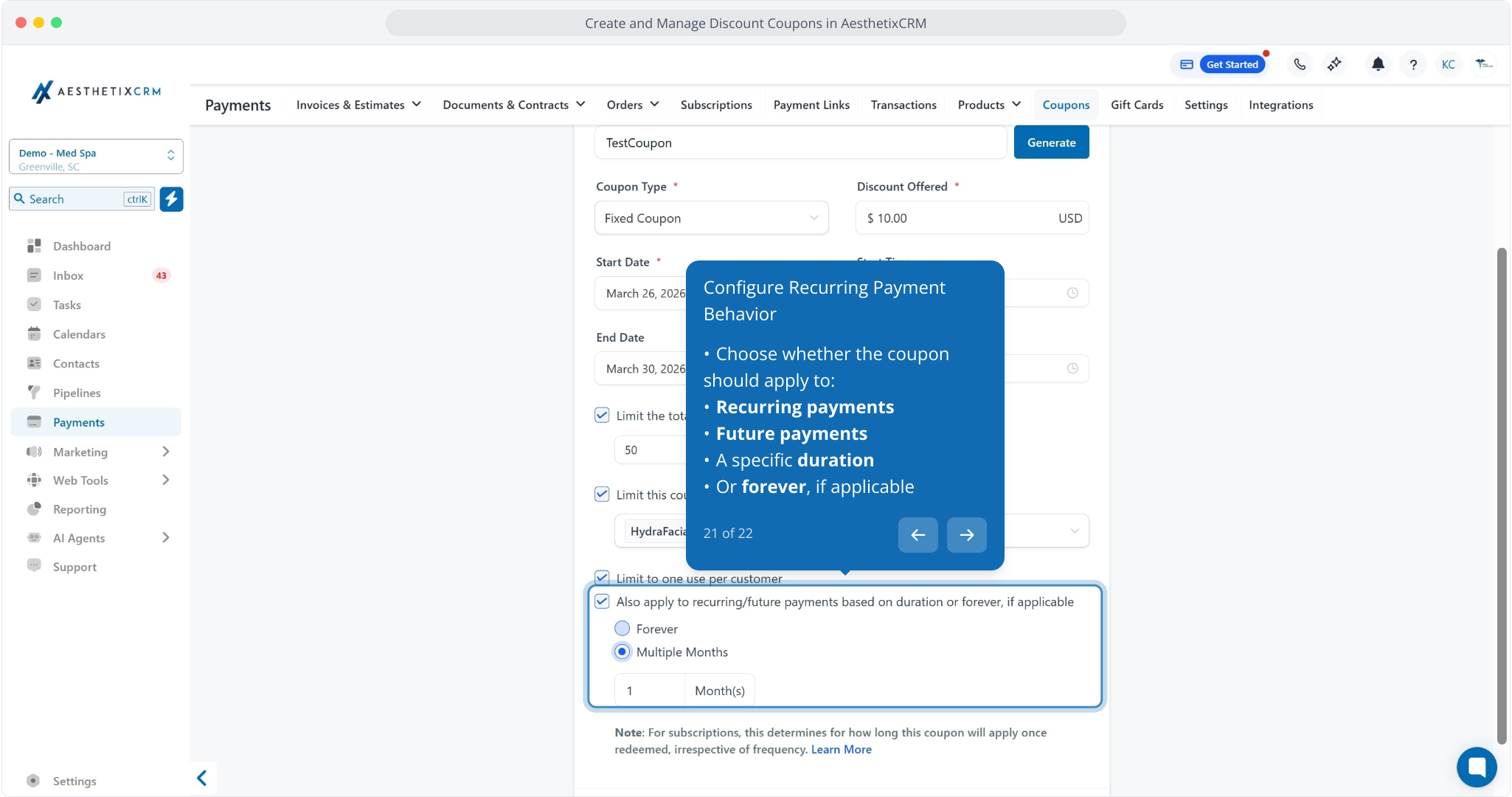
Choose whether the coupon should apply to:
Recurring payments
Future payments
A specific duration
Or forever, if applicable
22. To conclude, click the Create button to generate the new coupon with configured settings.