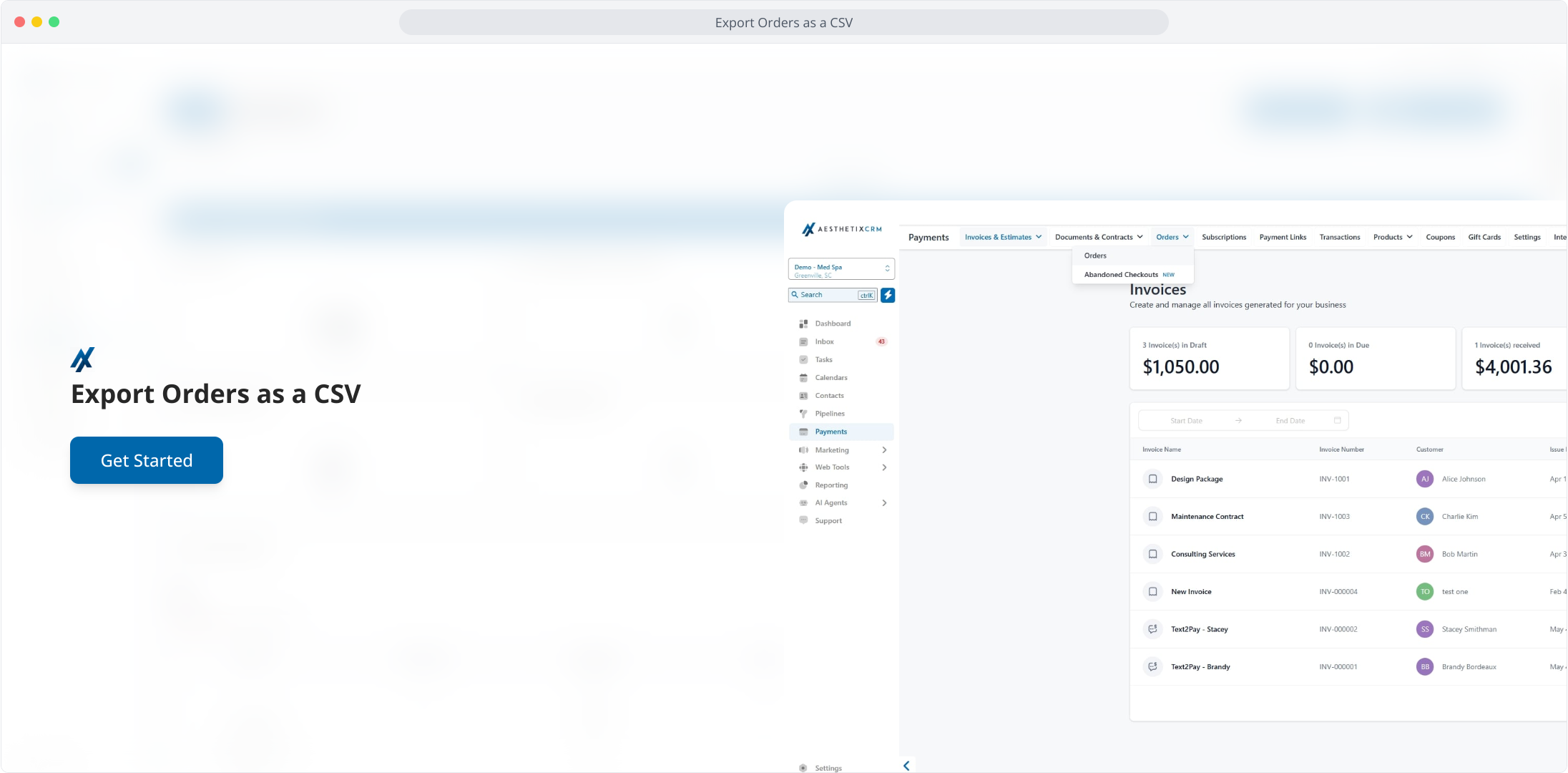
1. Export Orders as a CSV
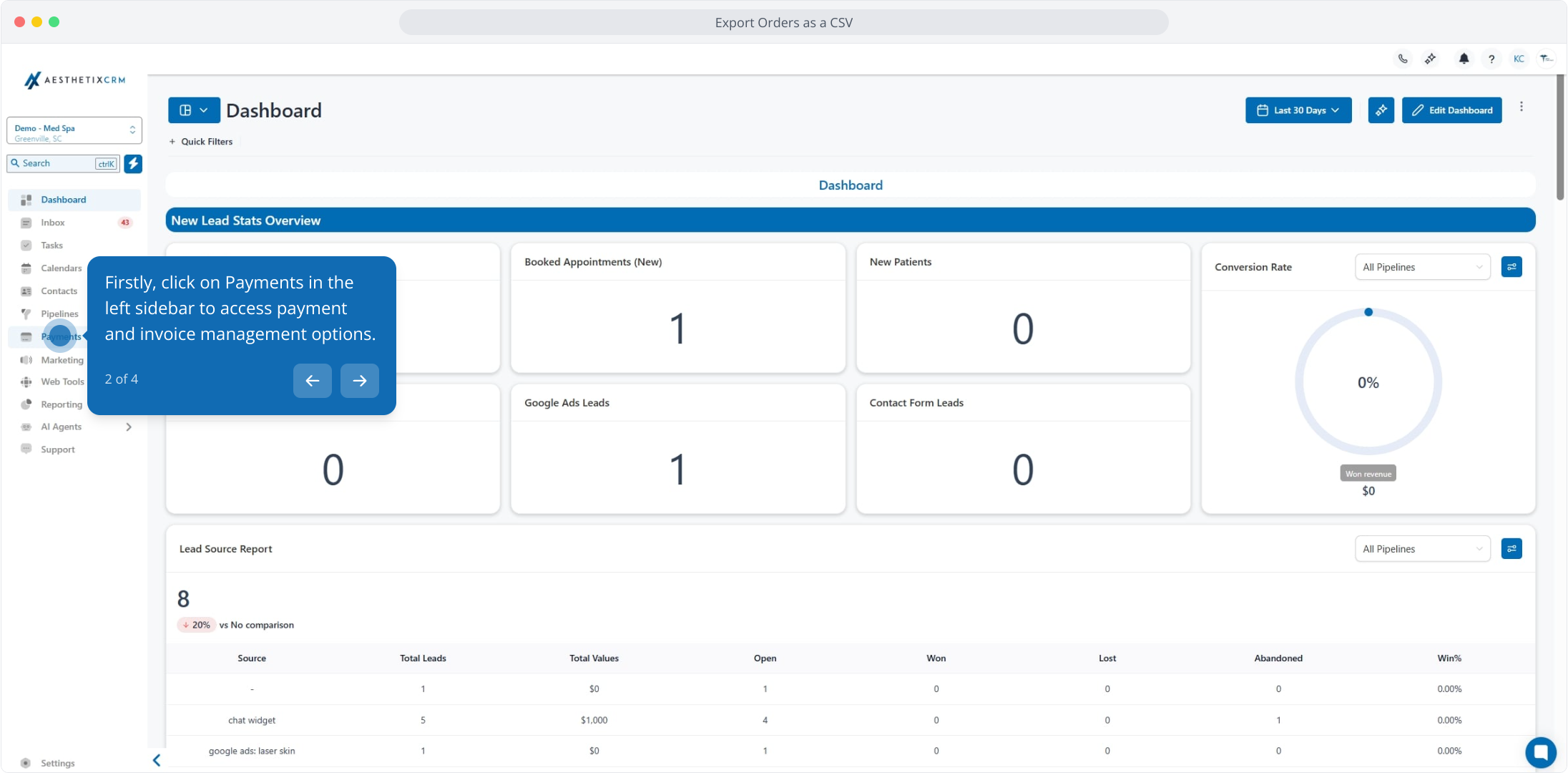
2. Firstly, click on Payments in the left sidebar to access payment and invoice management options.
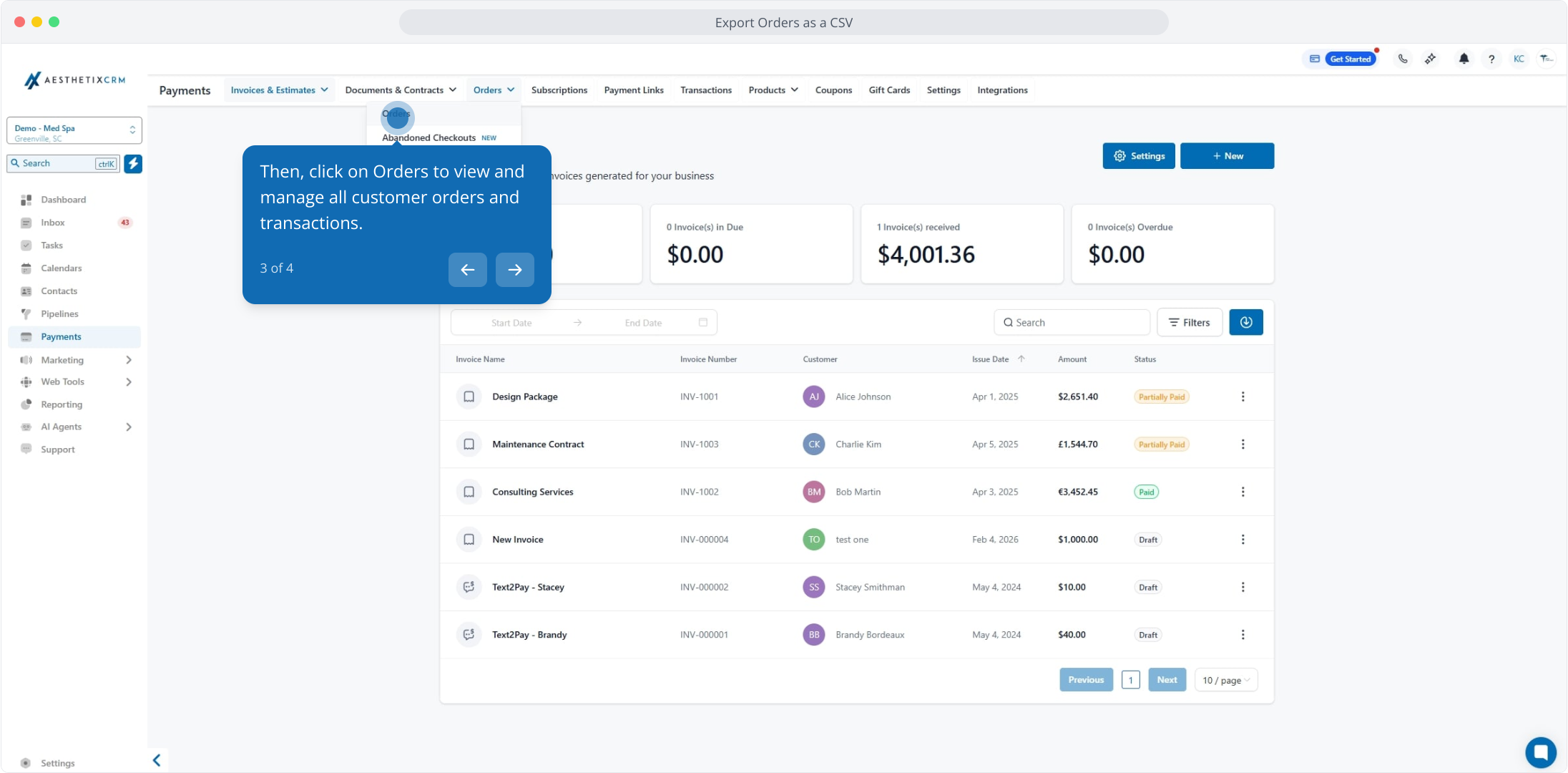
3. Then, click on Orders to view and manage all customer orders and transactions.
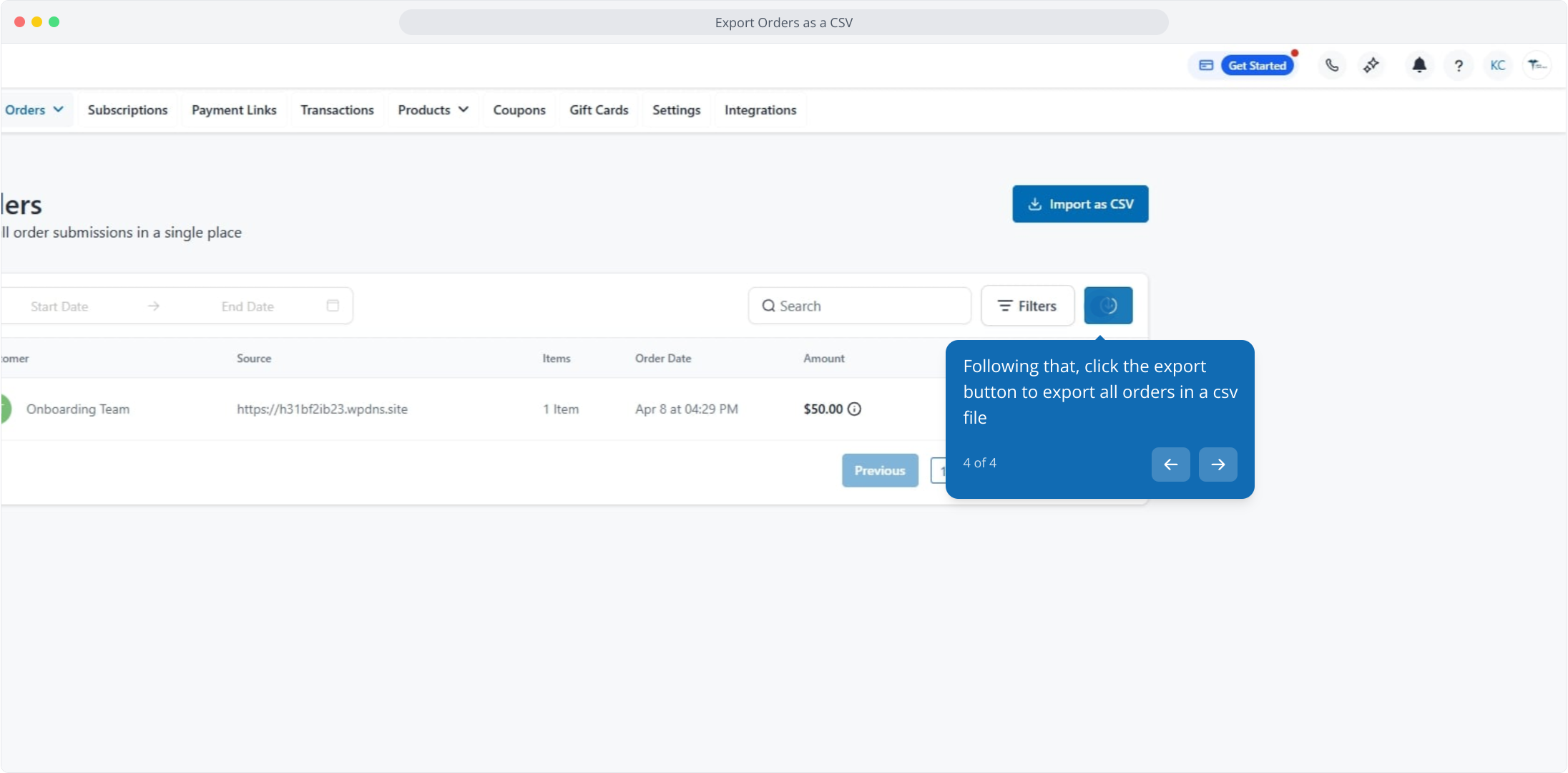
4. Following that, click the export button to export all orders in a csv file
This workflow was created with Supademo.
