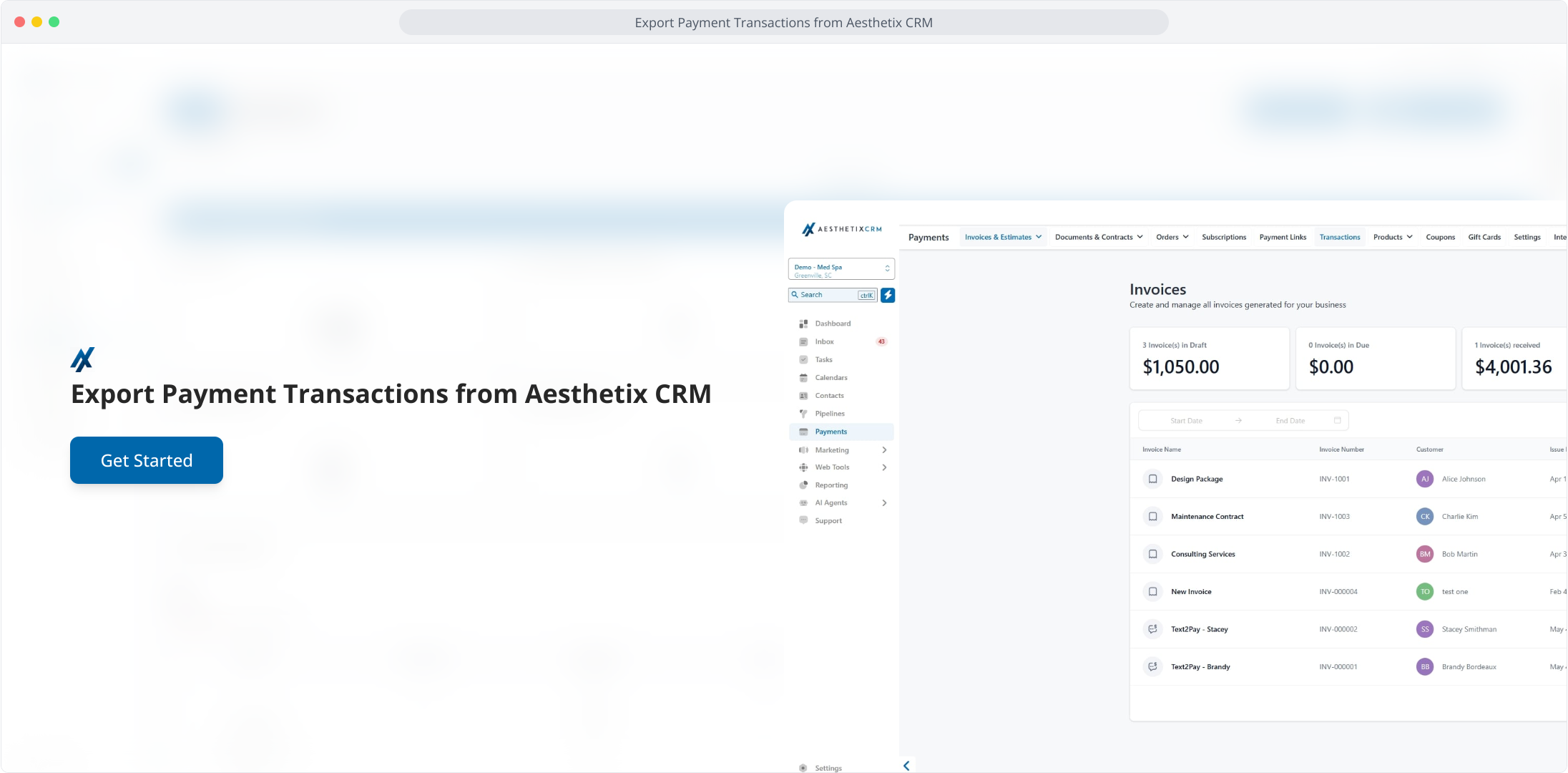
1. Export Payment Transactions from Aesthetix CRM
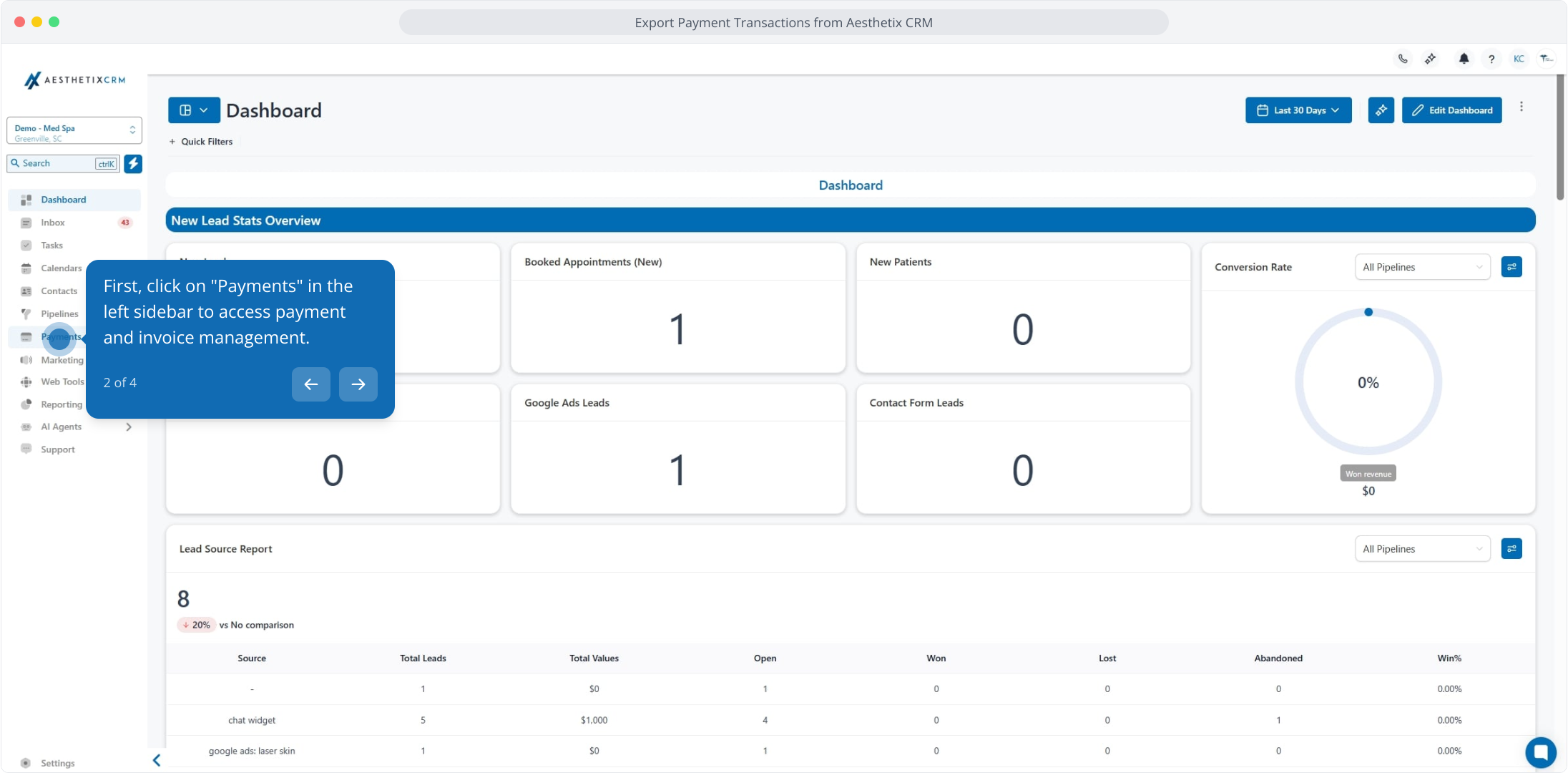
2. First, click on "Payments" in the left sidebar to access payment and invoice management.
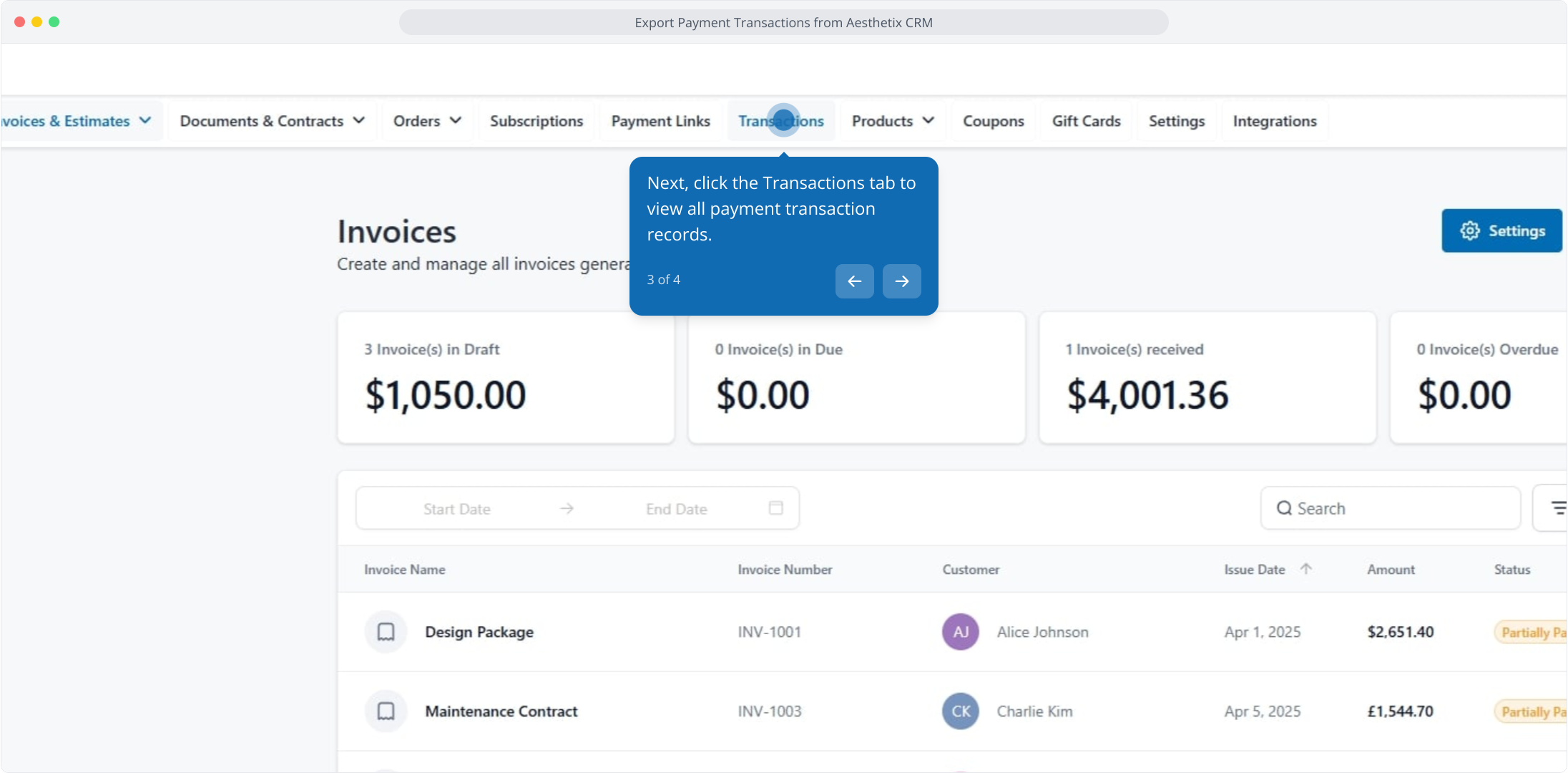
3. Next, click the Transactions tab to view all payment transaction records.
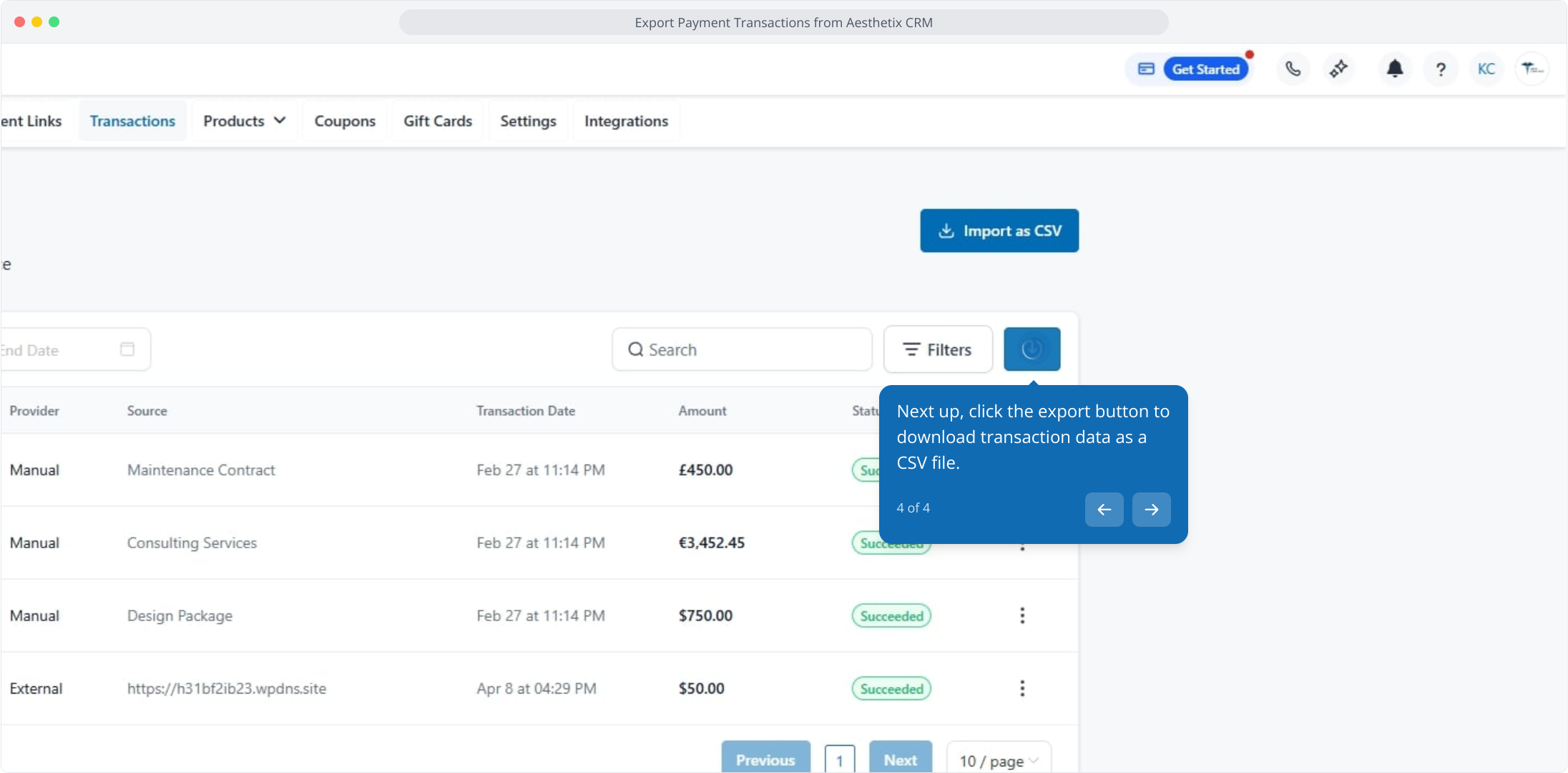
4. Next up, click the export button to download transaction data as a CSV file.