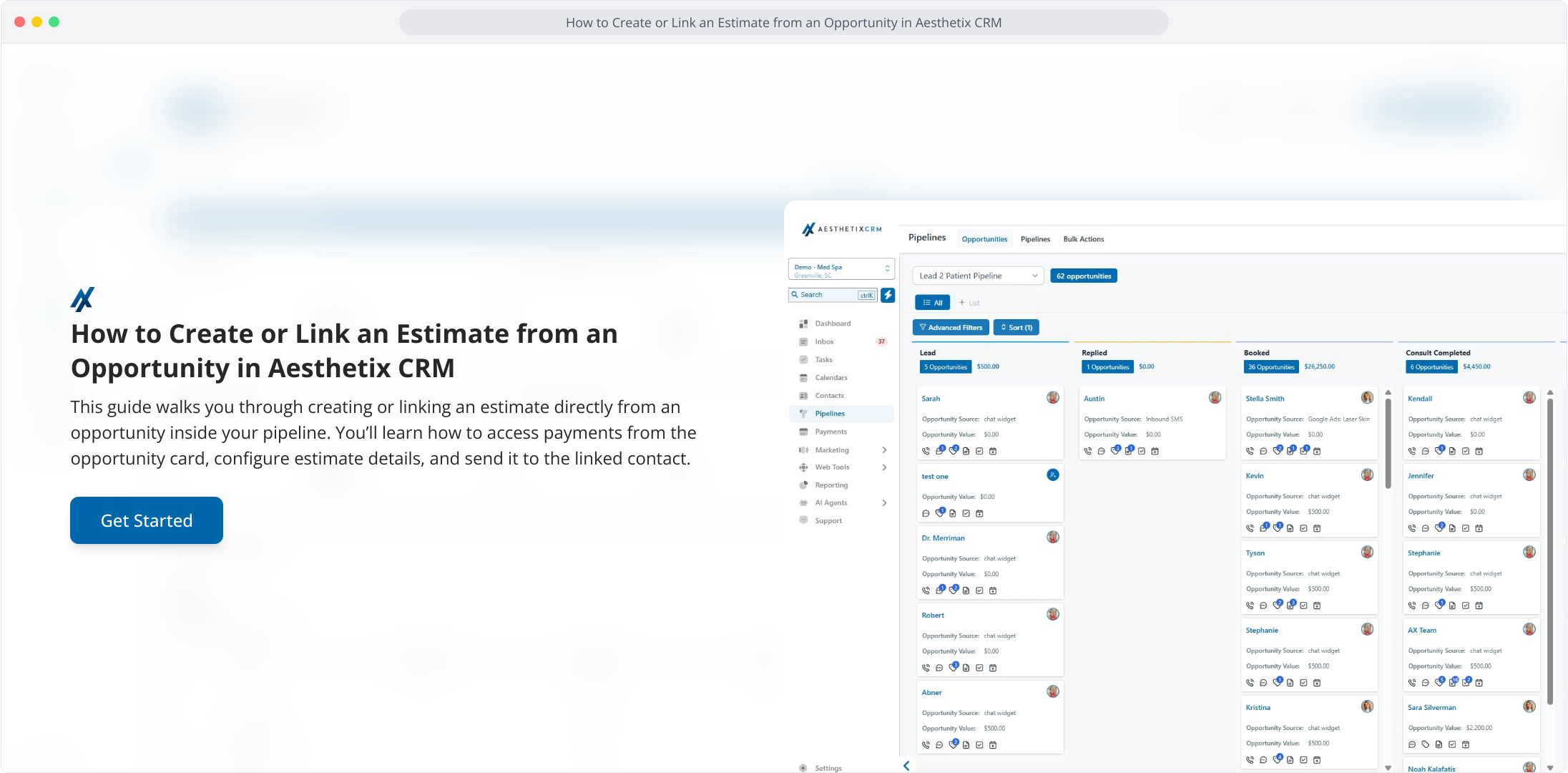
1. How to Create or Link an Estimate from an Opportunity in Aesthetix CRM
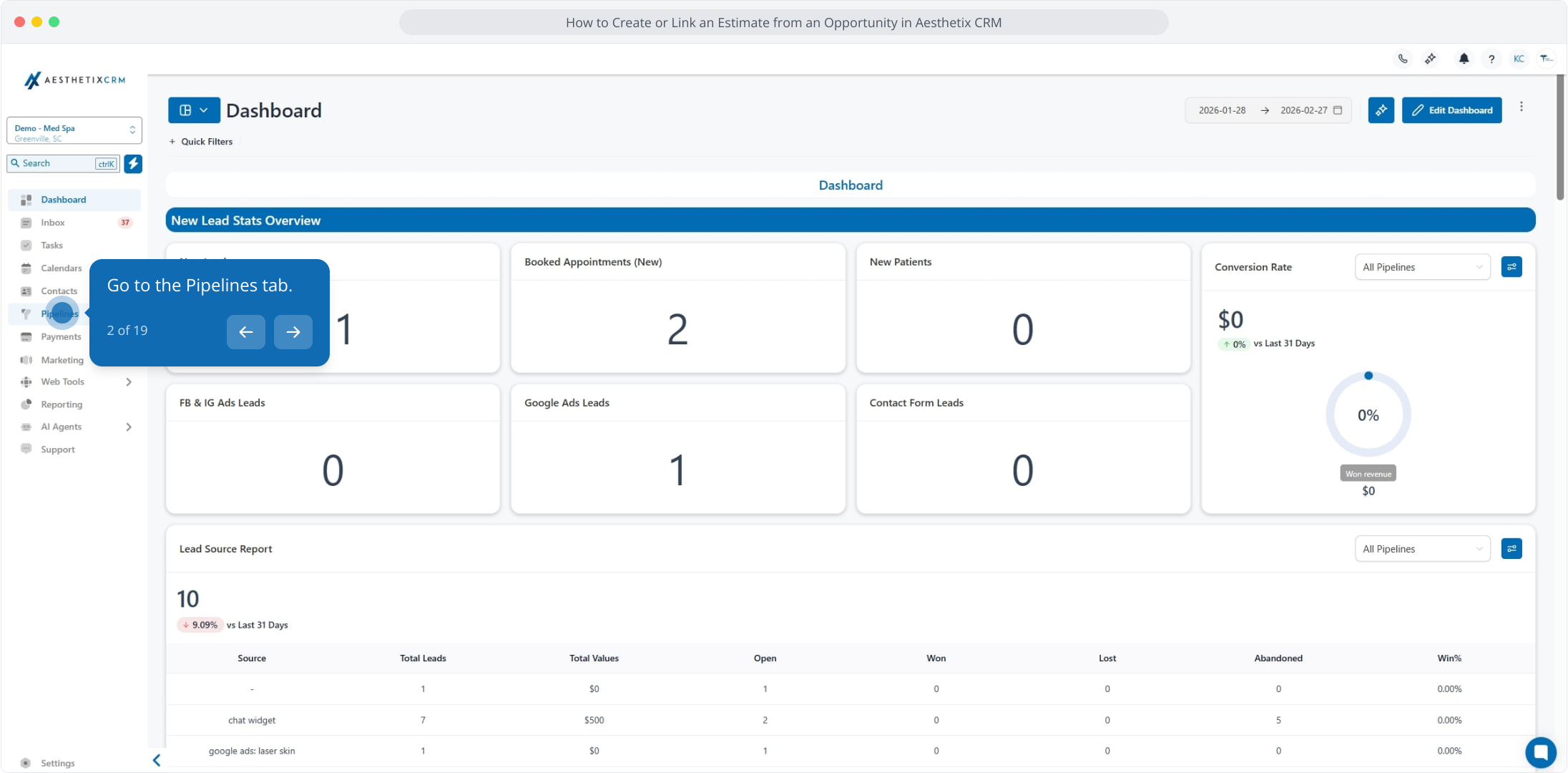
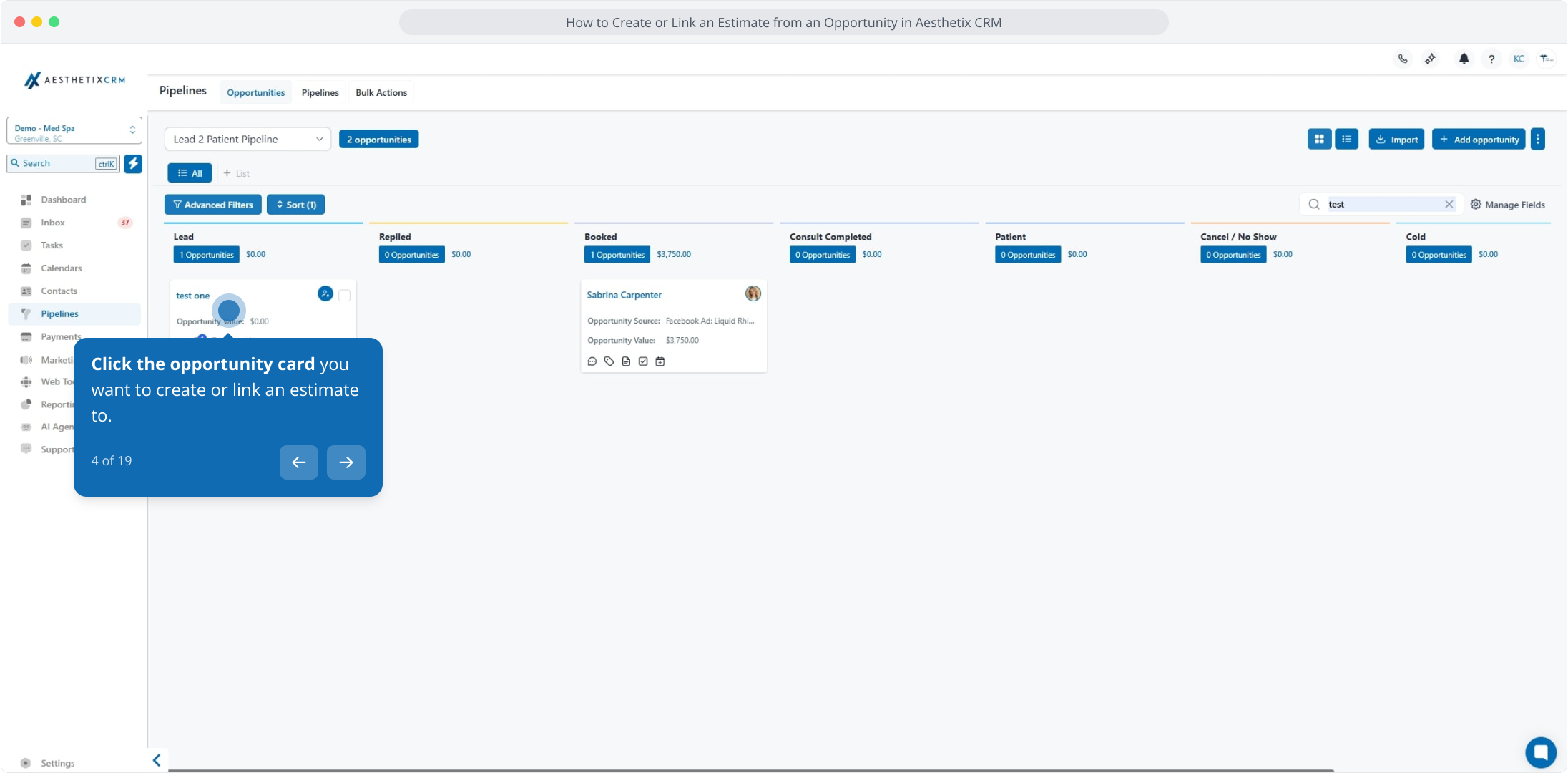
2. Go to the Pipelines tab.
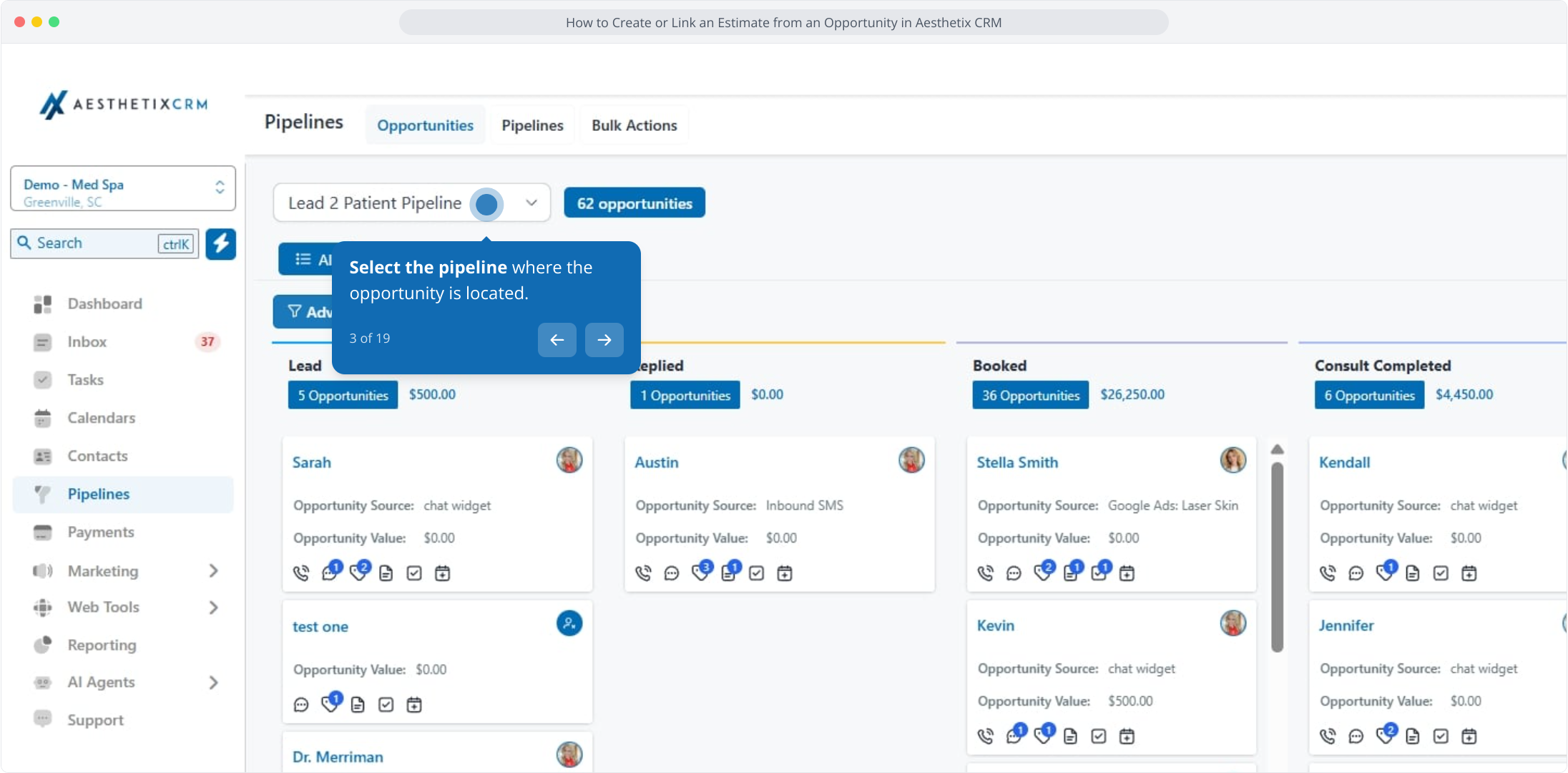
3. Select the pipeline where the opportunity is located.
4. Click the opportunity card you want to create or link an estimate to.
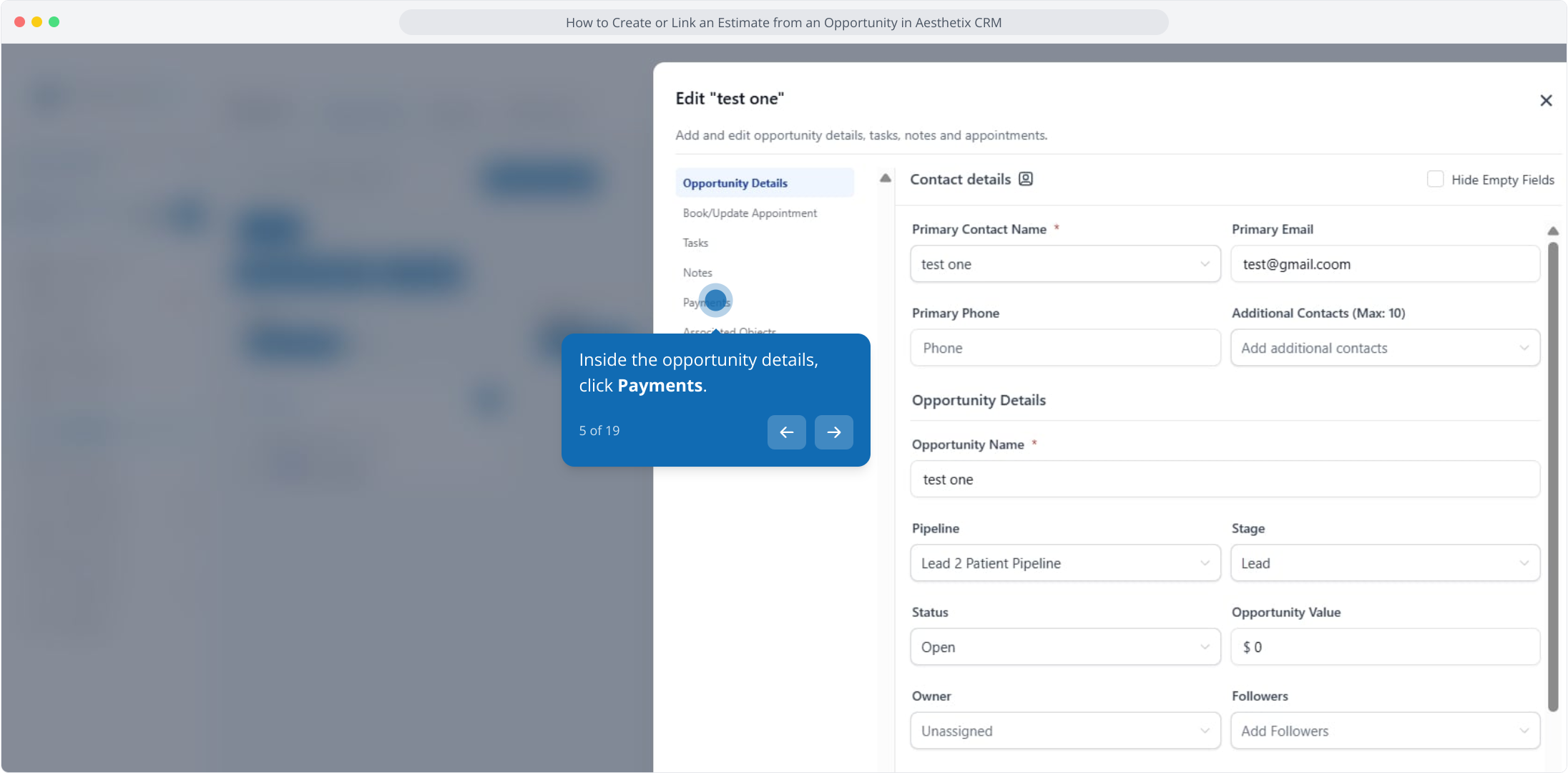
5. Inside the opportunity details, click Payments.
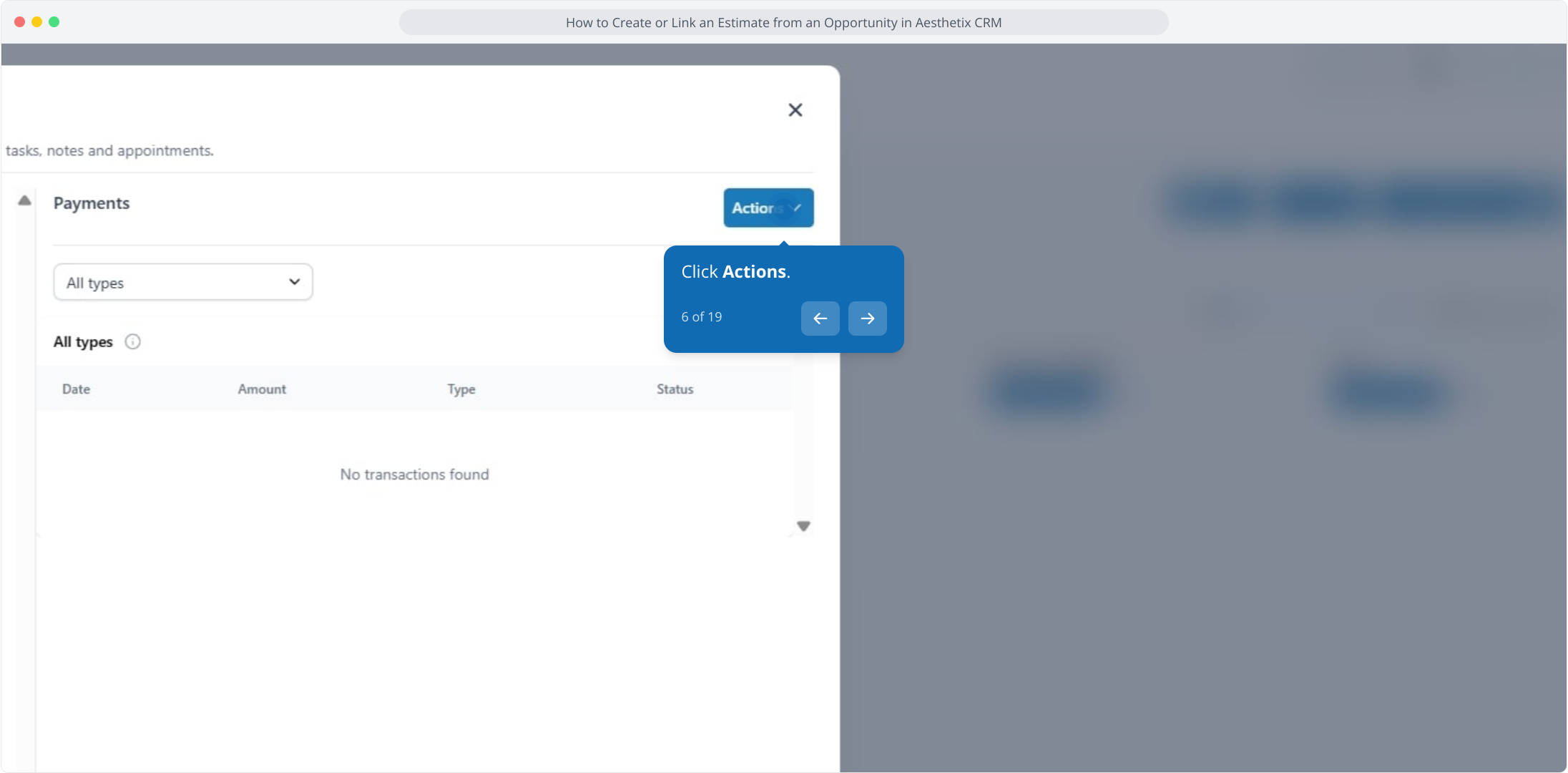
6. Click Actions.
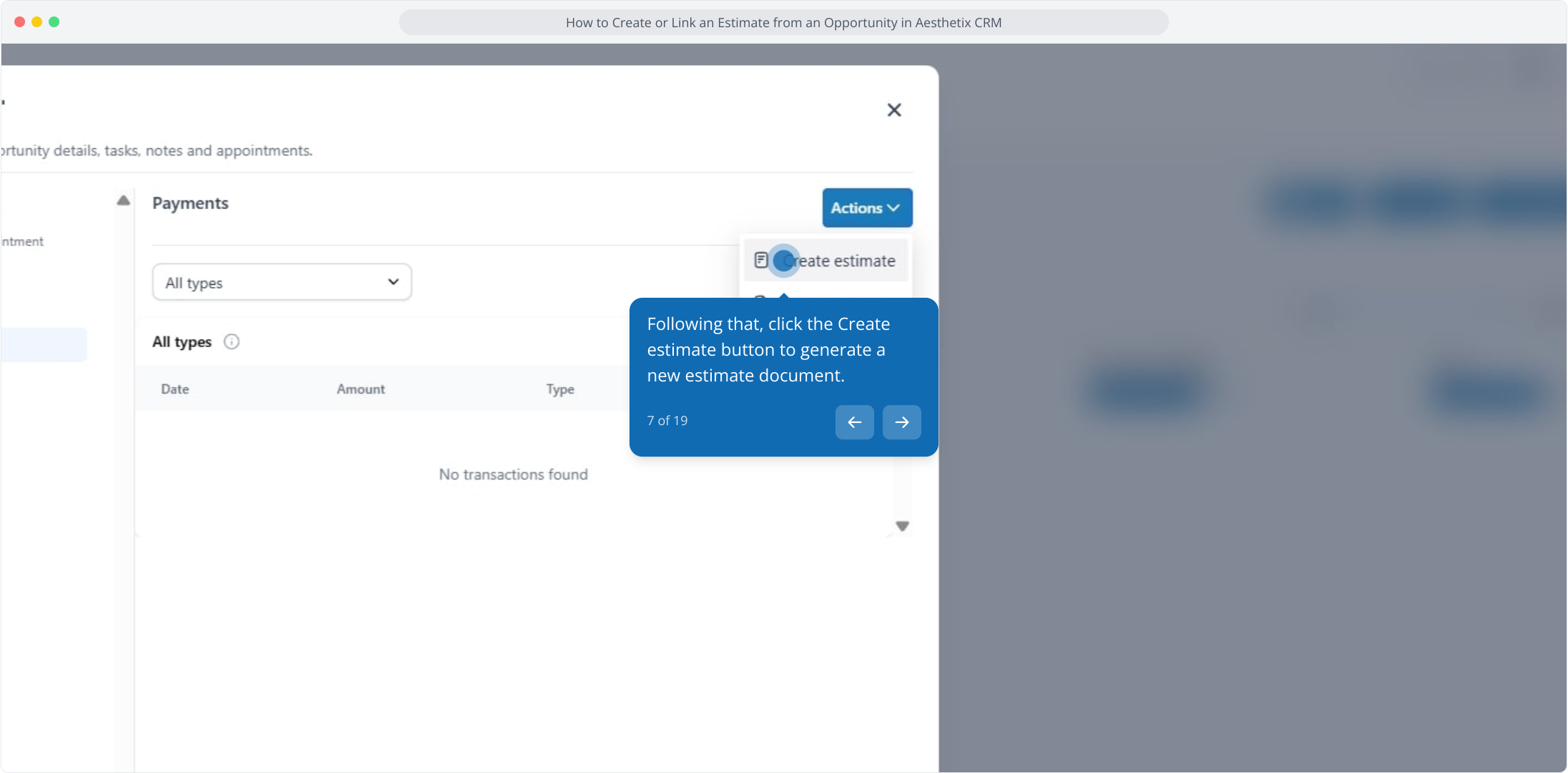
7. Following that, click the Create estimate button to generate a new estimate document.
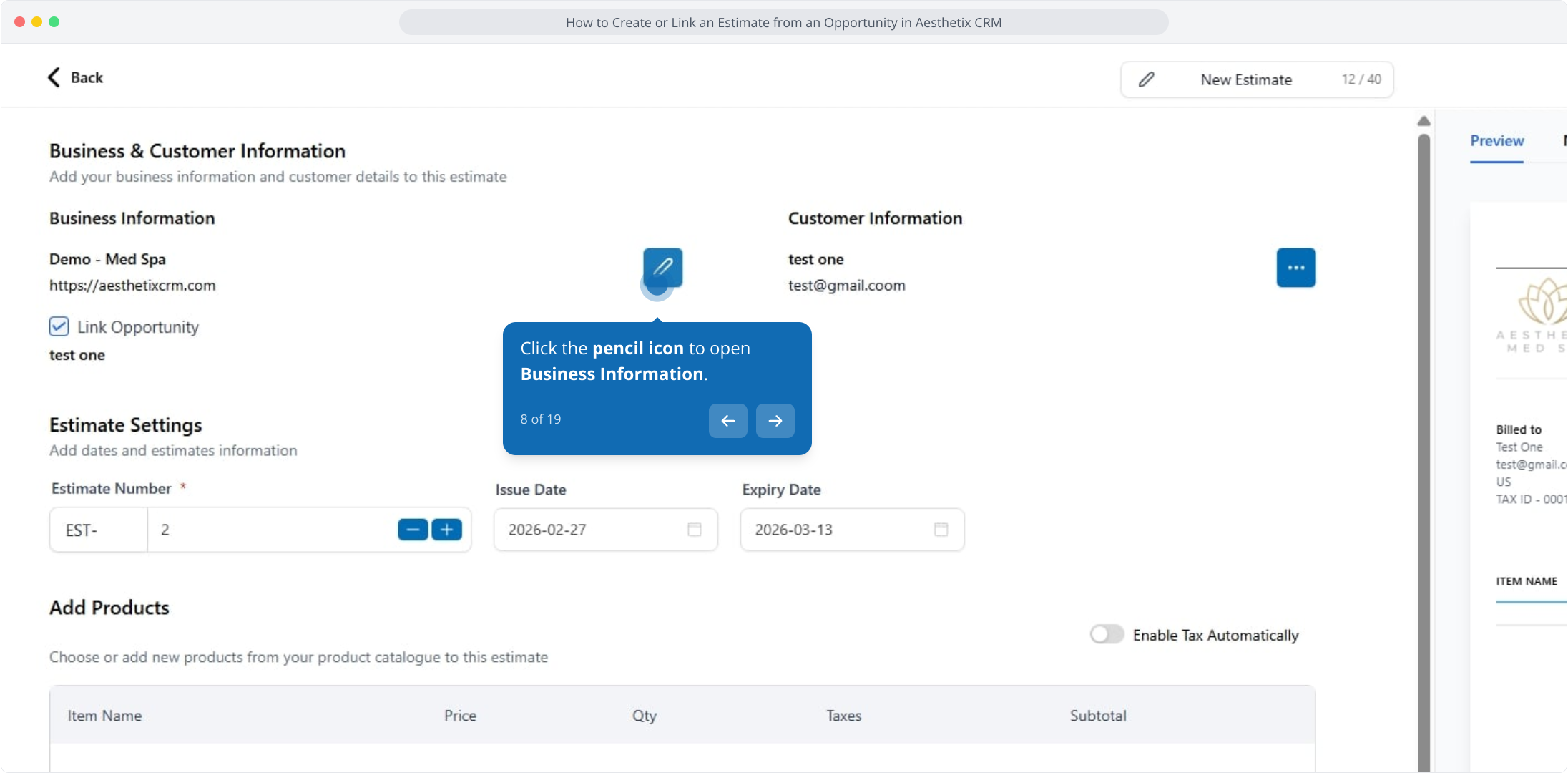
8. Click the pencil icon to open Business Information.
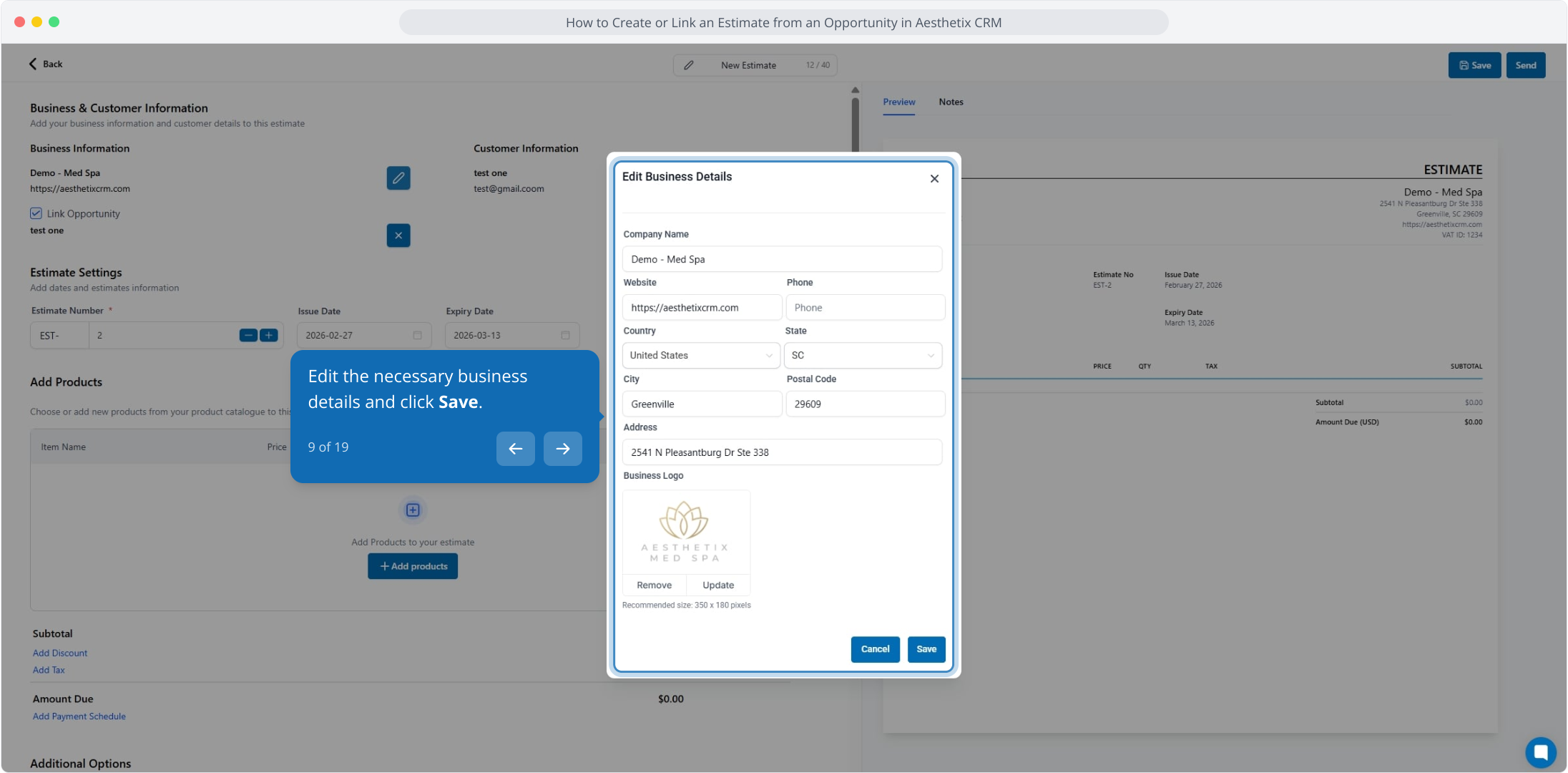
9. Edit the necessary business details and click Save.
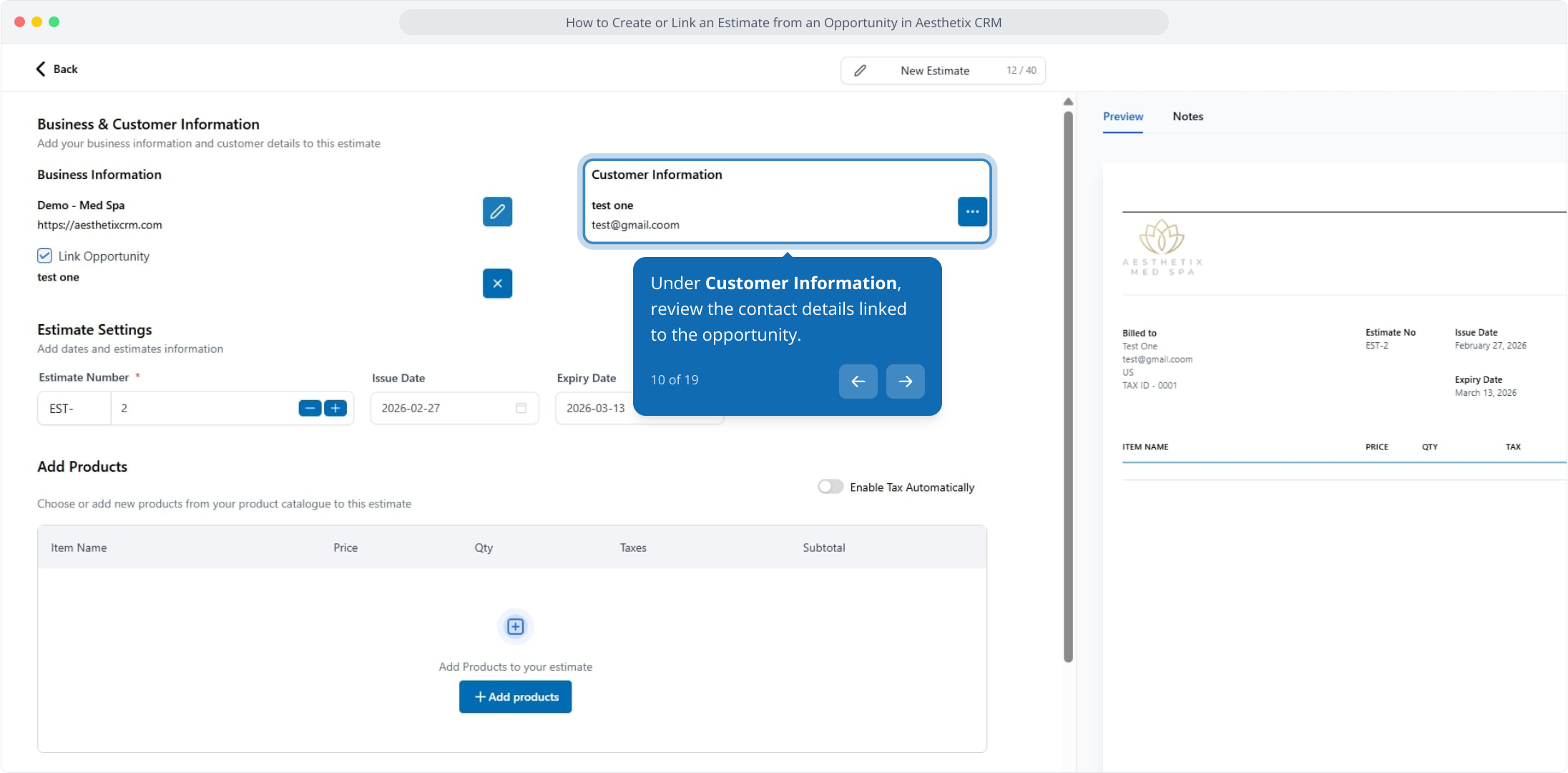
10. Under Customer Information, review the contact details linked to the opportunity.
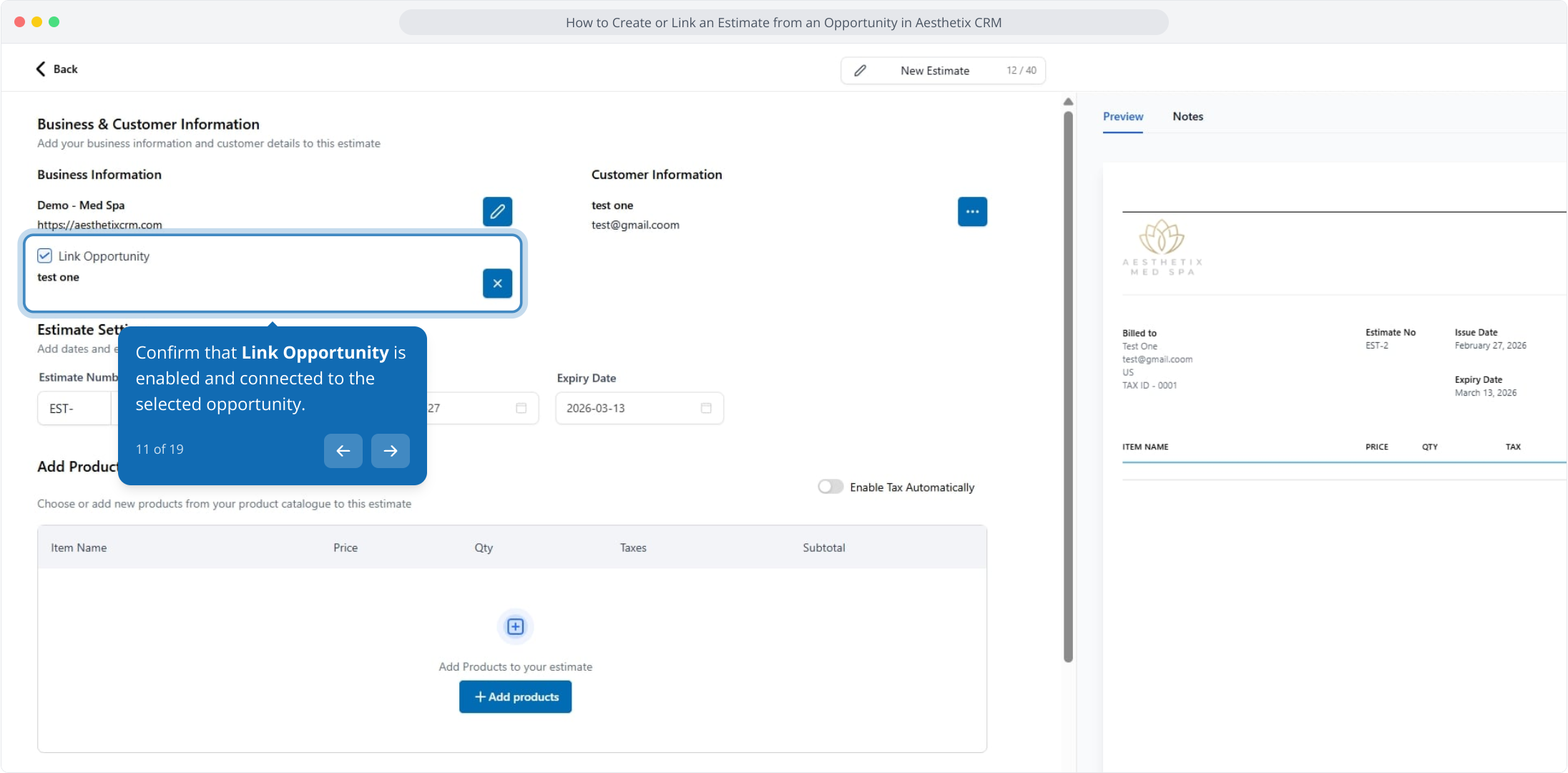
11. Confirm that Link Opportunity is enabled and connected to the selected opportunity.
12. Edit the estimate settings as needed.
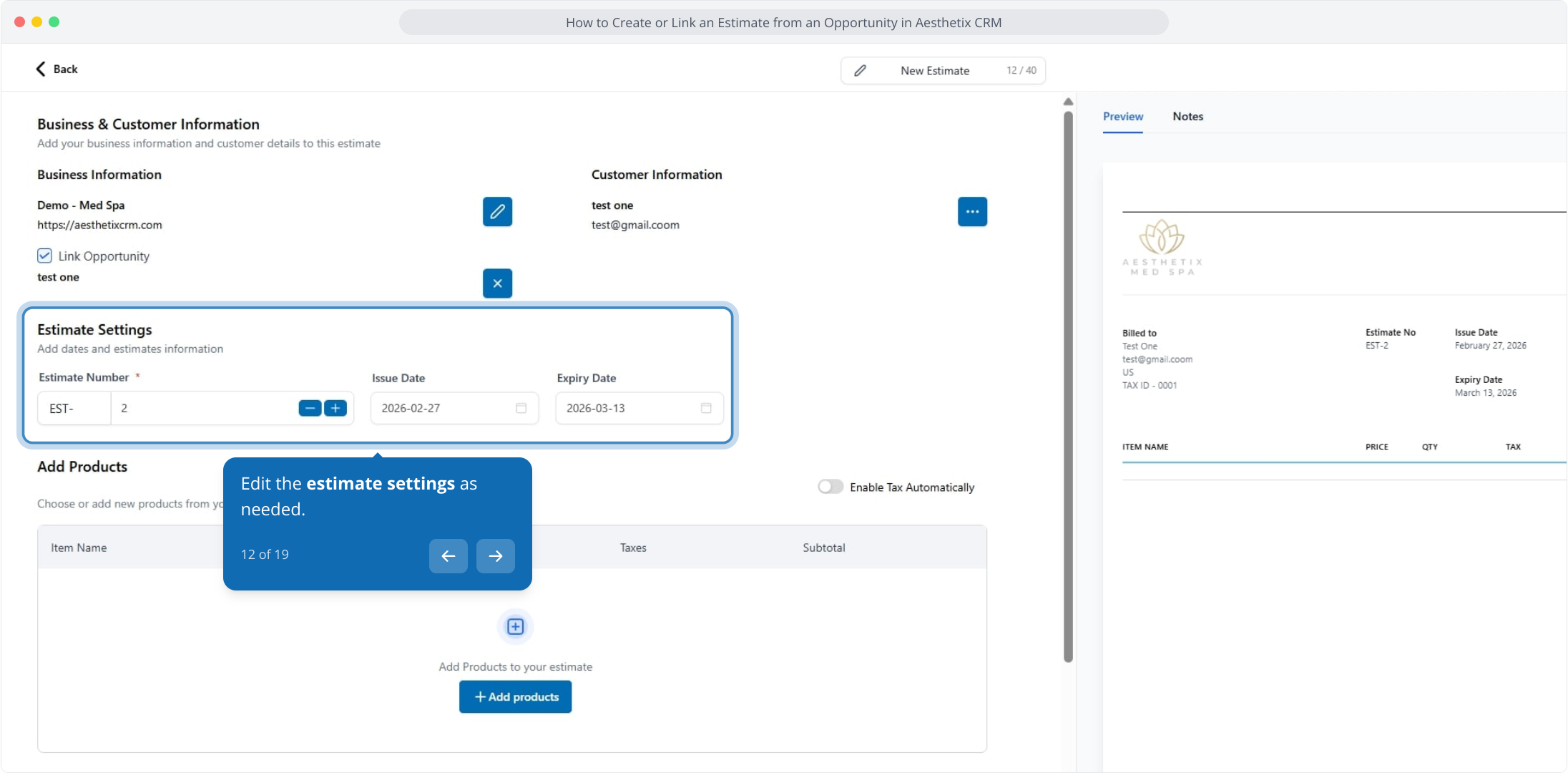
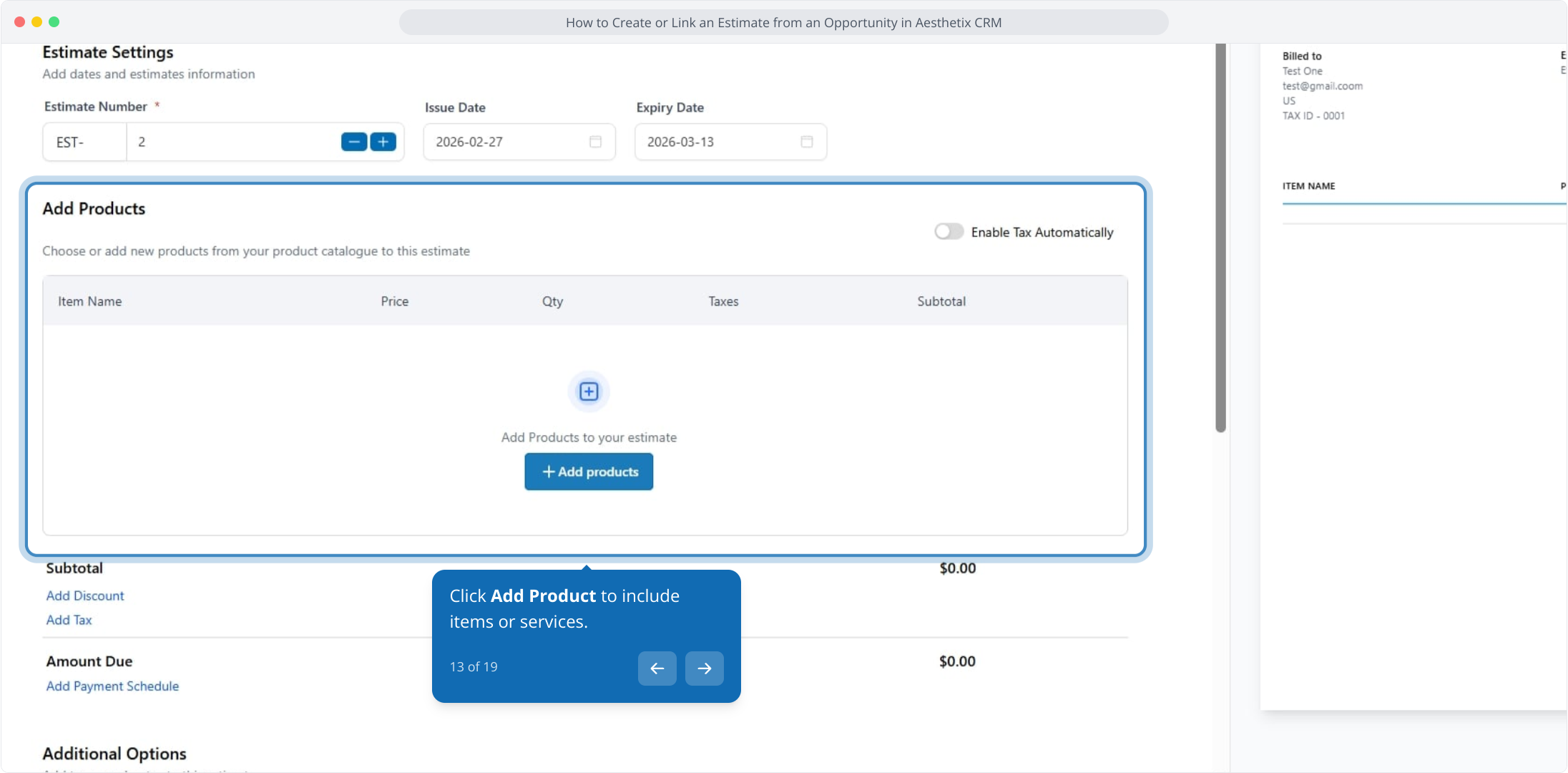
13. Click Add Product to include items or services.
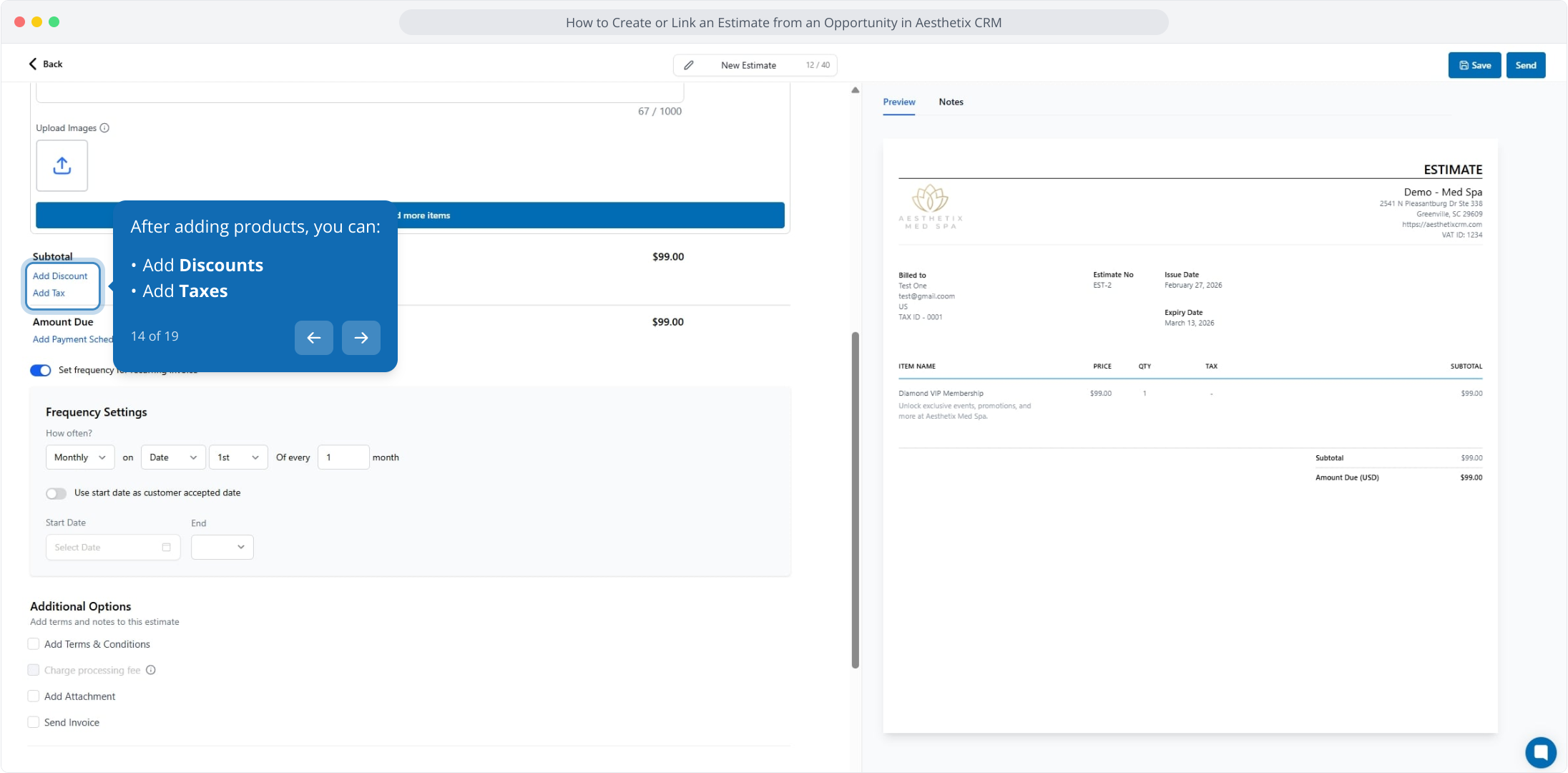
14. After adding products, you can:
Add Discounts
Add Taxes
15. From here, click Add Payment Schedule to set up recurring billing for this estimate.
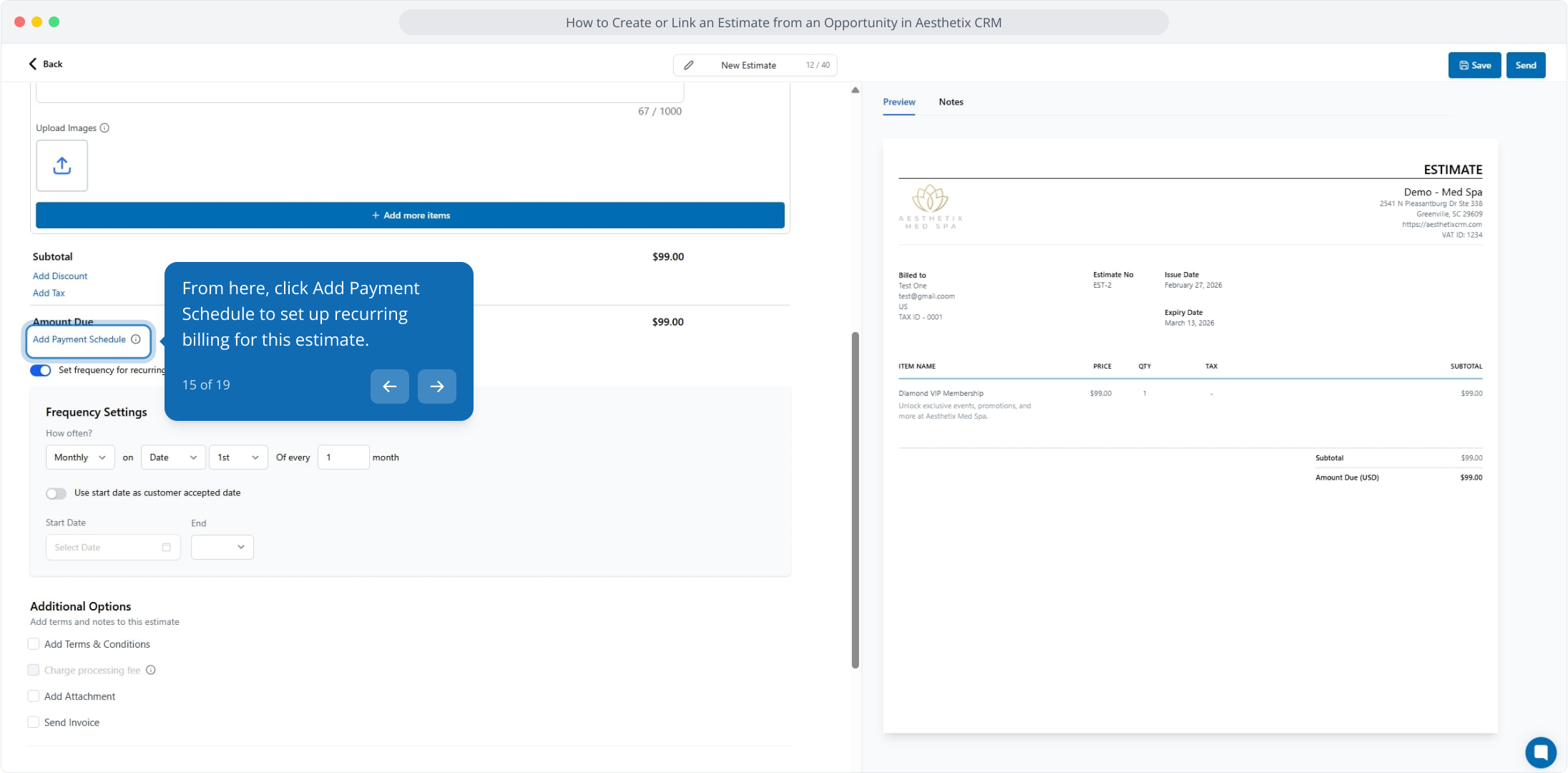
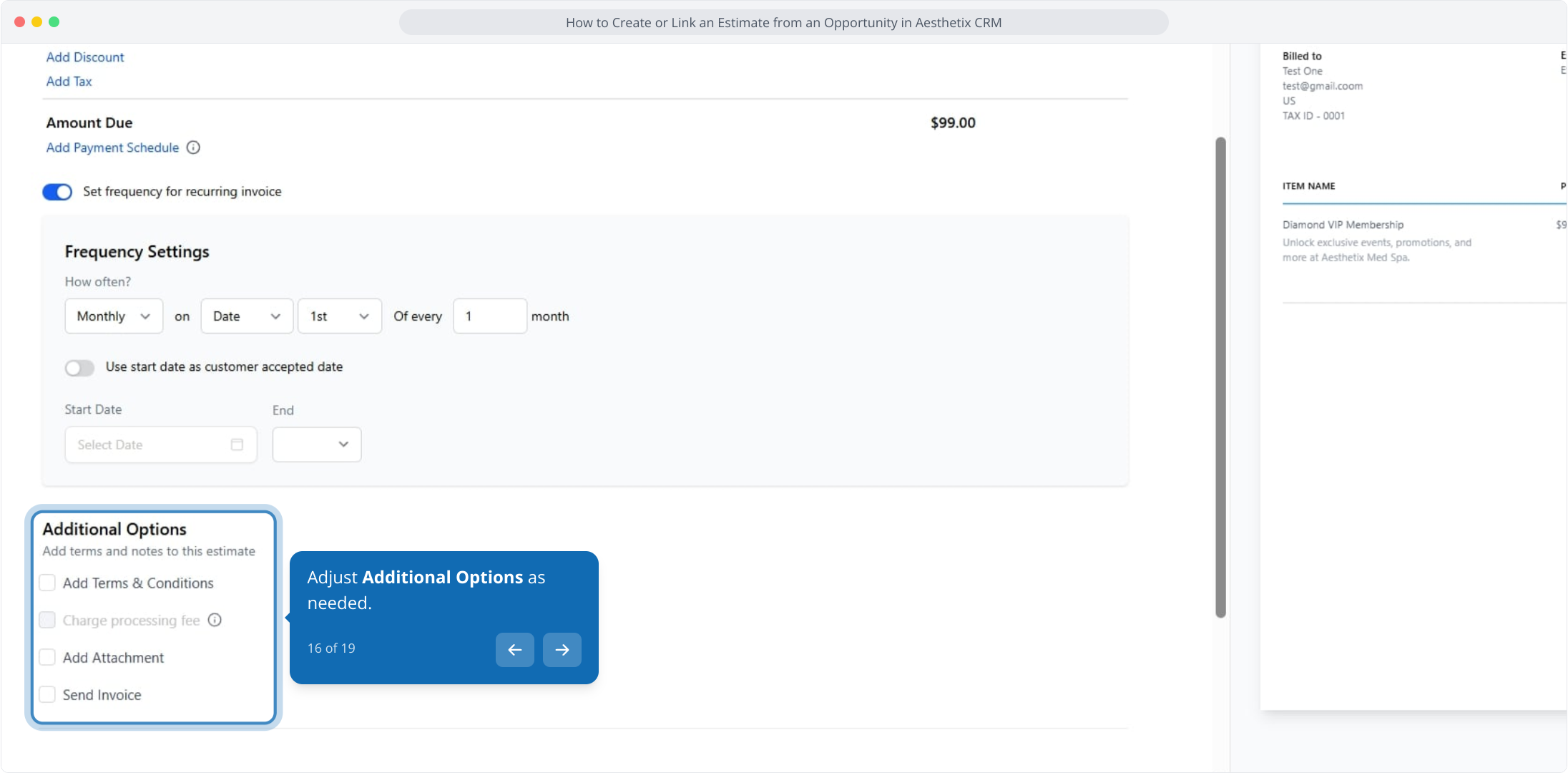
16. Adjust Additional Options as needed.
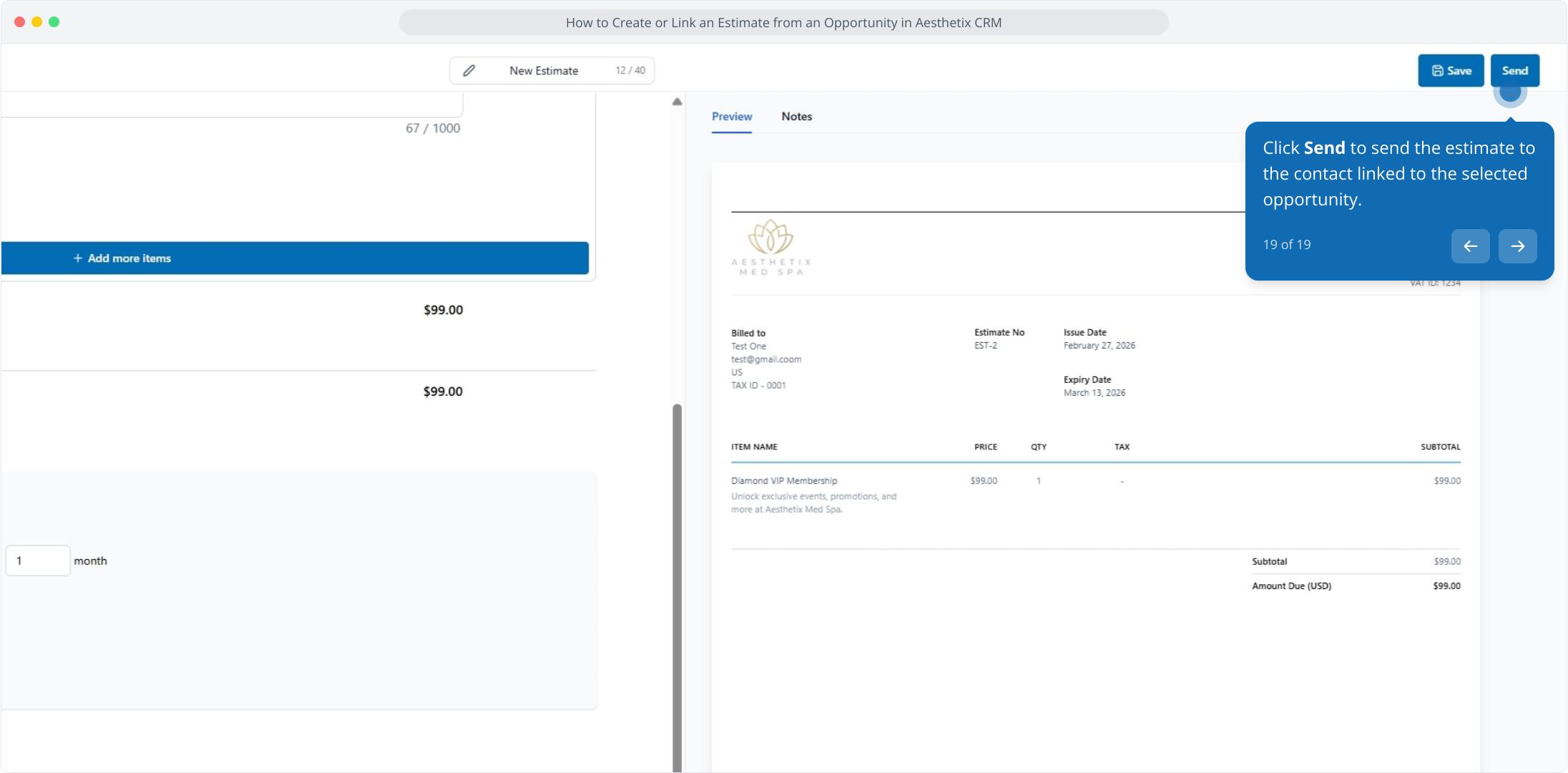
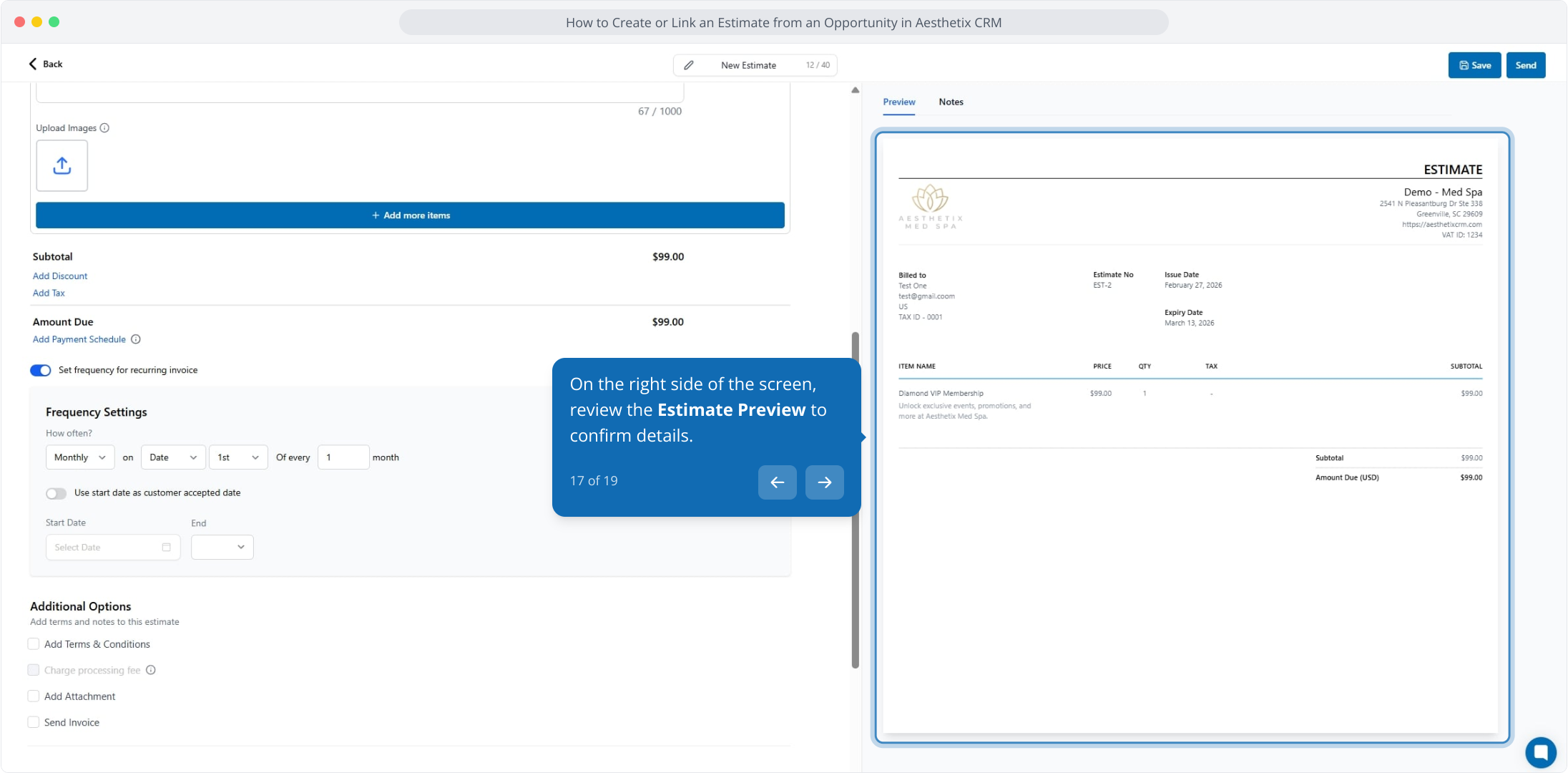
17. On the right side of the screen, review the Estimate Preview to confirm details.
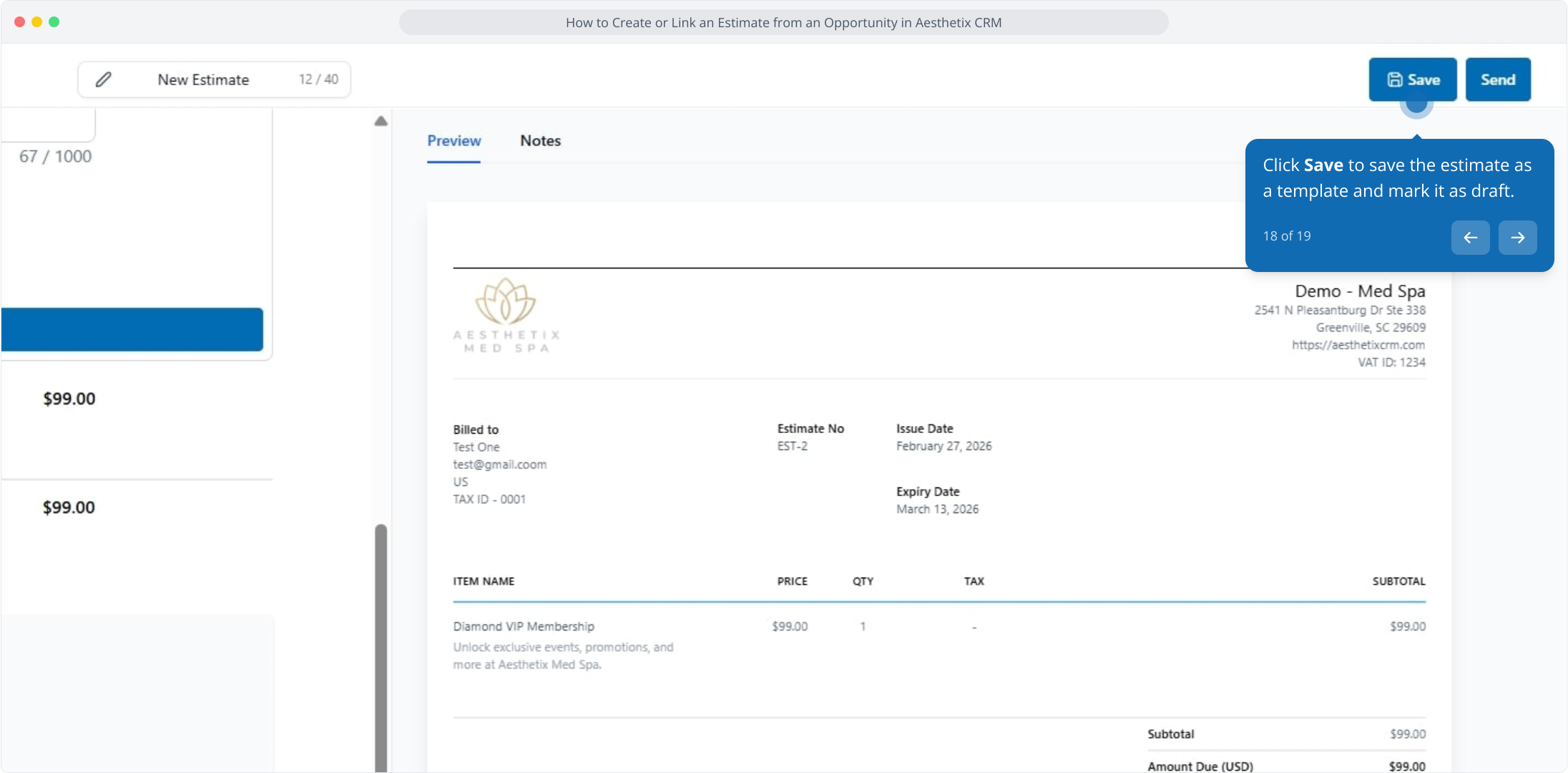
18. Click Save to save the estimate as a template and mark it as draft.
19. Click Send to send the estimate to the contact linked to the selected opportunity.