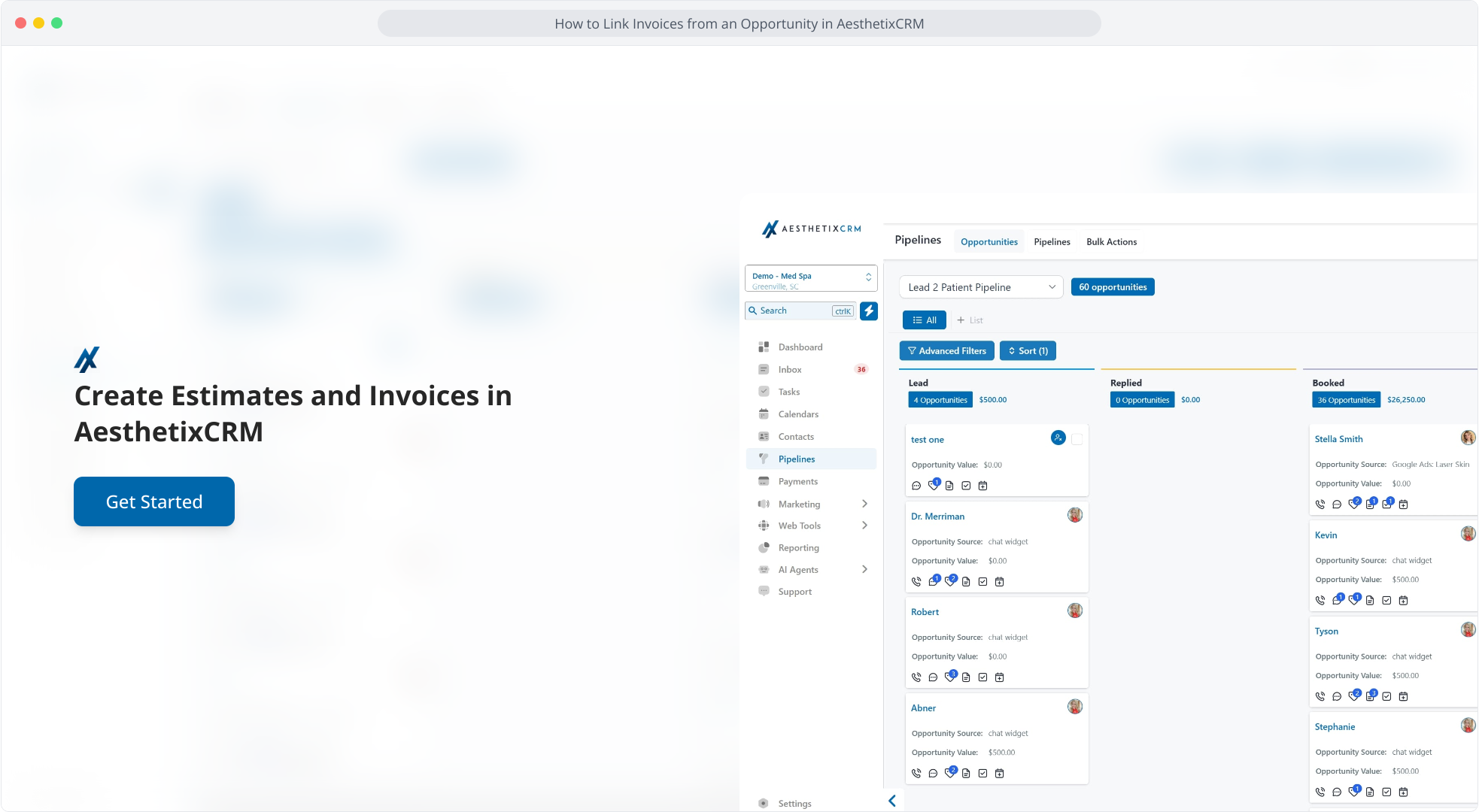
1. Create Estimates and Invoices in AesthetixCRM
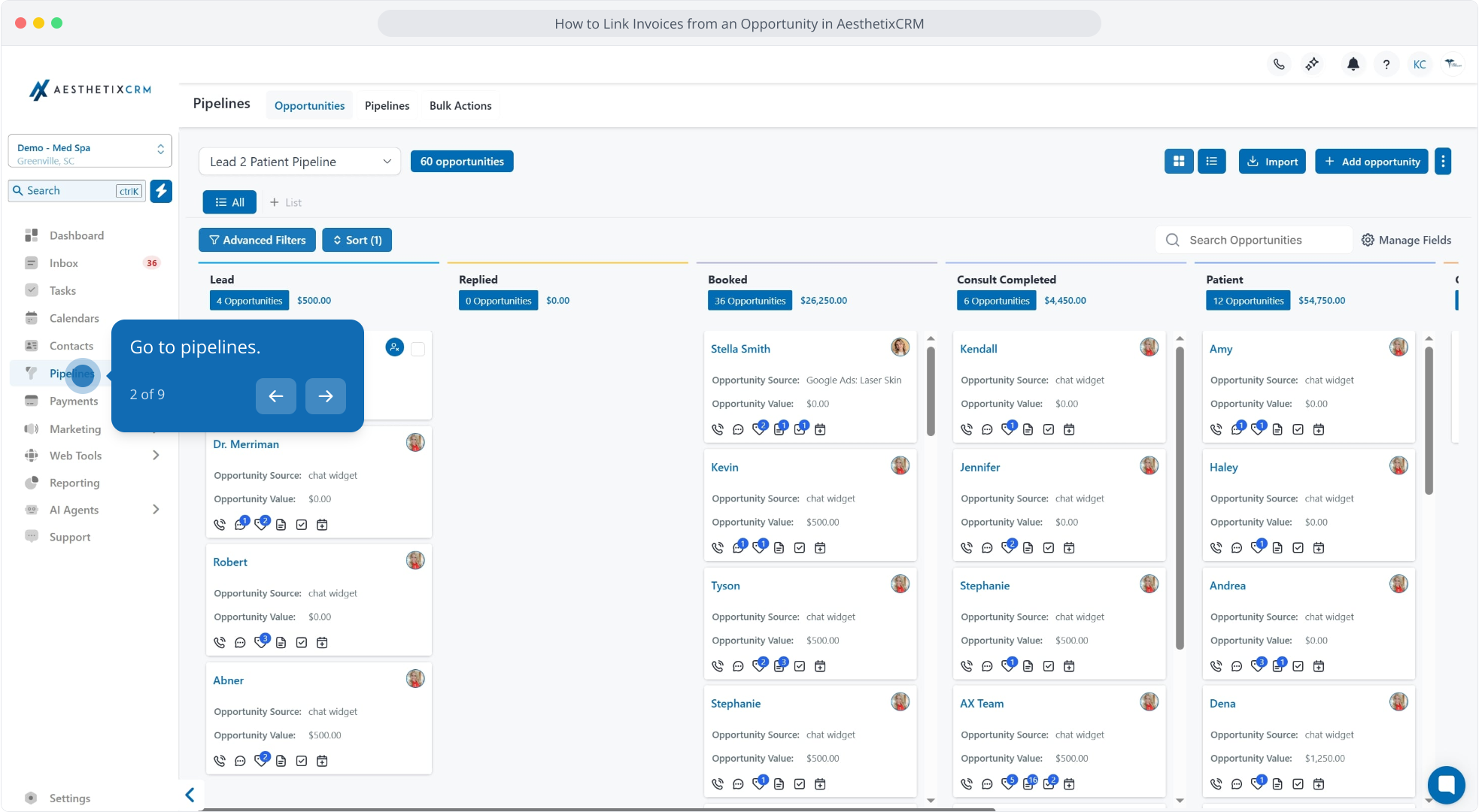
2. Go to pipelines.
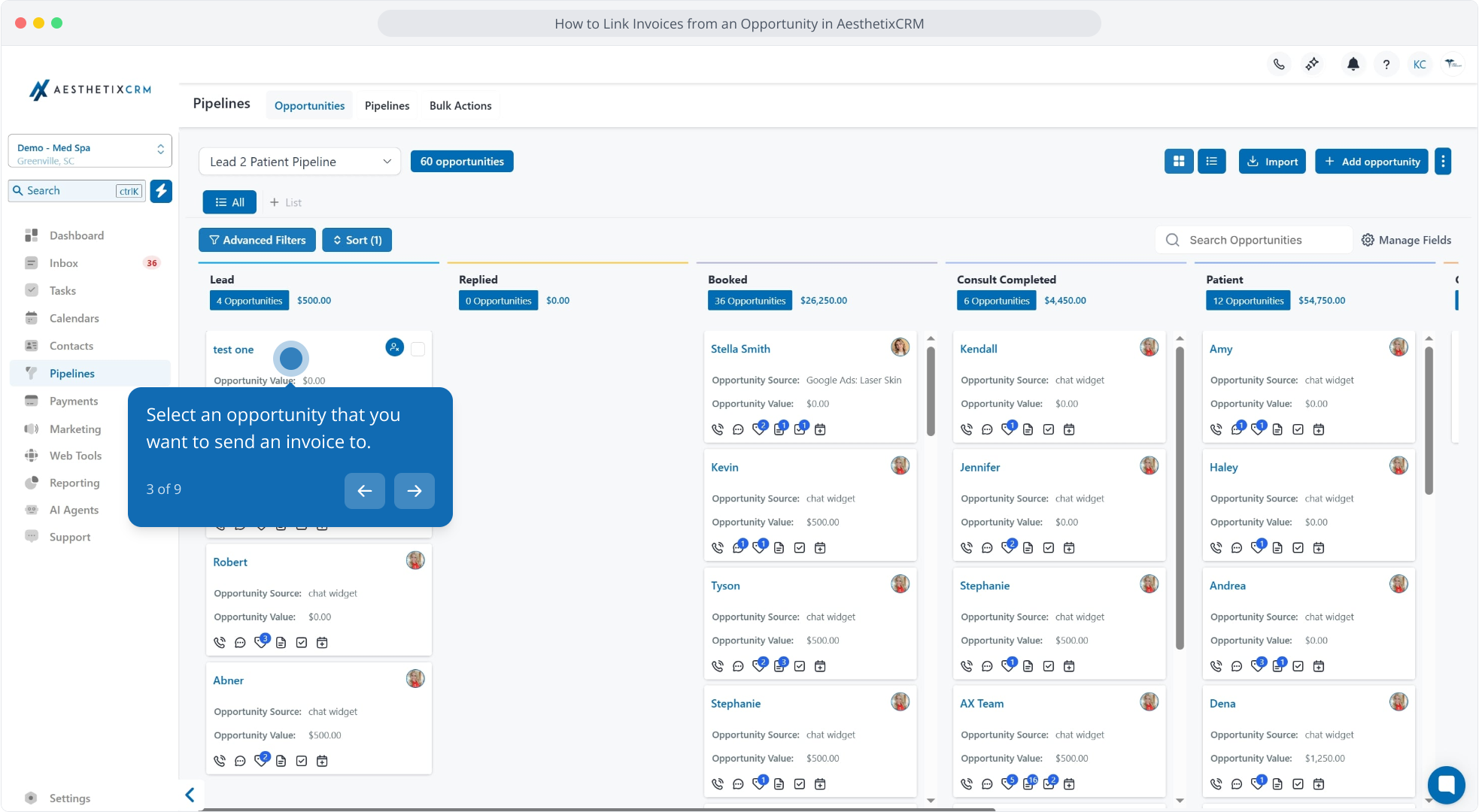
3. Select an opportunity that you want to send an invoice to.
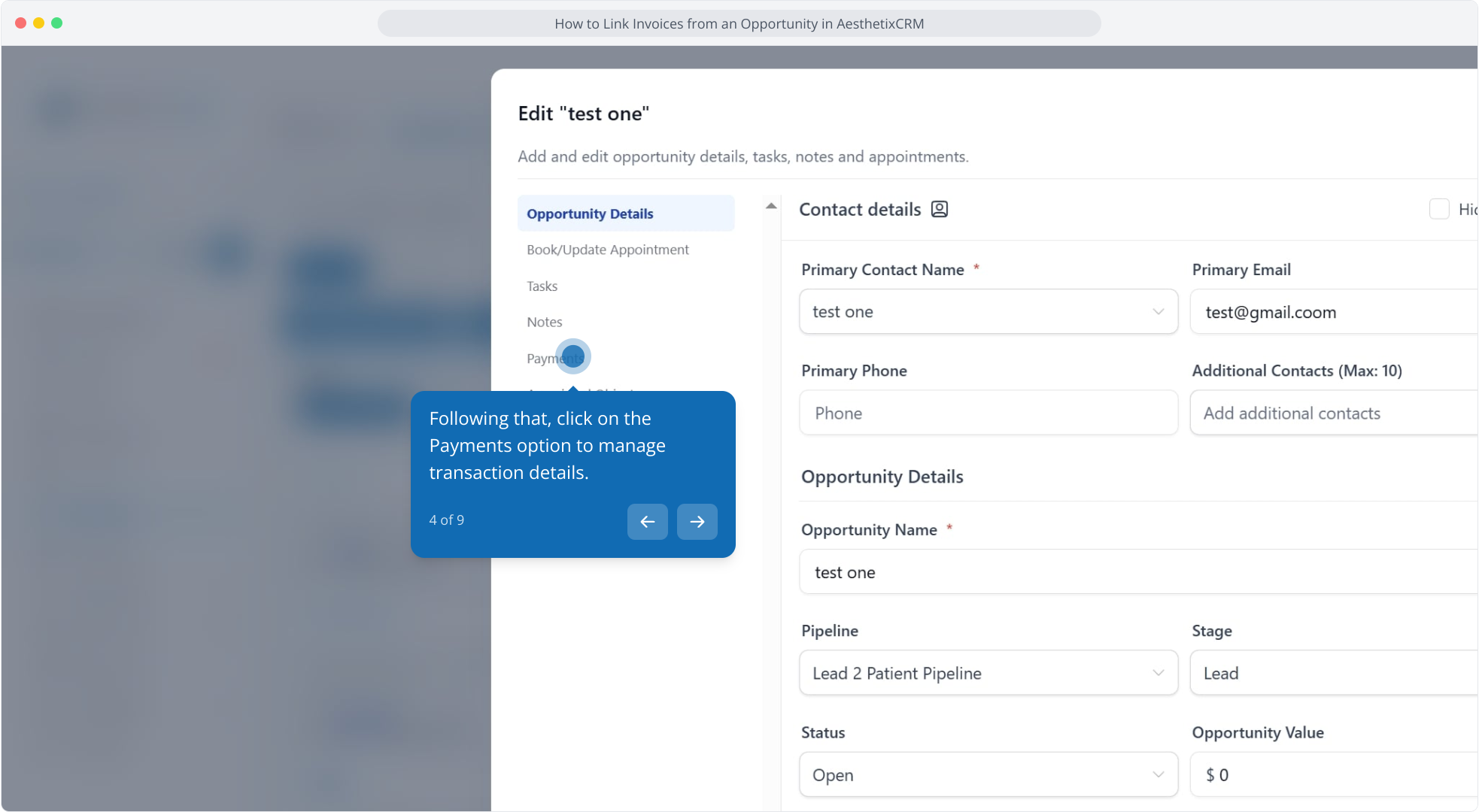
4. Following that, click on the Payments option to manage transaction details.
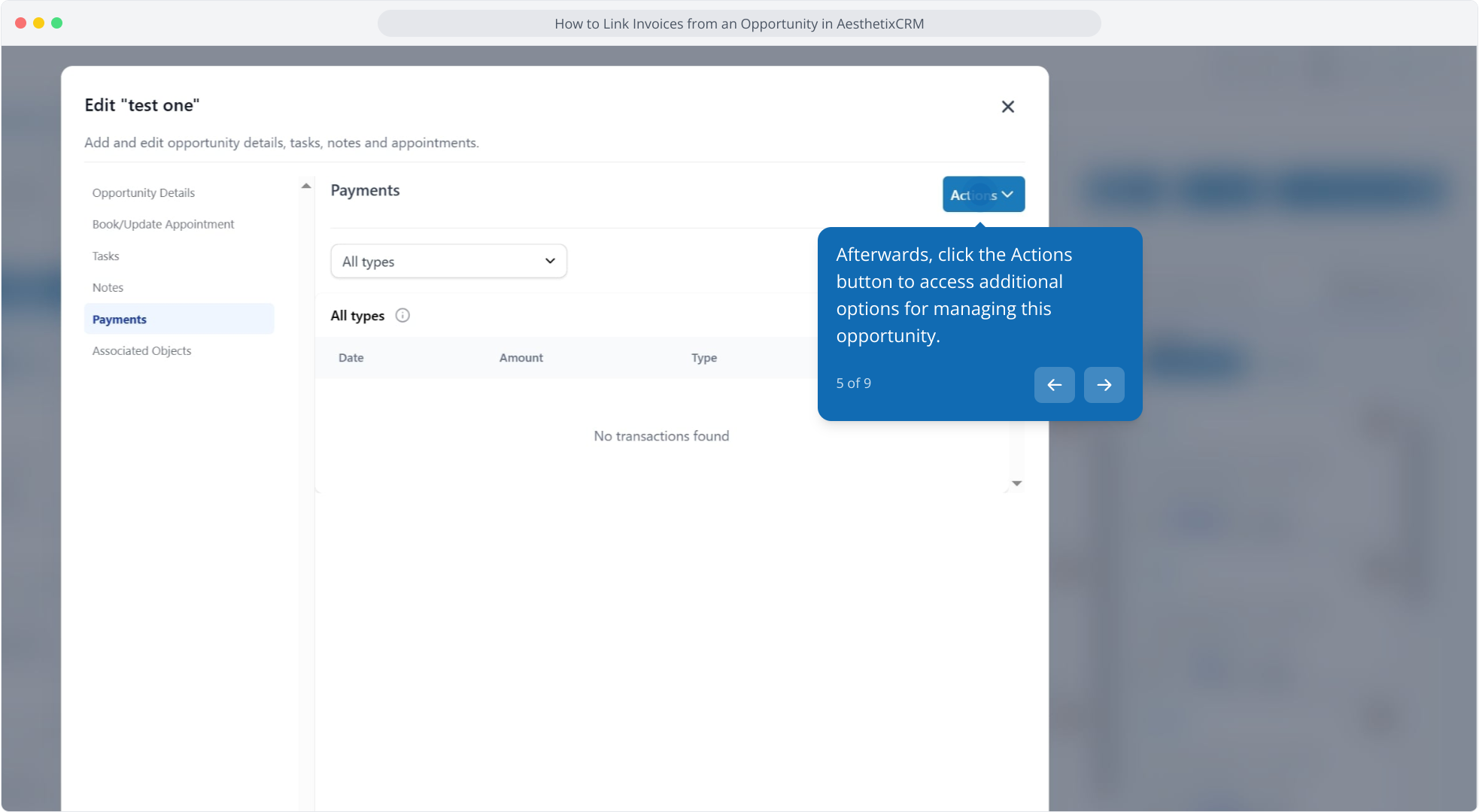
5. Afterwards, click the Actions button to access additional options for managing this opportunity.
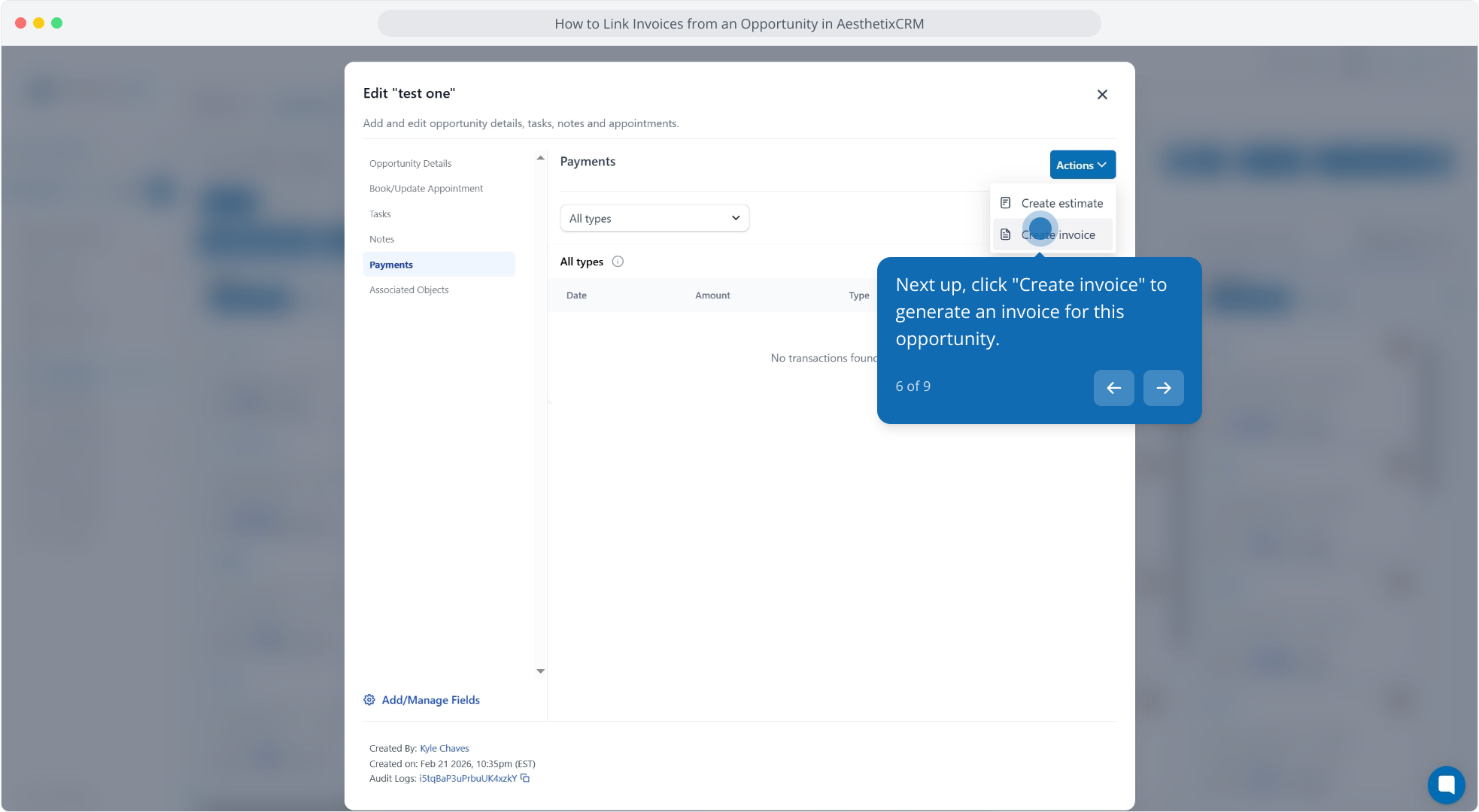
6. Next up, click "Create invoice" to generate an invoice for this opportunity.
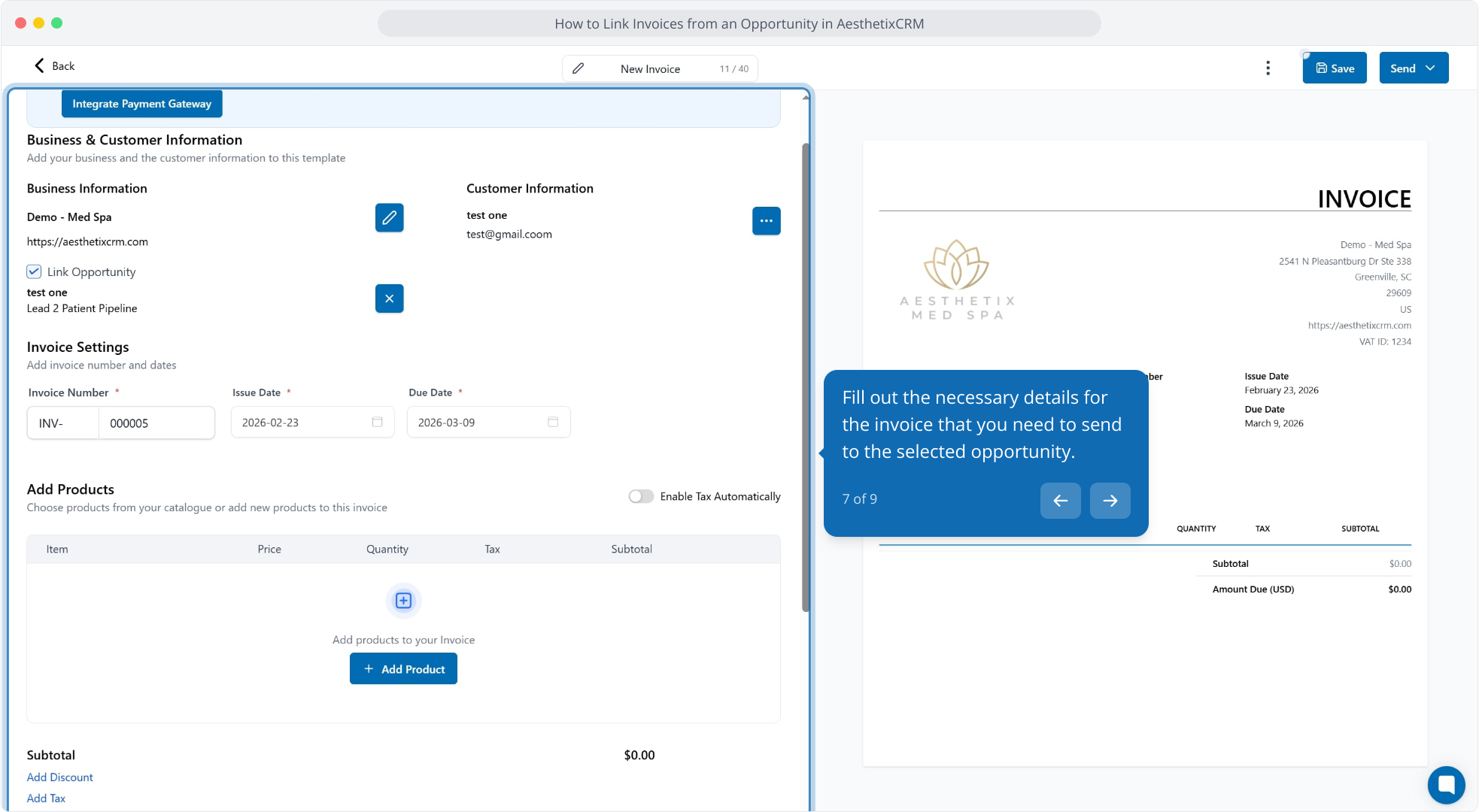
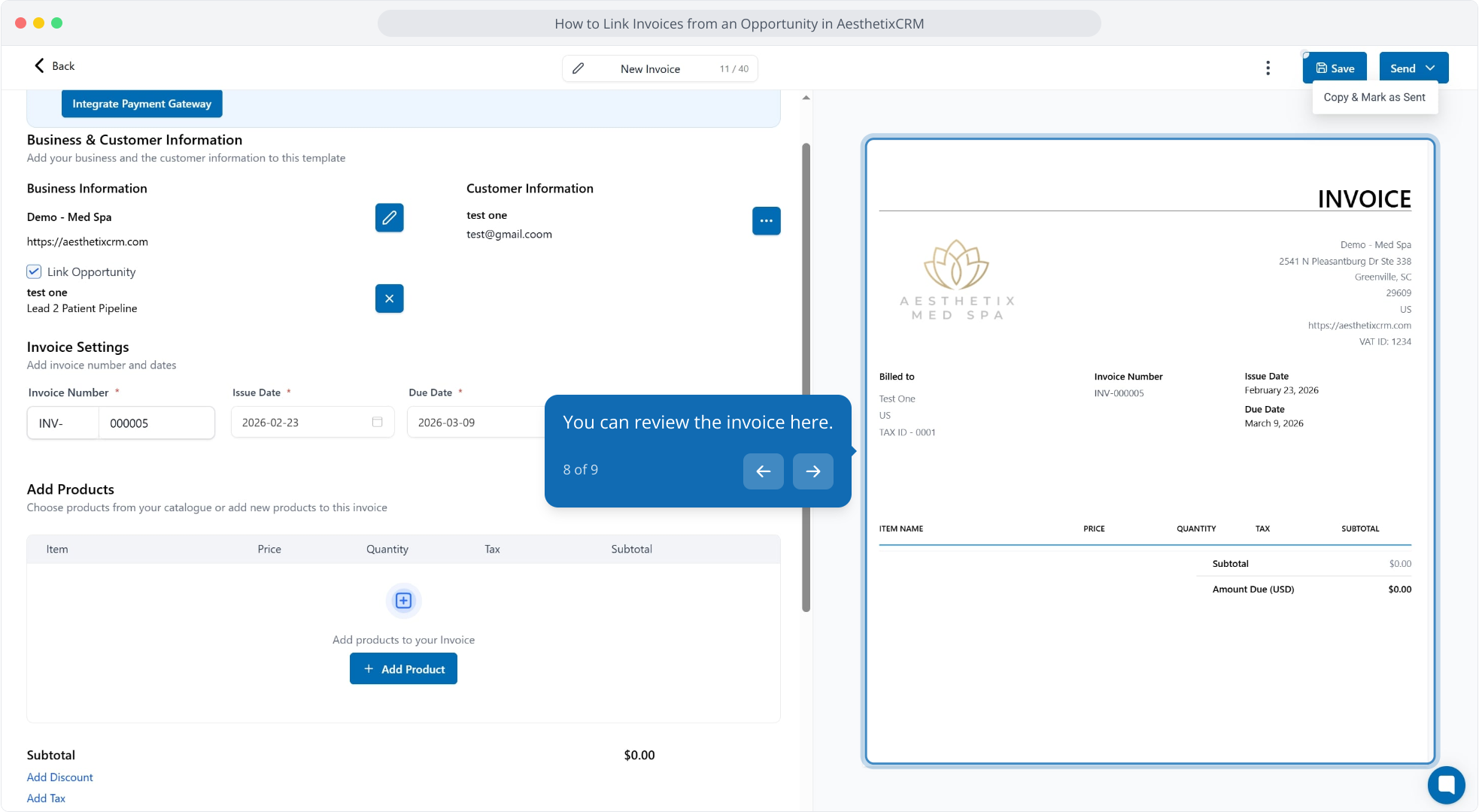
7. Fill out the necessary details for the invoice that you need to send to the selected opportunity.
8. You can review the invoice here.
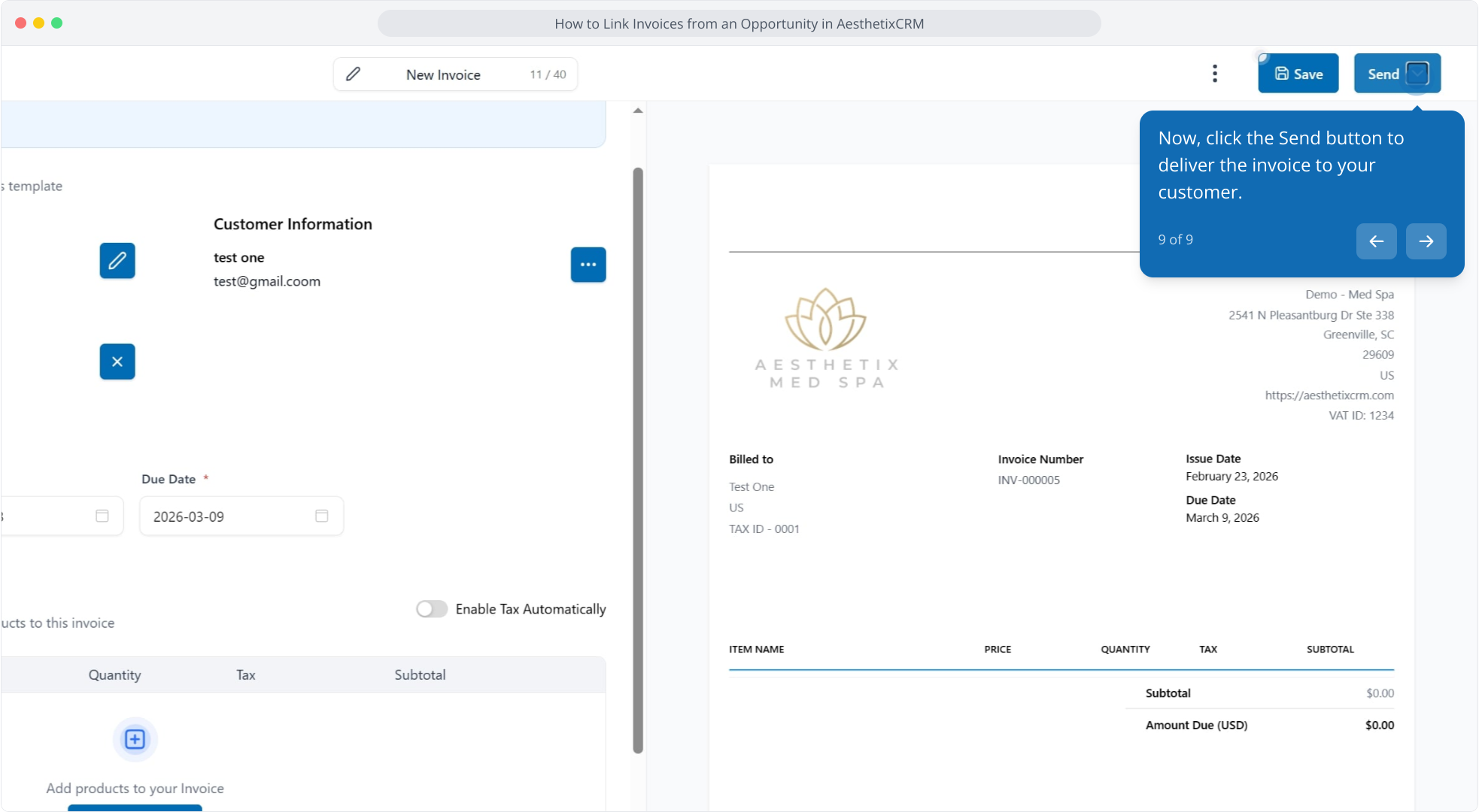
9. Now, click the Send button to deliver the invoice to your customer.