Mobile Estimate Templates let users create new estimates using prebuilt templates created in the web app.
Instead of manually adding:
Line items
Pricing
Sections
Terms & conditions
The mobile app loads your existing web templates—ensuring accuracy and consistency while saving time.
Important: Templates are created and managed on the web. Mobile can use templates, but cannot create, edit, or delete them.
Create new estimates in just a few taps using prebuilt templates.
Maintain uniform branding, pricing structure, and layout across all reps.
Generate and send estimates on the spot—while meeting with clients.
Templates created on the web are automatically available on mobile.
Reduce manual errors and deliver polished, structured quotes every time.
Before using templates on mobile, confirm the following:
LeadConnector v3.98.1
(Whitelabeled apps may require contacting your account manager or support to request the update.)
Templates must be created in the web app.
Mobile only uses existing templates.
Ensure the user has:
Access to the correct sub-account
Permissions for Payments → Estimates
Open the mobile app.
Log in.
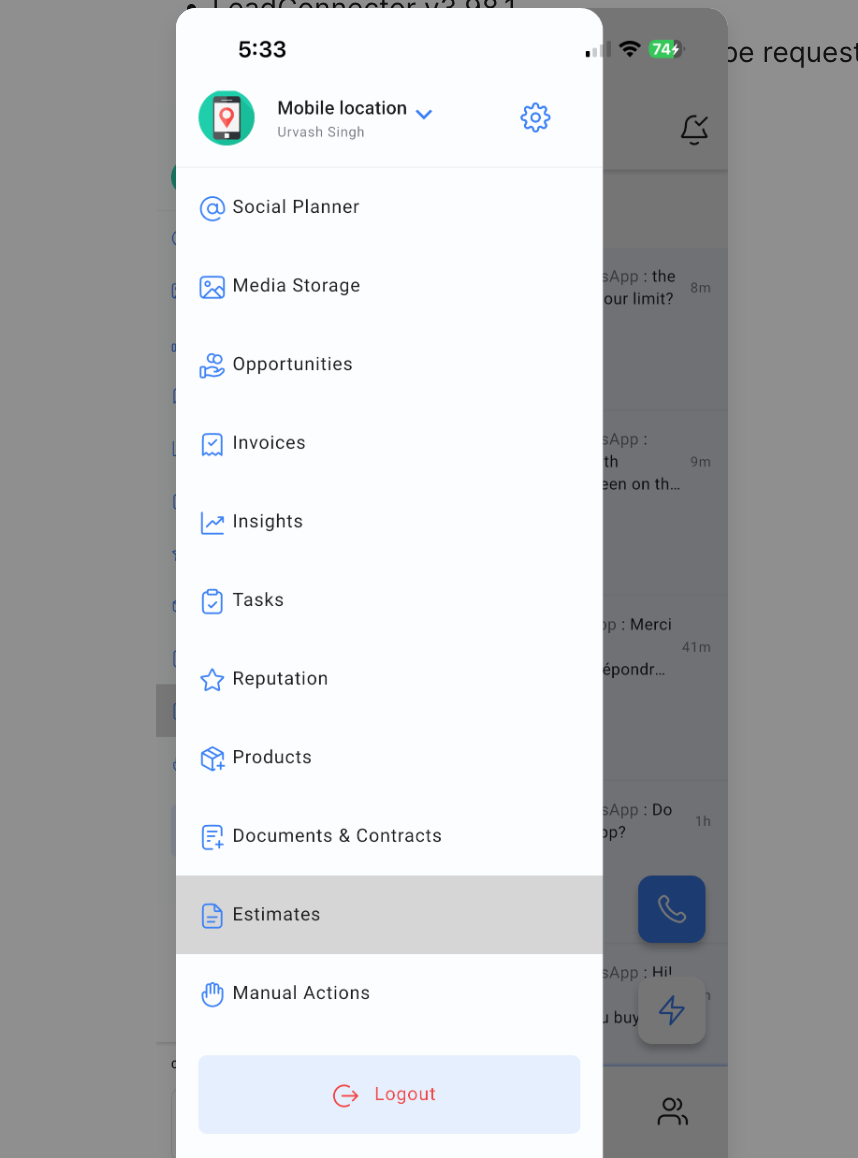
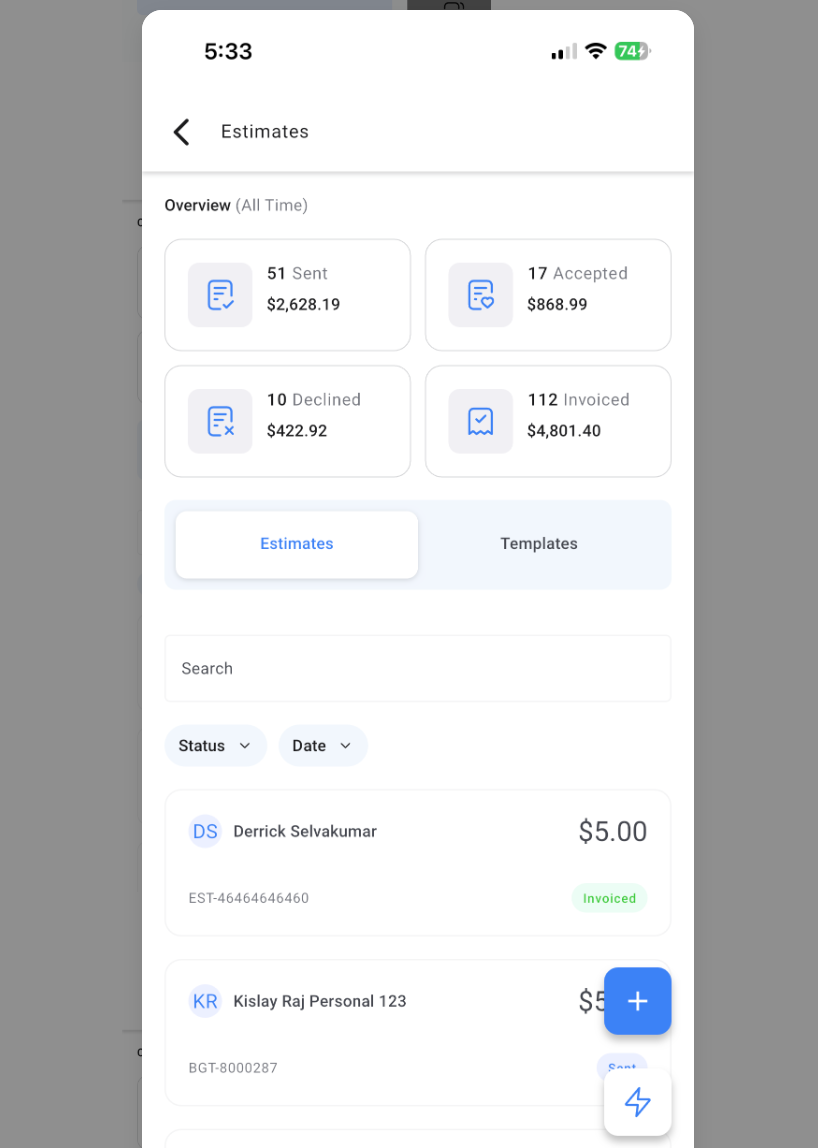
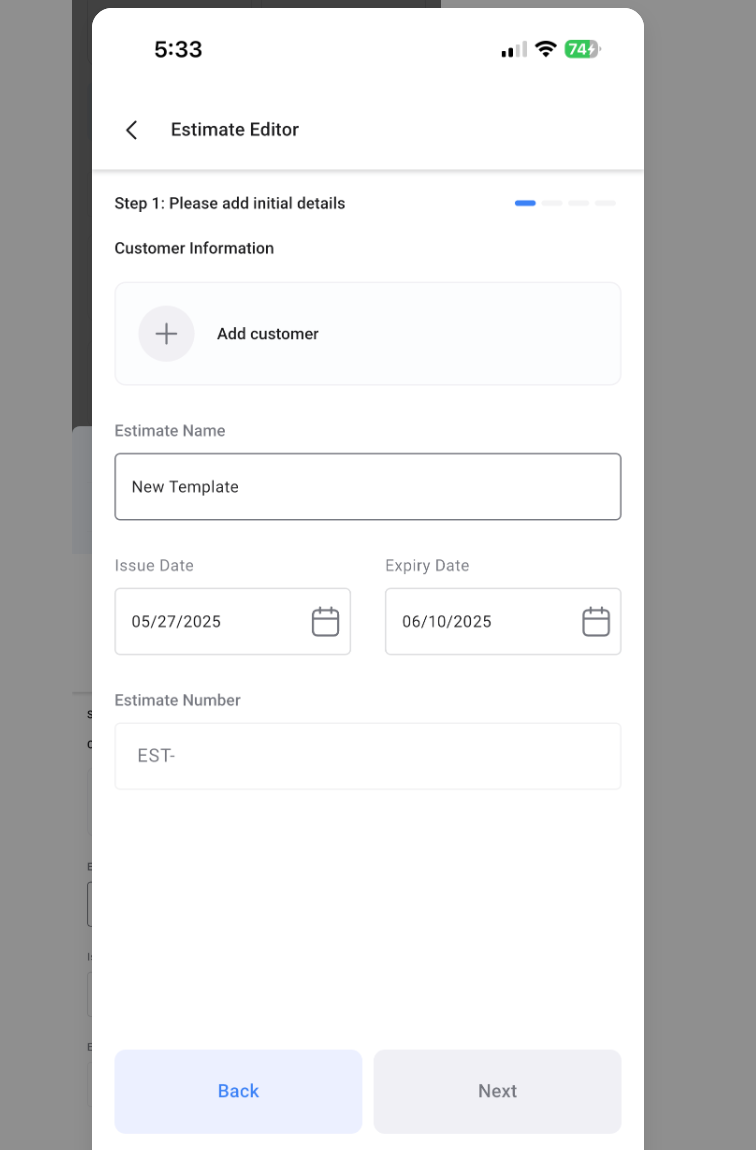
Your estimate is now created using a template—fast, accurate, and consistent.
