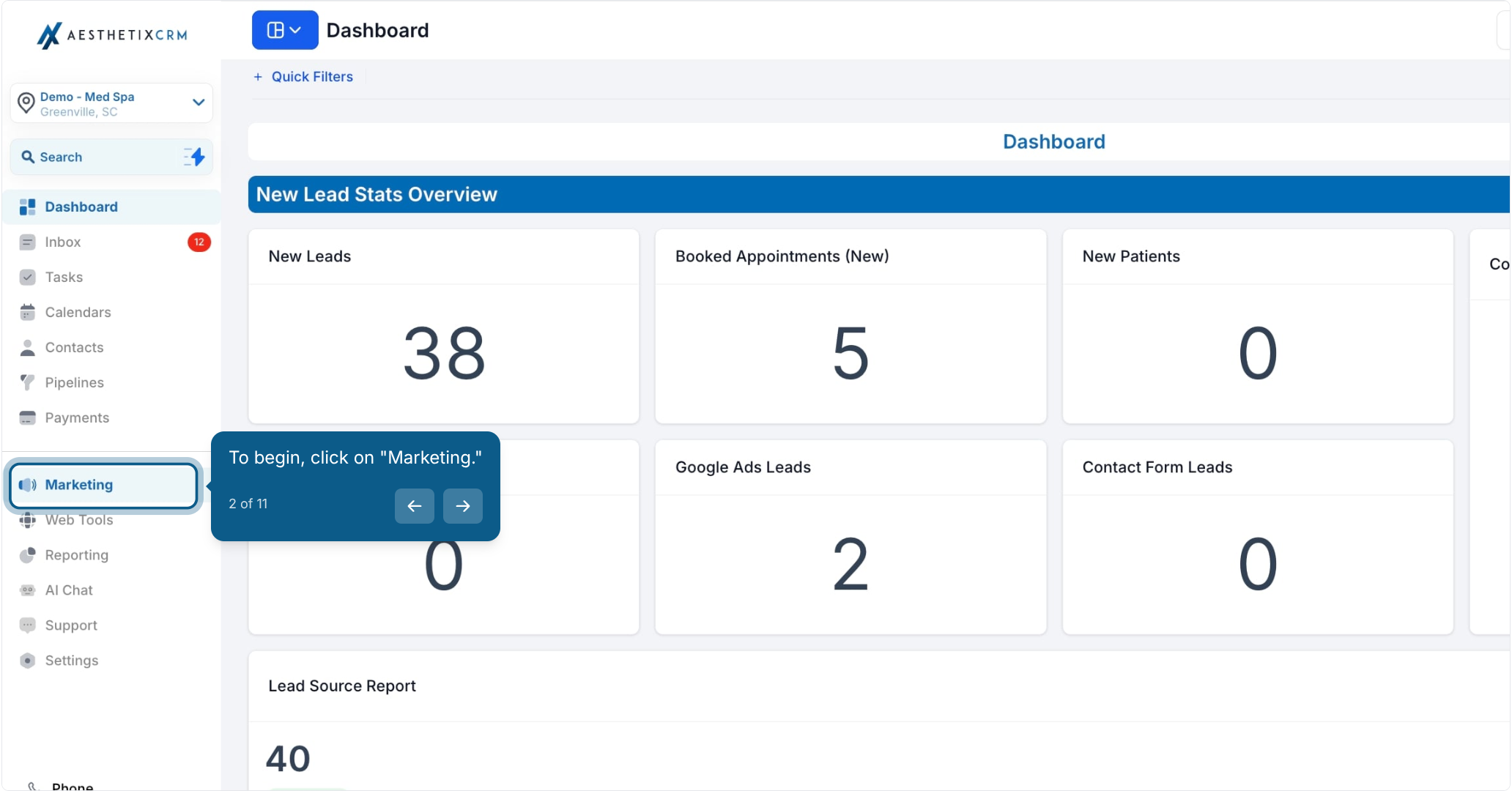
2. To begin, click on "Marketing."

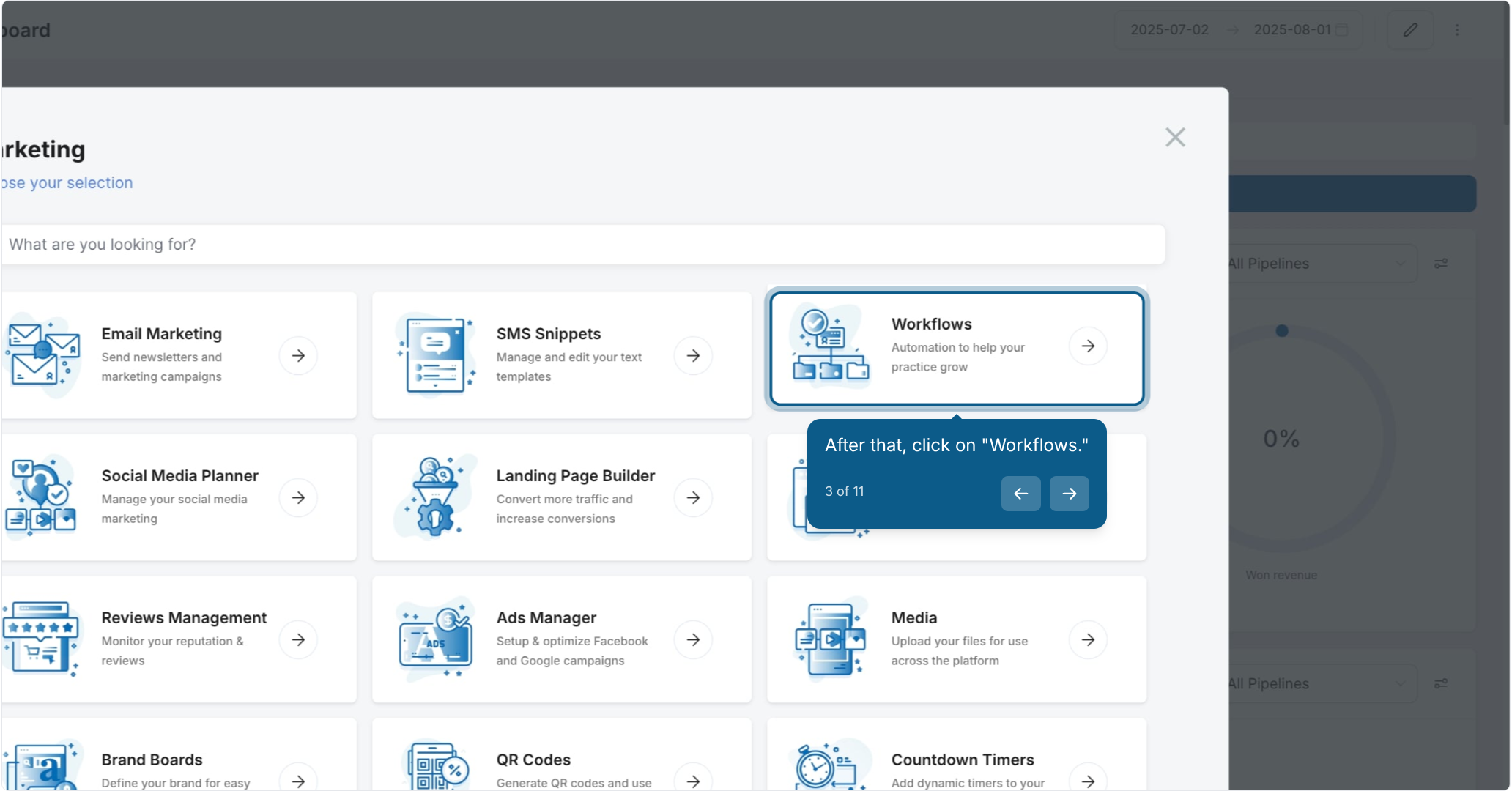
3. After that, click on "Workflows."

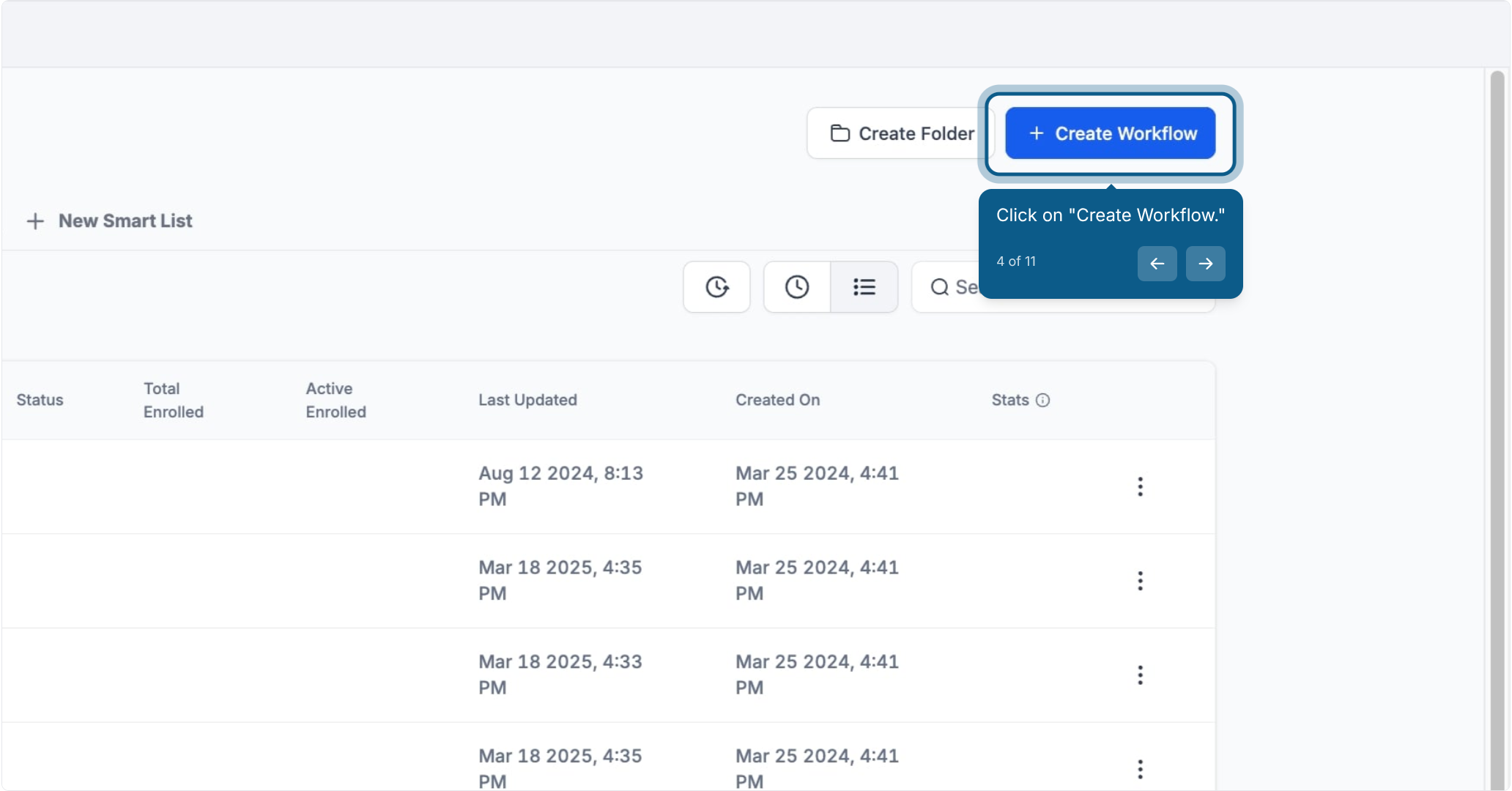
4. Click on "Create Workflow."

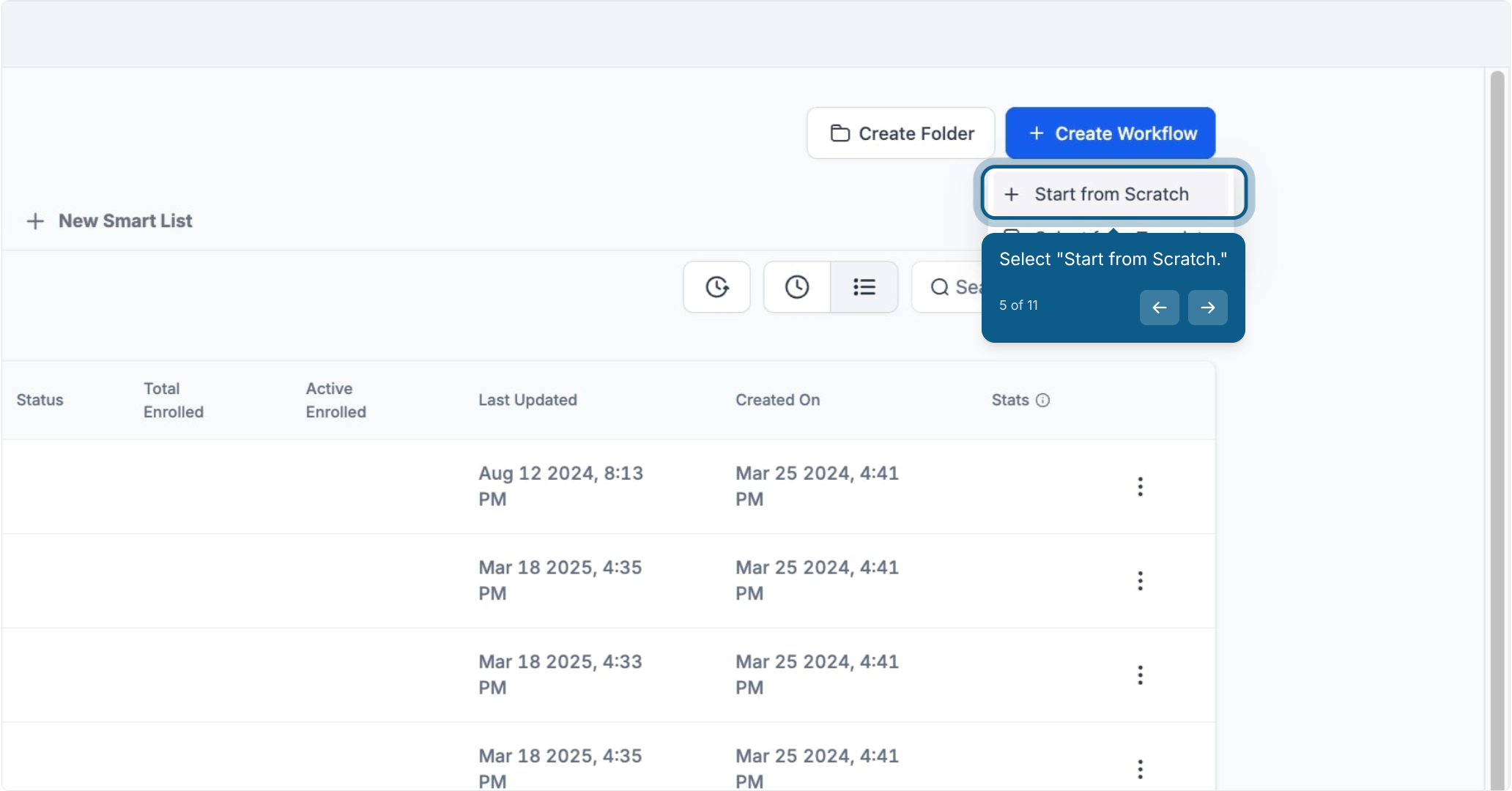
5. Select "Start from Scratch."

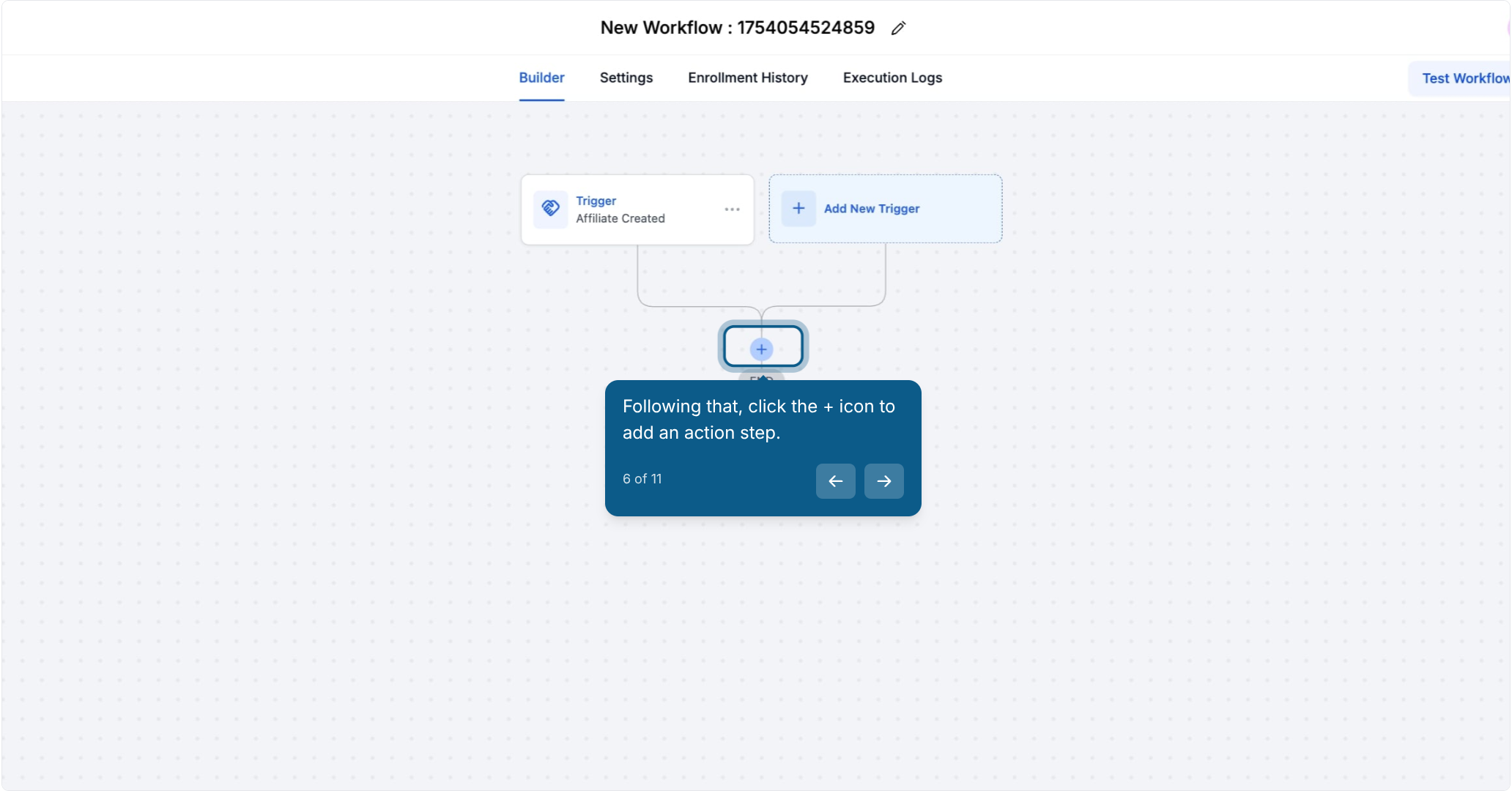
6. Following that, click the + icon to add an action step.

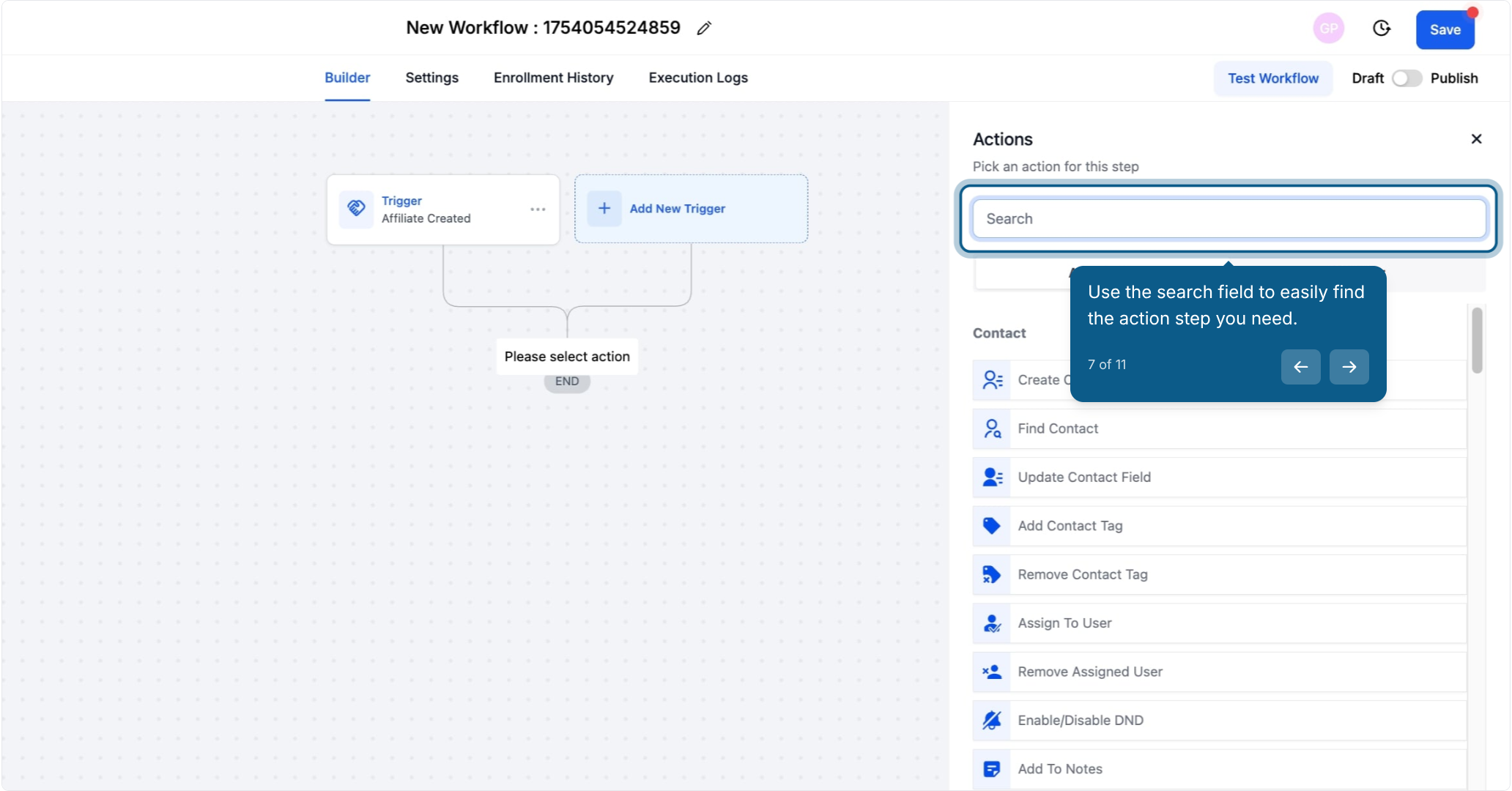
7. Use the search field to easily find the action step you need.

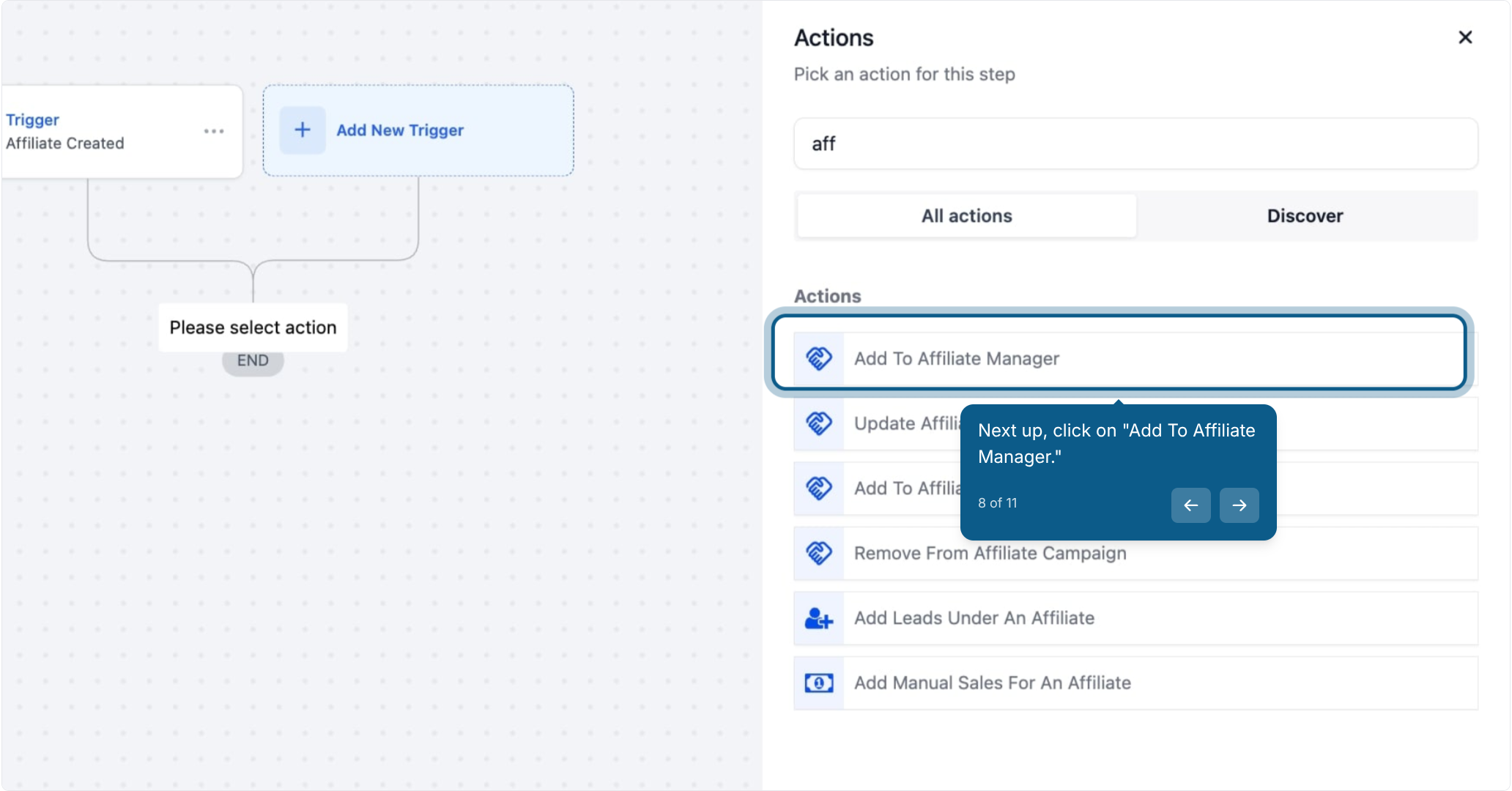
8. Next up, click on "Add To Affiliate Manager."
Automatically add a contact to the Affiliates list in the Affiliate Manager with their status set to "active."
As soon as the workflow is triggered, a contact is added as an active affiliate in your system.
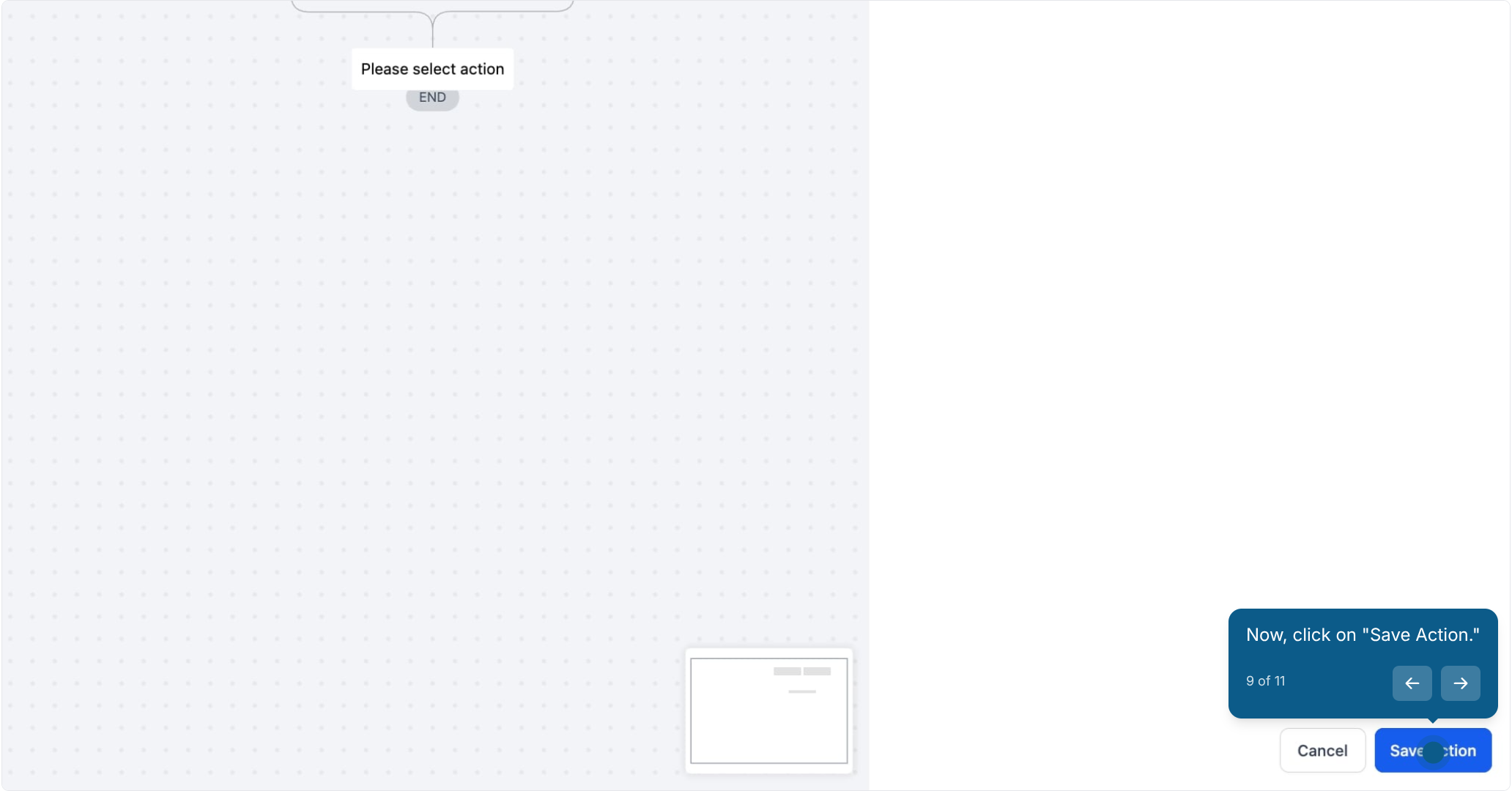
9. Now, click on "Save Action."

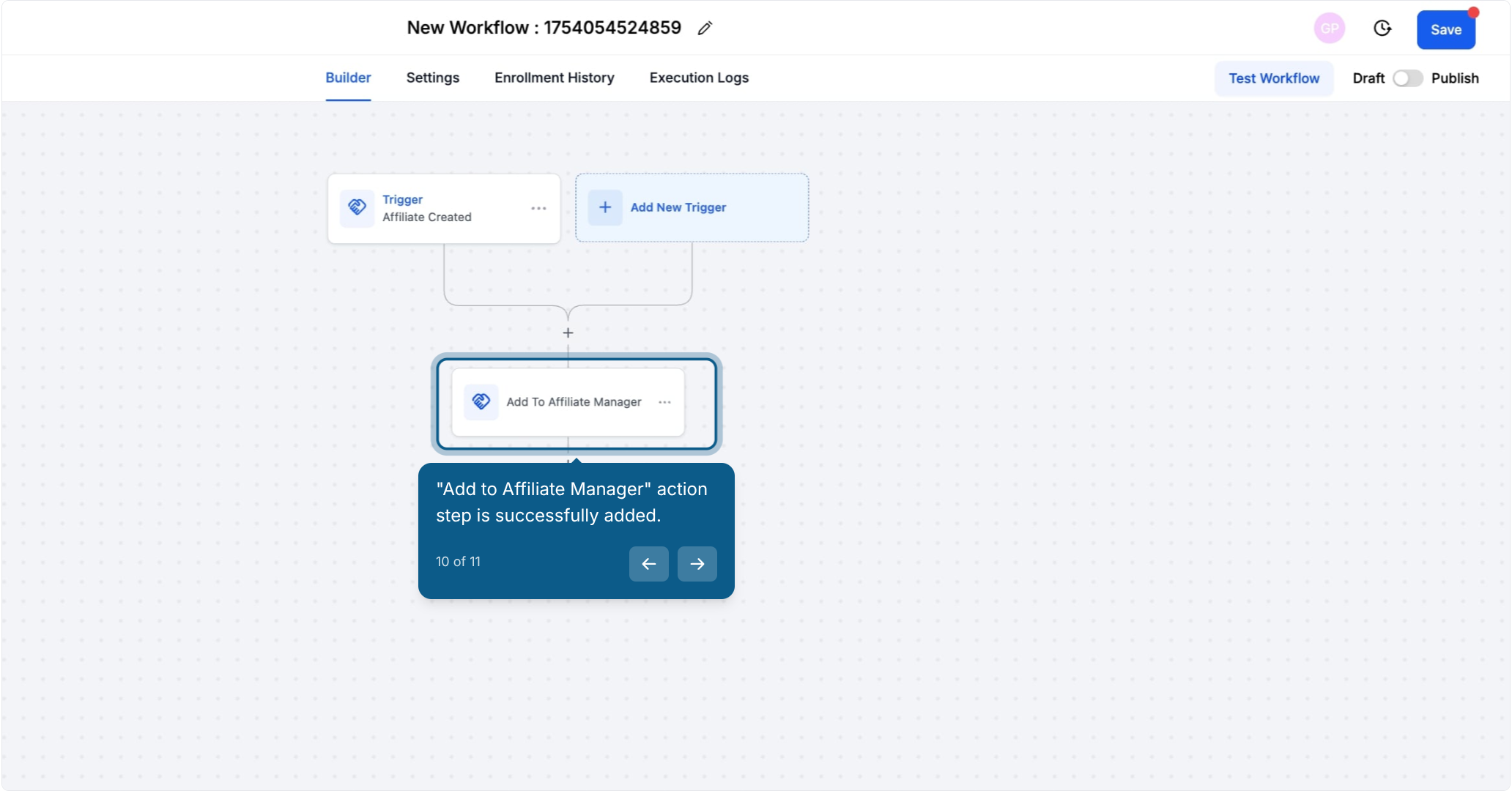
10. "Add to Affiliate Manager" action step is successfully added.
Example:
If a potential partner signs up, they’re immediately added to your list of active affiliates, ensuring no delay in their onboarding process.
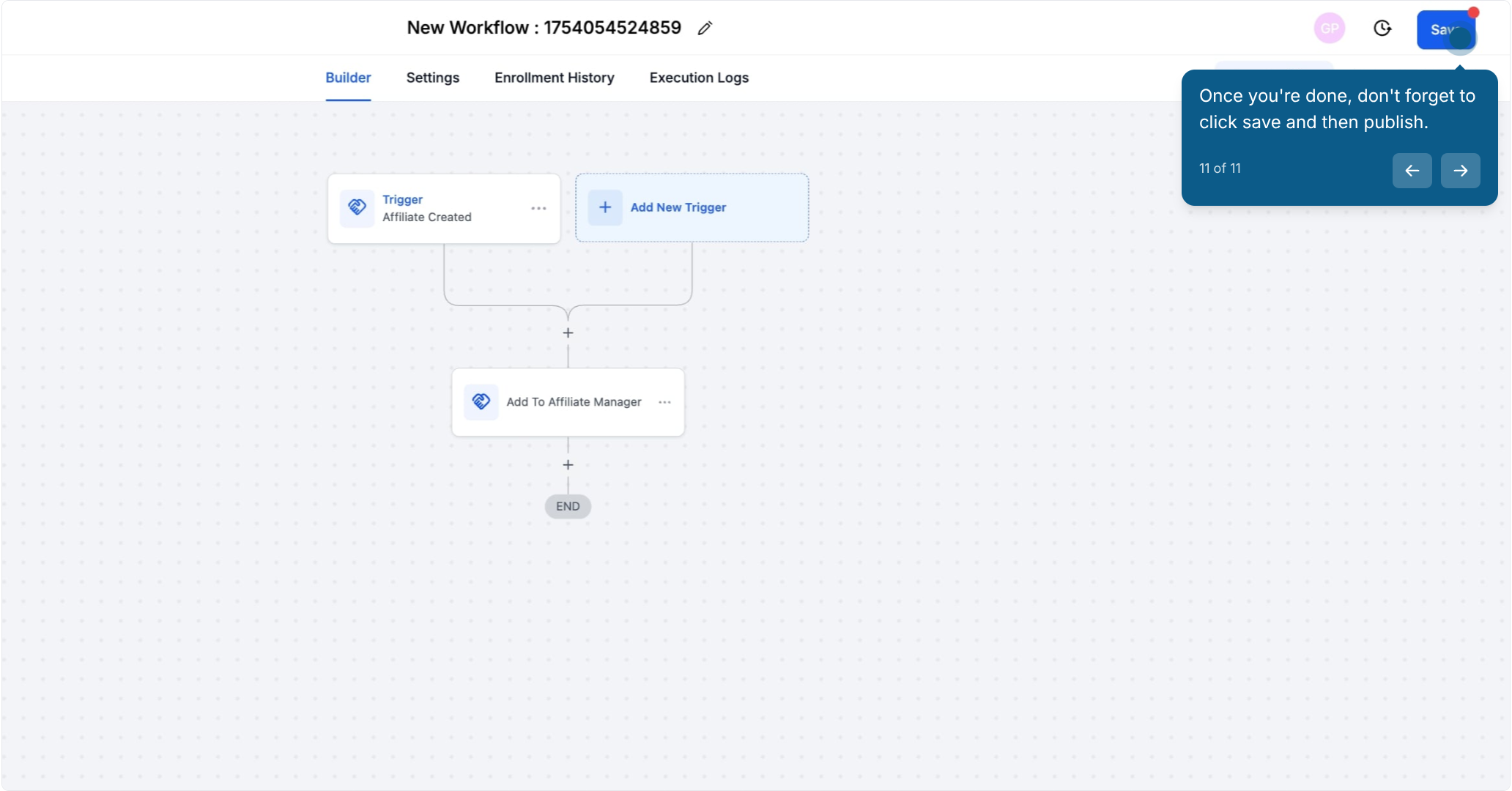
11. Once you're done, don't forget to click save and then publish.

By automating these tasks, you can focus on scaling your affiliate program without worrying about the small details.
