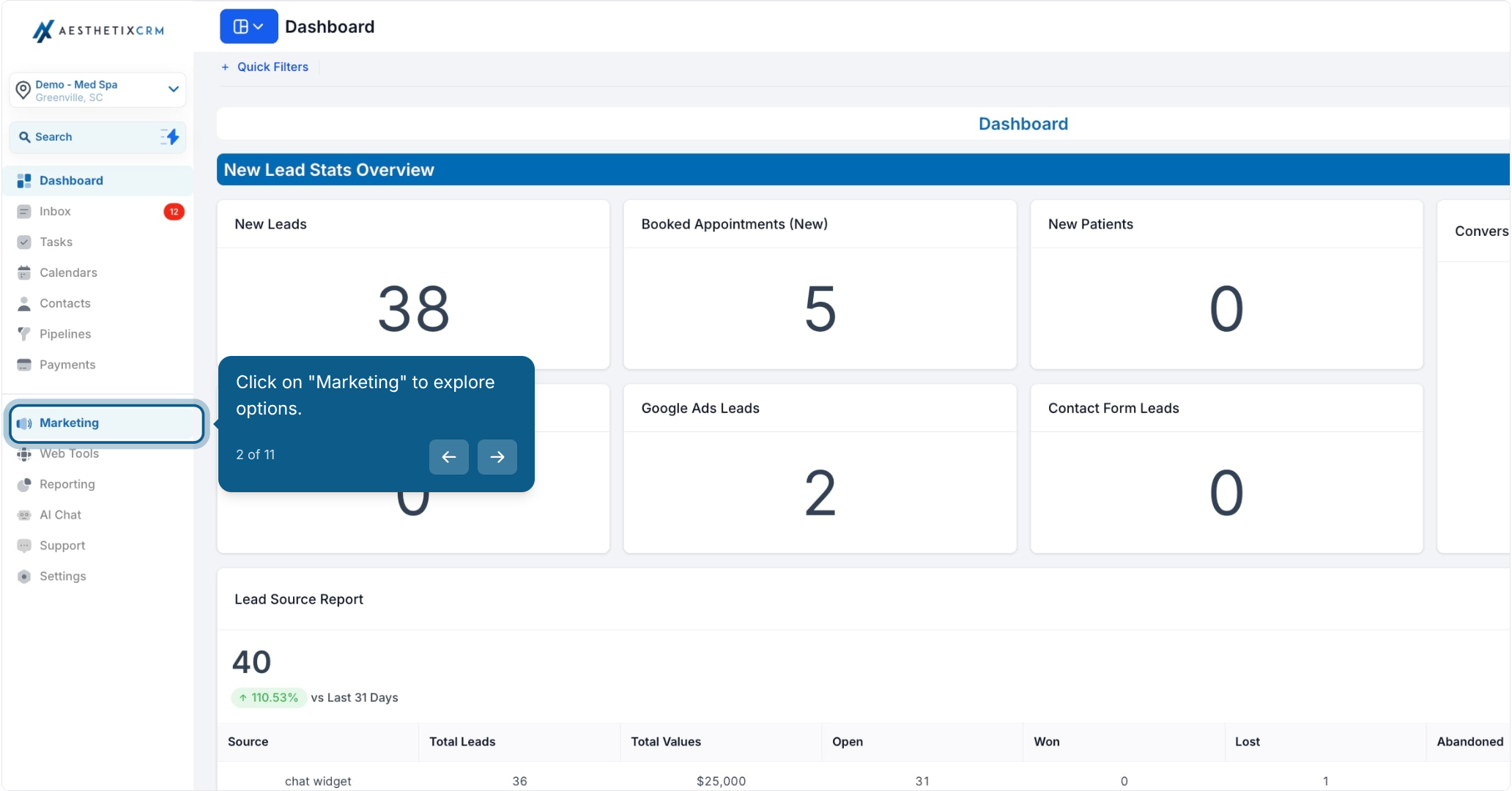
2. Click on "Marketing" to explore options.

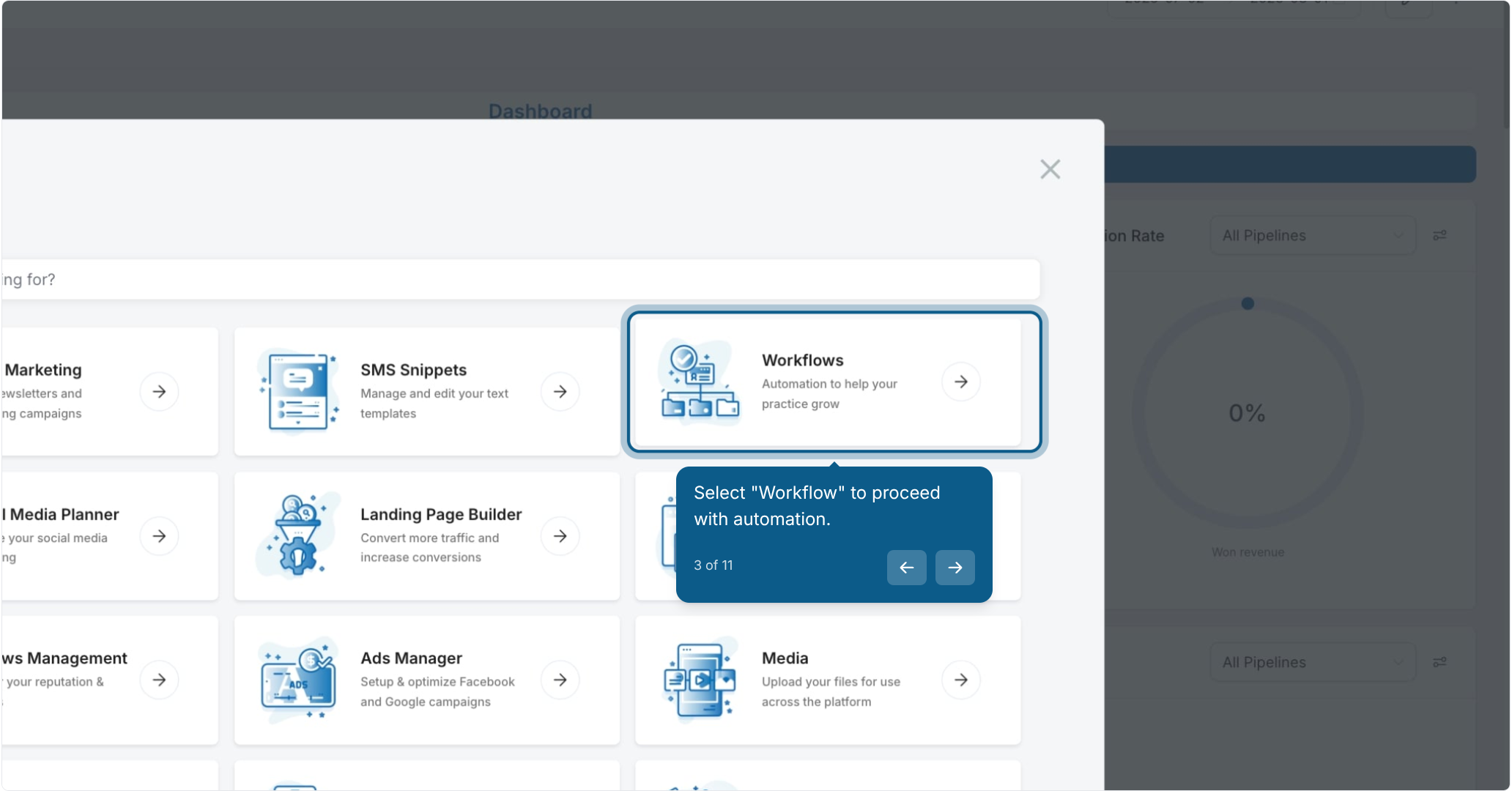
3. Select "Workflow" to proceed with automation.

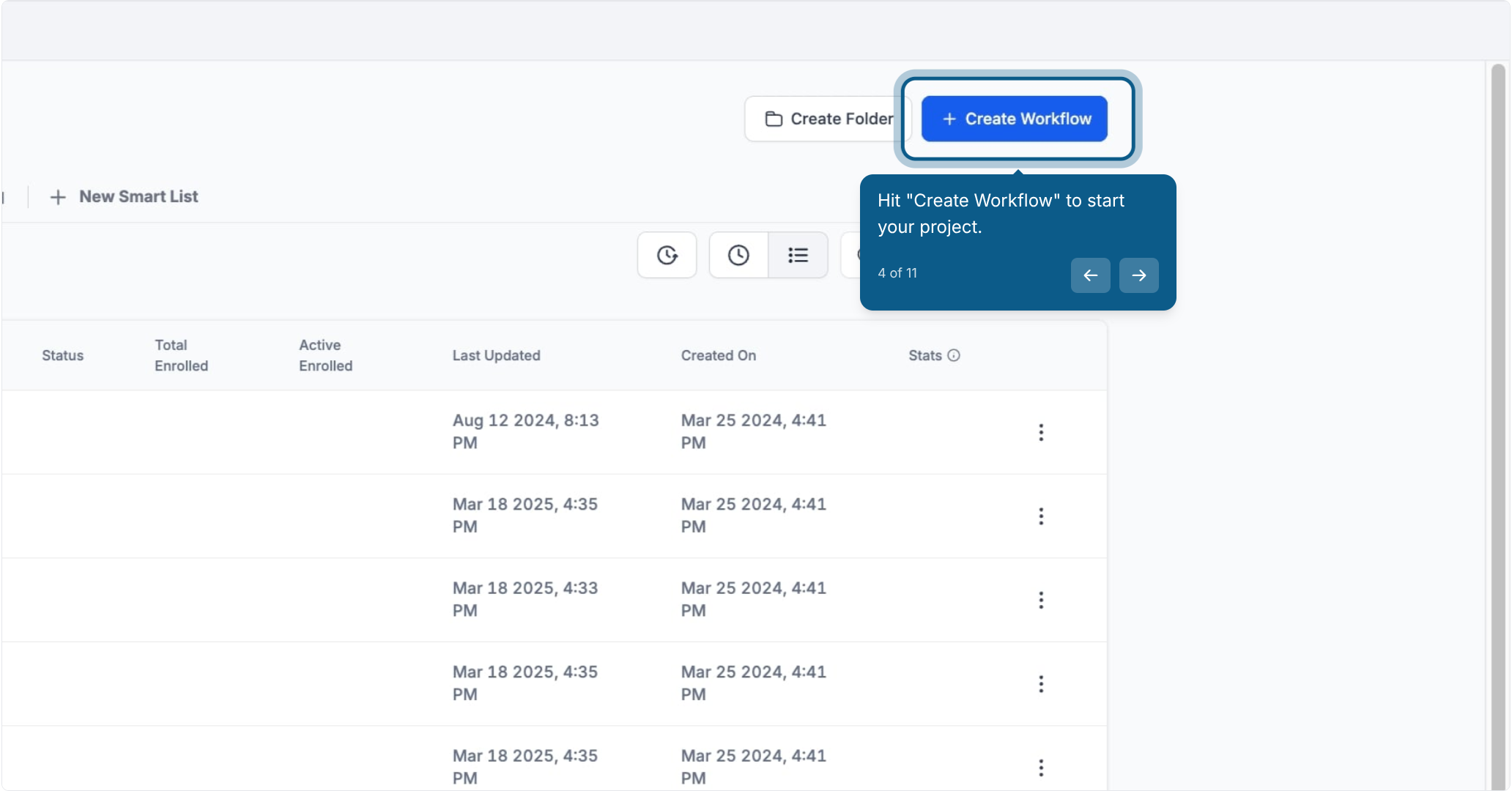
4. Hit "Create Workflow" to start your project.

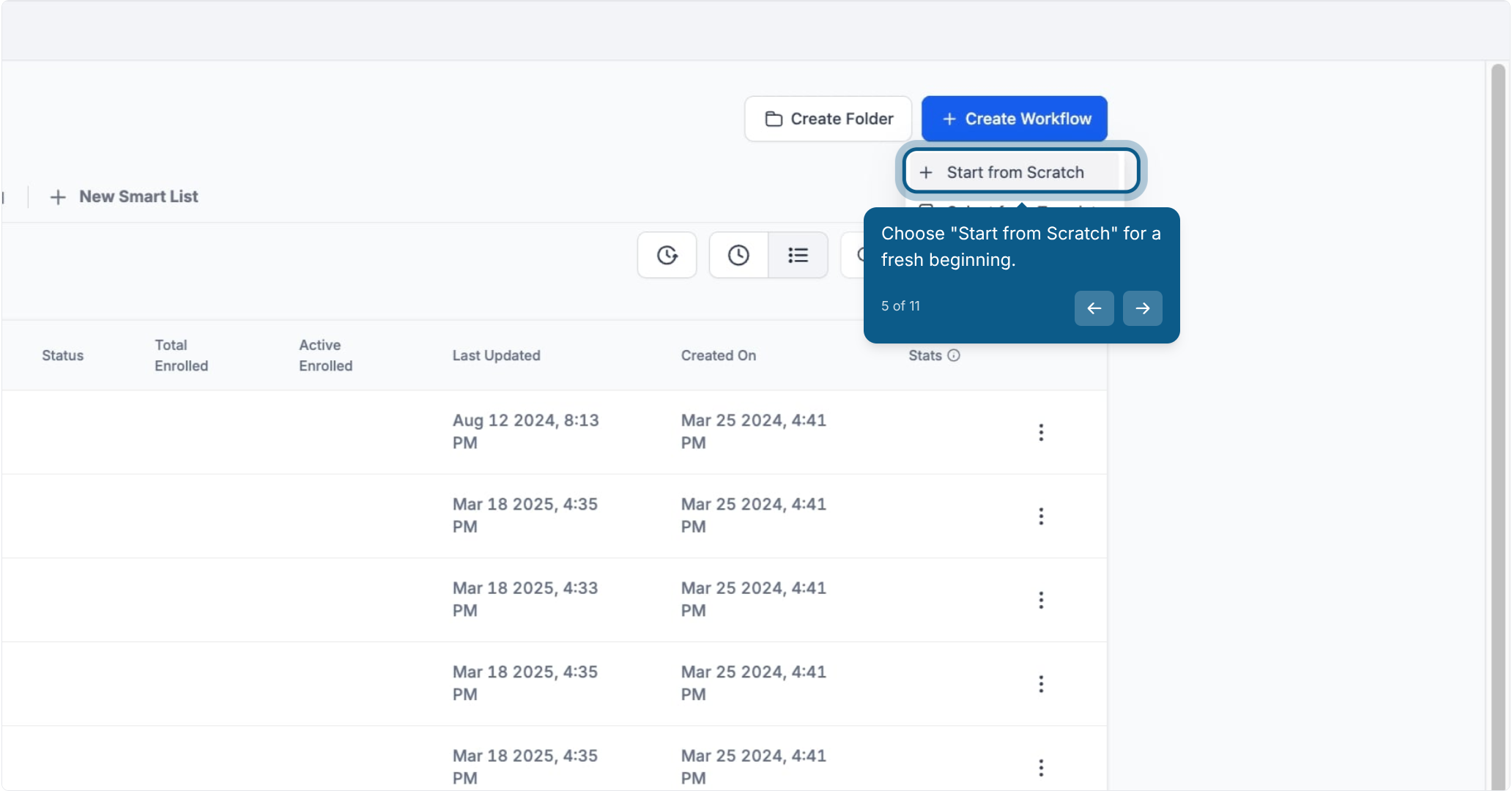
5. Choose "Start from Scratch" for a fresh beginning.

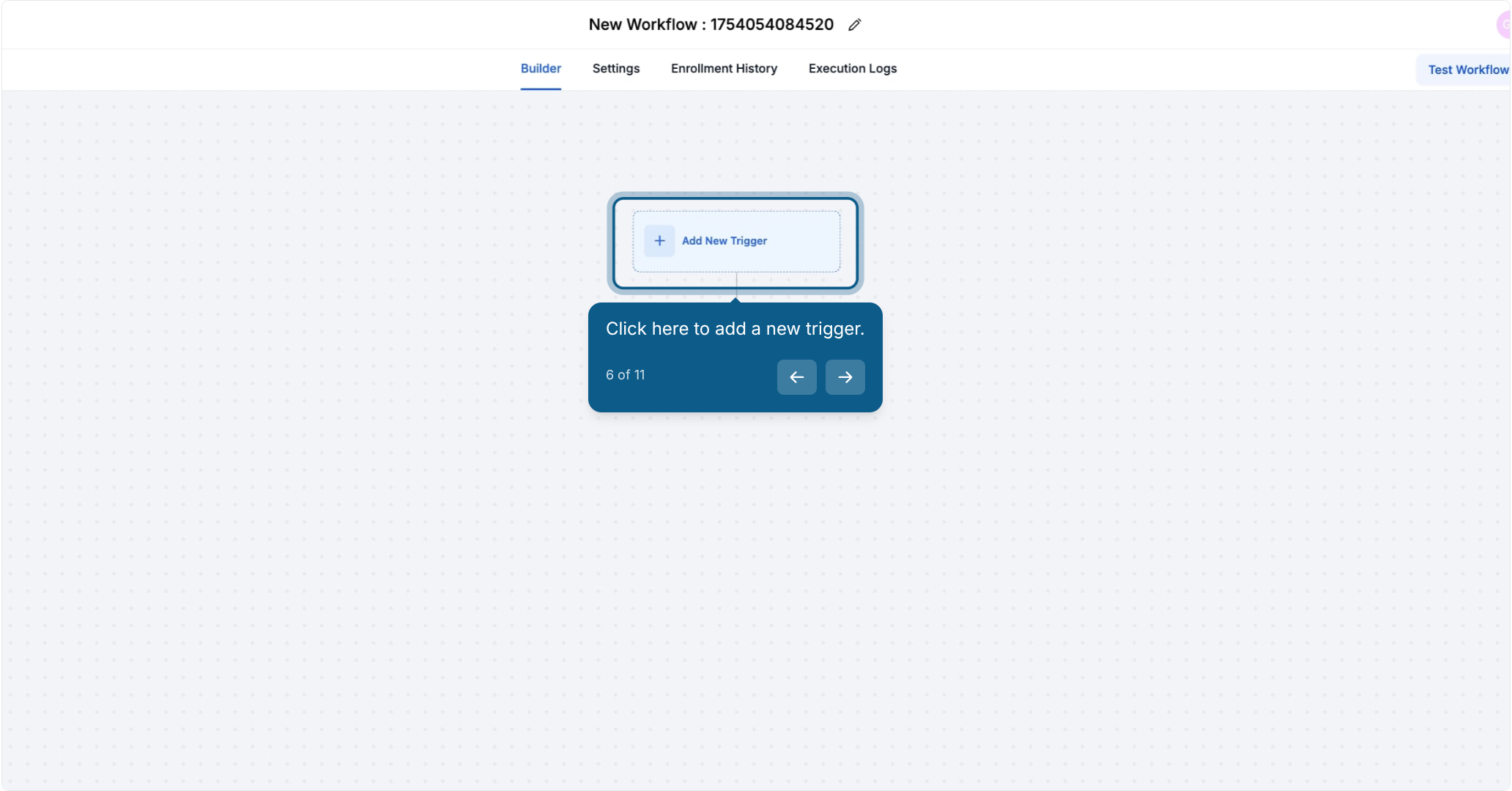
6. Click here to add a new trigger.

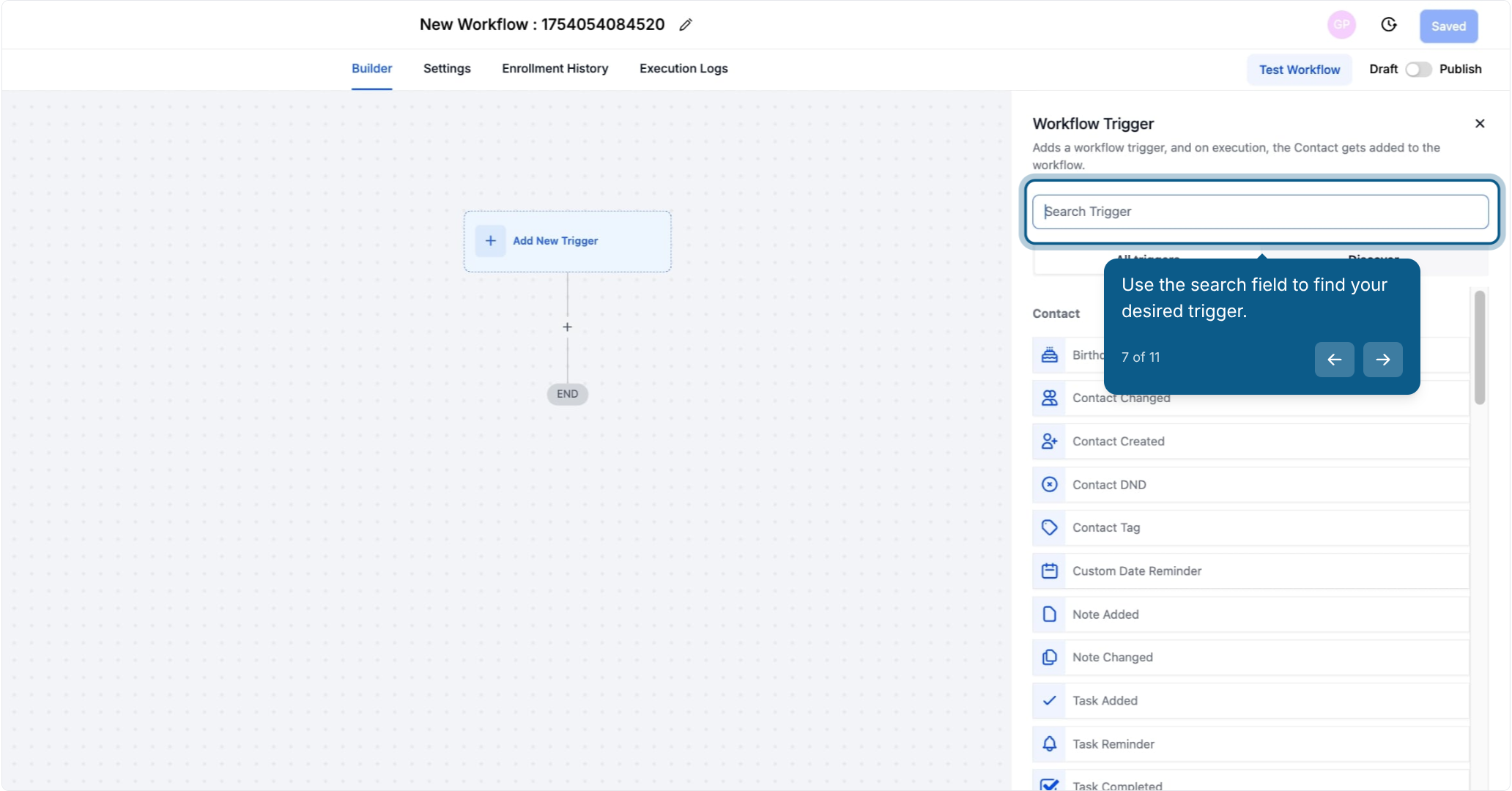
7. Use the search field to find your desired trigger.

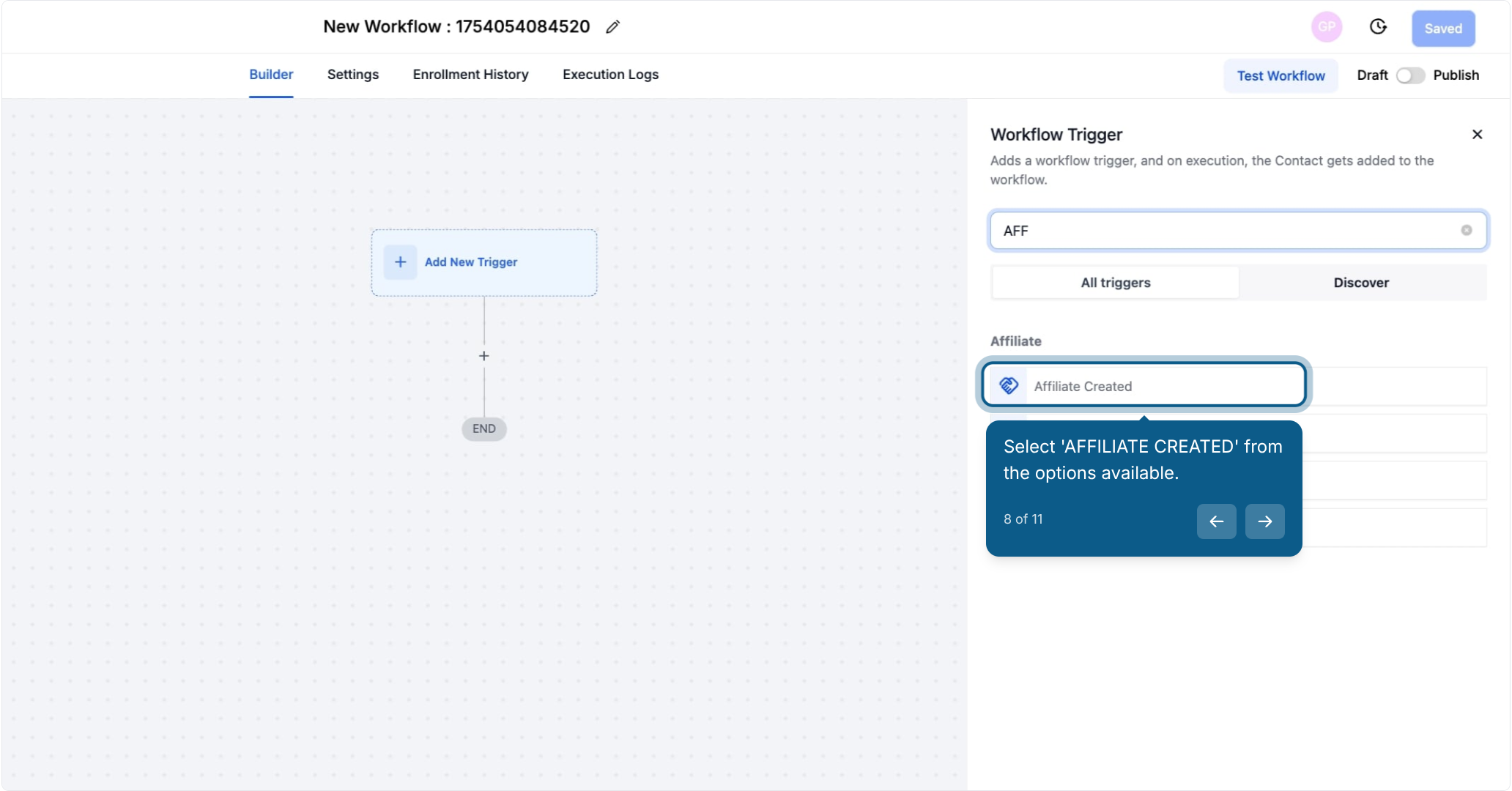
8. Select 'AFFILIATE CREATED' from the options available.
This workflow is triggered whenever a new affiliate is created in the sub-account.
Example:
If you run a marketing campaign and several affiliates sign up, the moment each one is added, this trigger ensures they are automatically included in your workflows without manual intervention.
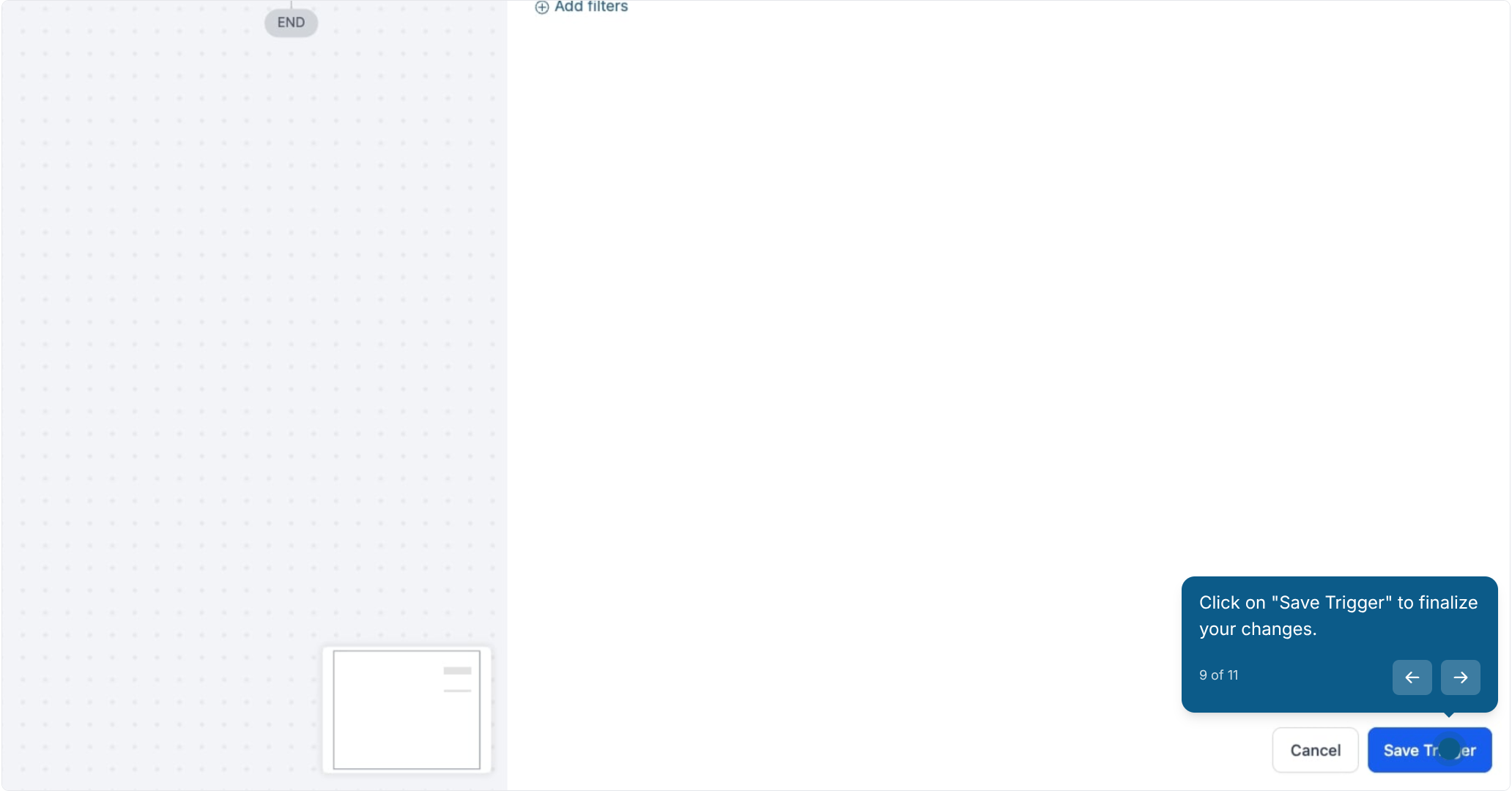
9. Click on "Save Trigger" to finalize your changes.

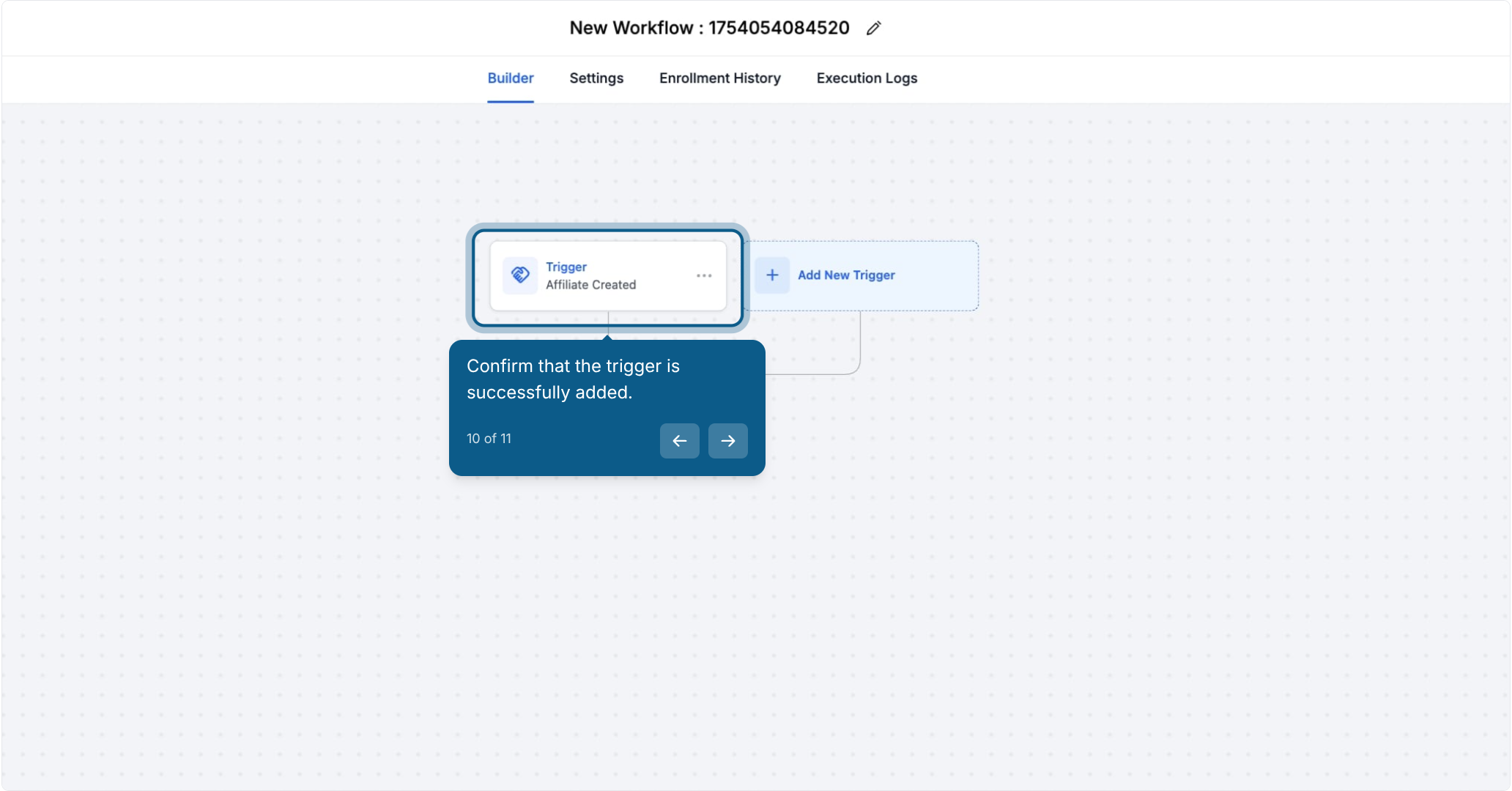
10. Confirm that the trigger is successfully added.

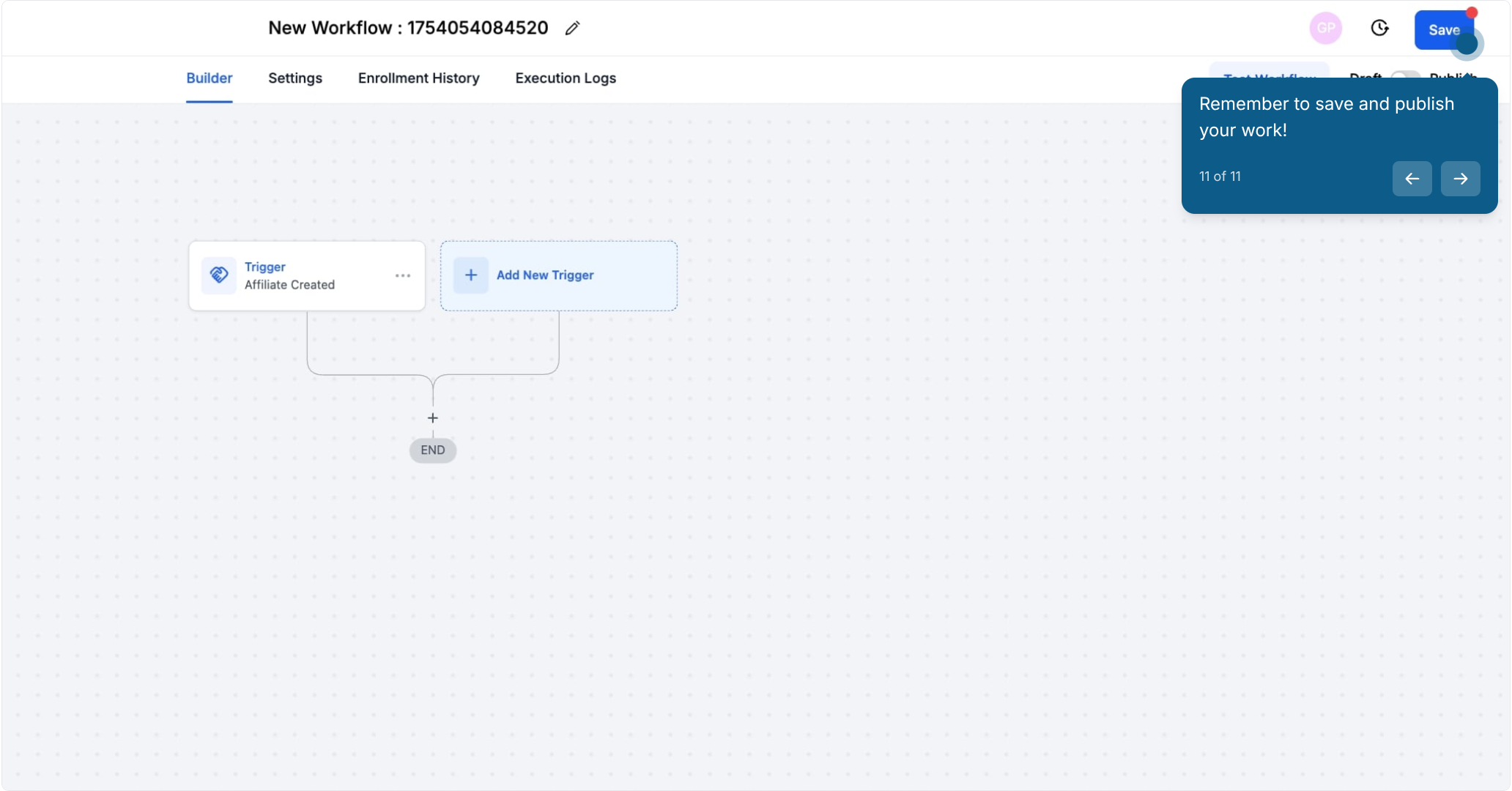
11. Remember to save and publish your work!

By automating these tasks, you can focus on scaling your affiliate program without worrying about the small details.